
# PPT to PDF Converter | Convert PowerPoint to PDF Online

# PPT to PDF Converter

Jotform’s online PPT to PDF converter makes it effortless to turn your presentations into professional, shareable PDF documents. Whether you’re sending out a proposal, archiving training material, or sharing a narrated slide deck, our converter ensures your PowerPoint file keeps its structure.
## How it works

![Image 1: Upload your file](https://cdn.jotfor.ms/image/r/aHR0cHM6Ly9jZG4uam90Zm9yLm1zL3AvYWkvcHJlc2VudGF0aW9uLWFnZW50L2Fzc2V0cy9pbWctbWluL3BwdC10by1wZGYvaG93LTEucG5n/how-1.png?w=1104&t=1)

### Upload your file

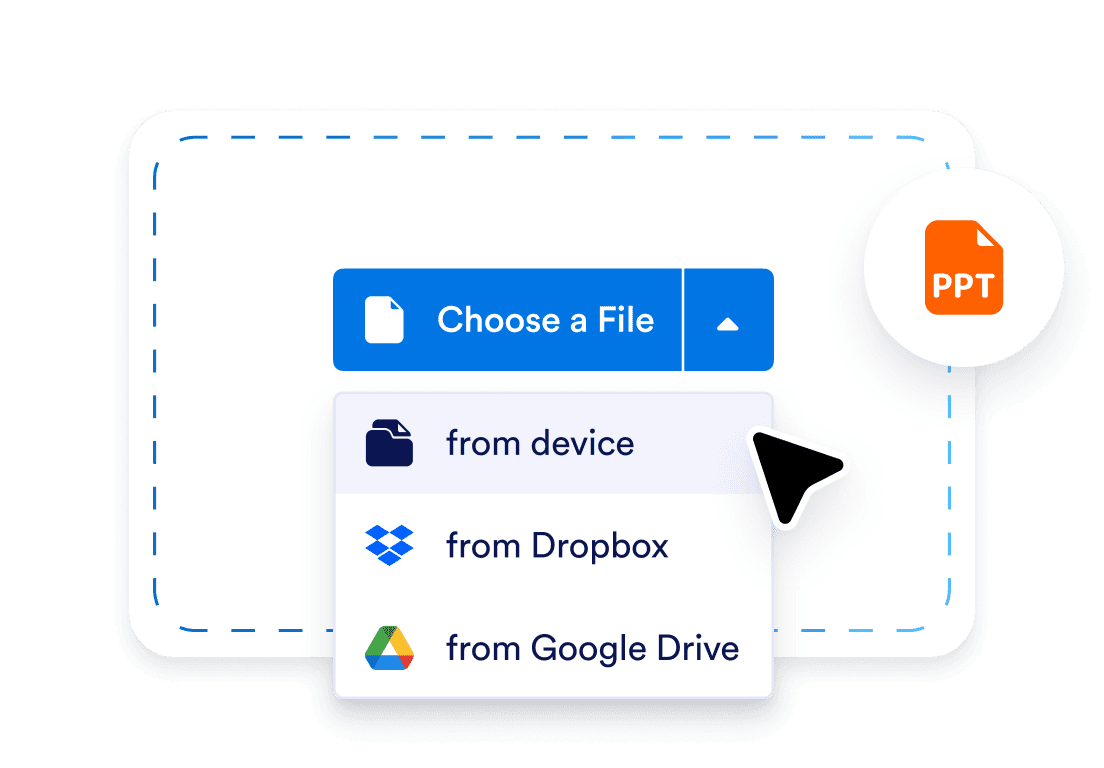
Choose your .pptx presentation or drag it into the converter.
![Image 2: Wait for the conversion](https://cdn.jotfor.ms/image/r/aHR0cHM6Ly9jZG4uam90Zm9yLm1zL3AvYWkvcHJlc2VudGF0aW9uLWFnZW50L2Fzc2V0cy9pbWctbWluL3BwdC10by1wZGYvaG93LTIucG5n/how-2.png?w=1104&t=1)

### Wait for the conversion

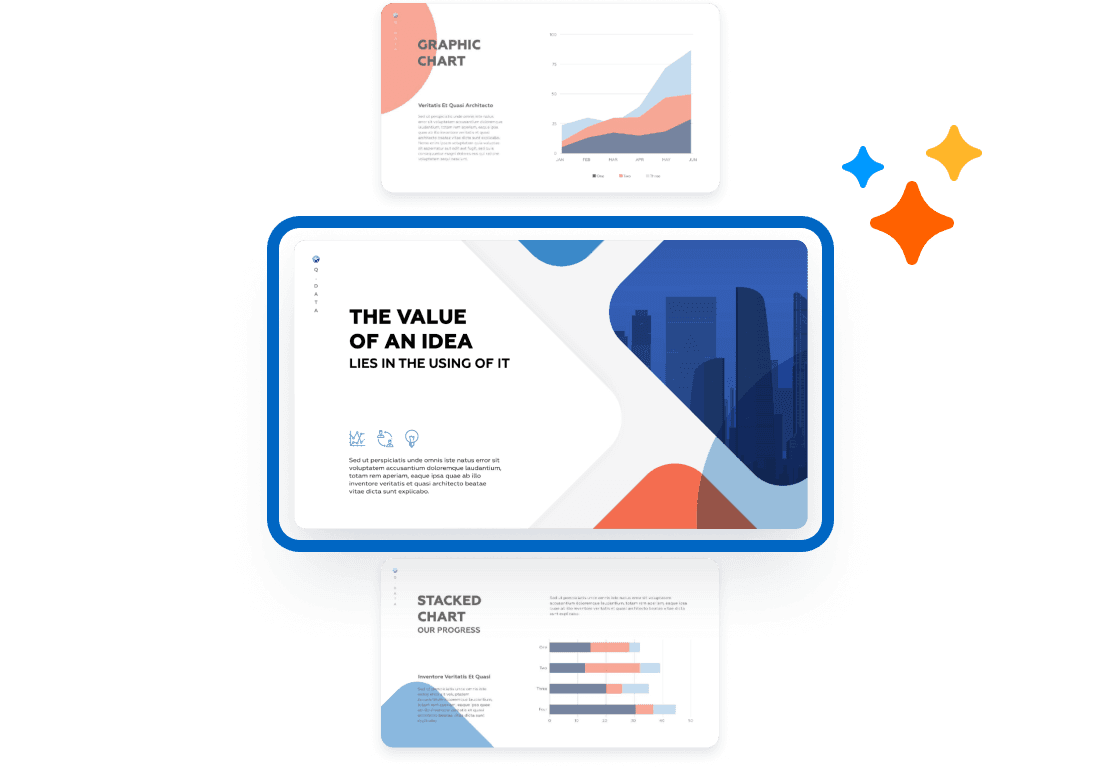
Your slides are processed and formatted exactly as they appear.
![Image 3: Download your PDF](https://cdn.jotfor.ms/image/r/aHR0cHM6Ly9jZG4uam90Zm9yLm1zL3AvYWkvcHJlc2VudGF0aW9uLWFnZW50L2Fzc2V0cy9pbWctbWluL3BwdC10by1wZGYvaG93LTMucG5n/how-3.png?w=1104&t=1)

### Download your PDF

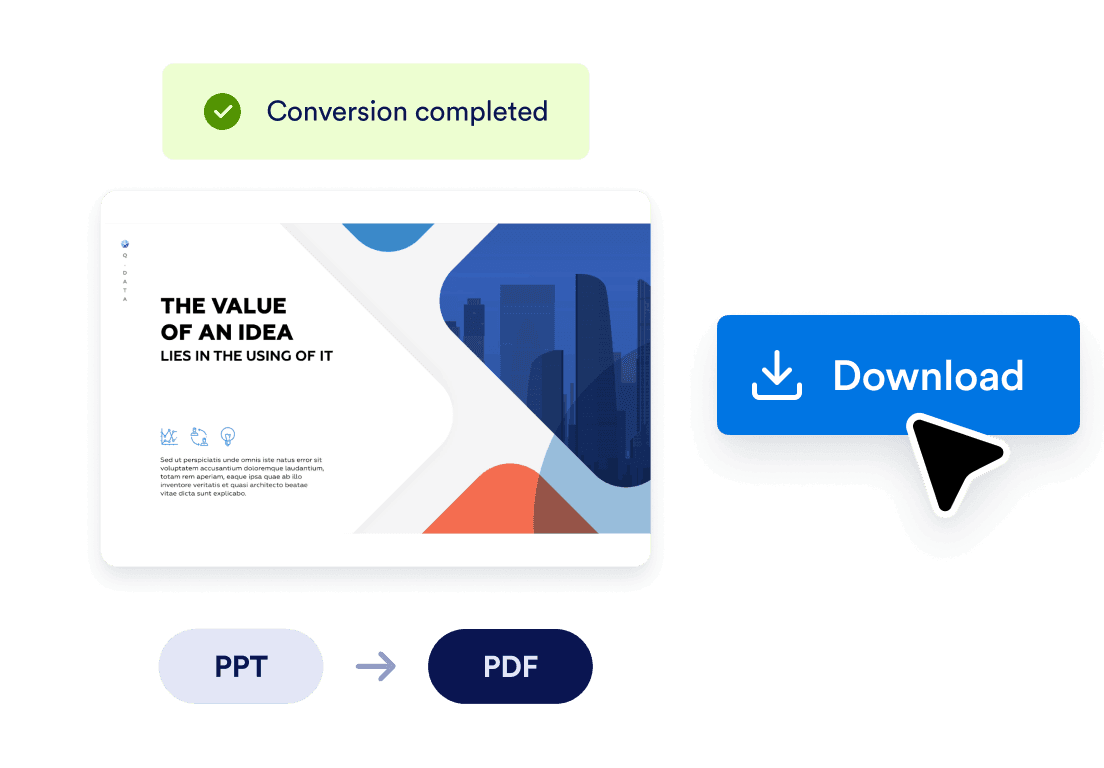
Save, share, or print your polished presentation instantly.

## Don’t Just Present — Have a Conversation

Ready to turn your slides into interactive AI-powered presentations?

Click below to learn more and get started with Jotform Presentation Agents!

[Learn More](https://www.jotform.com/ai/presentation-agent/)

## One-click PPT to PDF conversion

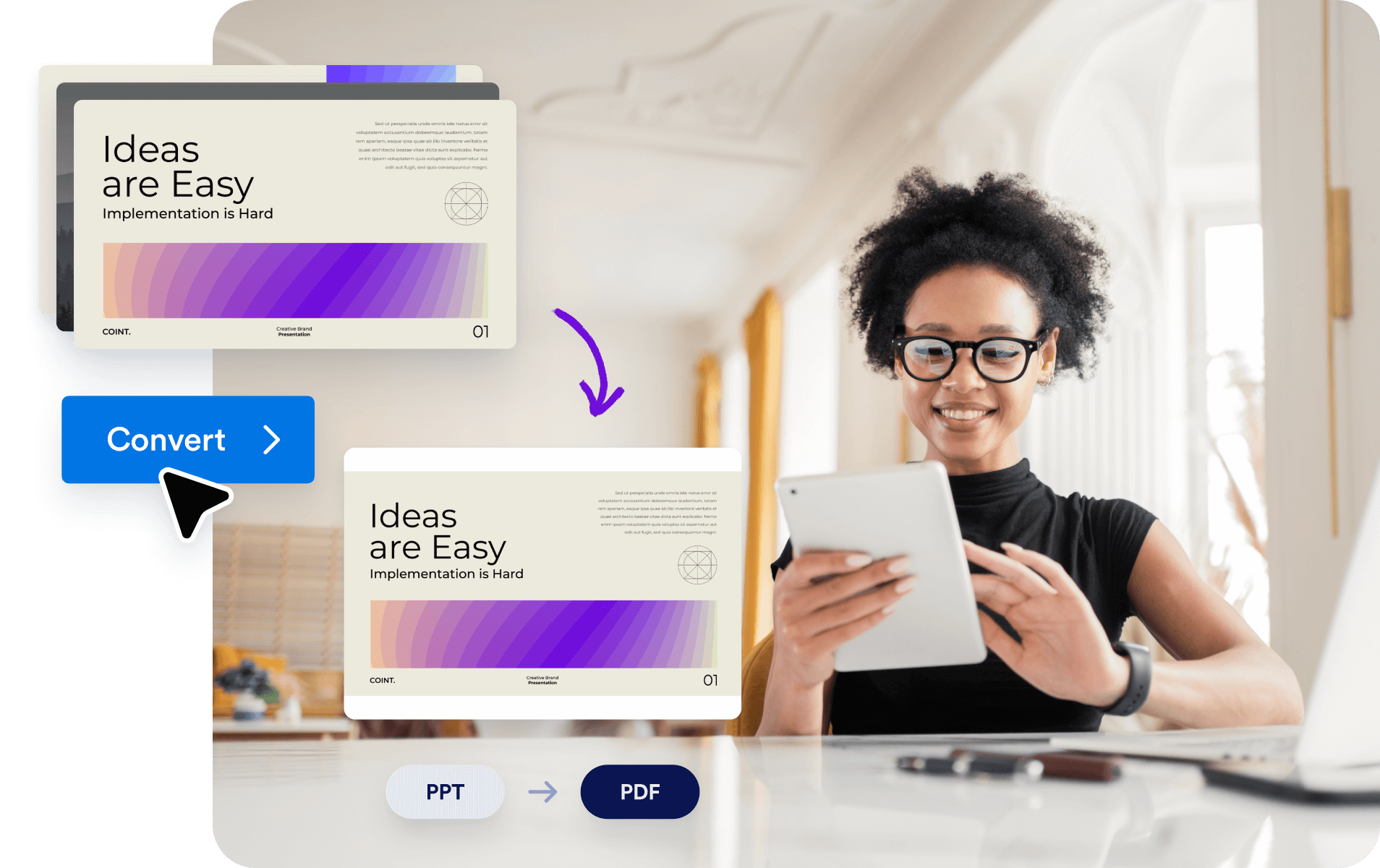
Upload your .ppt file and download a fully formatted PDF in seconds. No software, no distortion, no extra steps — just instant conversion that preserves every slide exactly as it appears.
![Image 4: One-click PPT to PDF conversion](https://cdn.jotfor.ms/image/r/aHR0cHM6Ly9jZG4uam90Zm9yLm1zL3AvYWkvcHJlc2VudGF0aW9uLWFnZW50L2Fzc2V0cy9pbWctbWluL3BwdC10by1wZGYvYmVuZWZpdHMtMS5wbmc=/benefits-1.png?w=40&t=1)

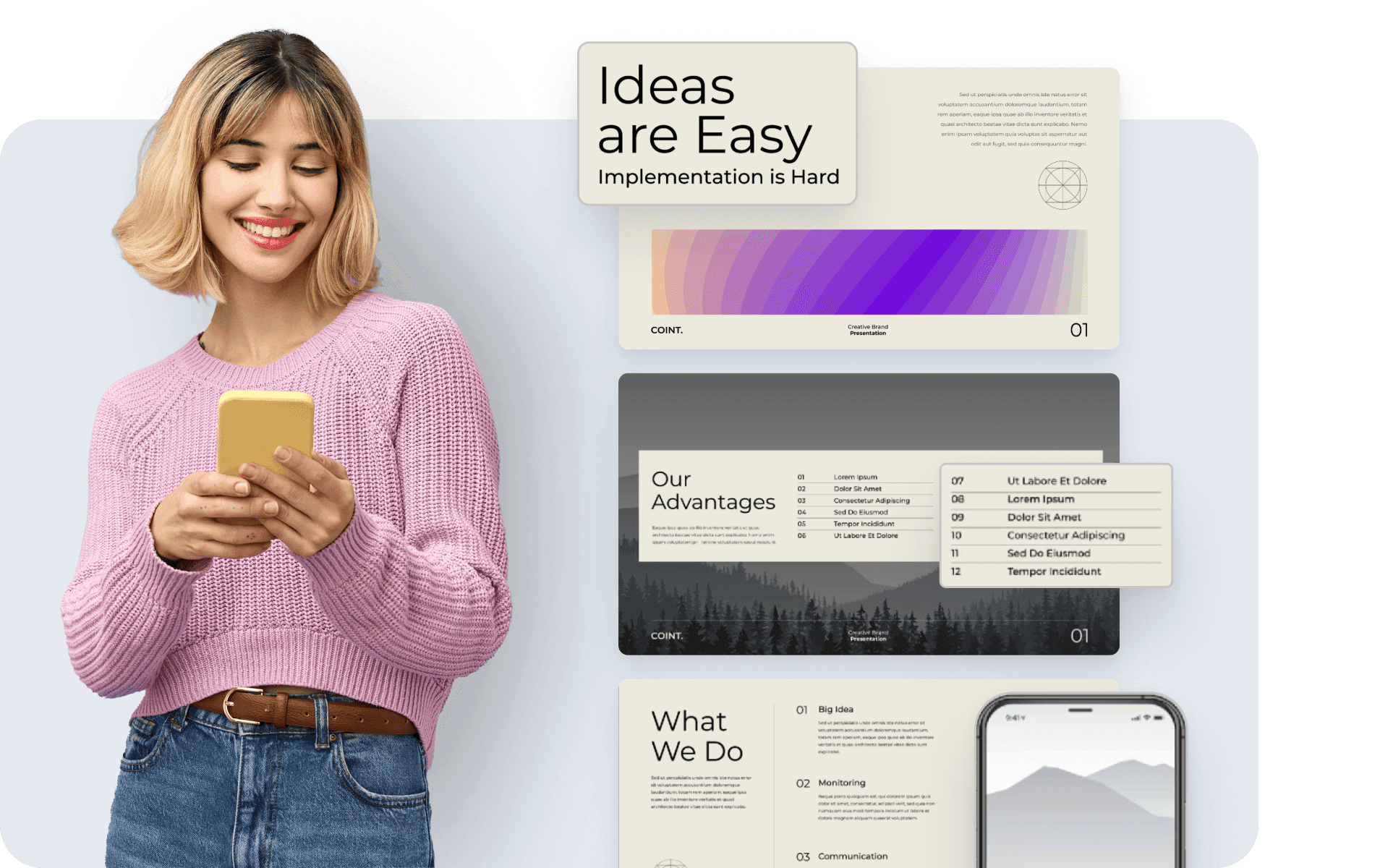
## Layout and design preservation

Unlike standard converters, Jotform ensures that all slide layouts, text placements, images, and brand elements are retained — so your final PDF looks exactly like your presentation.
![Image 5: Layout and design preservation](https://cdn.jotfor.ms/image/r/aHR0cHM6Ly9jZG4uam90Zm9yLm1zL3AvYWkvcHJlc2VudGF0aW9uLWFnZW50L2Fzc2V0cy9pbWctbWluL3BwdC10by1wZGYvYmVuZWZpdHMtMi5wbmc=/benefits-2.png?w=40&t=1)

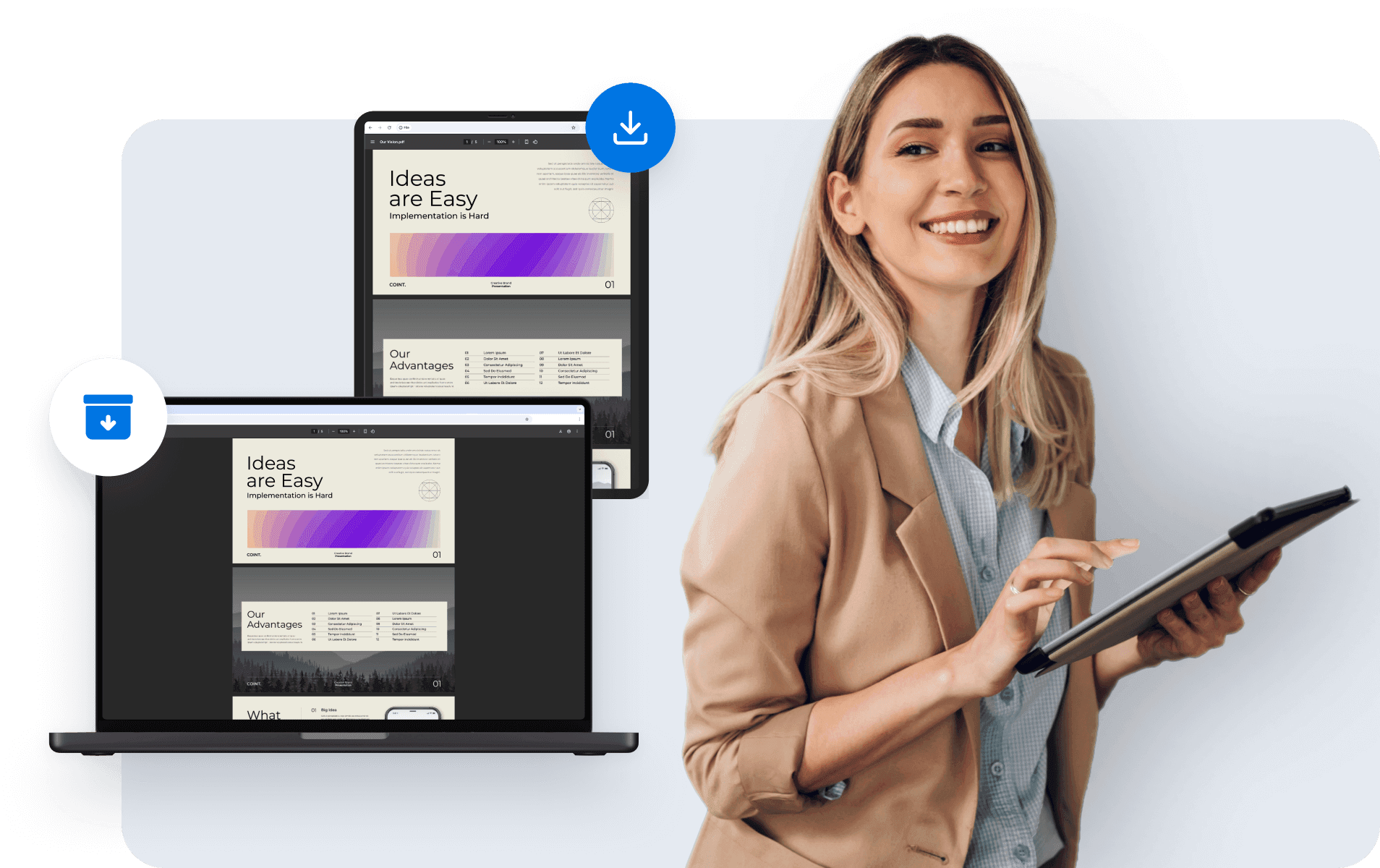
## Easy sharing and archiving

Once converted, your PDF is ready to send, download, embed, or archive. Use it for proposals, training handouts, follow-ups, or printable resources — fully compatible across devices.
![Image 6: Easy sharing and archiving](https://cdn.jotfor.ms/image/r/aHR0cHM6Ly9jZG4uam90Zm9yLm1zL3AvYWkvcHJlc2VudGF0aW9uLWFnZW50L2Fzc2V0cy9pbWctbWluL3BwdC10by1wZGYvYmVuZWZpdHMtMy5wbmc=/benefits-3.png?w=40&t=1)

## Safe, private, and secure

Your files are protected during upload and conversion. You control who accesses the output, and your presentations stay confidential unless you choose to share them.
![Image 7: Safe, private, and secure](https://cdn.jotfor.ms/image/r/aHR0cHM6Ly9jZG4uam90Zm9yLm1zL3AvYWkvcHJlc2VudGF0aW9uLWFnZW50L2Fzc2V0cy9pbWctbWluL3BwdC10by1wZGYvYmVuZWZpdHMtNC5wbmc=/benefits-4.png?w=40&t=1)

## When to use the PPT to PDF Converter

### Client proposals and sales decks


![Image 8: When to use PPT to PDF converter](https://cdn.jotfor.ms/image/r/aHR0cHM6Ly9jZG4uam90Zm9yLm1zL3AvYWkvcHJlc2VudGF0aW9uLWFnZW50L2Fzc2V0cy9pbWctbWluL3BwdC10by1wZGYvc2xpZGVyLTEucG5n/slider-1.png?w=40&t=1)

Send a read-only PDF version of your sales pitch, service overview, or proposal that looks polished and protects your content.

### Training handouts and guides


![Image 9: When to use PPT to PDF converter](https://cdn.jotfor.ms/image/r/aHR0cHM6Ly9jZG4uam90Zm9yLm1zL3AvYWkvcHJlc2VudGF0aW9uLWFnZW50L2Fzc2V0cy9pbWctbWluL3BwdC10by1wZGYvc2xpZGVyLTIucG5n/slider-2.png?w=40&t=1)

Turn your presentation into a PDF reference guide for onboarding sessions, workshops, or employee training.

### Educational lecture notes


![Image 10: When to use PPT to PDF converter](https://cdn.jotfor.ms/image/r/aHR0cHM6Ly9jZG4uam90Zm9yLm1zL3AvYWkvcHJlc2VudGF0aW9uLWFnZW50L2Fzc2V0cy9pbWctbWluL3BwdC10by1wZGYvc2xpZGVyLTMucG5n/slider-3.png?w=40&t=1)

Provide students or attendees with narrated, slide-by-slide lecture notes in PDF format for later review or printing.

### Archiving and documentation


![Image 11: When to use PPT to PDF converter](https://cdn.jotfor.ms/image/r/aHR0cHM6Ly9jZG4uam90Zm9yLm1zL3AvYWkvcHJlc2VudGF0aW9uLWFnZW50L2Fzc2V0cy9pbWctbWluL3BwdC10by1wZGYvc2xpZGVyLTQucG5n/slider-4.png?w=40&t=1)

Store final versions of company presentations as PDF records, with all visuals and content locked in place for future reference.
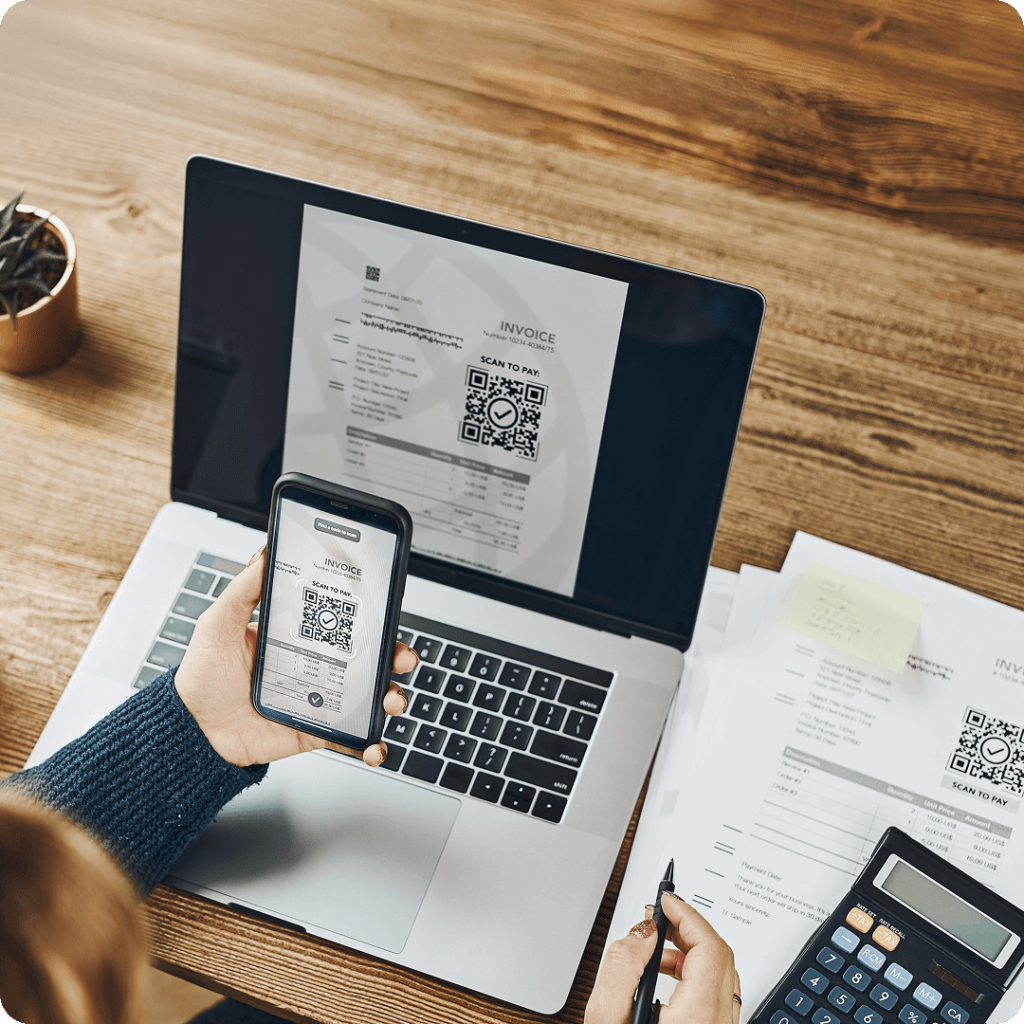
### Cross-platform sharing


![Image 12: When to use PPT to PDF converter](https://cdn.jotfor.ms/image/r/aHR0cHM6Ly9jZG4uam90Zm9yLm1zL3AvYWkvcHJlc2VudGF0aW9uLWFnZW50L2Fzc2V0cy9pbWctbWluL3BwdC10by1wZGYvc2xpZGVyLTUucG5n/slider-5.png?w=40&t=1)

Distribute your presentations to viewers who don’t use PowerPoint, ensuring universal access on desktop, mobile, or print.

## FAQ

*    
### How do I convert my PowerPoint presentation to PDF? Converting your PowerPoint presentation to PDF is easy with our online tool. Simply upload your PPT file, choose any additional settings (such as including speaker notes or setting page sizes), and click "Convert." Your PDF will be ready to download in seconds.   
*   
 
### Is there a file size limit for uploading my PPT file? 

Yes, there are file size limits depending on your user type:

    *   **Guest users** can upload PDFs up to **10MB**.
    *   **Free users** can upload PDFs up to **15MB**.
    *   **BSG users** can upload PDFs up to **30MB**.

If your file exceeds these limits, consider reducing its size or splitting it into smaller sections before uploading. For more information about our plans and pricing, visit our [Pricing](https://www.jotform.com/pricing/) page.

*    
### Can I password-protect the PDF after converting my PowerPoint? Absolutely! You can add a password to the PDF after the conversion to ensure your presentation is secure and can only be accessed by authorized users. This option is available during the conversion process.   
*    
### Will the formatting of my slides stay the same after conversion to PDF? Yes, our converter ensures that all elements of your PowerPoint slides, including text, images, and layout, are preserved in the resulting PDF. You can rest assured that the formatting will be intact.   
*    
### Can I convert my PowerPoint slides to a PDF for free? Yes! Our PPT to PDF converter is completely free to use, and there are no hidden charges. Simply upload your PPT file and start the conversion.   
*    
### How long does the conversion process take? The conversion process typically takes only a few seconds, depending on the size and complexity of your PowerPoint file. Once the conversion is complete, you can download the PDF instantly.   
*    
### How can I make my presentation interactive with Jotform Presentation Agents? After converting your PowerPoint presentation to PDF, you can use **Jotform Presentation Agents** to present your slides live, engage your audience with real-time Q&A, and make your presentations more dynamic and interactive. Learn more on our [Presentation Agent](https://www.jotform.com/ai/presentation-agent/).   

View More