AI Slide Generator for Teachers
Jotform’s AI Slide Generator for Teachers helps educators turn lesson plans, notes, and educational content into polished presentations with built-in voice narration and interactive Q&A. Whether you’re preparing a self-paced module or presenting live, the AI Presentation Agent makes it easy to deliver content that’s clear, engaging, and tailored to your students’ needs.
Try it now — It’s FreeDemo Teacher Presentation Agent
How to build your Teacher Presentation Agent
Upload or create
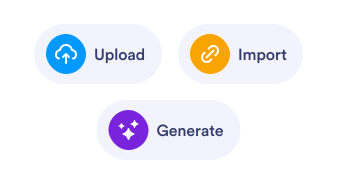
Upload your PDF or PPTX, or let AI create one. Presentation AI Agent turn it into an interactive, voice-narrated experience.
Customize
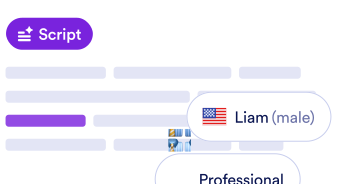
Edit the script, change the voice and language, and tweak how people interact with your agent and brand.
Share
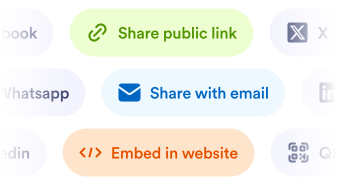
Send a link or embed it anywhere. Your audience can explore, ask questions, and get answers in real time.
The smarter way to present
Instant slide creation from lesson materials
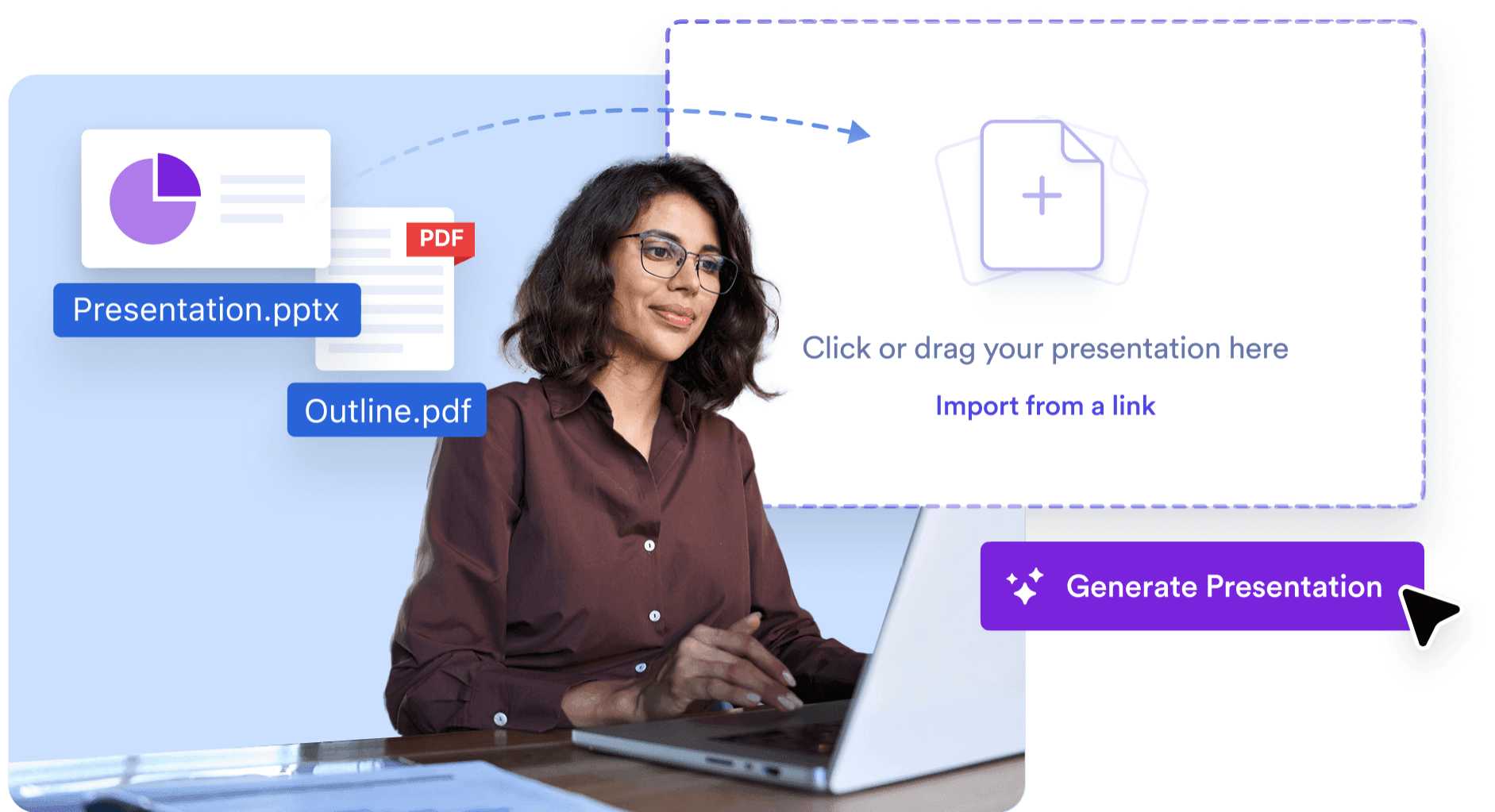
Upload lesson plans, handouts, or notes in PDF, DOCX, or text format — and AI automatically builds a structured, visually clear presentation ready for teaching.
Built-in voice narration
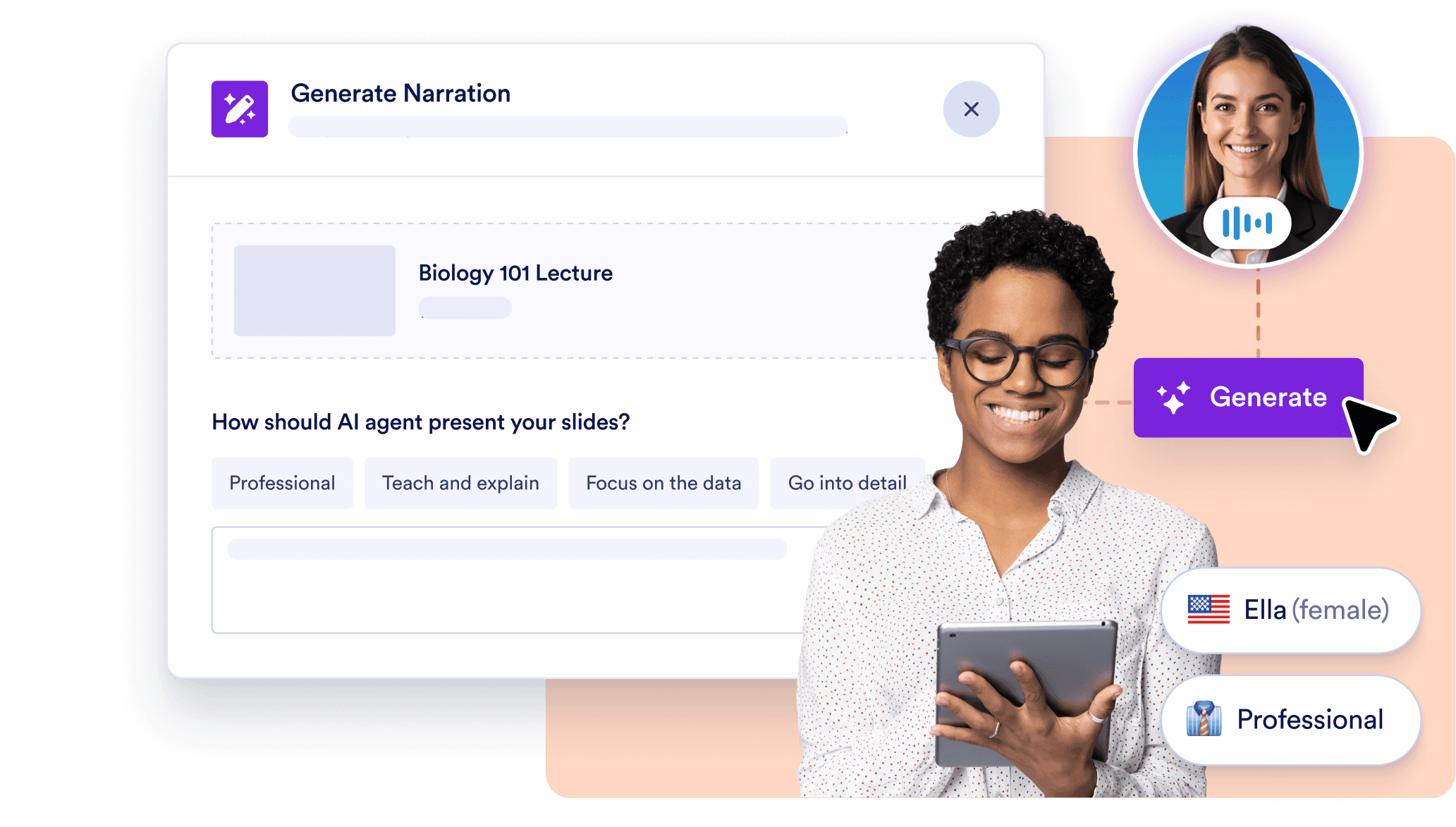
Each slide is narrated with a lifelike AI voice. Choose the tone, language, and pace to match your class’s learning level. No need to record yourself — just click and go.
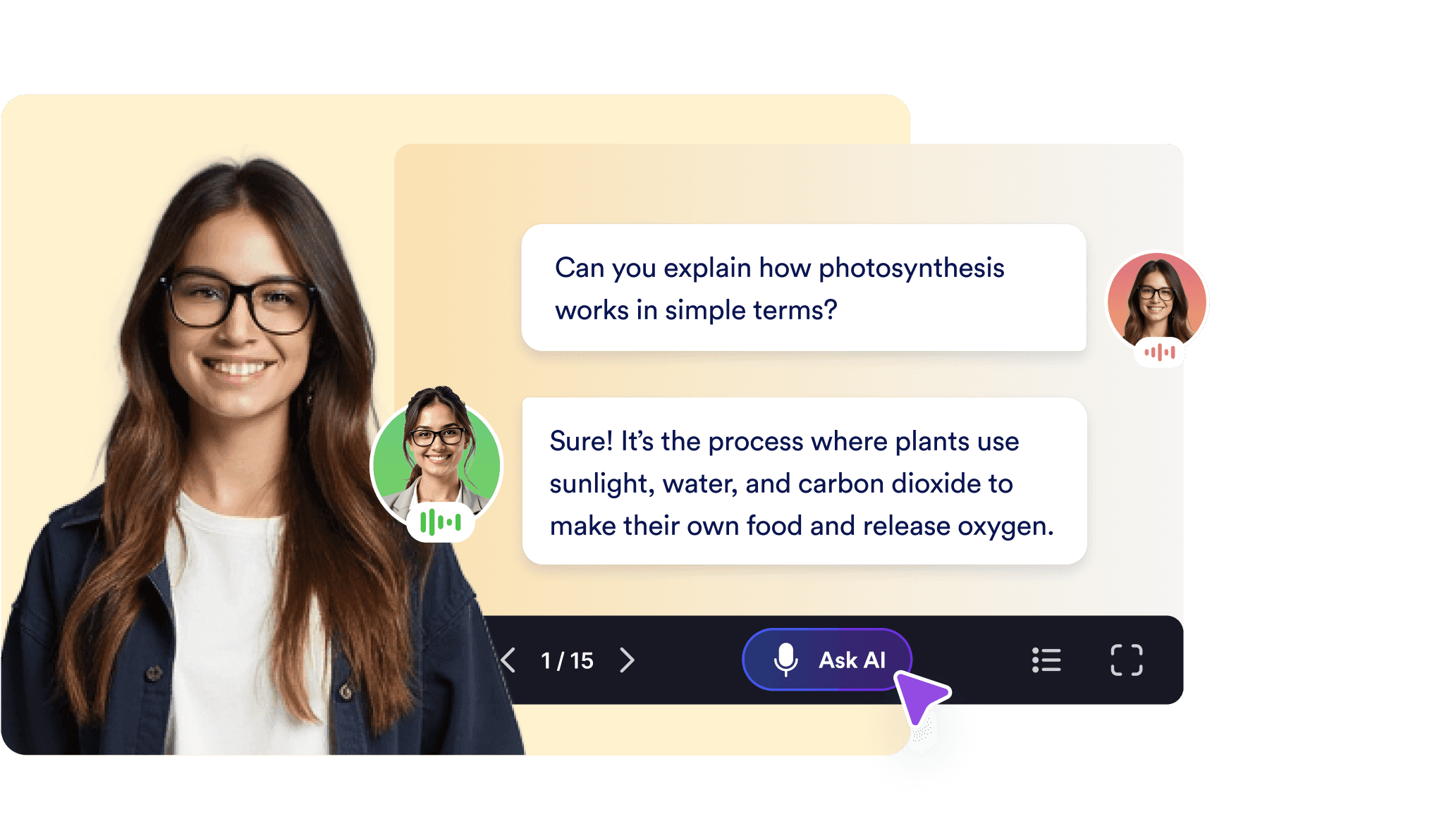
Live Q&A for student engagement
Students can ask questions during the presentation, and the AI provides context-aware answers. This makes even self-paced lessons interactive and helps you address student needs automatically.
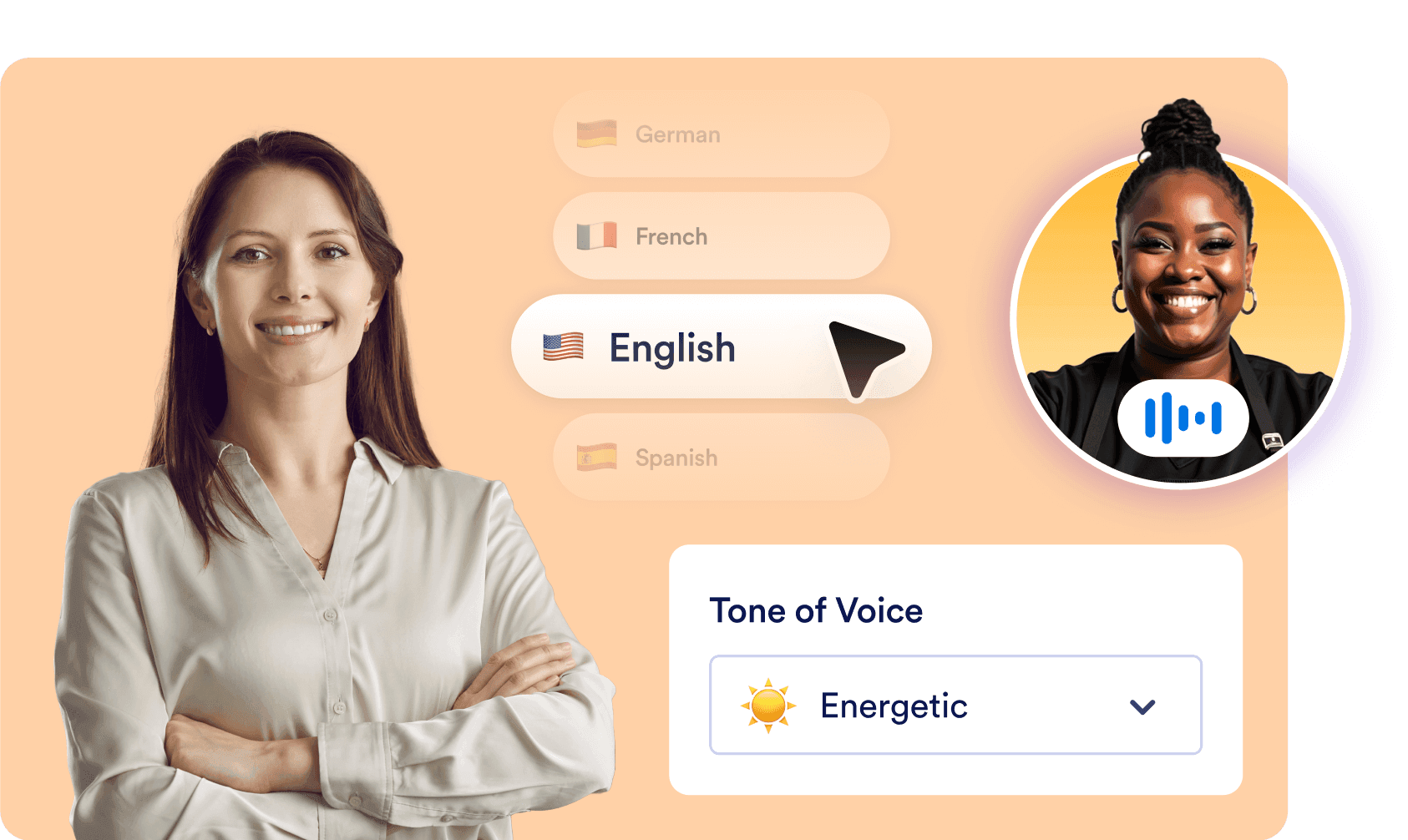
Multilingual and accessible
Narrate your content in multiple languages or dialects to reach diverse classrooms. Perfect for ESL learners or international students, ensuring every student can follow along.
Use Cases for Educational Institutions & Instructors
1. Self-Paced Lessons for Remote Learning
Let students learn at their own pace with narrated, AI-driven lessons that walk them through concepts and answer their questions — even outside of classroom hours.
2. Interactive Classroom Lectures
Use the Presentation AI Agent to deliver real-time instruction with automated narration and live Q&A. Perfect for hybrid or tech-enabled classrooms that want to move beyond one-way slides.
3. Multilingual Lesson Delivery
Teach students from different language backgrounds by generating presentations in their preferred language — while keeping your messaging consistent and accessible.
4. Flipped Classroom Content
Turn homework or pre-class reading into interactive presentations. The AI guides students through each slide, preparing them to discuss, explore, or collaborate more deeply during class.
Ready to Empower Your Teaching With AI?
Make every lesson dynamic, accessible, and engaging — with no extra prep time. Whether you're teaching in-person, hybrid, or remote, Jotform’s AI Presentation Agent for Teachers helps you deliver polished, interactive presentations that speak to students and respond to their needs.
Try it now — It’s Free