

# PDF to PPT Converter | Jotform

# PDF to PPT Converter

Unlock the content of your PDFs and transform them into PowerPoint presentations in seconds. Experience seamless conversion without compromising on quality.

## How it works

![Image 1: Upload](https://cdn.jotfor.ms/image/r/aHR0cHM6Ly9jZG4uam90Zm9yLm1zL3AvYWkvcHJlc2VudGF0aW9uLWFnZW50L2Fzc2V0cy9pbWctbWluL3BkZi10by1wcHQvaG93LWl0LXdvcmtzLXVwbG9hZC5wbmc=/how-it-works-upload.png?w=736&t=1)

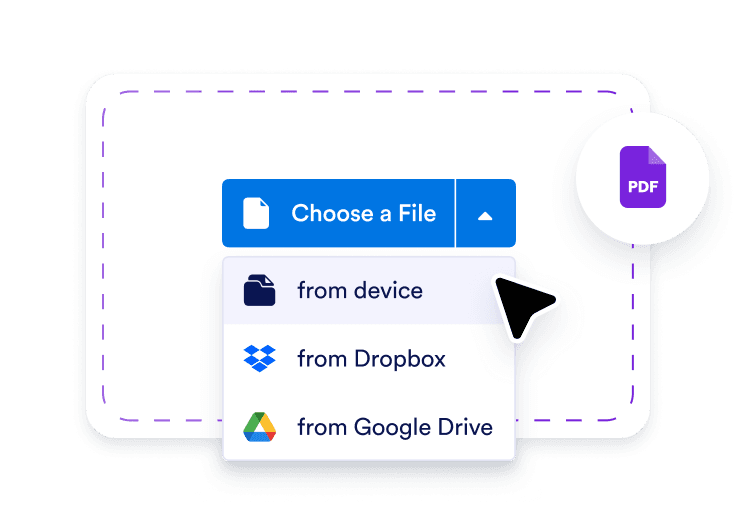
### Upload

Start by uploading the PDF file you want to convert into PowerPoint.

![Image 2: Wait for the conversion](https://cdn.jotfor.ms/image/r/aHR0cHM6Ly9jZG4uam90Zm9yLm1zL3AvYWkvcHJlc2VudGF0aW9uLWFnZW50L2Fzc2V0cy9pbWctbWluL3BkZi10by1wcHQvaG93LWl0LXdvcmtzLXdhaXQucG5n/how-it-works-wait.png?w=736&t=1)

### Wait for the conversion

The system will automatically convert your PDF to a PowerPoint presentation in seconds.

![Image 3: Download](https://cdn.jotfor.ms/image/r/aHR0cHM6Ly9jZG4uam90Zm9yLm1zL3AvYWkvcHJlc2VudGF0aW9uLWFnZW50L2Fzc2V0cy9pbWctbWluL3BkZi10by1wcHQvaG93LWl0LXdvcmtzLWRvd25sb2FkLnBuZw==/how-it-works-download.png?w=736&t=1)

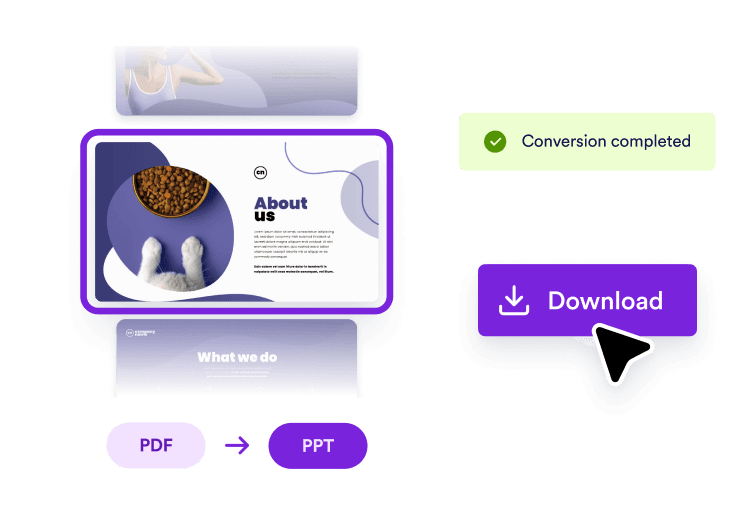
### Download

Once the conversion is complete, click the "Download" button to get your new PowerPoint file.

## Don’t Just Present — Have a Conversation

Ready to turn your slides into interactive AI-powered presentations?

Click below to learn more and get started with Jotform Presentation Agents!

[Learn More](https://www.jotform.com/ai/presentation-agent/)

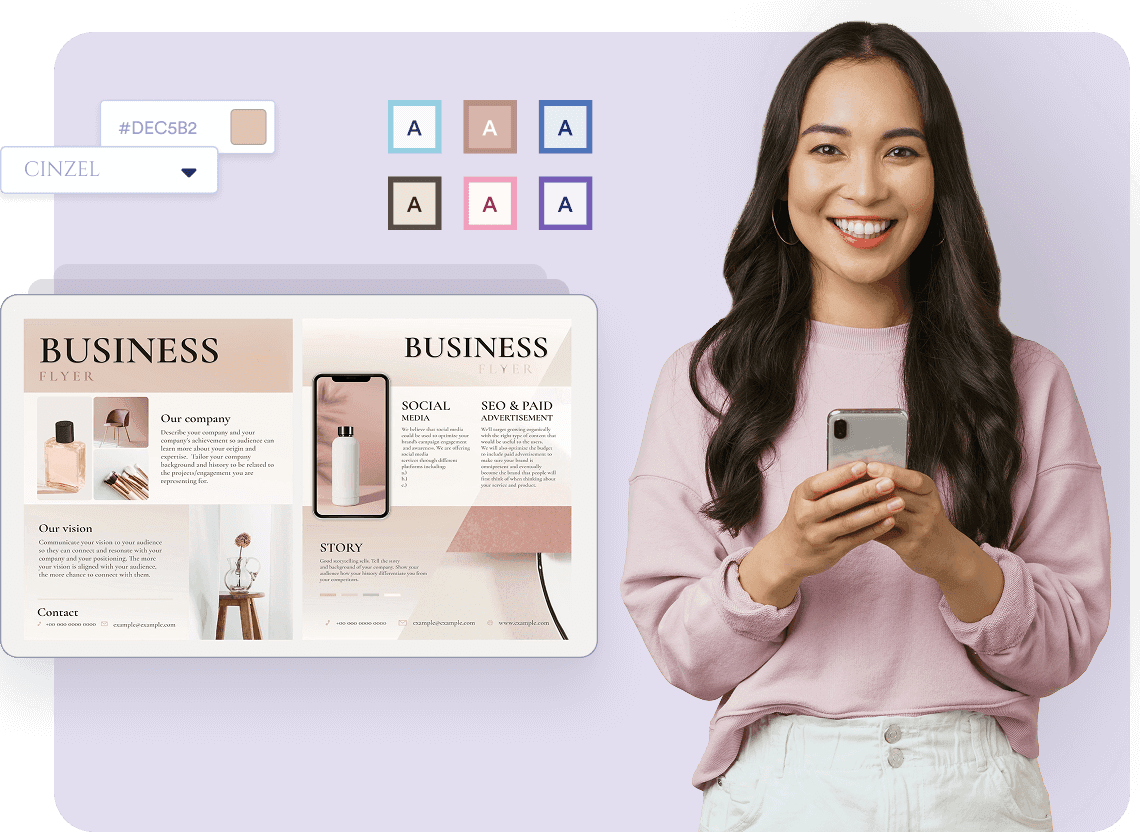
## Edit and Customize Your Content

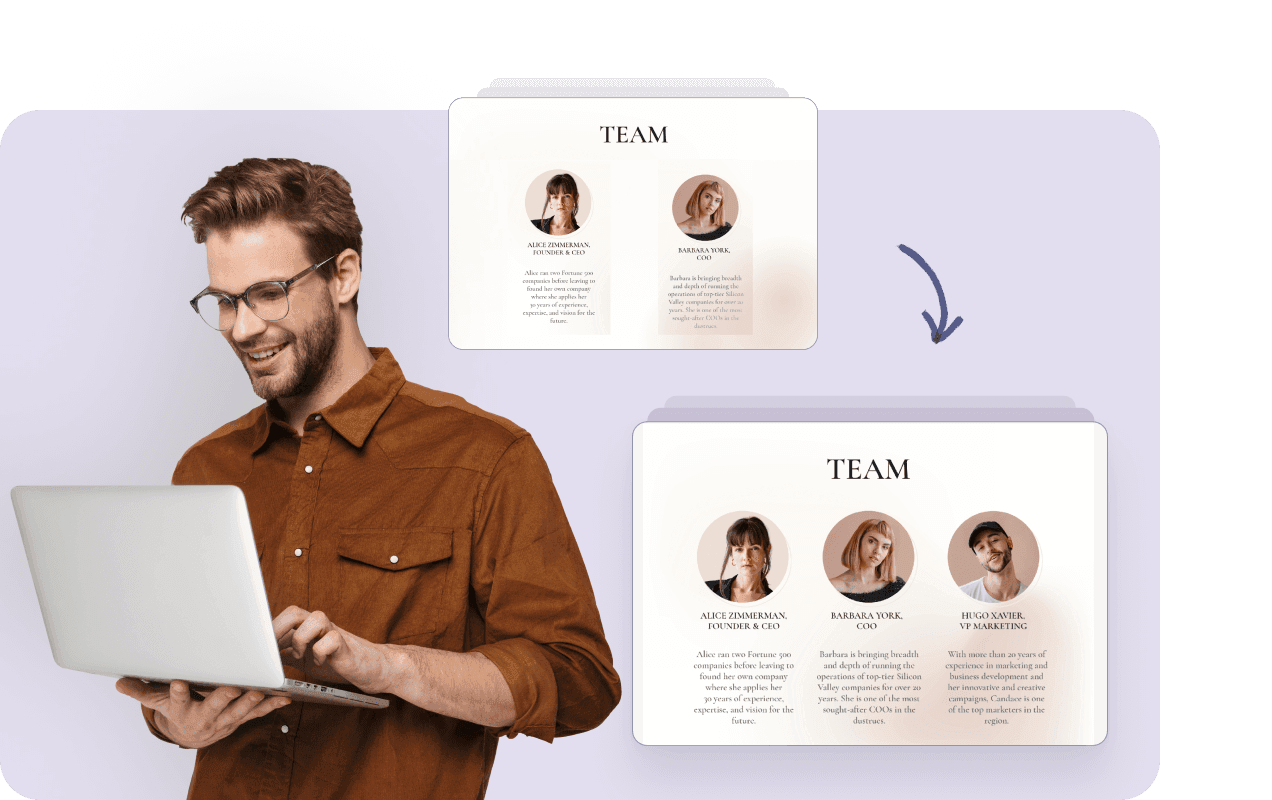
PDFs are great for viewing, but PowerPoint presentations are perfect for editing. Convert your PDF back into an editable format to make changes and adjustments on the fly.

![Image 4: One-click PPT to PDF conversion](https://cdn.jotfor.ms/image/r/aHR0cHM6Ly9jZG4uam90Zm9yLm1zL3AvYWkvcHJlc2VudGF0aW9uLWFnZW50L2Fzc2V0cy9pbWctbWluL3BkZi10by1wcHQvc2VjdGlvbi0xLnBuZw==/section-1.png?w=40&t=1)

## Re-use and Repurpose Data Effectively

Whether you want to reuse images, charts, or text from a PDF, converting it into PowerPoint slides makes it easy to modify and repurpose your content for new presentations.

![Image 5: Re-use and Repurpose Data Effectively](https://cdn.jotfor.ms/image/r/aHR0cHM6Ly9jZG4uam90Zm9yLm1zL3AvYWkvcHJlc2VudGF0aW9uLWFnZW50L2Fzc2V0cy9pbWctbWluL3BkZi10by1wcHQvc2VjdGlvbi0yLnBuZw==/section-2.png?w=40&t=1)

## Preserve Formatting and Layouts

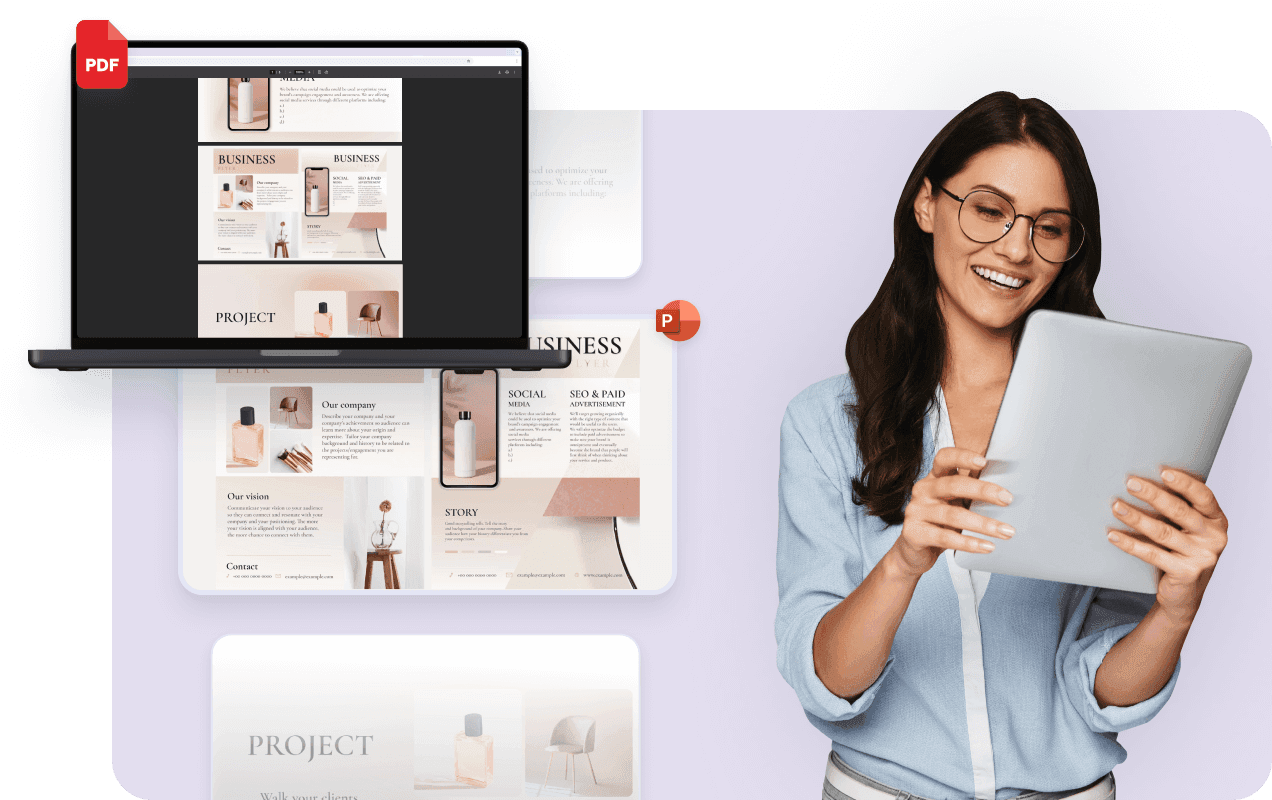
Our converter ensures that your PDF content is accurately translated into slides while preserving the layout, fonts, and other formatting, so your presentation maintains its professional quality.

![Image 6: Preserve Formatting and Layouts](https://cdn.jotfor.ms/image/r/aHR0cHM6Ly9jZG4uam90Zm9yLm1zL3AvYWkvcHJlc2VudGF0aW9uLWFnZW50L2Fzc2V0cy9pbWctbWluL3BkZi10by1wcHQvc2VjdGlvbi0zLnBuZw==/section-3.png?w=40&t=1)

## Save Time on Rebuilding Slides

Instead of manually copying and pasting content from a PDF to PowerPoint, our converter does the work for you in seconds, allowing you to save time and focus on adding your unique touches.

![Image 7: Preserve Formatting and Layouts](https://cdn.jotfor.ms/image/r/aHR0cHM6Ly9jZG4uam90Zm9yLm1zL3AvYWkvcHJlc2VudGF0aW9uLWFnZW50L2Fzc2V0cy9pbWctbWluL3BkZi10by1wcHQvc2VjdGlvbi00LnBuZw==/section-4.png?w=40&t=1)

## Works with Complex PDFs

Even if your PDF contains images, graphs, or tables, our converter handles complex content, ensuring your slides look just as polished and professional as the original PDF.

![Image 8: Save Time on Rebuilding Slides](https://cdn.jotfor.ms/image/r/aHR0cHM6Ly9jZG4uam90Zm9yLm1zL3AvYWkvcHJlc2VudGF0aW9uLWFnZW50L2Fzc2V0cy9pbWctbWluL3BkZi10by1wcHQvc2VjdGlvbi01LnBuZw==/section-5.png?w=40&t=1)

## When to Use Jotform’s PDF to PPT Converter

### Training Manuals & Educational Content


![Image 9: When to use PPT to PDF converter](https://cdn.jotfor.ms/image/r/aHR0cHM6Ly9jZG4uam90Zm9yLm1zL3AvYWkvcHJlc2VudGF0aW9uLWFnZW50L2Fzc2V0cy9pbWctbWluL3BkZi10by1wcHQvc2xpZGVyLTEucG5n/slider-1.png?w=40&t=1)

Turn detailed PDF guides into engaging PowerPoint presentations that are easy to follow for employees, students, or trainees. Perfect for onboarding sessions, remote learning, and internal educational programs, our PDF to PPT converter helps you present complex topics in a more digestible and visually appealing way.


### Business Reports & Whitepapers


![Image 10: When to use PPT to PDF converter](https://cdn.jotfor.ms/image/r/aHR0cHM6Ly9jZG4uam90Zm9yLm1zL3AvYWkvcHJlc2VudGF0aW9uLWFnZW50L2Fzc2V0cy9pbWctbWluL3BkZi10by1wcHQvc2xpZGVyLTIucG5n/slider-2.png?w=40&t=1)

Transform business-critical documents like quarterly reports, case studies, and whitepapers into polished PowerPoint presentations. With easy-to-read slides, you can quickly share your reports with stakeholders or clients, highlighting key data points and insights in a visually organized format.

### Product Overviews & Sales Collateral


![Image 11: When to use PPT to PDF converter](https://cdn.jotfor.ms/image/r/aHR0cHM6Ly9jZG4uam90Zm9yLm1zL3AvYWkvcHJlc2VudGF0aW9uLWFnZW50L2Fzc2V0cy9pbWctbWluL3BkZi10by1wcHQvc2xpZGVyLTMucG5n/slider-3.png?w=40&t=1)

Upload your product PDFs and convert them into pitch-ready PowerPoint decks. This is ideal for sales teams who need to generate professional, branded presentations based on existing product documentation. Present product features, benefits, and specifications in a way that’s engaging and easy for your audience to understand.

### Event Briefs & Proposals


![Image 12: When to use PPT to PDF converter](https://cdn.jotfor.ms/image/r/aHR0cHM6Ly9jZG4uam90Zm9yLm1zL3AvYWkvcHJlc2VudGF0aW9uLWFnZW50L2Fzc2V0cy9pbWctbWluL3BkZi10by1wcHQvc2xpZGVyLTQucG5n/slider-4.png?w=40&t=1)

Convert project proposals or event briefs from PDF into dynamic PowerPoint presentations. Whether you're presenting in meetings or sending clients an interactive overview, this tool helps you turn your ideas into compelling slides that are easy to present and share.

### Investor Deck & Executive Summaries


![Image 13: When to use PPT to PDF converter](https://cdn.jotfor.ms/image/r/aHR0cHM6Ly9jZG4uam90Zm9yLm1zL3AvYWkvcHJlc2VudGF0aW9uLWFnZW50L2Fzc2V0cy9pbWctbWluL3BkZi10by1wcHQvc2xpZGVyLTUucG5n/slider-5.png?w=40&t=1)

Convert financial PDFs or growth summaries into investor-ready slides quickly. Perfect for presenting key performance indicators, projections, and business strategies, this conversion ensures your information is clear, concise, and professionally presented for potential investors or executive meetings.

## FAQ

*    
### How do I convert a PDF to PowerPoint? To convert a PDF to PowerPoint, simply upload the PDF file to our converter, and the tool will automatically transform it into an editable PowerPoint presentation. You can then download the PPT file and begin editing right away.   
*    
### Will the layout and formatting be preserved when converting PDF to PPT? Yes, our converter is designed to preserve the layout, fonts, images, and overall formatting of your PDF. Your slides will appear just as they did in the original PDF.   
*    
### Can I convert scanned PDFs to PowerPoint? Yes, our converter supports both text-based and scanned PDFs. However, for scanned PDFs, the conversion quality may vary depending on the clarity of the scan. We recommend ensuring your PDF is high-quality for the best results.   
*    
### How do I customize the slides after converting the PDF to PowerPoint? Once the PDF is converted to PowerPoint, you can fully edit the content within PowerPoint itself. Modify text, images, and even adjust slide layouts as needed to suit your presentation style.   
*   
 
### Is there a file size limit for PDFs when converting to PowerPoint? 

Yes, there are file size limits depending on your user type:

    *   **Guest users** can upload PDFs up to **10MB**.
    *   Free users can upload PDFs up to **15MB**.
    *   BSG users can upload PDFs up to **30MB**.

If your file exceeds these limits, consider reducing its size or splitting it into smaller sections before uploading. For more information about our plans and pricing, visit our [Pricing](https://www.jotform.com/pricing/) page.

*    
### Can I convert PDF to PPT for free? Yes, our PDF to PPT conversion tool is completely free. There are no charges or hidden fees—simply upload your PDF and convert it to PowerPoint in a few easy steps.   
*    
### How long does the conversion take? The conversion process typically takes a few seconds, depending on the size and complexity of your PDF. Once the conversion is done, you can download your PowerPoint presentation immediately.   
*    
### How can I make my presentation interactive with Jotform Presentation Agents? After converting your PDF to PowerPoint, enhance your presentation with Jotform Presentation Agents. These AI-powered agents will present your slides, answer questions from your audience, and create a more engaging experience. Learn more about how it works on our [Presentation Agent](https://www.jotform.com/ai/presentation-agent/).   

View More