# Jotform Boards: Form Submissions to Tasks

# Form submissions to tasks

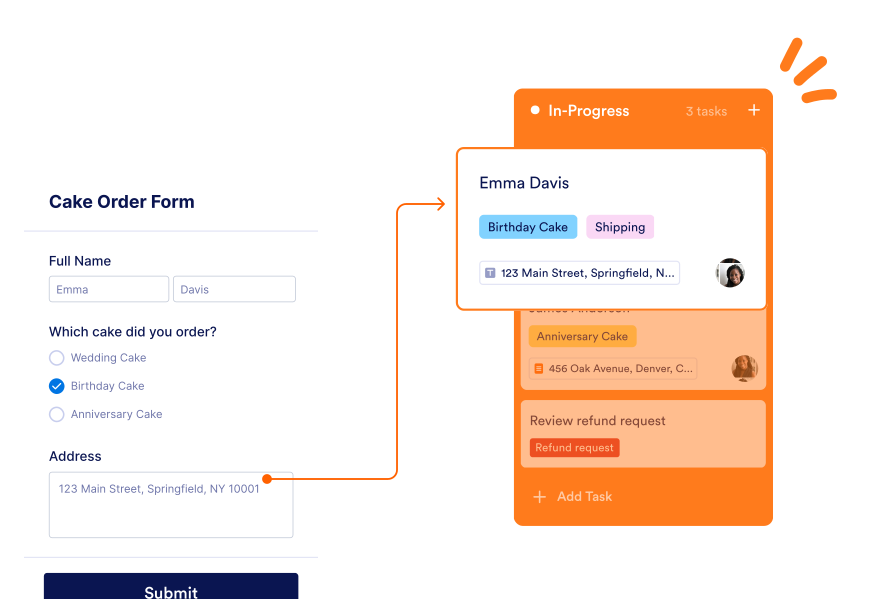
Automatically create tasks from form submissions. Send tasks straight to your all-in-one task management board for easy access.

[Create a Board - It’s Free](https://www.jotform.com/workspace/new?assetCreationType=board)

![Image 1: Cake order form shown and next to it submission flow to board column is indicated](https://cdn.jotfor.ms/p/products/boards/assets/img-min/use-cases/form-submissions/hero.svg)

## How to connect your forms to your boards
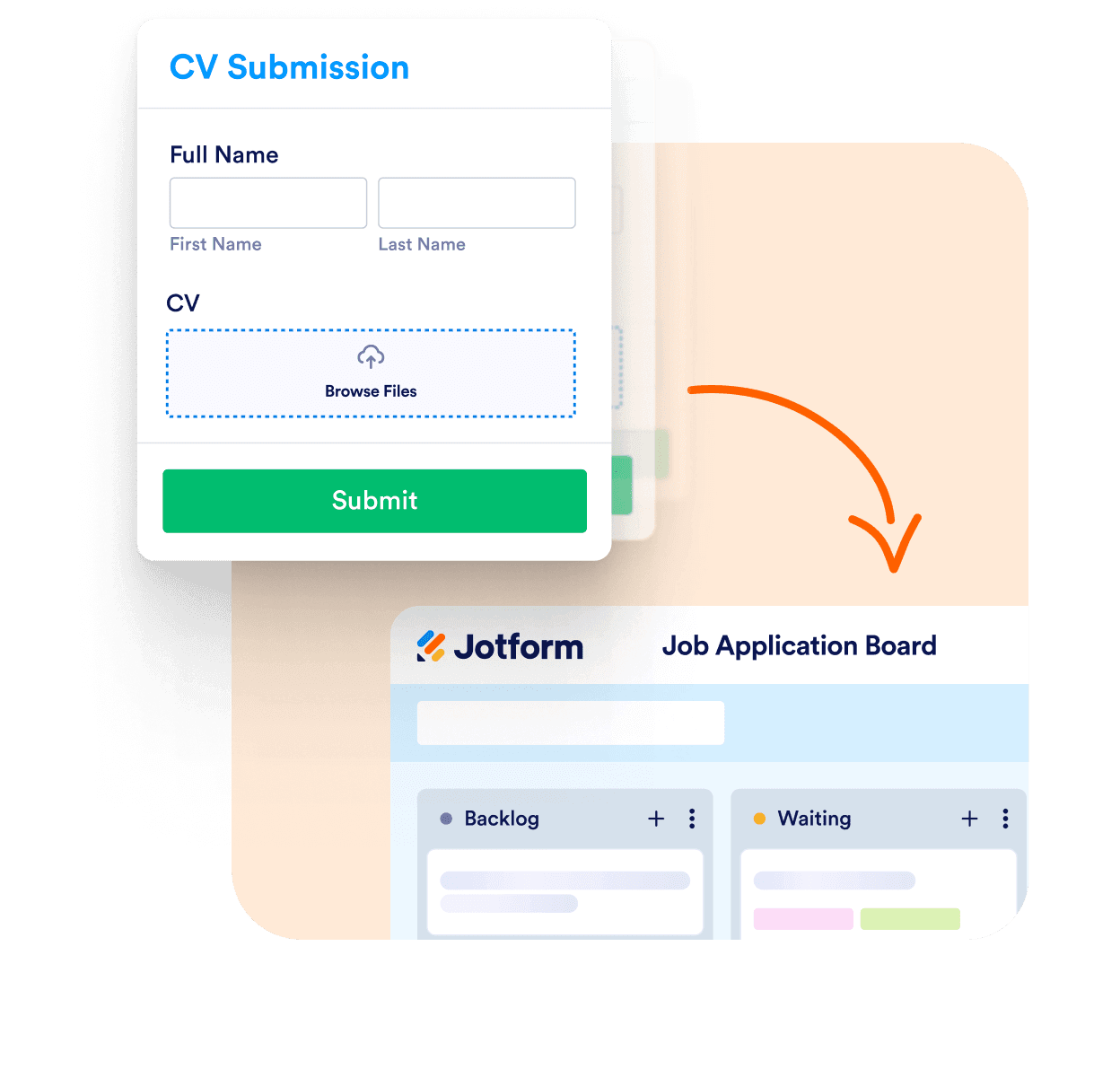
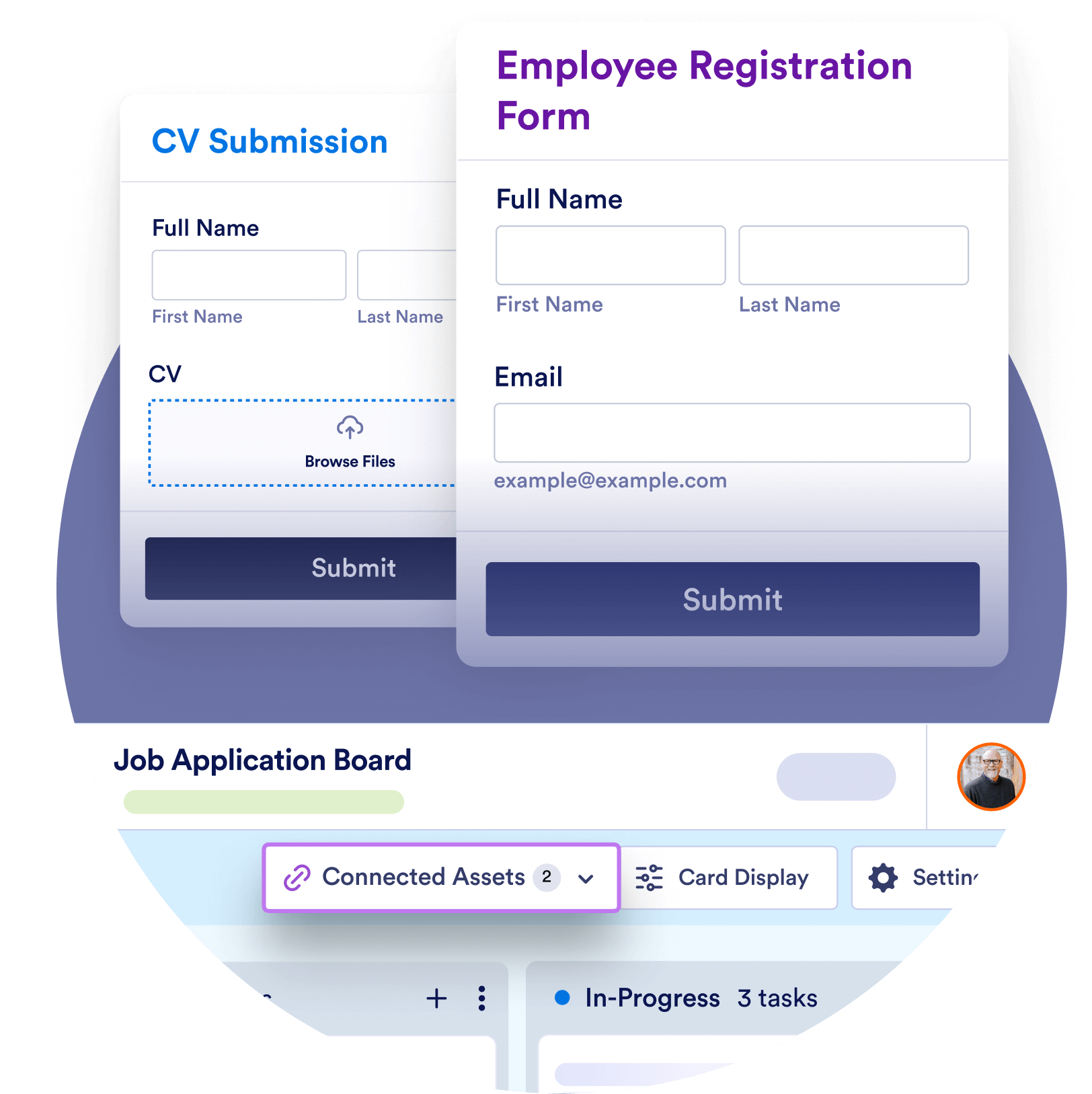
![Image 2: cv submission form submission flow shown and below it there is job application board](https://cdn.jotfor.ms/image/r/aHR0cHM6Ly9jZG4uam90Zm9yLm1zL3AvcHJvZHVjdHMvYm9hcmRzL2Fzc2V0cy9pbWctbWluL3VzZS1jYXNlcy9mb3JtLXN1Ym1pc3Npb25zL2hvd3RvLzEucG5nP3Y9MS4x/1.png?w=1248&t=1)

### Connect a form

Select an existing form or create a new form to connect to your board.
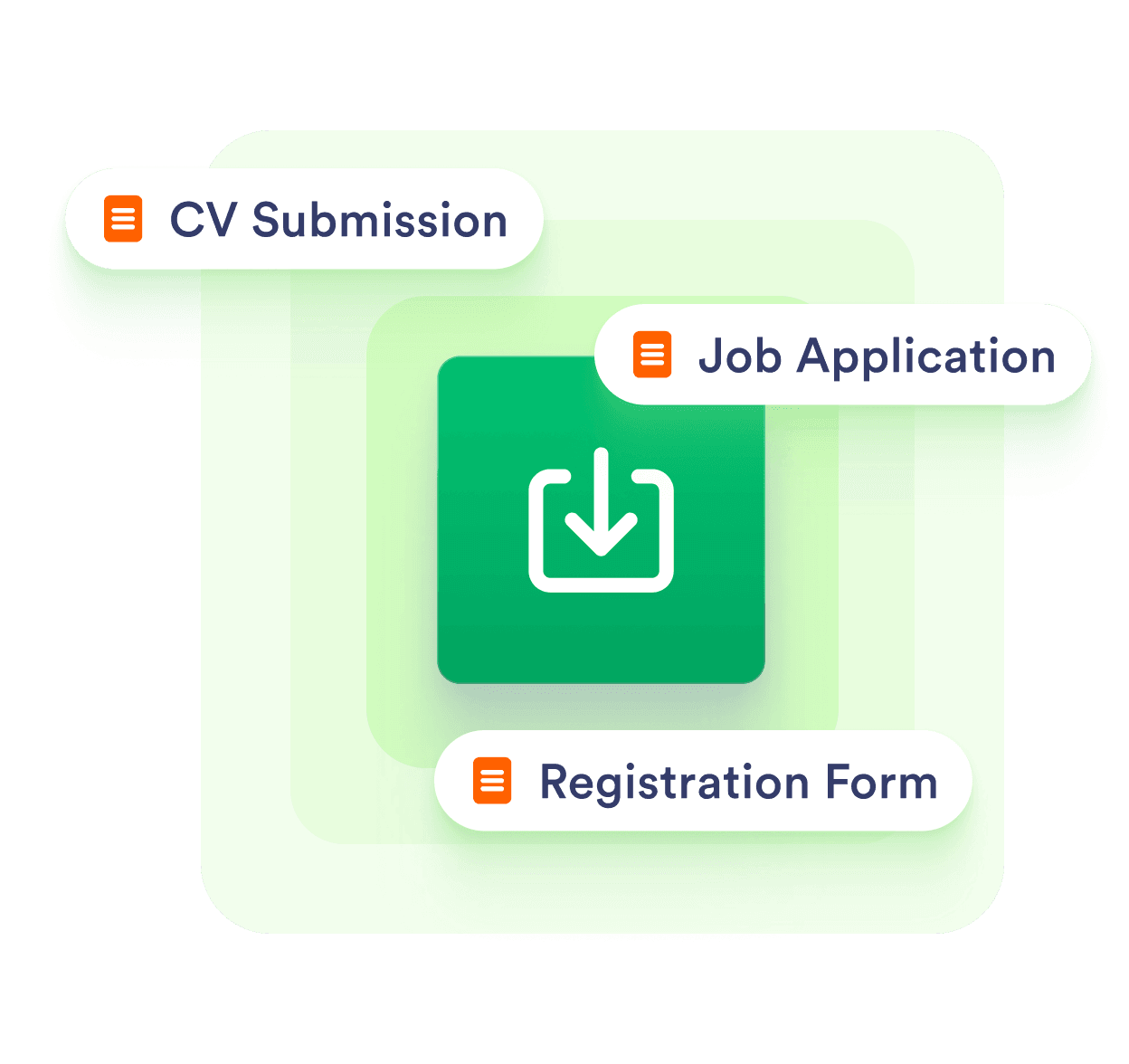
![Image 3: import option is shown and 3 different form around it](https://cdn.jotfor.ms/image/r/aHR0cHM6Ly9jZG4uam90Zm9yLm1zL3AvcHJvZHVjdHMvYm9hcmRzL2Fzc2V0cy9pbWctbWluL3VzZS1jYXNlcy9mb3JtLXN1Ym1pc3Npb25zL2hvd3RvLzIucG5nP3Y9MS4x/2.png?w=1248&t=1)

### Capture and import

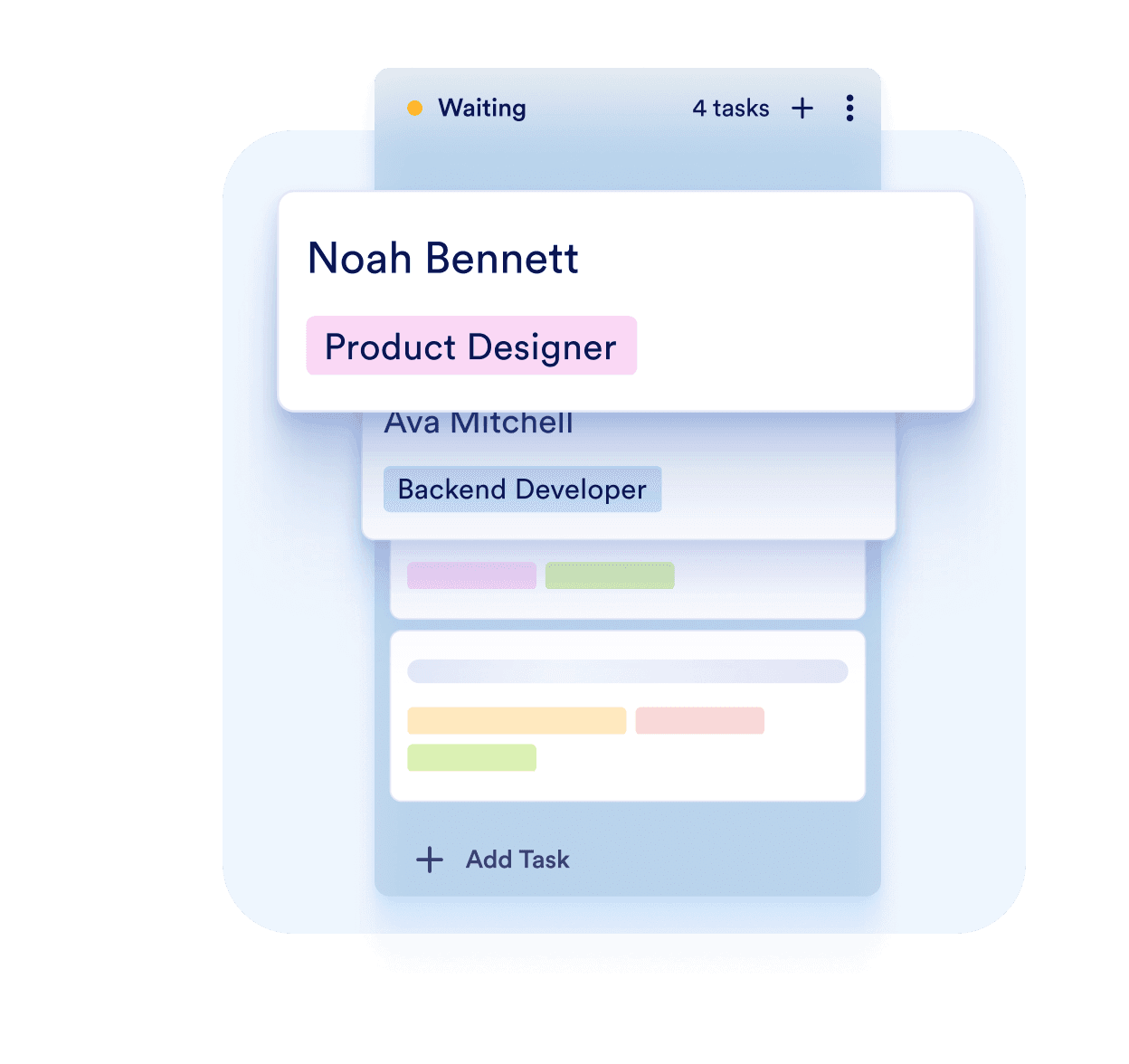
Once you connect your form to a board, new submissions will automatically appear as tasks. If you're connecting an existing form with existing submissions, you can import those past responses to be displayed alongside the new ones.
![Image 4: example board column shown with names and job title of these persons](https://cdn.jotfor.ms/image/r/aHR0cHM6Ly9jZG4uam90Zm9yLm1zL3AvcHJvZHVjdHMvYm9hcmRzL2Fzc2V0cy9pbWctbWluL3VzZS1jYXNlcy9mb3JtLXN1Ym1pc3Npb25zL2hvd3RvLzMucG5nP3Y9MS4x/3.png?w=1248&t=1)

### Share and resolve

Every new submission is automatically converted into a task, allowing you to manage responses within your board effortlessly.

## Easy to use

Effortlessly connect forms to your board and watch submissions turn into tasks instantly. With a user-friendly interface, managing responses is easier than ever.

[Create a Board - It’s Free](https://www.jotform.com/workspace/new?assetCreationType=board)

![Image 5: Asset connection option has shown with 2 example forms about job application process](https://cdn.jotfor.ms/image/r/aHR0cHM6Ly9jZG4uam90Zm9yLm1zL3AvcHJvZHVjdHMvYm9hcmRzL2Fzc2V0cy9pbWctbWluL3VzZS1jYXNlcy9mb3JtLXN1Ym1pc3Npb25zLzEucG5nP3Y9MS4x/1.png?w=40&t=1)

## Organize tasks

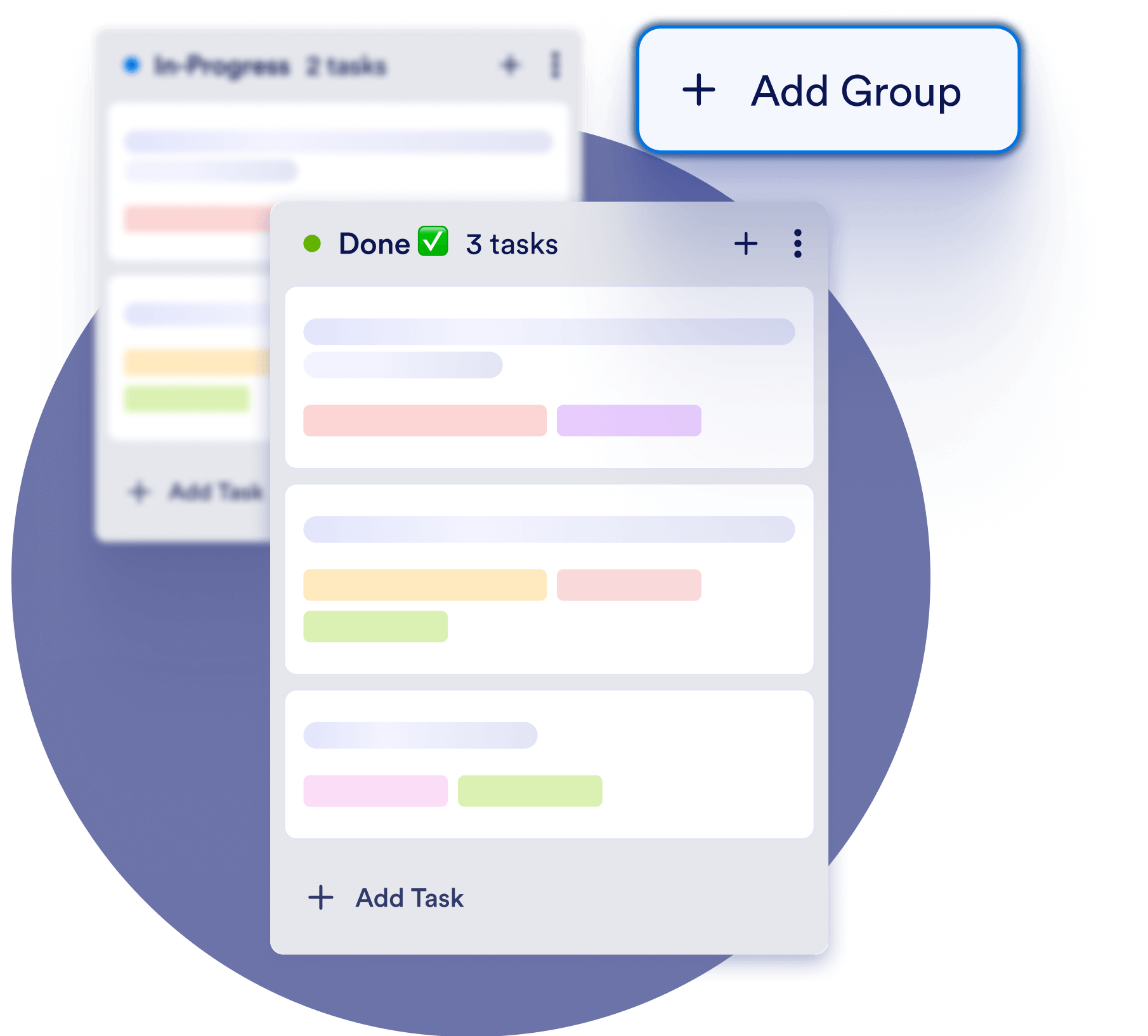
Keep tasks organized by setting their priority, categorizing with tags, or adjusting their order in a group. Maintain a clear workflow to ensure nothing gets overlooked.

[Create a Board - It’s Free](https://www.jotform.com/workspace/new?assetCreationType=board)

![Image 6: Add group option is shown and there are 2 different board columns that can be organized](https://cdn.jotfor.ms/image/r/aHR0cHM6Ly9jZG4uam90Zm9yLm1zL3AvcHJvZHVjdHMvYm9hcmRzL2Fzc2V0cy9pbWctbWluL3VzZS1jYXNlcy9mb3JtLXN1Ym1pc3Npb25zLzIucG5nP3Y9MS4x/2.png?w=40&t=1)

## Assign tasks and collaborate on requests

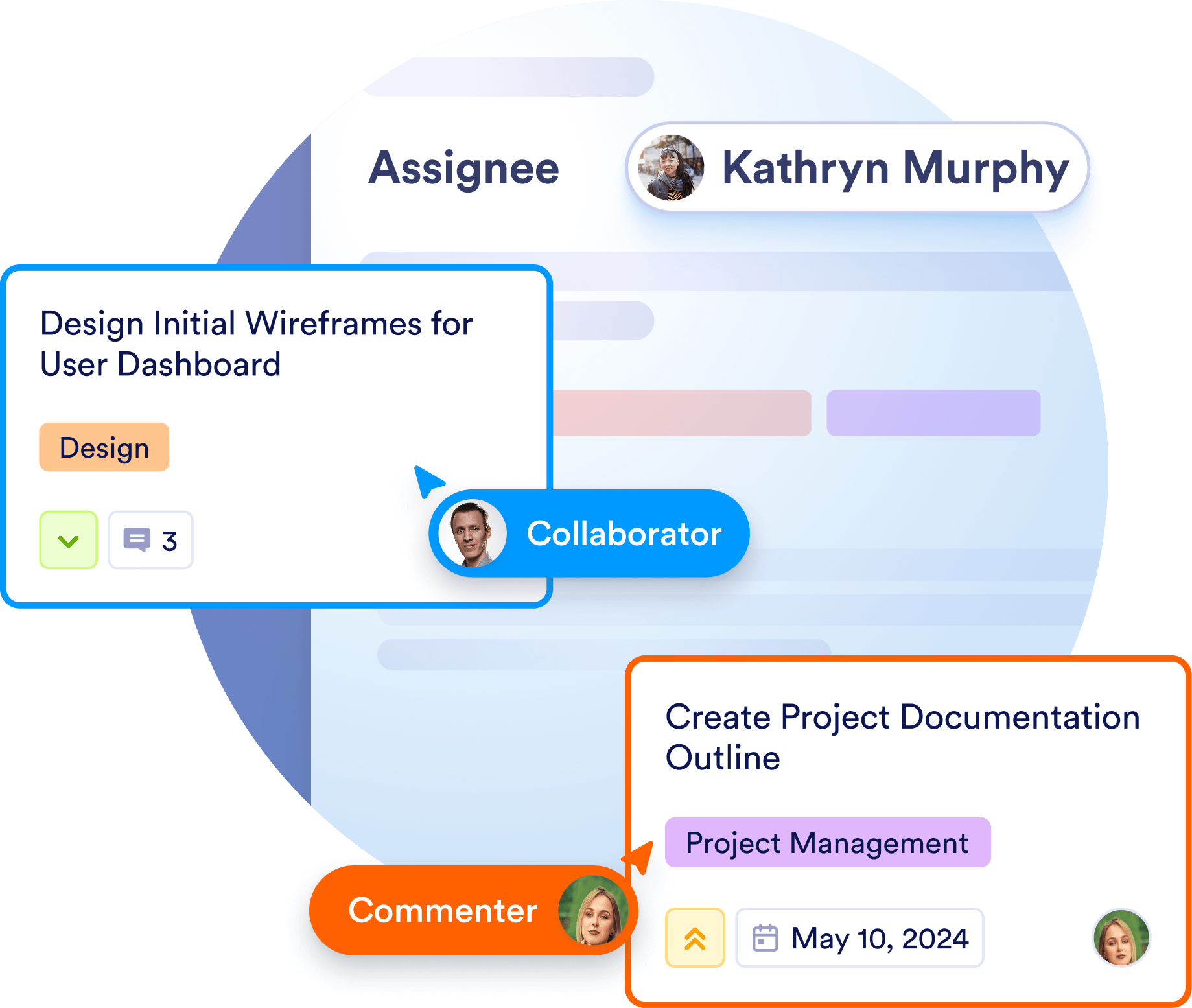
Easily delegate tasks by assigning them to team members. Keep track of responsibilities, streamline collaboration, and ensure every submission is handled efficiently.

[Create a Board - It’s Free](https://www.jotform.com/workspace/new?assetCreationType=board)

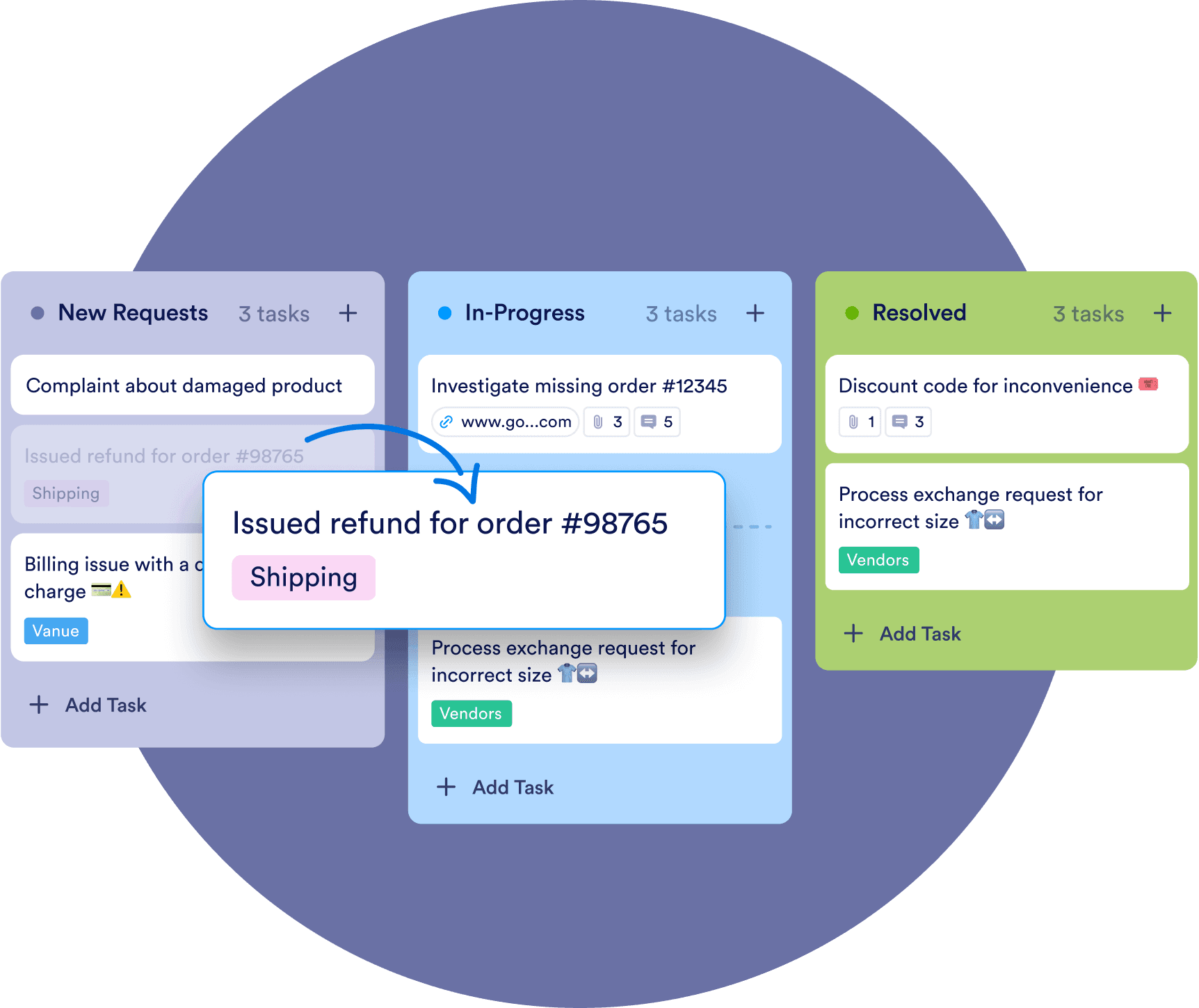
![Image 7: Card is shown as moved to different board column to show editting and updating tasks](https://cdn.jotfor.ms/image/r/aHR0cHM6Ly9jZG4uam90Zm9yLm1zL3AvcHJvZHVjdHMvYm9hcmRzL2Fzc2V0cy9pbWctbWluL3VzZS1jYXNlcy9mb3JtLXN1Ym1pc3Npb25zLzMucG5nP3Y9MS4x/3.png?w=40&t=1)

## Edit and update tasks

Modify task details directly on your board. Update task descriptions, groups, due dates, and add comments in real-time to keep information accurate and up to date.

[Create a Board - It’s Free](https://www.jotform.com/workspace/new?assetCreationType=board)

![Image 8: Edit and update tasks](https://cdn.jotfor.ms/image/r/aHR0cHM6Ly9jZG4uam90Zm9yLm1zL3AvcHJvZHVjdHMvYm9hcmRzL2Fzc2V0cy9pbWctbWluL3VzZS1jYXNlcy9mb3JtLXN1Ym1pc3Npb25zLzQucG5nP3Y9MS4x/4.png?w=40&t=1)

## Manage multiple forms in one board

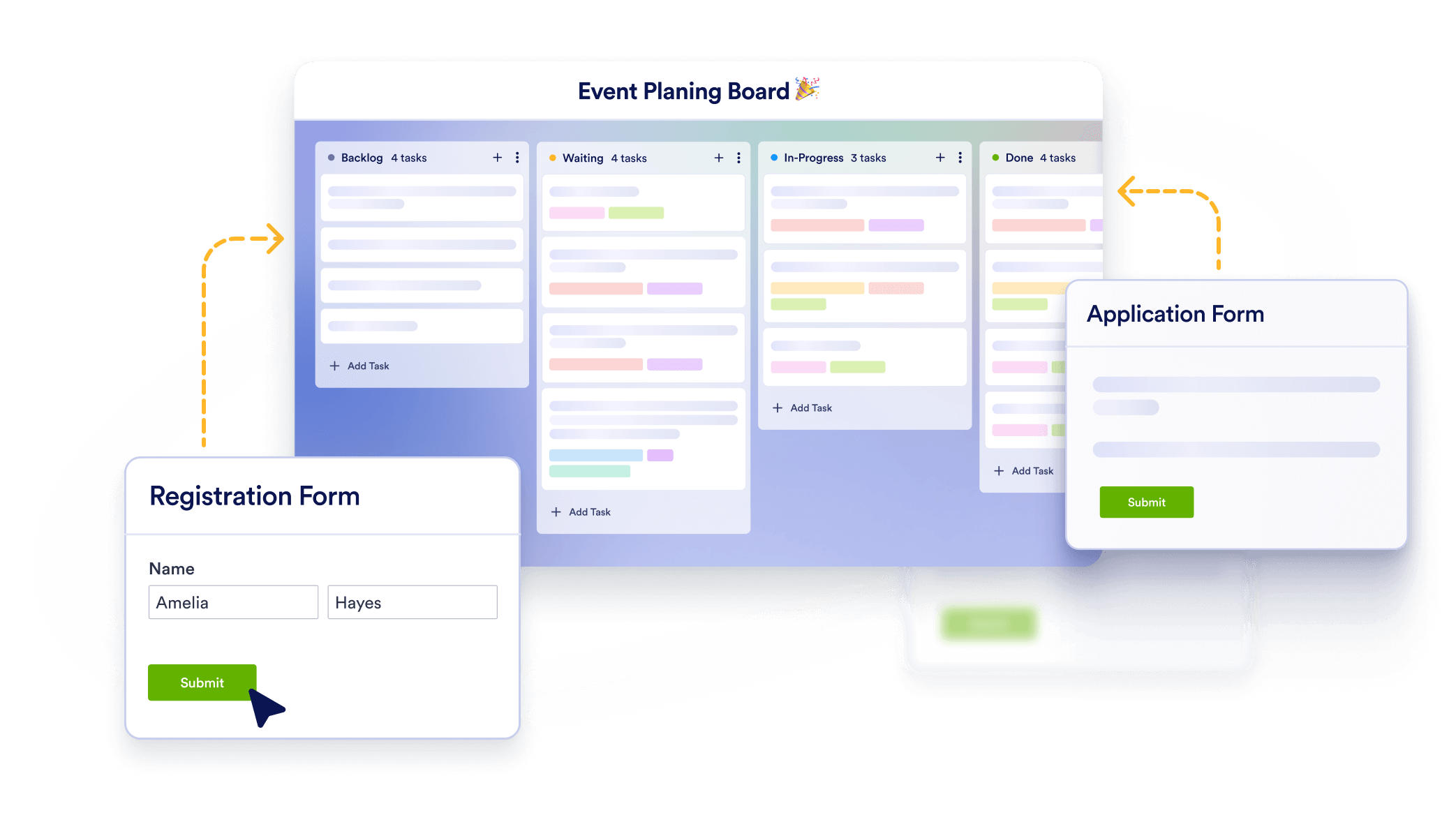
Connect multiple forms to one board to consolidate submissions without having to switch from different boards.

[Create a Board - It’s Free](https://www.jotform.com/workspace/new?assetCreationType=board)

![Image 9: Event planning board next registration and application form around it to show the ability of managing multiple forms](https://cdn.jotfor.ms/image/r/aHR0cHM6Ly9jZG4uam90Zm9yLm1zL3AvcHJvZHVjdHMvYm9hcmRzL2Fzc2V0cy9pbWctbWluL3VzZS1jYXNlcy9mb3JtLXN1Ym1pc3Npb25zL2JvdHRvbS1zZWN0aW9uLnBuZz92PTEuMQ==/bottom-section.png?w=40&t=1)