WHAT’S NEW?
Discover Jotform Prefill
See what’s new with Jotform Prefill! Speed up the form-filling process and boost conversion rates with brand-new features and integrations for Jotform Prefill.
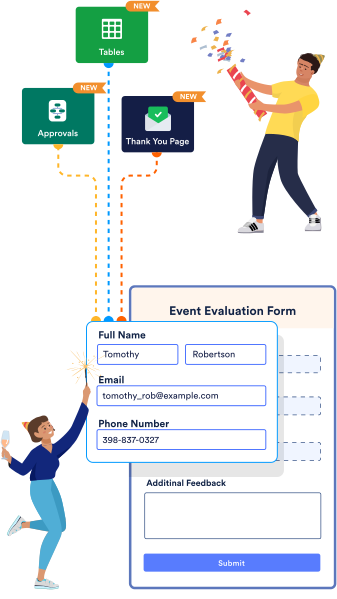
8 New Ways to Prefill Your Forms
Discover how you can improve the user experience with these new Jotform Prefill features and integrations.
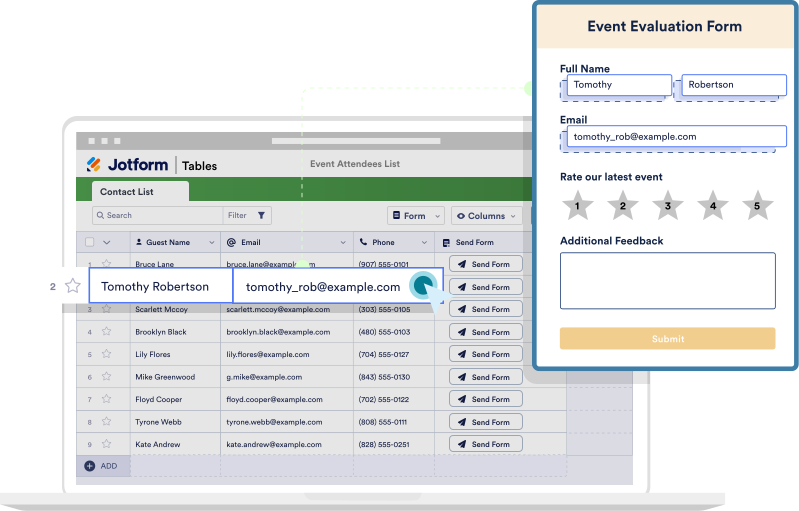
Jotform Tables
Send Prefilled Forms with Jotform Tables
Send pre-populated forms directly from Jotform Tables. Prefill forms using previous submissions or imported information — then email them to recipients without having to leave your table.
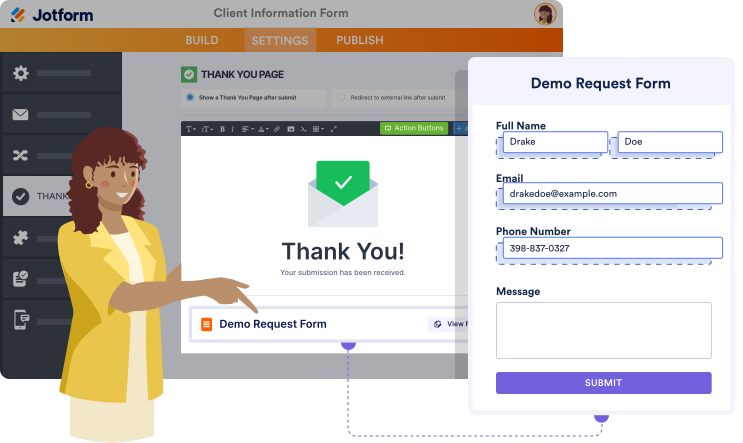
FILL ANOTHER FORM
Add Fill Another Form button to your Thank You Page
Use your form’s Thank You page to redirect users to another form pre-populated with their information. Add a button to your Thank You page that sends users to a secondary form with prefilled fields.
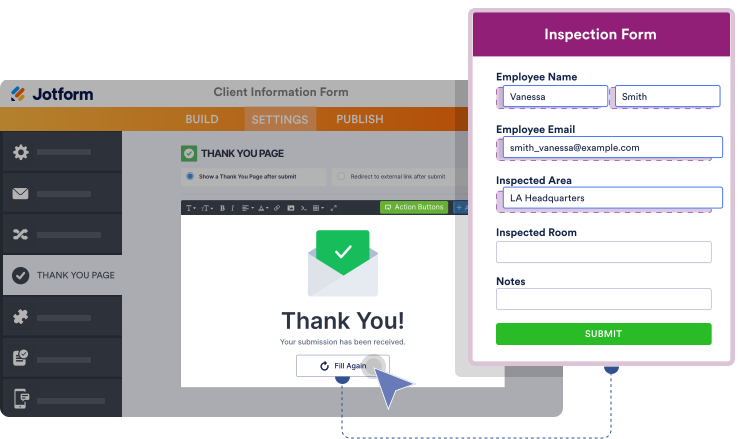
FILL AGAIN
Add Fill Again button to your Thank You Page
Include a Fill Again button in your Thank You page that invites users to submit another response to your form, with the information they’ve previously submitted already pre-populated.
Jotform Workflows
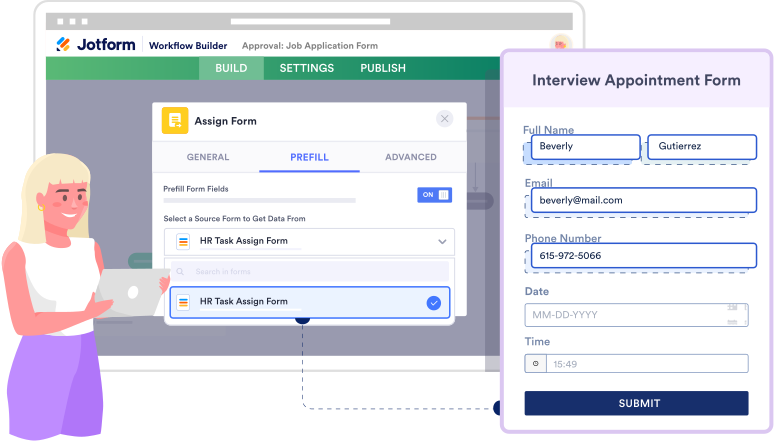
Assign Prefilled Forms with Jotform Workflows
Assign prefilled forms within your Jotform Workflows workflow. Speed up the approval process and reduce data inconsistencies by assigning forms that are prefilled with information previously entered into your approval flow.
ASSIGN FORMS
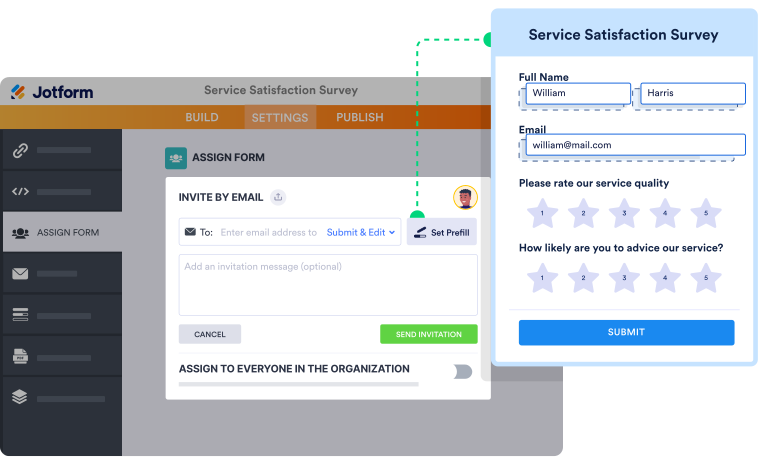
Assign Manually Prefilled Forms
Invite team members or clients to fill out forms you’ve prefilled yourself. Set up Jotform Prefill with our easy-to-use Assign Forms feature to send manually pre-populated forms to others and track their responses.
AIRTABLE
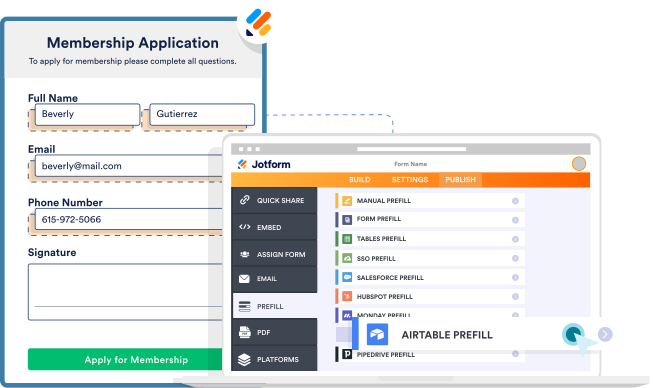
Prefill from Airtable
Create online forms pre-populated with data from your Airtable workspace. Collaborate with Airtable contacts by inviting them to edit the prefilled fields in your forms.
Learn More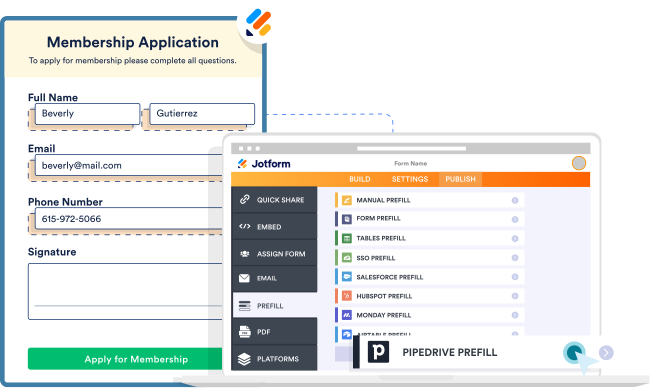
PIPEDRIVE
Prefill from Pipedrive
Connect Jotform to Pipedrive to create forms pre-populated with customer data from your CRM. Send leads and clients prefilled forms that they can edit and complete from any device.
Learn More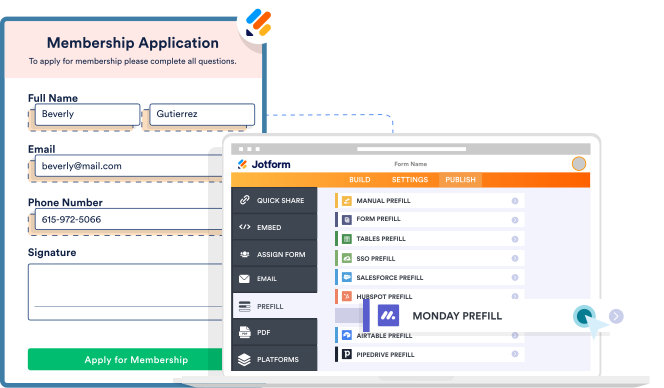
MONDAY.COM
Prefill from monday.com
Pre-populate your forms with project data or client information from your monday.com boards. Connect Jotform with monday.com to send prefilled forms to teammates or clients for a seamless workflow.
Learn More