
Create Airtable Prefilled Forms
Pre-populate your forms with data from Airtable. See how you can set up a prefilled Airtable form in just a few easy steps.
Create
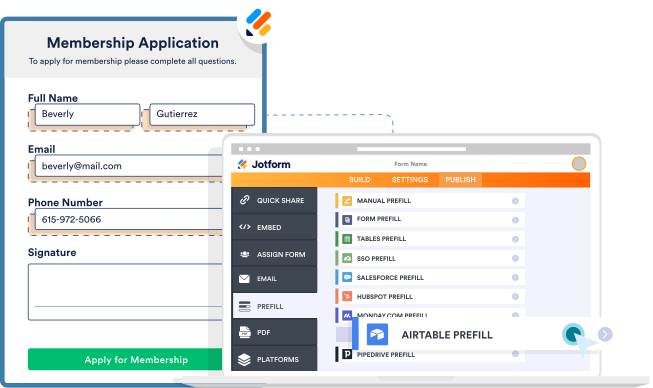
Create a prefilled form
Build your form from scratch or customize a ready-made template — then select Airtable as your Jotform Prefill method.
Authenticate
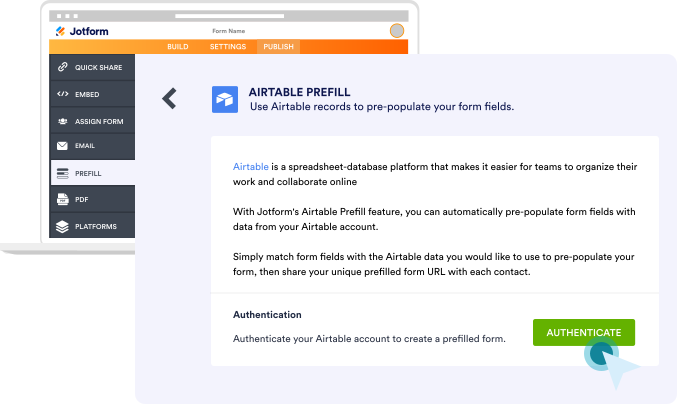
Connect Airtable
Connect your form to Airtable by securely authenticating your Airtable account.
Setup
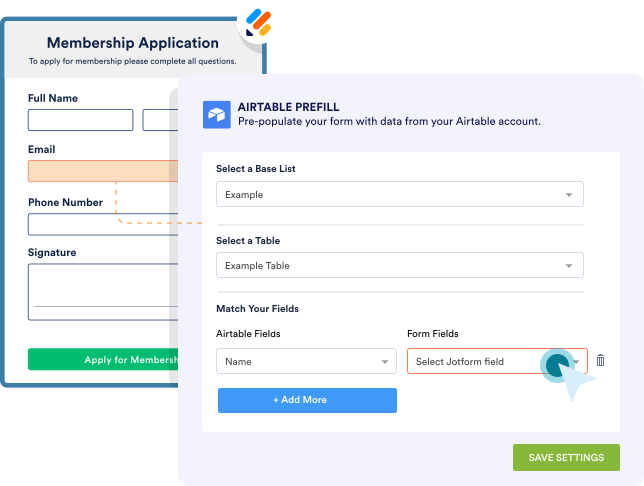
Match form fields
Select which form fields you’d like to pre-populate with data pulled from your Airtable workspace.
Share
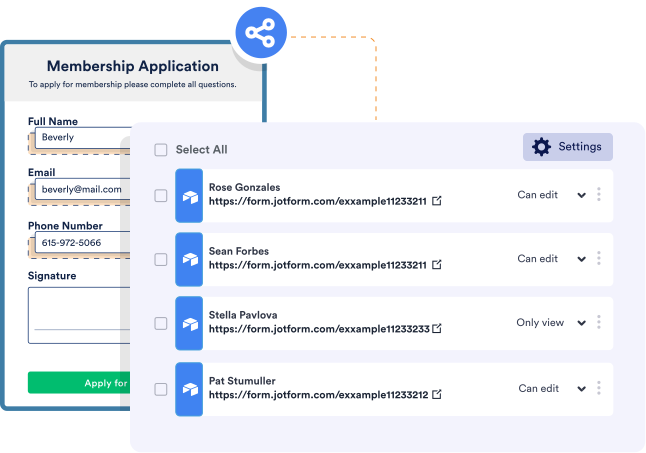
Send your form to Airtable contacts
Collaborate with others by inviting team members or clients to edit the prefilled fields in your form.