FEATURES
Discover how Jotform Prefill works
Explore the many ways you can pre-populate your form fields with Jotform Prefill — and see how these powerful features make your forms easier for users to fill out.
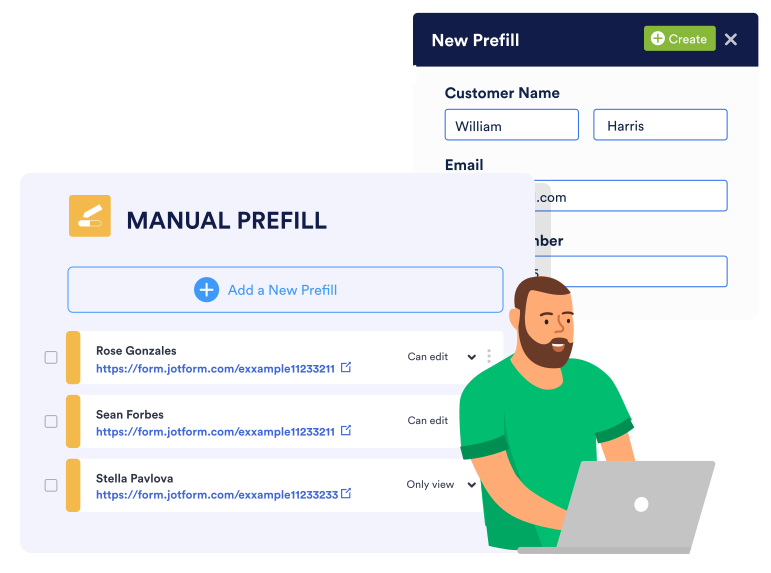
Manual
Prefill forms manually
Fill out form fields manually and send prefilled forms to your users. When each user opens their customized form, certain fields will instantly be pre-populated.
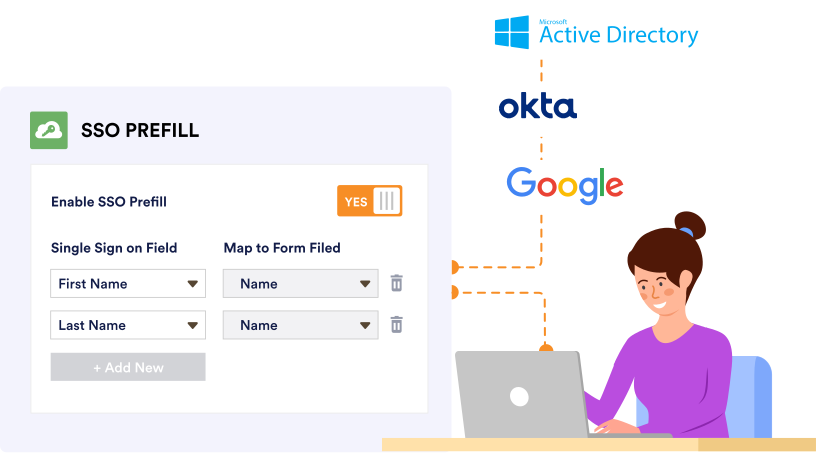
Single Sign On
SSO Prefill for Enterprise
Enable single sign-on (SSO) prefill for improved security and form field accuracy. Jotform Enterprise integrates with SSO solutions such as Microsoft, Google, Okta, Duo, and OneLogin, so you can access prefilled forms with login credentials pulled from your organization’s local data residency center.
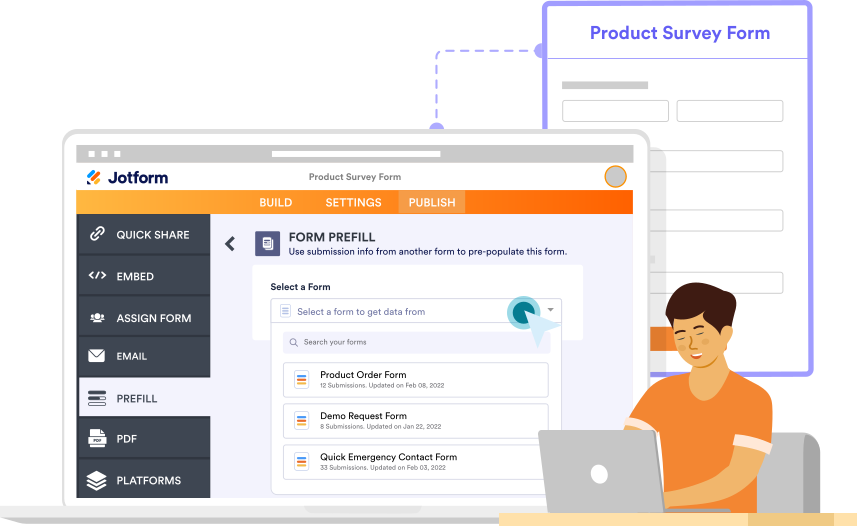
Online Form
Prefill from another form
Create a prefilled form URL with information from another form. Simply select a form and import data from its table in order to pre-populate your form fields.
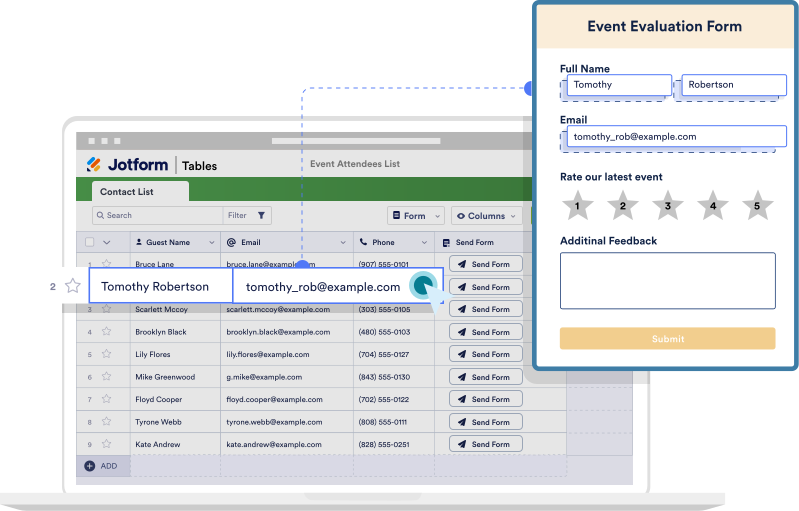
Jotform Tables
Send Prefilled Forms with Jotform Tables
Send pre-populated forms directly from Jotform Tables. Prefill forms using previous submissions or imported information — then email them to recipients without having to leave your table.
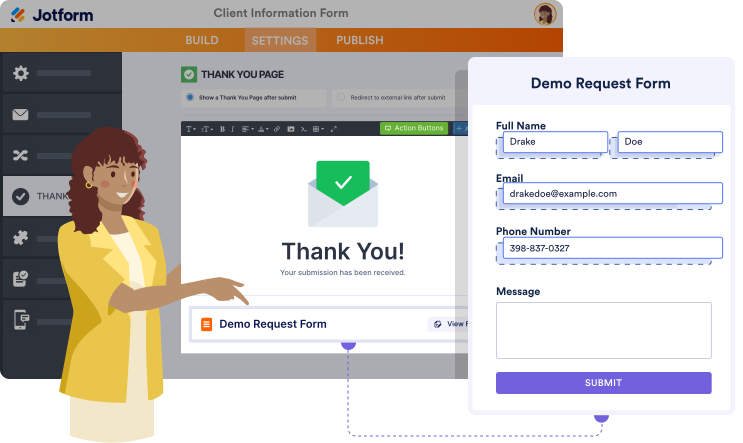
Fill Another Form
Add Fill Another Form button to your Thank You Page
Use your form’s Thank You page to redirect users to another form pre-populated with their information. Add a button to your Thank You page that sends users to a secondary form with prefilled fields.
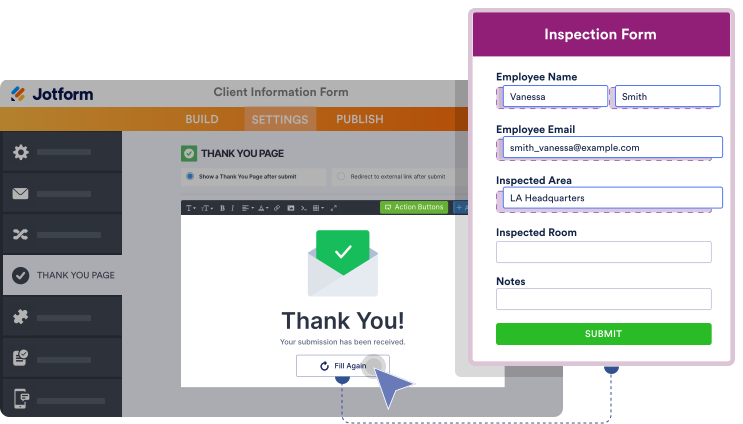
Fill Again
Add Fill Again button to your Thank You Page
Include a Fill Again button in your Thank You Page that invites users to submit another response to your form, with the information they’ve previously submitted already pre-populated.
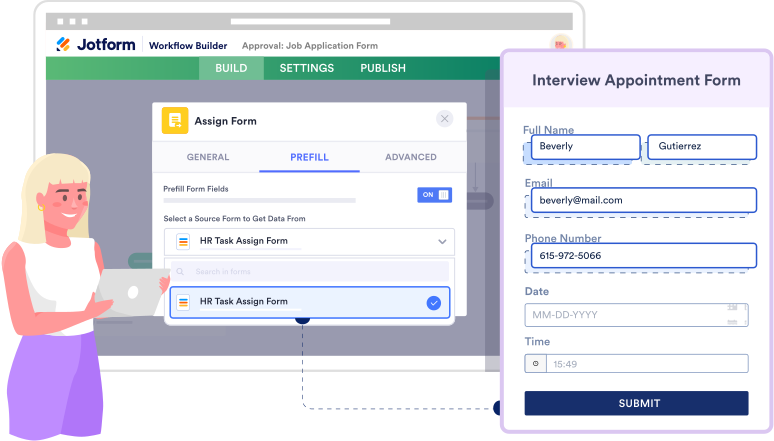
Jotform Workflows
Assign Prefilled Forms with Jotform Workflows
Assign prefilled forms within your Jotform Workflows workflow. Speed up the approval process and reduce data inconsistencies by assigning forms that are prefilled with information previously entered into your approval flow.
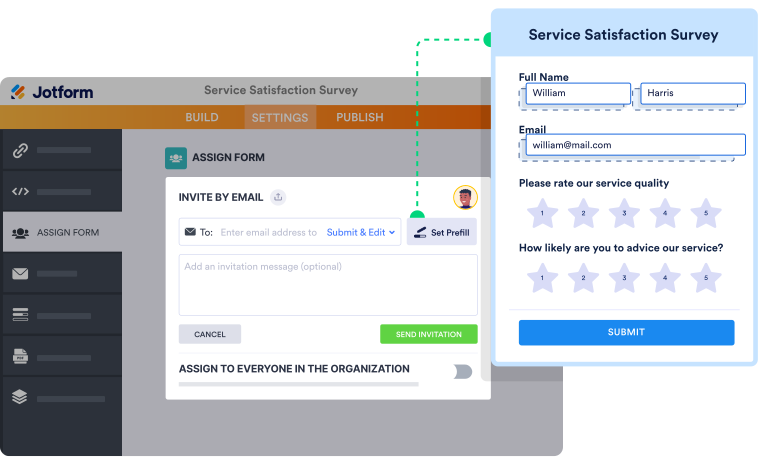
Assign Forms
Assign Manually Prefilled Forms
Invite team members or clients to fill out forms you’ve prefilled yourself. Set up Jotform Prefill with our easy-to-use Assign Forms feature to send manually pre-populated forms to others and track their responses.
Jotform Tables
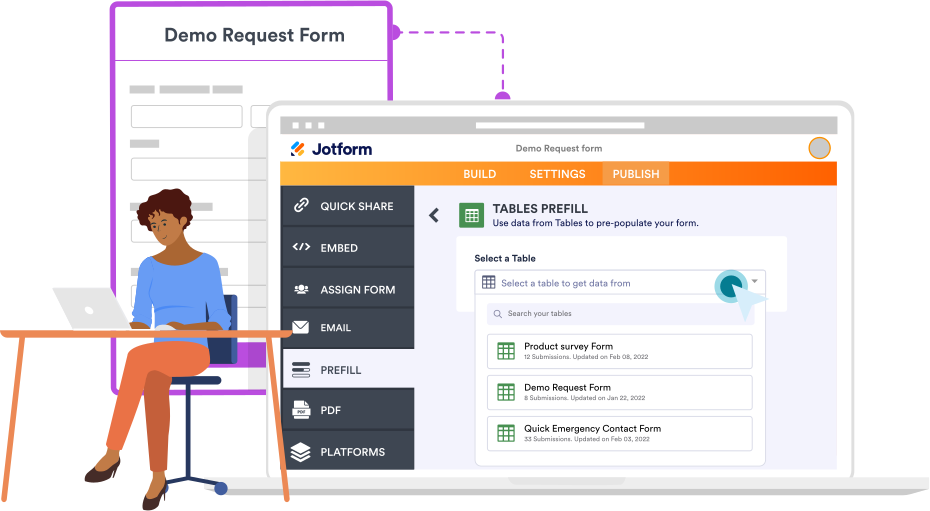
Prefill from Jotform Tables
Whether you’re pre-populating fields with submission data or imported data, easily prefill your forms with information from Jotform Tables.

Spreadsheet
Auto-fill form fields from Excel files
Use our Spreadsheet to Form widget to prefill your forms based on a unique code that pulls data from your Excel sheet.
Prefill Forms with Popular Tools