# Smart PDF Forms for government agencies | Jotform Government

# Make your PDFs interactive

Tired of waiting for others to print, fill out, scan, and send your PDF forms manually? Turn your PDF forms into mobile-friendly online forms without any coding to get submissions quickly and efficiently.

[Contact Sales](https://www.jotform.com/government/contact-sales/)

![Image 1: Hero Background Texture](https://cdn.jotfor.ms/p/government/assets/img-min//components/hero-text-only/bg.svg)

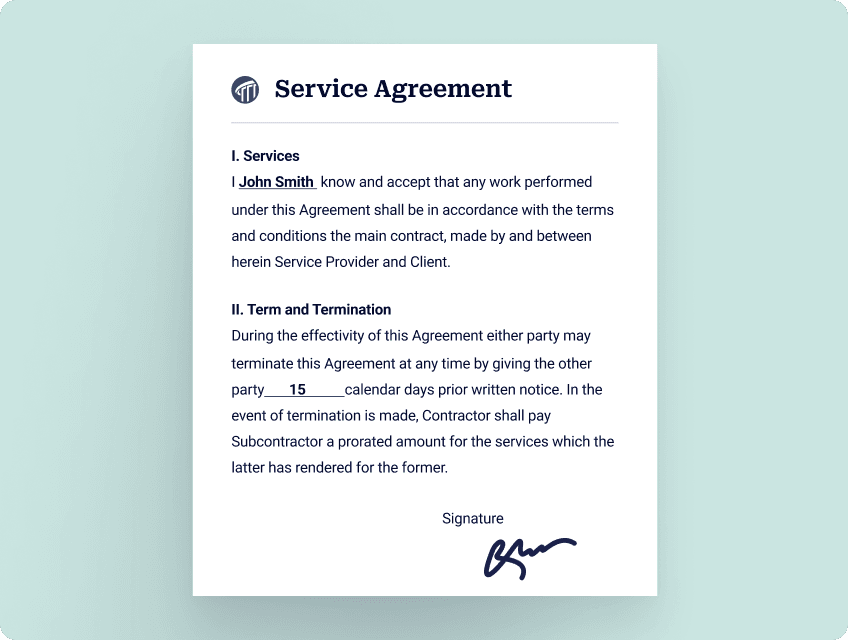
![Image 2: Upload](https://cdn.jotfor.ms/image/r/aHR0cHM6Ly9jZG4uam90Zm9yLm1zL3AvZ292ZXJubWVudC9hc3NldHMvaW1nLW1pbi9zbWFydC1wZGYtZm9ybXMvc2VydmljZS1kb2N1bWVudC5wbmc=/service-document.png?w=848&t=1)

**1**
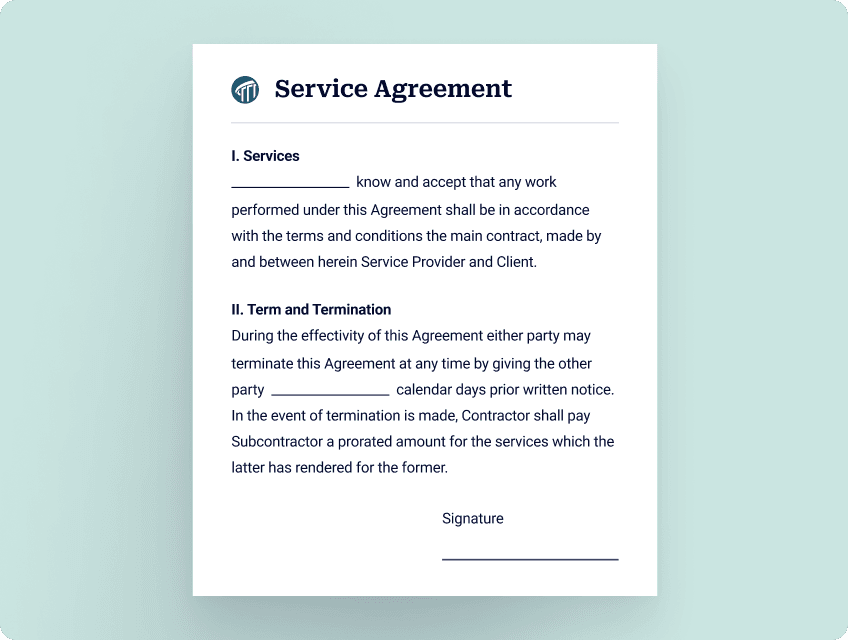
UPLOAD your PDF form

![Image 3: Convert](https://cdn.jotfor.ms/image/r/aHR0cHM6Ly9jZG4uam90Zm9yLm1zL3AvZ292ZXJubWVudC9hc3NldHMvaW1nLW1pbi9zbWFydC1wZGYtZm9ybXMvcGRmLnBuZw==/pdf.png?w=848&t=1)

**2**
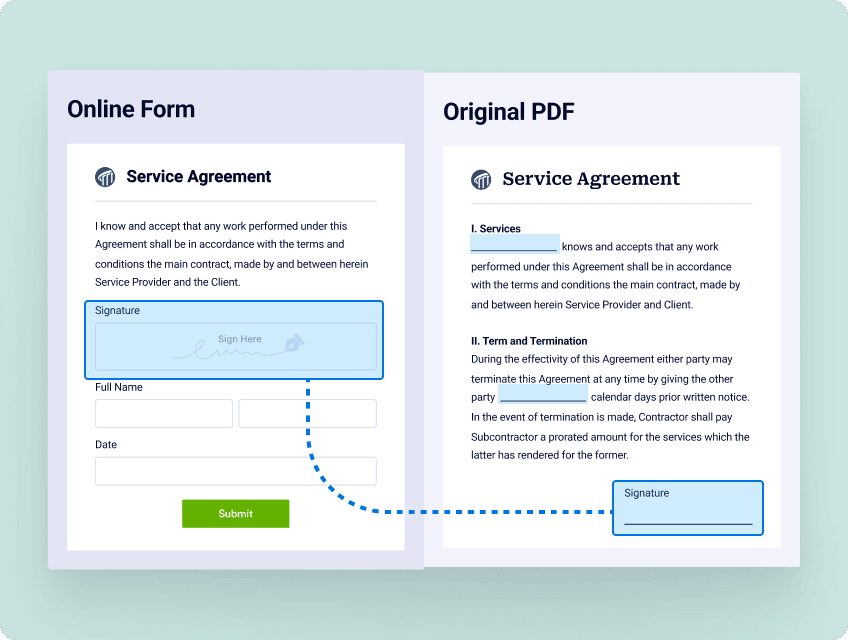
CONVERT to HTML web form

![Image 4: Share](https://cdn.jotfor.ms/image/r/aHR0cHM6Ly9jZG4uam90Zm9yLm1zL3AvZ292ZXJubWVudC9hc3NldHMvaW1nLW1pbi9zbWFydC1wZGYtZm9ybXMvc2VydmljZS1hZ3JlZW1lbnQtbW9iaWxlLnBuZw==/service-agreement-mobile.png?w=848&t=1)

**3**
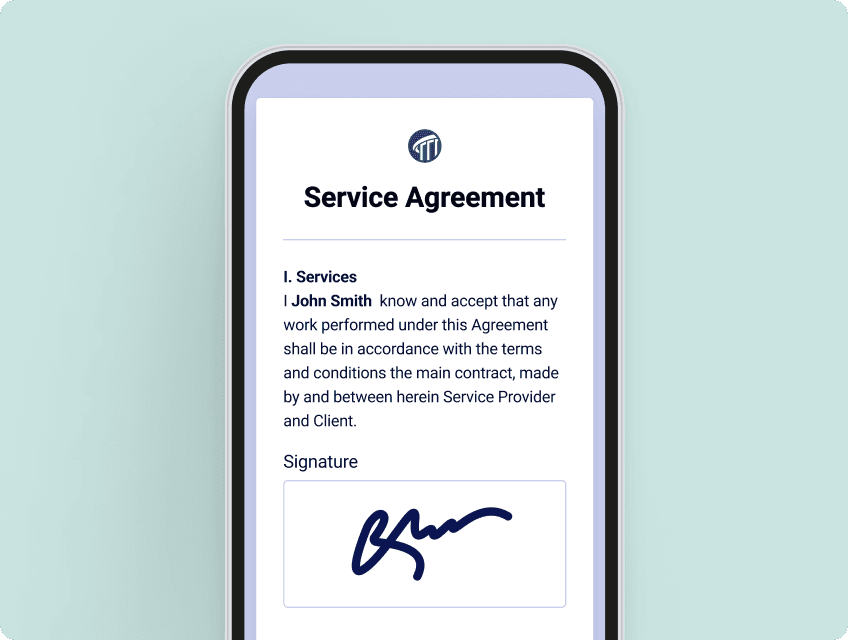
COLLECT responses from others

![Image 5: Collect](https://cdn.jotfor.ms/image/r/aHR0cHM6Ly9jZG4uam90Zm9yLm1zL3AvZ292ZXJubWVudC9hc3NldHMvaW1nLW1pbi9zbWFydC1wZGYtZm9ybXMvdGFibGUucG5n/table.png?w=848&t=1)

**4**
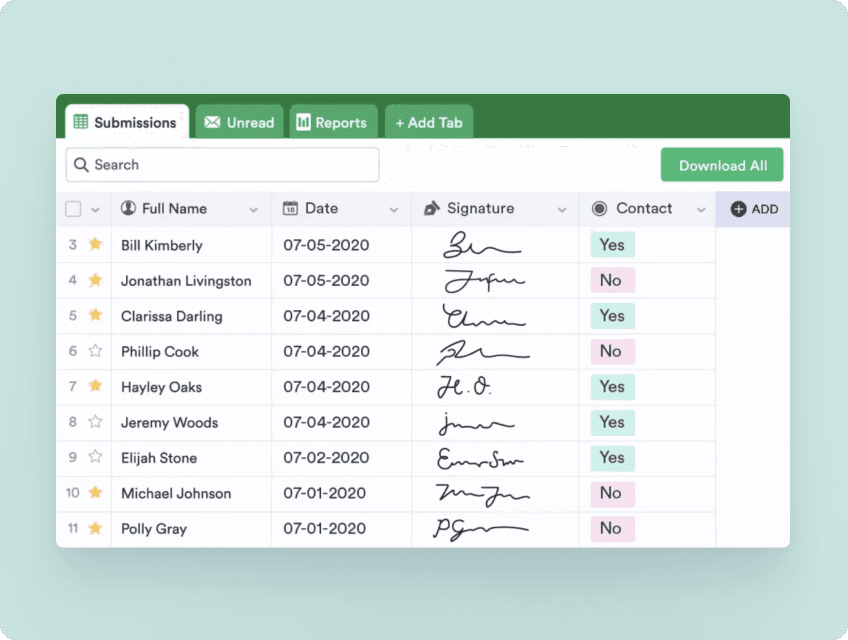
MANAGE all responses in one place

![Image 6: Keep](https://cdn.jotfor.ms/image/r/aHR0cHM6Ly9jZG4uam90Zm9yLm1zL3AvZ292ZXJubWVudC9hc3NldHMvaW1nLW1pbi9zbWFydC1wZGYtZm9ybXMvc2VydmljZS0yLnBuZw==/service-2.png?w=848&t=1)

**5**
KEEP your original PDF layout

![Image 7: Speed up the process](https://cdn.jotfor.ms/image/r/aHR0cHM6Ly9jZG4uam90Zm9yLm1zL3AvZ292ZXJubWVudC9hc3NldHMvaW1nLW1pbi9zbWFydC1wZGYtZm9ybXMvY29uZGl0aW9uLnBuZw==/condition.png?w=40&t=1)

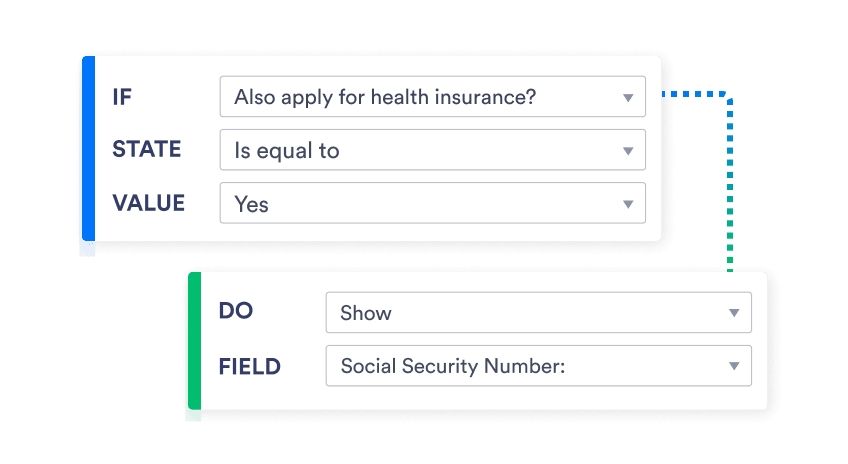
### Speed up the process

Increase conversion rates with advanced form features that simplify your form design, like conditional logic.
### Share in seconds

Embed your online form in your website, or send the form link directly to the people you work with.
![Image 8: Works on any device](https://cdn.jotfor.ms/image/r/aHR0cHM6Ly9jZG4uam90Zm9yLm1zL3AvZ292ZXJubWVudC9hc3NldHMvaW1nLW1pbi9zbWFydC1wZGYtZm9ybXMvc2VydmljZS1hY21lLnBuZw==/service-acme.png?w=40&t=1)

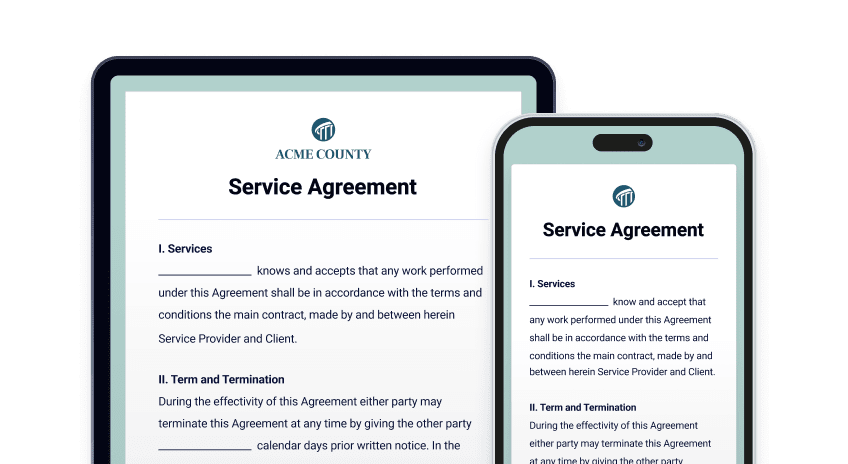
### Works on any device

Provide an easier form-filling experience with mobile-friendly forms that work seamlessly on any computer, smartphone, or tablet.

## Transform your PDF forms into online forms in seconds

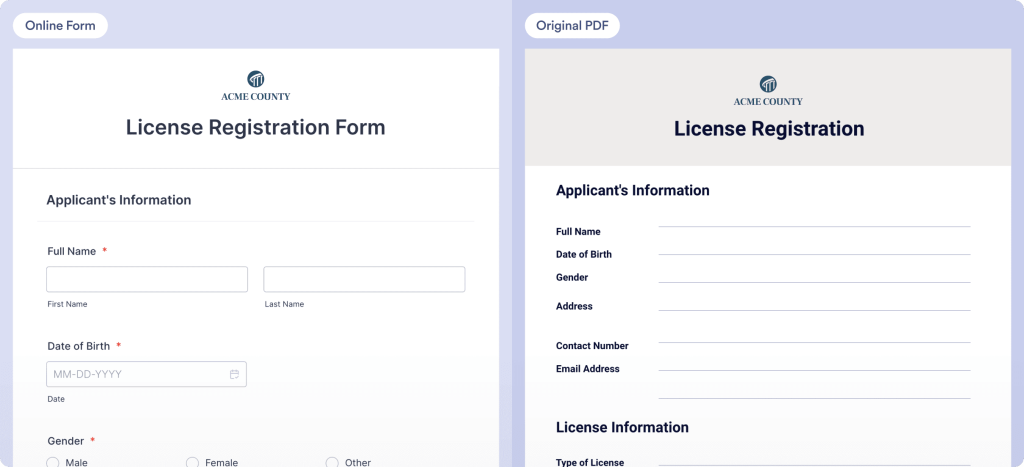
See how easy it is to turn your PDF form into an online form without altering the layout of the original PDF.

![Image 9: Applications](https://cdn.jotfor.ms/p/government/assets/img-min/common/paper-plane-diagonal-plus-filled-white.svg)Applications

![Image 10: Registrations](https://cdn.jotfor.ms/p/government/assets/img-min/common/pencil-line-filled-white.svg)Registrations

![Image 11: Contracts](https://cdn.jotfor.ms/p/government/assets/img-min/common/pen-plus-white.svg)Contracts

![Image 12: Contracts](https://cdn.jotfor.ms/image/r/aHR0cHM6Ly9jZG4uam90Zm9yLm1zL3AvZ292ZXJubWVudC9hc3NldHMvaW1nLW1pbi9zbWFydC1wZGYtZm9ybXMvc2VydmljZS1hZ3JlZW1lbnQucG5n/service-agreement.png?w=40&t=1)

![Image 13: Applications](https://cdn.jotfor.ms/image/r/aHR0cHM6Ly9jZG4uam90Zm9yLm1zL3AvZ292ZXJubWVudC9hc3NldHMvaW1nLW1pbi9zbWFydC1wZGYtZm9ybXMvZ3JhbnQtYXBwbGljYXRpb24ucG5n/grant-application.png?w=40&t=1)

![Image 14: Registrations](https://cdn.jotfor.ms/image/r/aHR0cHM6Ly9jZG4uam90Zm9yLm1zL3AvZ292ZXJubWVudC9hc3NldHMvaW1nLW1pbi9zbWFydC1wZGYtZm9ybXMvbGljZW5zZS1yZWdpc3RyYXRpb24ucG5n/license-registration.png?w=40&t=1)

![Image 15: Contracts](https://cdn.jotfor.ms/image/r/aHR0cHM6Ly9jZG4uam90Zm9yLm1zL3AvZ292ZXJubWVudC9hc3NldHMvaW1nLW1pbi9zbWFydC1wZGYtZm9ybXMvc2VydmljZS1hZ3JlZW1lbnQucG5n/service-agreement.png?w=40&t=1)

![Image 16: Applications](https://cdn.jotfor.ms/image/r/aHR0cHM6Ly9jZG4uam90Zm9yLm1zL3AvZ292ZXJubWVudC9hc3NldHMvaW1nLW1pbi9zbWFydC1wZGYtZm9ybXMvZ3JhbnQtYXBwbGljYXRpb24ucG5n/grant-application.png?w=40&t=1)

![Image 17: HIPAA](https://cdn.jotfor.ms/p/government/assets/img-min/common/HIPAA.svg)

![Image 18: GovRAMP Logo](https://cdn.jotfor.ms/image/r/aHR0cHM6Ly9jZG4uam90Zm9yLm1zL3AvZ292ZXJubWVudC9hc3NldHMvaW1nLW1pbi9jb21tb24vR292UkFNUC5wbmc=/GovRAMP.png?w=40&t=1)

![Image 19: GDPR](https://cdn.jotfor.ms/p/government/assets/img-min/common/GDPR.svg)

![Image 20: PCI](https://cdn.jotfor.ms/p/government/assets/img-min/common/PCI.svg)

![Image 21: CCPA](https://cdn.jotfor.ms/p/government/assets/img-min/common/CCPA.svg)

![Image 22: 256-bit](https://cdn.jotfor.ms/p/government/assets/img-min/common/256-bit.svg)

## Keep your PDFs secure

Jotform Government provides advanced security features for your documents to help you comply with regulations like HIPAA, GDPR, CCPA, and more. You can also add an extra layer of security by setting a password for your PDF documents.

[Contact Sales](https://www.jotform.com/government/contact-sales/)

## What customers say about Jotform

*    
### The judges love that they no longer have to read handwritten petitions The Smart PDF builder is very helpful because the courts need the online petition to look exactly like the print petition. The only difference is that everything is typed in the online forms. The judges love that they no longer have to read handwritten petitions because they rely on that information to make their decisions. If they can’t decipher the written description of the abuse, the relief may be delayed.  **Ayyoub Ajmi**
Founder, CiviLaw.tech