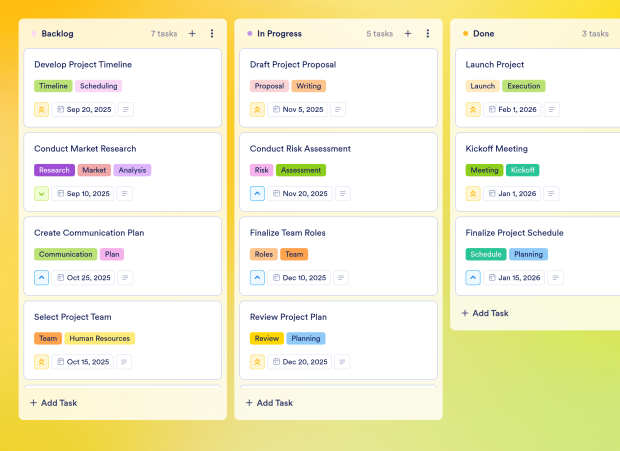
Decision Tracking Board Template
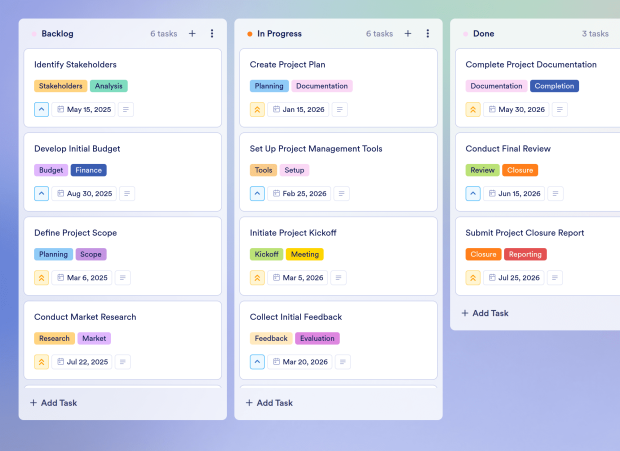
Manage your decisions effectively with Jotform's Decision Tracking Board template. Use this customizable board to track change requests, review decisions, and collaborate with your team using a drag-and-drop interface.
Connected Assets
This template collects and utilizes data from the assets listed below. These assets can be customized to align with your specific requirements.
Connected Forms
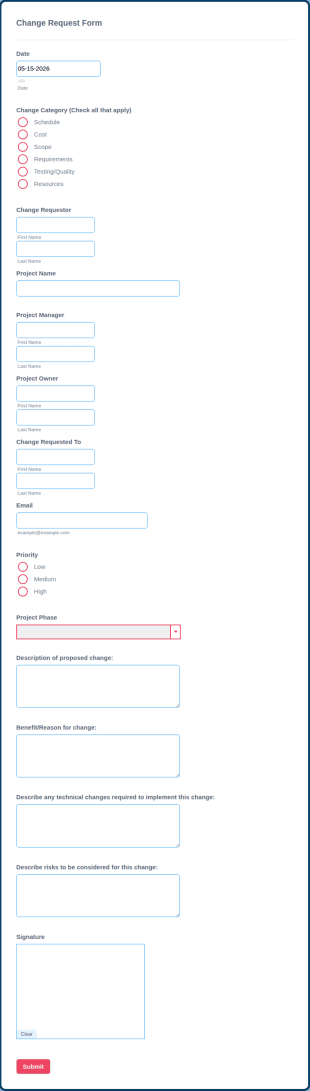
This board collects and interacts with data from the forms shown here. You can customize, remove, or add connected forms from the Boards interface.
This Decision Tracking Board Template is used to manage and track the decision-making process within teams. It allows users to submit change requests, evaluate them, and document the outcomes, ensuring clarity and accountability in decision-making.
The template should include key elements such as change requests, decision outcomes, assigned team members, due dates, and documentation of the decision process to ensure a comprehensive view of all decisions made.
This template is ideal for use during project planning and execution phases when decisions regarding changes need to be tracked and evaluated. It is particularly useful for teams working on complex projects with multiple stakeholders.
Project managers, team leaders, and any professionals involved in decision-making processes can use this template. It is beneficial for cross-functional teams that need to collaborate on change requests and implementations.
This template enhances transparency in decision-making, improves collaboration among team members, and provides a structured approach to tracking change requests. It allows for efficient communication and ensures that all decisions are documented and accessible.
Yes, you can assign tasks related to each decision to specific team members, ensuring clear ownership and accountability for each change request and its implementation.
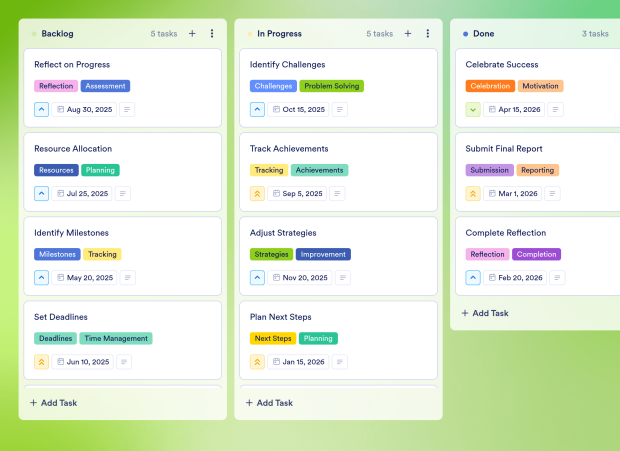
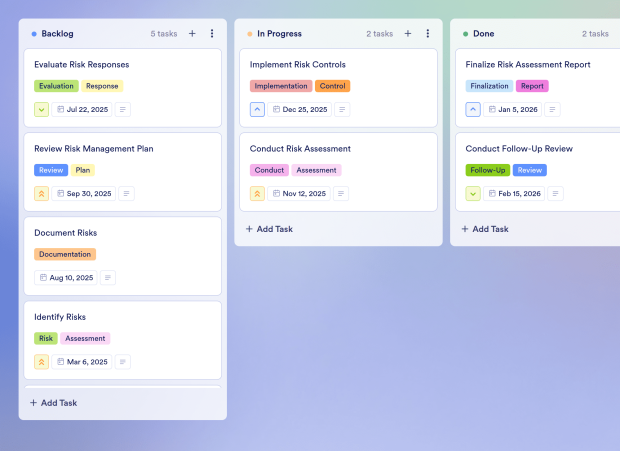
You can visually track the progress of each decision using the Kanban board layout, moving tasks through different stages such as "Backlog," "In Progress," and "Done" to monitor their status effectively.
Yes, you can integrate your Jotform forms with the board, allowing new change requests submitted through forms to automatically create tasks in the board, streamlining the decision-making process.
Organize your projects effectively with Jotform's Roadmap Board Template. Use this customizable board to outline project phases, allocate tasks, and track progress with a drag-and-drop interface.
Go to Category:Strategy & PlanningOrganize your nonprofit's annual planning with Jotform's Nonprofit Annual Plan Template. This customizable board template helps manage tasks, set priorities, and streamline collaboration for effective online task management.
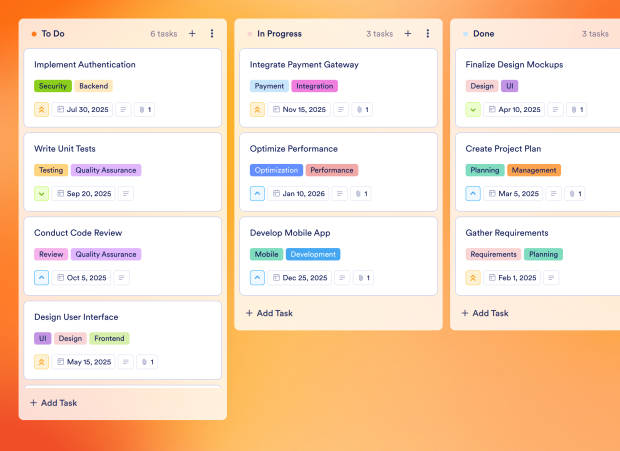
Go to Category:Strategy & PlanningManage your projects efficiently with Jotform's Jobs To Be Done Template. This customizable board template helps teams prioritize tasks, track progress, and collaborate effectively using a drag-and-drop interface.
Go to Category:Product & Software DevelopmentCreate a comprehensive business plan with Jotform's Business Plan For A Small Business Template. Use this customizable board to manage tasks, set priorities, and collaborate with your team using a drag-and-drop interface.
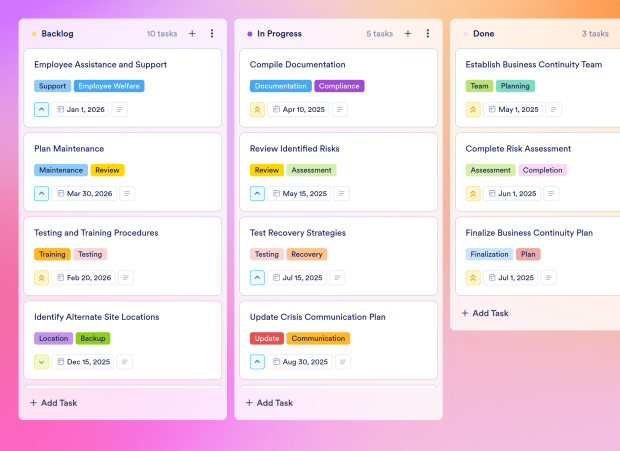
Go to Category:Strategy & PlanningOptimize your strategic planning with Jotform's SWOT Board template. Use this customizable board to analyze strengths, weaknesses, opportunities, and threats effectively using a drag-and-drop interface.
Go to Category:Strategy & PlanningManage your nonprofit's grant applications and project proposals with Jotform's Nonprofit Business Plan Board Template. This customizable board streamlines tasks, enhances collaboration, and supports workflow automation.
Go to Category:Strategy & Planning