

Solve (formerly known as Solve360) is a modern cloud based CRM with features to manage projects. Solve is very easy to setup and use. Solve allows you to store all kinds of information in the CRM, and use it as a shared email database.
We are excited to announce our integration with Solve CRM. You can now easily connect your forms with your data. Depending on the questions on your form, you can transfer contacts or companies to your Solve database.

How to Integrate Your Form with Solve
Integrating a Jotform form with Solve is pretty straightforward.
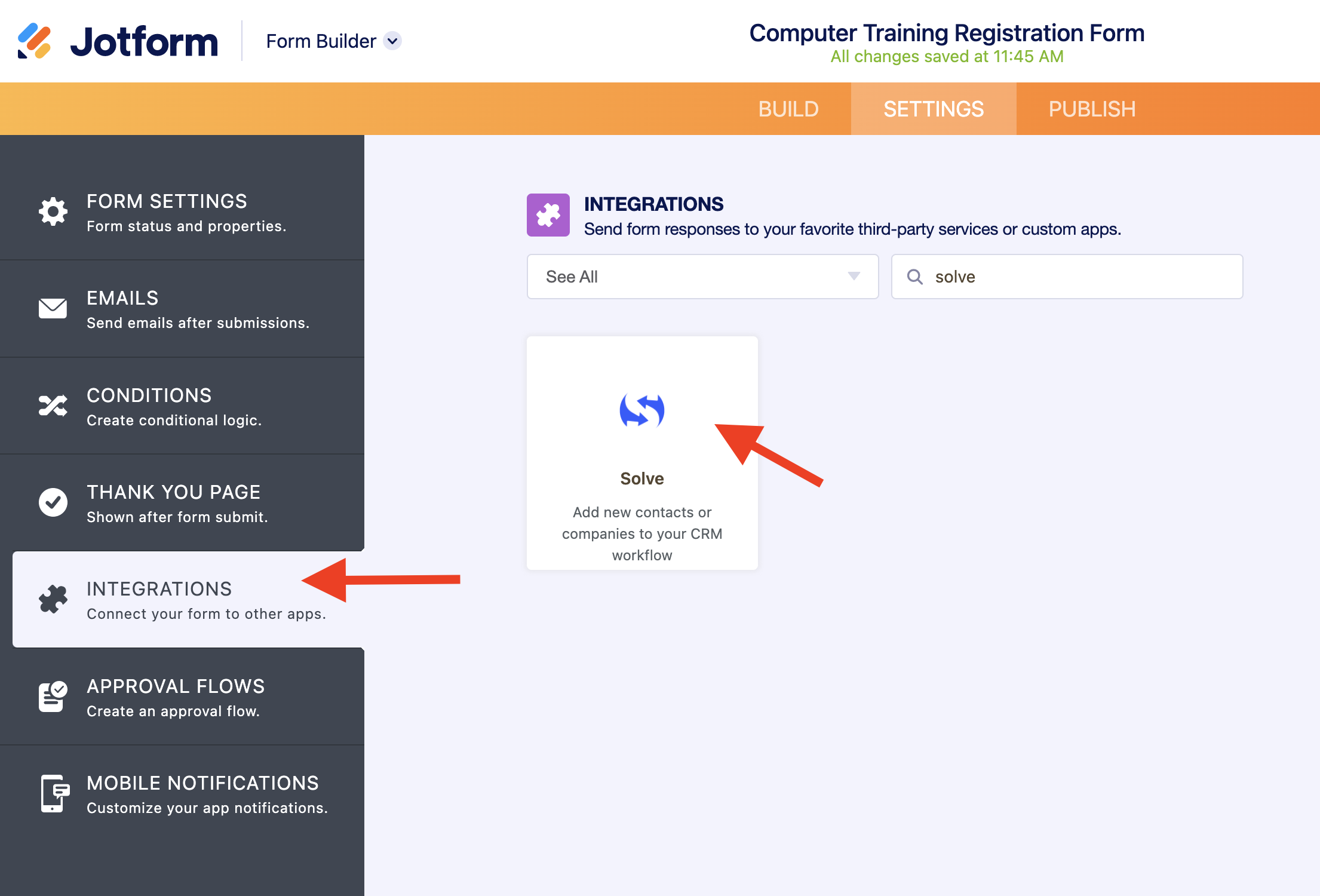
1. First, open your form on the Form Builder. Then, click on Integrations button under Settings tab. Find Solve under CRM category.
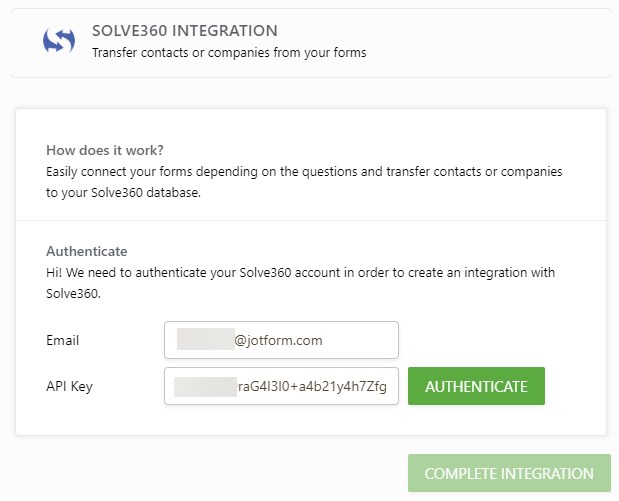
2. Enter your Solve email address and API Key.
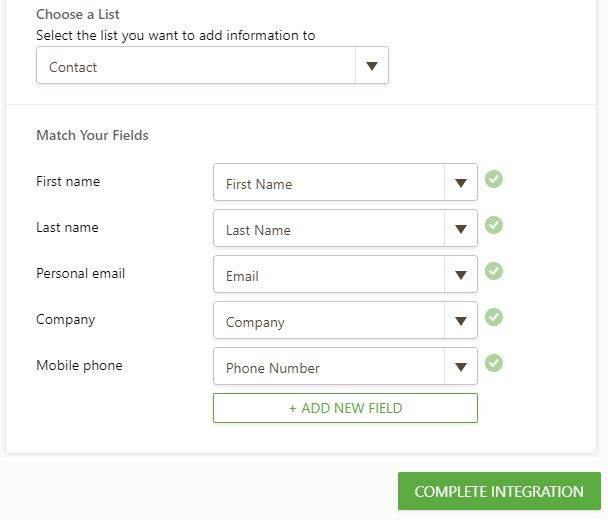
3. Next, choose if you would like to post what kind of information to Solve. Is this company information or information for an individual. you can define what information will be sent to Solve database. By default, we will match your name, email and phone fields. But, you can also match other fields as well.
4. That’s all. Your are now all set with the integration.

Please give it a try and let us know about your experience in the comments below.























































Send Comment:
6 Comments:
October 16, 2015
my forms says it is integrated but i don't receive the details to my solve360
May 14, 2014
where do I get my api key?
December 26, 2012
Hey Aytekin! Hope all is well. Great to see you've integrated with Solve360 I have used their CRM for years. I don't know if you remember but you guys built my homesellersoftware site and I still have another project that you and your team built I will email you about finishing soon. Thanks, Terry K.
December 4, 2012
It would be fantastic if the tags in 360 could be recognized in the form and trigger an opportunity and the appropriate fields
October 8, 2012
Jotform is getting better and better, i'm loving it, thanks alot
October 7, 2012
Hi,
it would be great to get the "Category" field in Solve360 syncronized. I´m filtering contacts in Solve360 (and sync to Google Apps) using this field criterira. It will be helpfull, if i could set a (hided)value for Category in my Jot-Form and sync this to the Solve360 category. I there a way?
Thanks, Gunnar