# Combine PDFs Online for Free | Merge PDFs Fast & Securely | Jotform

# Effortlessly Merge PDFs in Seconds with Jotform

Combine multiple PDF documents into a single PDF file with Jotform’s powerful PDF merge tool. Quick, easy, and completely free!

## Try other Jotform PDF tools

### [Split PDF Break large PDFs into smaller, more manageable parts in just a few clicks.](https://www.jotform.com/pdf/split/)### [Compress PDF Reduce PDF file sizes without compromising quality for easy sharing and storage.](https://www.jotform.com/pdf/compress/)### [Flatten PDF Lock your PDF content by converting layers and fields into a fixed format.](https://www.jotform.com/pdf/flatten/)### [AI PDF Summarizer Quickly extract key insights and summaries from lengthy PDF documents.](https://www.jotform.com/ai/summarizer/pdf/)### [AI Chat with PDF Interact with your PDF using AI to answer questions and retrieve specific information instantly.](https://www.jotform.com/ai/chat-with-pdf/)

## How to merge your PDFs online

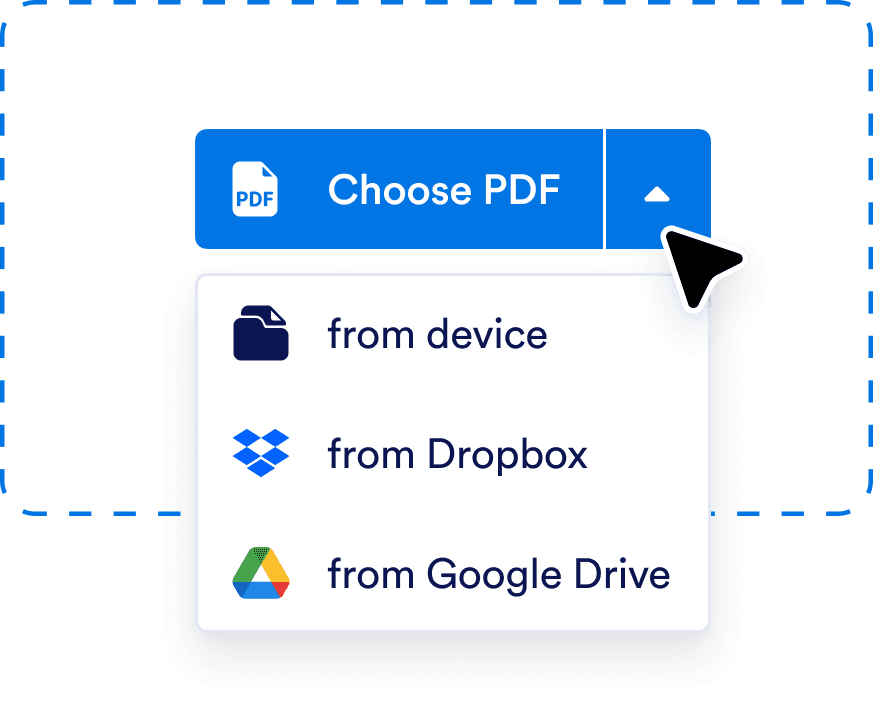
![Image 1: Upload your PDFs](https://cdn.jotfor.ms/image/r/aHR0cHM6Ly9jZG4uam90Zm9yLm1zL3AvcGRmL2Fzc2V0cy9pbWctbWluL21lcmdlL2hvdy1ib3gtMS5wbmc=/how-box-1.png?w=873&t=1)

## Upload your PDFs

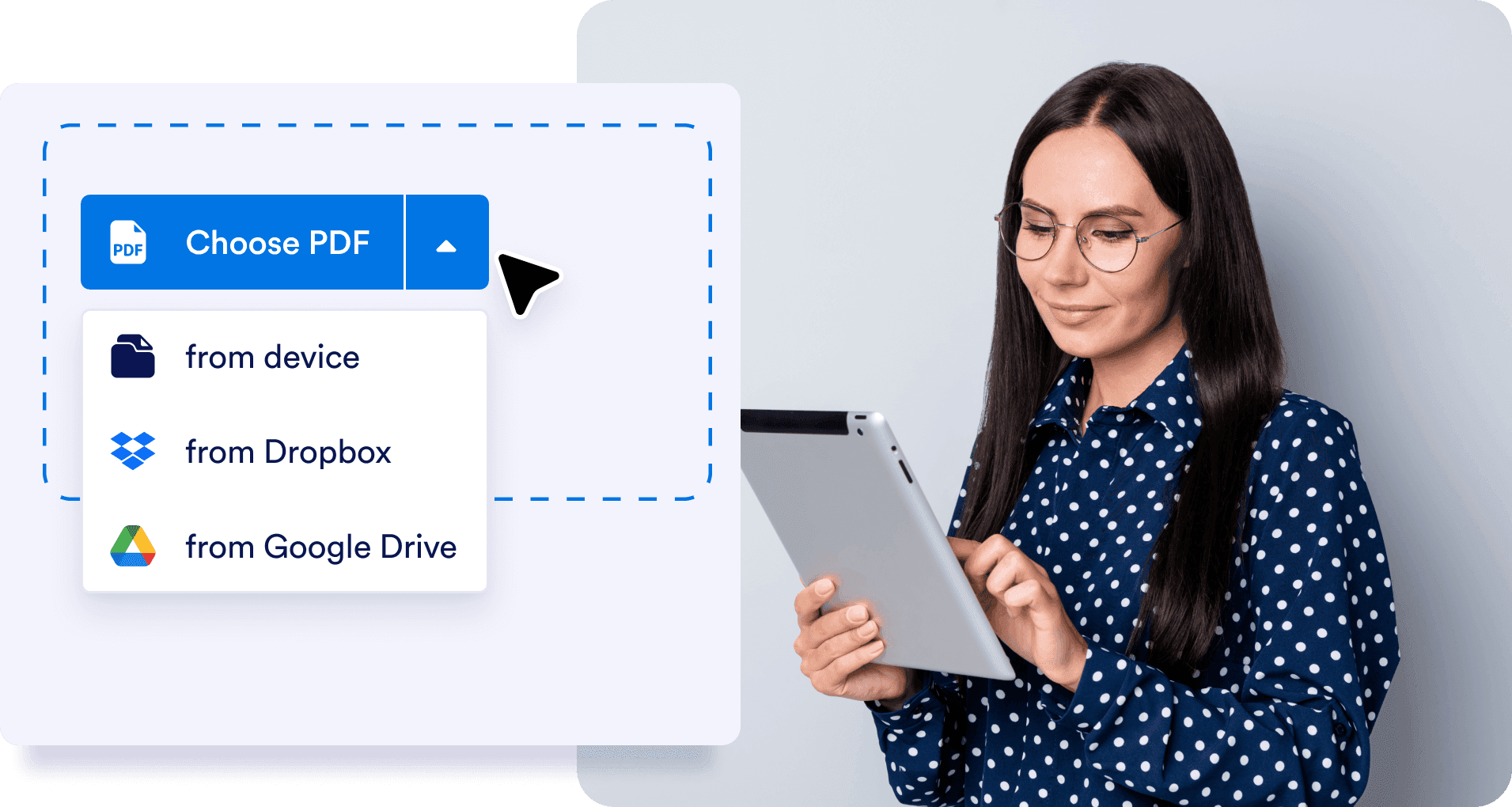
Choose files from your device, Dropbox, or Google Drive.
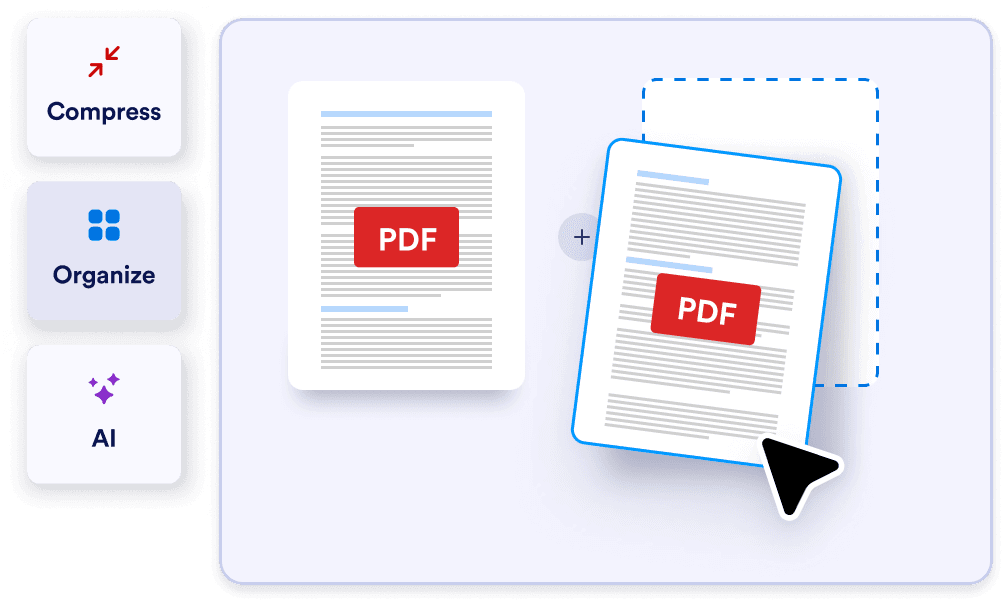
![Image 2: Arrange as Needed](https://cdn.jotfor.ms/image/r/aHR0cHM6Ly9jZG4uam90Zm9yLm1zL3AvcGRmL2Fzc2V0cy9pbWctbWluL21lcmdlL2hvdy1ib3gtMi5wbmc=/how-box-2.png?w=1004&t=1)

## Arrange as Needed

Drag and drop to change the order of your PDFs and delete pages you don’t need by hovering over the PDF.
![Image 3: Download your new PDF](https://cdn.jotfor.ms/image/r/aHR0cHM6Ly9jZG4uam90Zm9yLm1zL3AvcGRmL2Fzc2V0cy9pbWctbWluL21lcmdlL2hvdy1ib3gtMy5wbmc=/how-box-3.png?w=974&t=1)

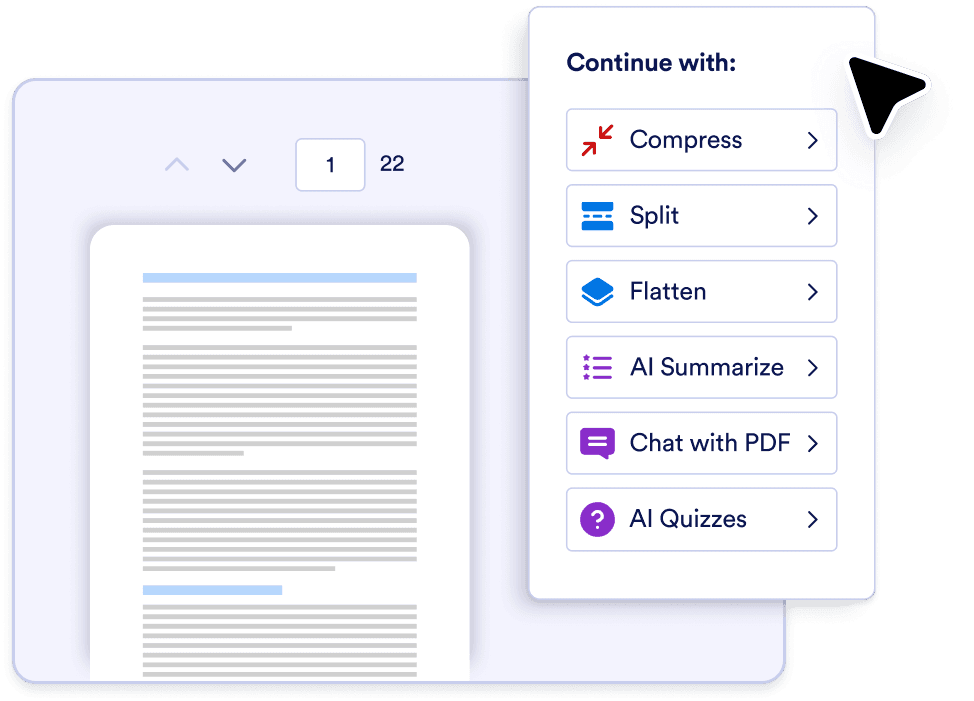
## Merge and Download

When you click on the **Merge PDF** button at the top right, we’ll merge your PDFs and show the finished result. From there you can continue customizing your PDF with other tools.

![Image 4: Download your compressed PDF](https://cdn.jotfor.ms/image/r/aHR0cHM6Ly9jZG4uam90Zm9yLm1zL3AvcGRmL2Fzc2V0cy9pbWctbWluL21lcmdlL2hvdy1ib3gtMy5wbmc=/how-box-3.png?w=40&t=1)

## Merge and Download

When you click on the **Merge PDF** button at the top right, we’ll merge your PDFs and show the finished result. From there you can continue customizing your PDF with other tools.

![Image 5: Upload your PDFs](https://cdn.jotfor.ms/image/r/aHR0cHM6Ly9jZG4uam90Zm9yLm1zL3AvcGRmL2Fzc2V0cy9pbWctbWluL21lcmdlL2hvdy1ib3gtMS5wbmc=/how-box-1.png?w=40&t=1)

## Upload your PDFs

Choose files from your device, Dropbox, or Google Drive.

![Image 6: Arrange as Needed](https://cdn.jotfor.ms/image/r/aHR0cHM6Ly9jZG4uam90Zm9yLm1zL3AvcGRmL2Fzc2V0cy9pbWctbWluL21lcmdlL2hvdy1ib3gtMi5wbmc=/how-box-2.png?w=40&t=1)

## Arrange as Needed

Drag and drop to change the order of your PDFs and delete pages you don’t need by hovering over the PDF.

![Image 7: Download your compressed PDF](https://cdn.jotfor.ms/image/r/aHR0cHM6Ly9jZG4uam90Zm9yLm1zL3AvcGRmL2Fzc2V0cy9pbWctbWluL21lcmdlL2hvdy1ib3gtMy5wbmc=/how-box-3.png?w=40&t=1)

## Merge and Download

When you click on the **Merge PDF** button at the top right, we’ll merge your PDFs and show the finished result. From there you can continue customizing your PDF with other tools.

![Image 8: Upload your PDFs](https://cdn.jotfor.ms/image/r/aHR0cHM6Ly9jZG4uam90Zm9yLm1zL3AvcGRmL2Fzc2V0cy9pbWctbWluL21lcmdlL2hvdy1ib3gtMS5wbmc=/how-box-1.png?w=40&t=1)

## Upload your PDFs

Choose files from your device, Dropbox, or Google Drive.

## Drag-and-drop interface

Easily upload and rearrange your PDFs with our intuitive builder. Make content or design changes seamlessly.
![Image 9: Drag-and-drop interface](https://cdn.jotfor.ms/image/r/aHR0cHM6Ly9jZG4uam90Zm9yLm1zL3AvcGRmL2Fzc2V0cy9pbWctbWluL21lcmdlL3NlY3Rpb24tMS1iZy5wbmc=/section-1-bg.png?w=40&t=1)

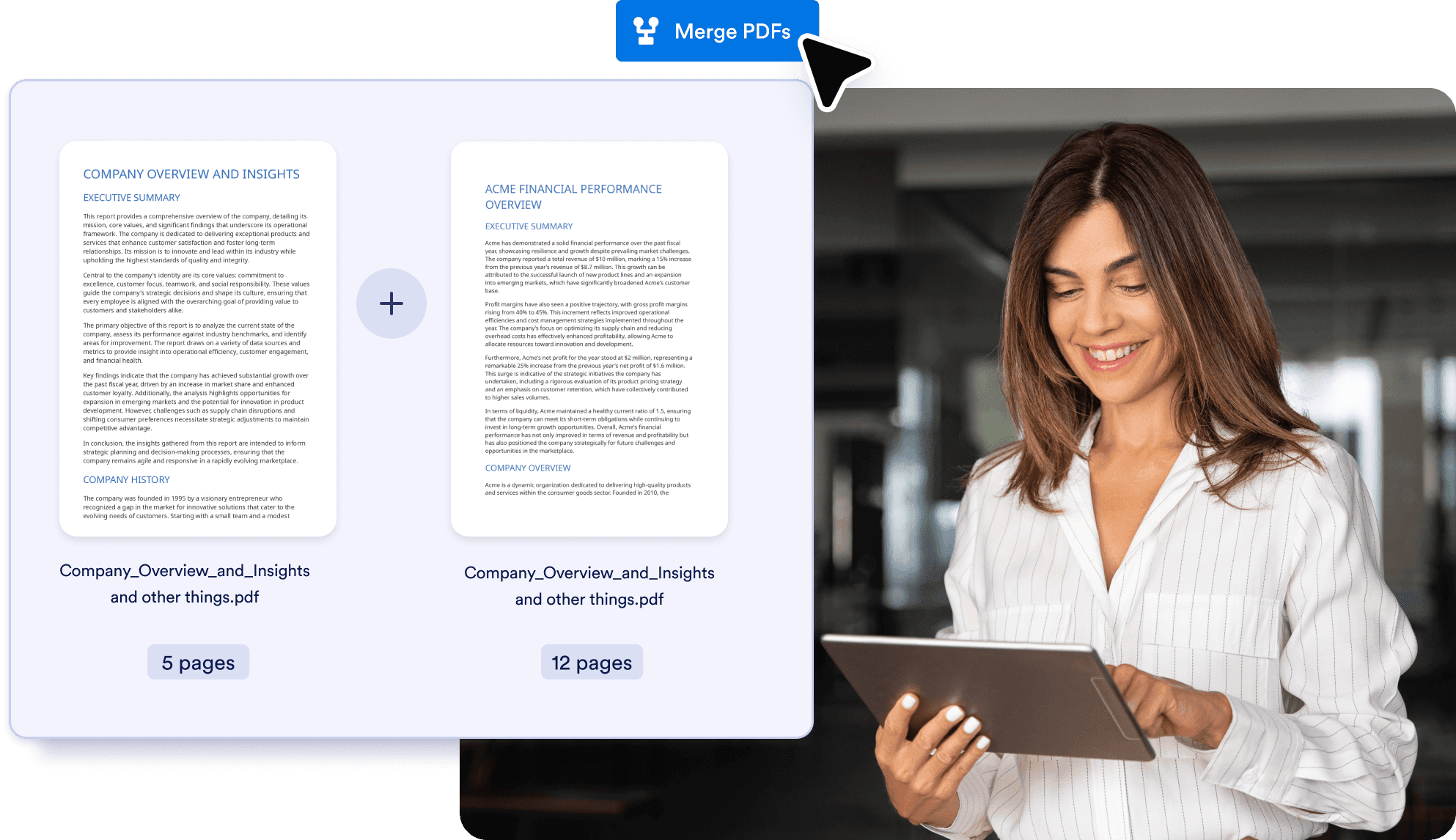
## Combine PDFs into one file

Quickly merge PDFs into a single document for convenient, easy-to-access files. Download, print, or share with others.
![Image 10: Combine PDFs into one file](https://cdn.jotfor.ms/image/r/aHR0cHM6Ly9jZG4uam90Zm9yLm1zL3AvcGRmL2Fzc2V0cy9pbWctbWluL21lcmdlL3NlY3Rpb24tMi1iZy5wbmc=/section-2-bg.png?w=40&t=1)

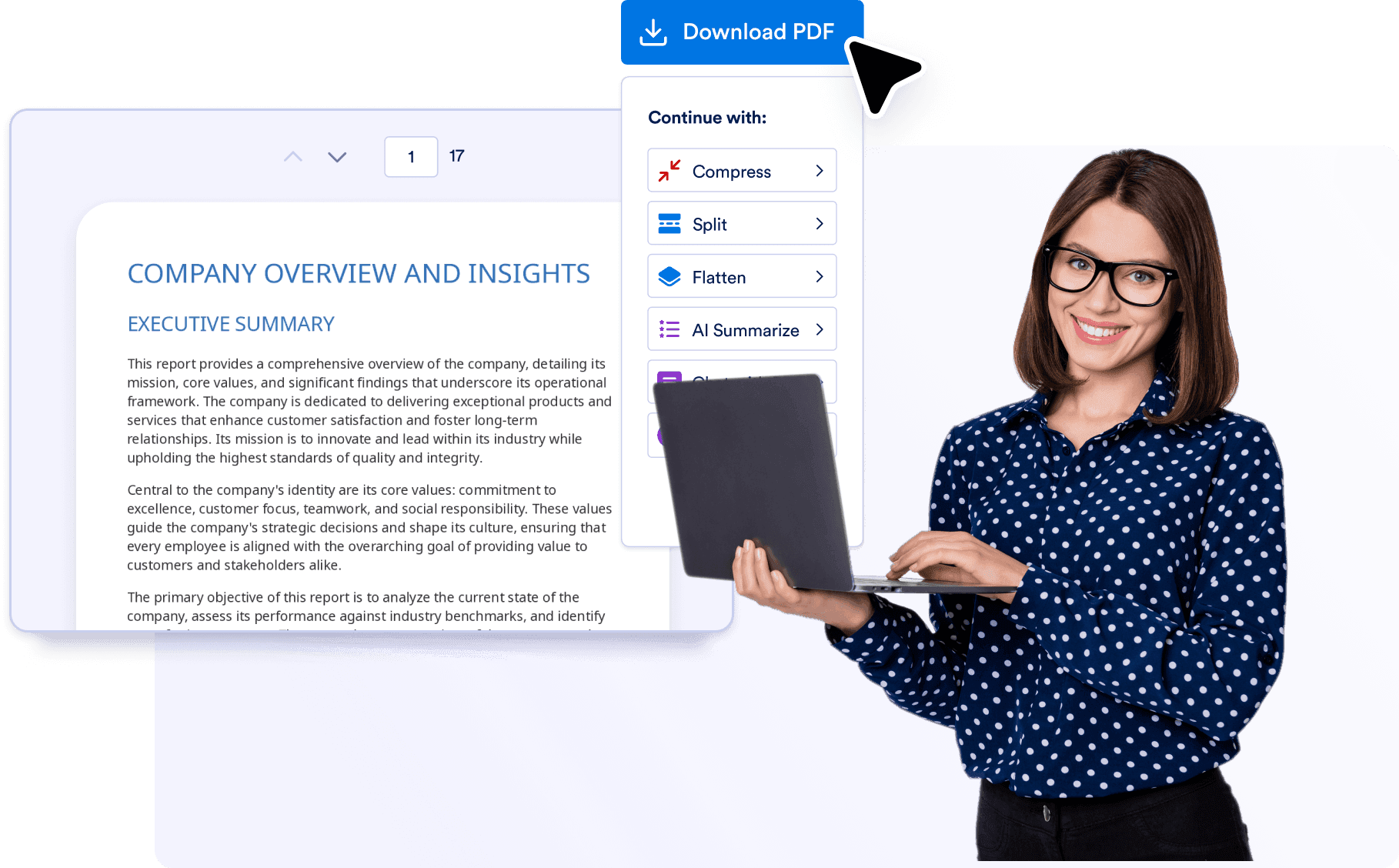
## Simplify with a combined PDF

Merging multiple files into one PDF lets you store and review them more easily. Leave multiple, messy PDFs behind and streamline your workflow with one neat PDF.
![Image 11: Simplify with a combined PDF](https://cdn.jotfor.ms/image/r/aHR0cHM6Ly9jZG4uam90Zm9yLm1zL3AvcGRmL2Fzc2V0cy9pbWctbWluL21lcmdlL3NlY3Rpb24tMy1iZy5wbmc=/section-3-bg.png?w=40&t=1)

## Explore More Jotform PDF Solutions

Enhance your document management with Jotform’s powerful tools. Check out our additional solutions:

### Smart PDF Forms


![Image 12: Smart PDF Forms](https://cdn.jotfor.ms/image/r/aHR0cHM6Ly9jZG4uam90Zm9yLm1zL3AvcGRmL2Fzc2V0cy9pbWctbWluL2V4cGxvcmUtbW9yZS0xLnBuZw==/explore-more-1.png?w=40&t=1)

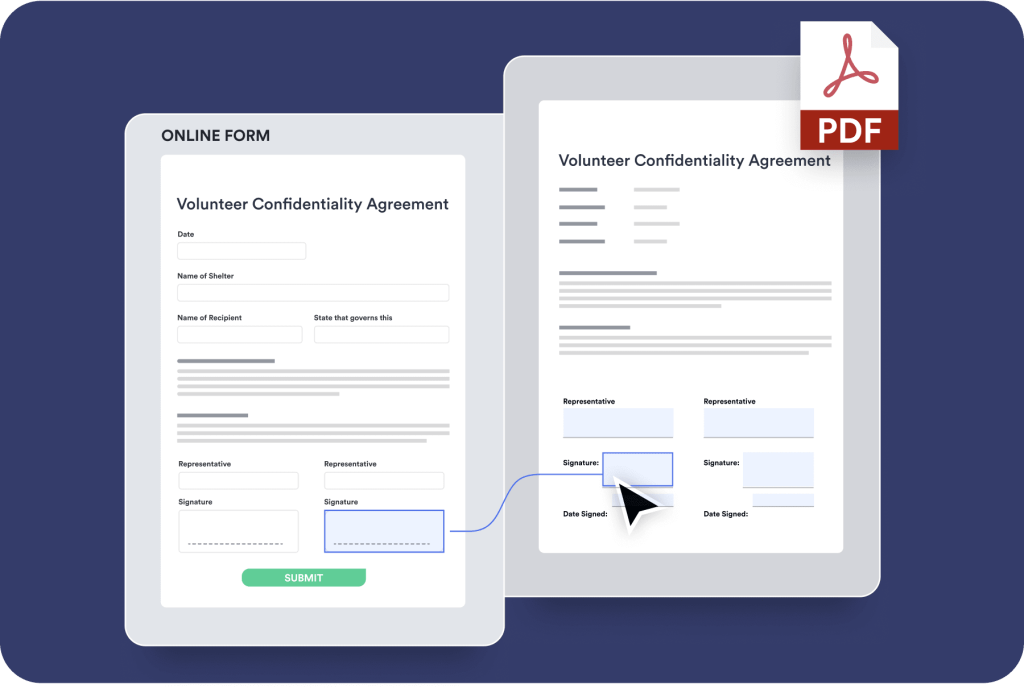
Instantly transform your existing PDF files into shareable forms and collect responses online without any coding.

[Learn More](https://www.jotform.com/products/smart-pdf-forms/)

### PDF Editor


![Image 13: PDF Editor](https://cdn.jotfor.ms/image/r/aHR0cHM6Ly9jZG4uam90Zm9yLm1zL3AvcGRmL2Fzc2V0cy9pbWctbWluL2V4cGxvcmUtbW9yZS0yLnBuZw==/explore-more-2.png?w=40&t=1)

Automatically turn form submissions into custom PDFs you can download, share, print, and edit online.

[Learn More](https://www.jotform.com/products/pdf-editor/)

### PDF Tools


![Image 14: PDF Tools](https://cdn.jotfor.ms/image/r/aHR0cHM6Ly9jZG4uam90Zm9yLm1zL3AvcGRmL2Fzc2V0cy9pbWctbWluL2V4cGxvcmUtbW9yZS0zLnBuZw==/explore-more-3.png?w=40&t=1)

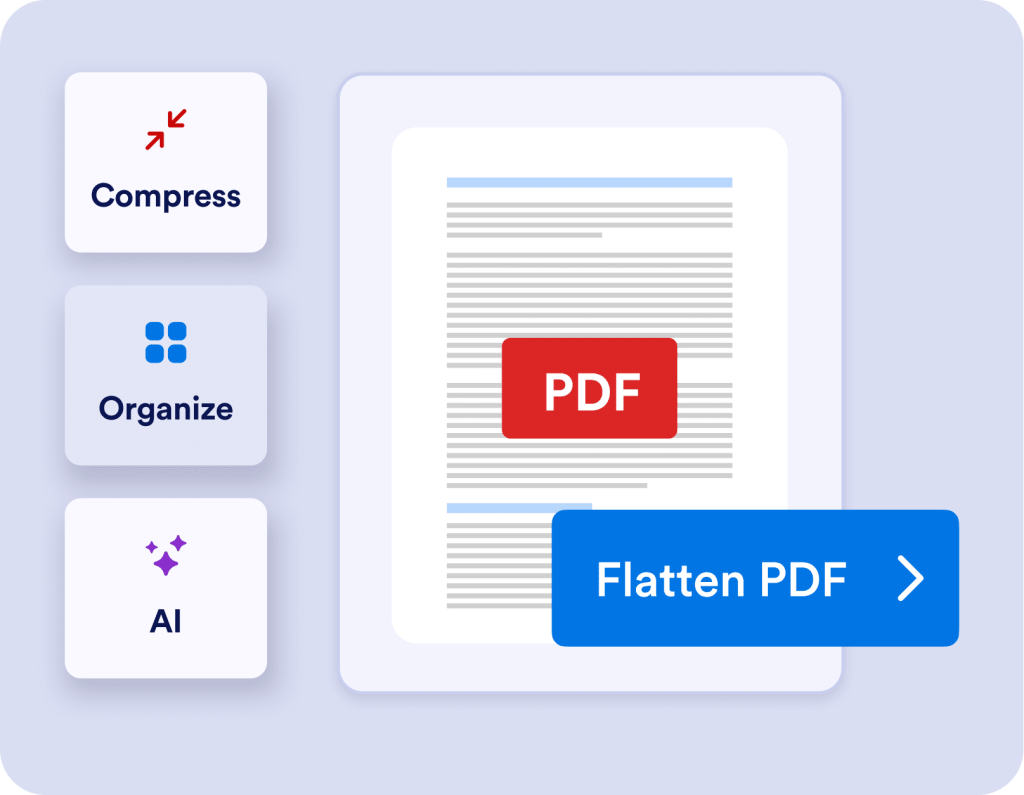
Easily [compress](https://www.jotform.com/pdf/compress/), [flatten](https://www.jotform.com/pdf/flatten/), [merge](https://www.jotform.com/pdf/merge/), and [split](https://www.jotform.com/pdf/split/) up files with Jotform’s PDF tools. You can also use Jotform’s AI features to generate summaries and provide useful insights.

## FAQ about Merge PDF

*    
### How many files can I merge at once? There is no limit to the number of PDFs you can merge at once.   
*    
### Does the merged PDF retain the quality of the original files? Yes, the merged PDF will retain the quality of the original files   
*    
### Can I merge PDFs on mobile devices? Yes, you can merge PDFs on mobile, tablet, and desktop devices.   
*    
### Are there any limitations on file size? You can merge files of up to 30 MB.   
*    
### In what order will my merged PDF files appear? You can specify the order of your PDFs before you merge them. They should appear in the order of your choosing.   
*    
### How many pages can I include in a merged PDF? There is no limit to the number of pages you can include in your merged PDF.   
*    
### Can I delete and reorder pages after I merge files? We don’t currently have a dedicated tool for deleting and reordering pages. But while we work on creating this tool, here’s a workaround. Use our [Split PDF](https://www.jotform.com/pdf/split/) tool to separate the pages, then download the pages you want to keep. Next, use our Merge PDF tool to combine the selected PDFs into a new document.   

View More

## Ready to Merge Your PDFs?

Streamline your PDF process and merge your existing PDFs with the power of Jotform.
Merge PDFs for Free Now