
# Migrazione da Typeform a Jotform

# Migrate from Typeform to Jotform

Jotform lets you migrate your Typeform forms without rebuilding them. Simply paste your Typeform form URL, and Jotform will automatically recreate the form structure. Your questions and layout are transferred so you can continue collecting responses with minimal setup. Jotform also offers a free plan, so you can start using your imported forms right away.

https://

Migra i tuoi moduli su Jotform

![Image 1: Migrate Hero Image](https://cdn.jotfor.ms/image/r/aHR0cHM6Ly9jZG4uam90Zm9yLm1zL3AvdHlwZWZvcm0tYWx0ZXJuYXRpdmUvYXNzZXRzL2ltZy1taW4vbWlncmF0ZS9oZXJvLnBuZw==/hero.png?w=1812&t=1)

## Migrate your Typeform forms in three steps

![Image 2: Copy your Typeform form URL](https://cdn.jotfor.ms/image/r/aHR0cHM6Ly9jZG4uam90Zm9yLm1zL3AvdHlwZWZvcm0tYWx0ZXJuYXRpdmUvYXNzZXRzL2ltZy1taW4vbWlncmF0ZS9ob3ctMS5wbmc=/how-1.png?w=1072&t=1)

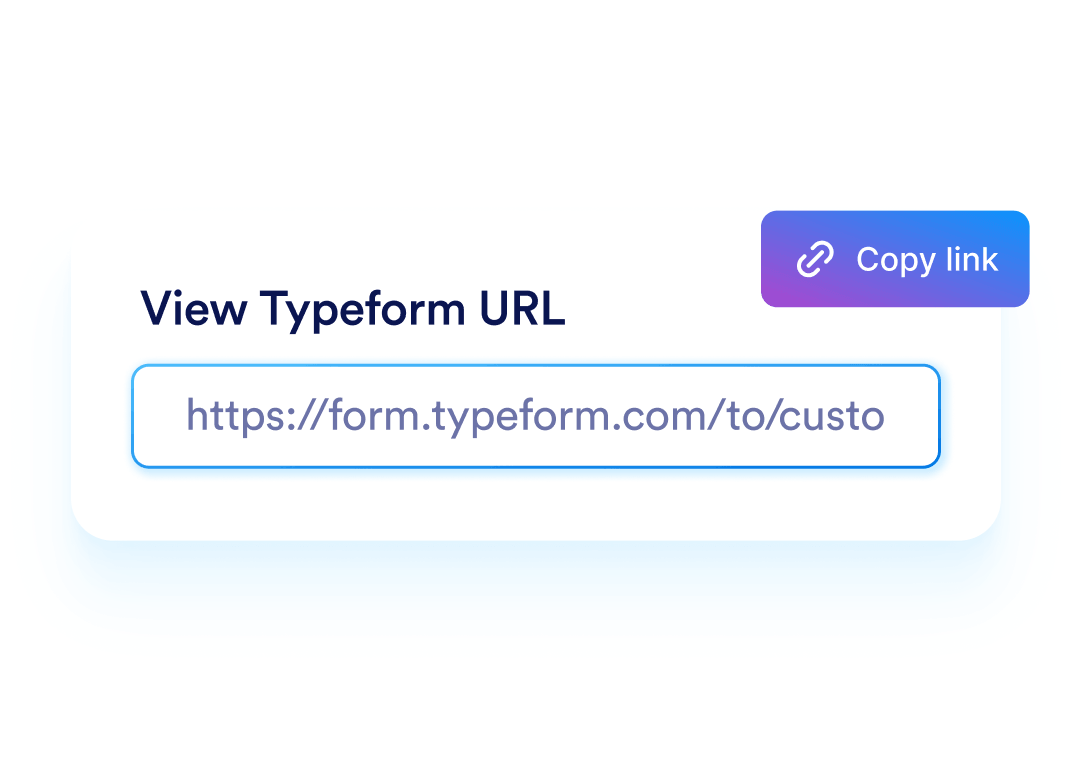
### Copy your Typeform form URL

Open the Typeform form you want to migrate and copy its public form link.
![Image 3: Paste the URL into the migration tool](https://cdn.jotfor.ms/image/r/aHR0cHM6Ly9jZG4uam90Zm9yLm1zL3AvdHlwZWZvcm0tYWx0ZXJuYXRpdmUvYXNzZXRzL2ltZy1taW4vbWlncmF0ZS9ob3ctMi5wbmc=/how-2.png?w=1072&t=1)

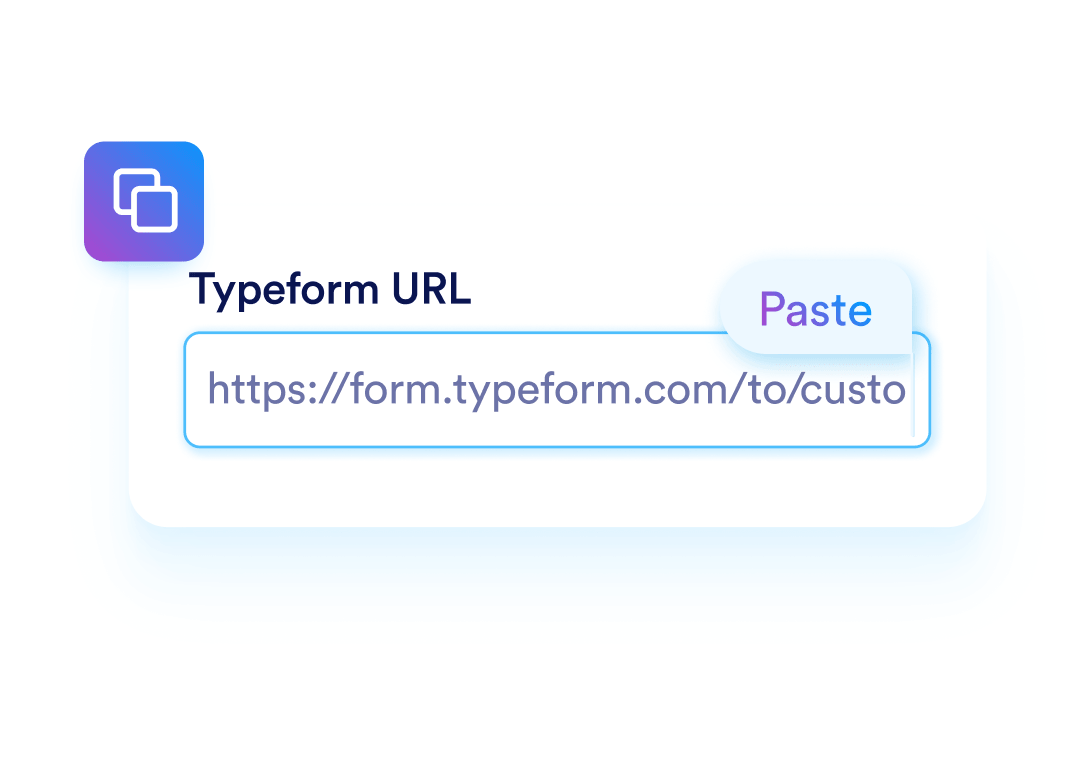
### Paste the URL into the migration tool

Go to the Jotform migration tool and paste your Typeform form URL into the import field.
![Image 4: Import and review your form](https://cdn.jotfor.ms/image/r/aHR0cHM6Ly9jZG4uam90Zm9yLm1zL3AvdHlwZWZvcm0tYWx0ZXJuYXRpdmUvYXNzZXRzL2ltZy1taW4vbWlncmF0ZS9ob3ctMy5wbmc=/how-3.png?w=40&t=1)

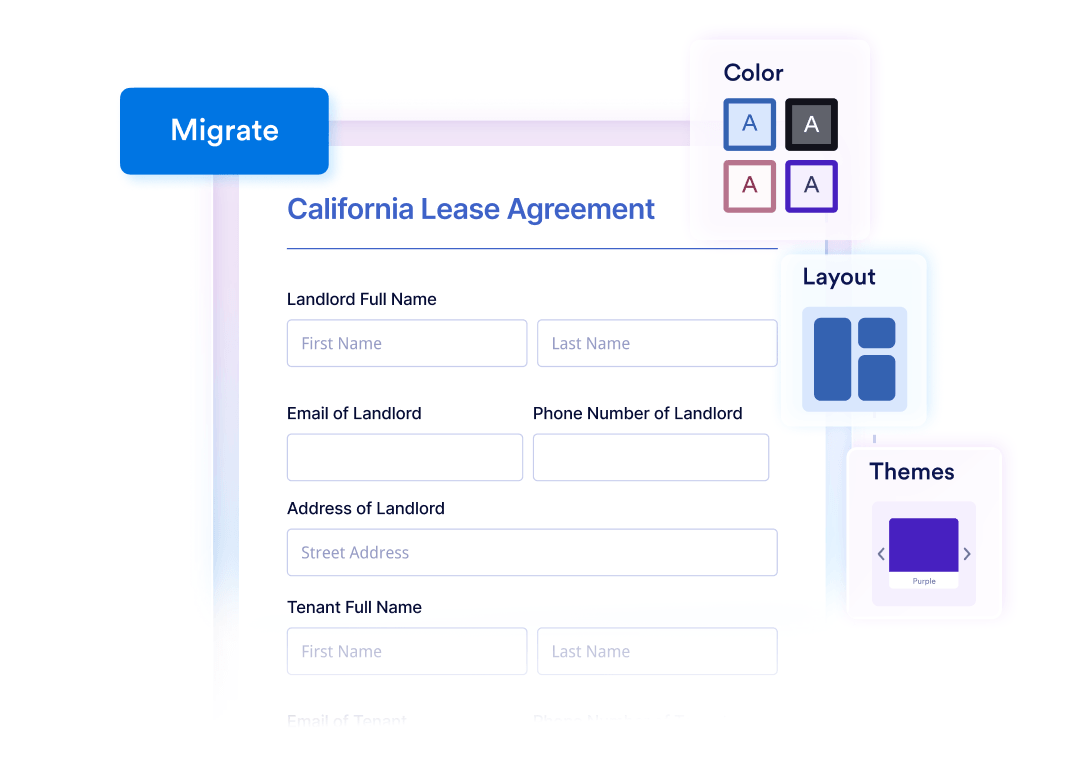
### Import and review your form

Click **Migrate** to import your form into Jotform. Review the imported form, then customize and publish it.

## Scelto da milioni di utenti in tutto il mondo

Jotform is used by businesses, nonprofits, schools, and large organizations to collect data and manage workflows with online forms. Many teams move from Typeform to Jotform when they need more control over form structure, integrations, and data management.

![Image 5: Sydney Opera House Logo](https://cdn.jotfor.ms/p/typeform-alternative/assets/img-min/customer-brands/sydney.svg)![Image 6: RedBull Logo](https://cdn.jotfor.ms/p/typeform-alternative/assets/img-min/customer-brands/redbull.svg)![Image 7: Ford Logo](https://cdn.jotfor.ms/p/typeform-alternative/assets/img-min/customer-brands/ford.svg)![Image 8: Netflix Logo](https://cdn.jotfor.ms/p/typeform-alternative/assets/img-min/customer-brands/netflix.svg)![Image 9: Armani Logo](https://cdn.jotfor.ms/p/typeform-alternative/assets/img-min/customer-brands/armani.svg)![Image 10: FT Logo](https://cdn.jotfor.ms/p/typeform-alternative/assets/img-min/customer-brands/ft.svg)

## Cosa puoi fare dopo la migrazione?

After importing your Typeform form, you can keep the same workflow or expand it with additional tools available in Jotform. Many teams start using these features right after.

### Personalizzare il design del tuo modulo


![Image 11: Customize your form design](https://cdn.jotfor.ms/image/r/aHR0cHM6Ly9jZG4uam90Zm9yLm1zL3AvdHlwZWZvcm0tYWx0ZXJuYXRpdmUvYXNzZXRzL2ltZy1taW4vbWlncmF0ZS9zbGlkZXItMS5wbmc=/slider-1.png?w=40&t=1)

Choose from many layouts and themes, adjust spacing, and update colors and fonts to match your brand or website style.

### Add approval workflows


![Image 12: Add approval workflows](https://cdn.jotfor.ms/image/r/aHR0cHM6Ly9jZG4uam90Zm9yLm1zL3AvdHlwZWZvcm0tYWx0ZXJuYXRpdmUvYXNzZXRzL2ltZy1taW4vbWlncmF0ZS9zbGlkZXItMi5wbmc=/slider-2.png?w=40&t=1)

Route submissions to team members, collect approvals, and move requests through structured steps without managing emails manually.

### Genera PDF automaticamente


![Image 13: Generate PDFs automatically](https://cdn.jotfor.ms/image/r/aHR0cHM6Ly9jZG4uam90Zm9yLm1zL3AvdHlwZWZvcm0tYWx0ZXJuYXRpdmUvYXNzZXRzL2ltZy1taW4vbWlncmF0ZS9zbGlkZXItMy5wbmc=/slider-3.png?w=40&t=1)

Turn form submissions into structured PDF documents for applications, agreements, reports, or internal records.

### Connect your forms to other tools


![Image 14: Connect your forms to other tools](https://cdn.jotfor.ms/image/r/aHR0cHM6Ly9jZG4uam90Zm9yLm1zL3AvdHlwZWZvcm0tYWx0ZXJuYXRpdmUvYXNzZXRzL2ltZy1taW4vbWlncmF0ZS9zbGlkZXItNC5wbmc=/slider-4.png?w=40&t=1)

Send responses to Google Sheets, Slack, Airtable, CRMs, and hundreds of other apps to keep your data synced across systems.

### Manage team access


![Image 15: Manage team access](https://cdn.jotfor.ms/image/r/aHR0cHM6Ly9jZG4uam90Zm9yLm1zL3AvdHlwZWZvcm0tYWx0ZXJuYXRpdmUvYXNzZXRzL2ltZy1taW4vbWlncmF0ZS9zbGlkZXItNS5wbmc=/slider-5.png?w=40&t=1)

Control who can access your forms and submissions by sharing forms with team members or collaborators.

### Organize and analyze submissions


![Image 16: Organize and analyze submissions](https://cdn.jotfor.ms/image/r/aHR0cHM6Ly9jZG4uam90Zm9yLm1zL3AvdHlwZWZvcm0tYWx0ZXJuYXRpdmUvYXNzZXRzL2ltZy1taW4vbWlncmF0ZS9zbGlkZXItNi5wbmc=/slider-6.png?w=40&t=1)

View responses in tables, filter and search records, and export your data when you need to create reports or share information.

## Ready to move your forms to Jotform?

Import your Typeform forms using a simple URL migration. Keep your existing questions and structure while gaining more flexibility in how you collect and manage data.

Migra i tuoi moduli su Jotform