Make your app more dynamic with powerful Actions. Open forms, navigate users to a page, send emails, make calls, or link to external sites, all while keeping the experience smooth.
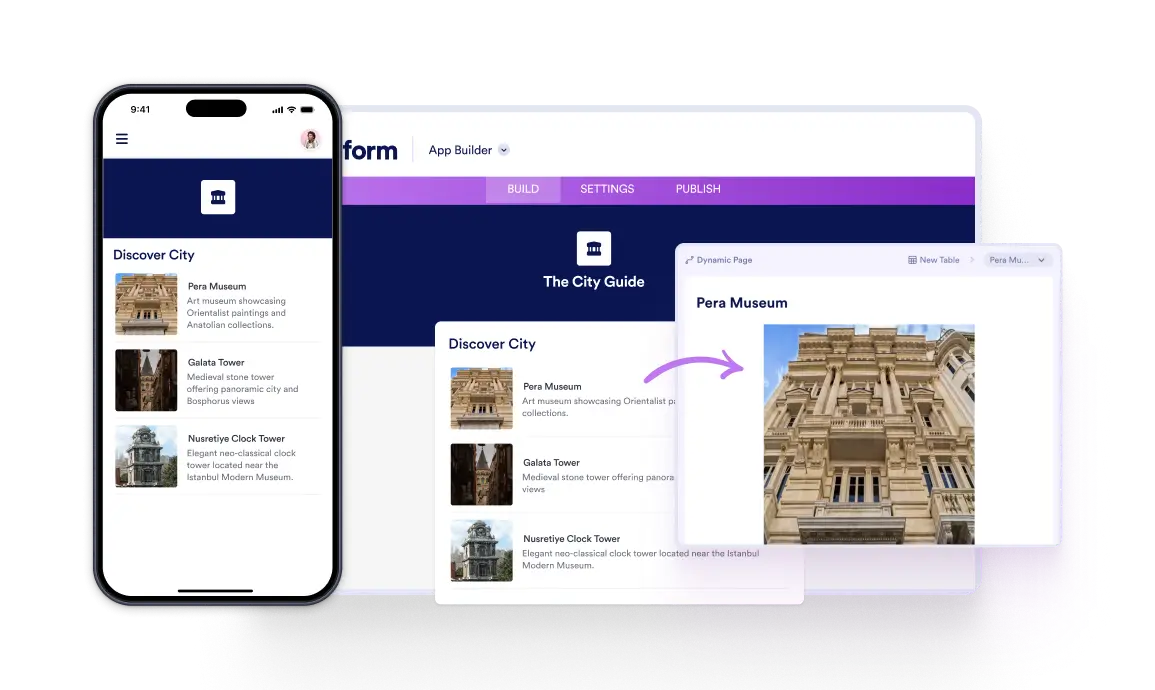
Stellen Sie beliebig viele Artikel mit eigenen Seiten und interaktiven Funktionen vor, um das Interesse Ihrer Kunden zu wecken. Mit flexiblen Layouts und verschiedenen Designoptionen lassen sich Inhalte individuell anpassen.
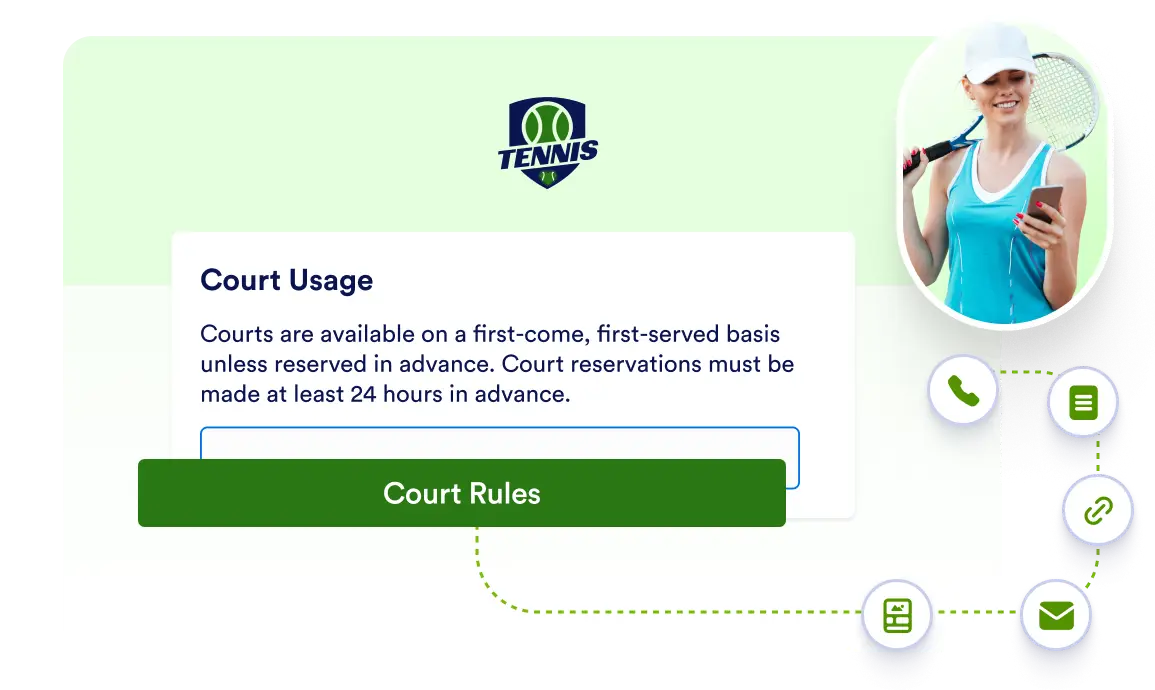
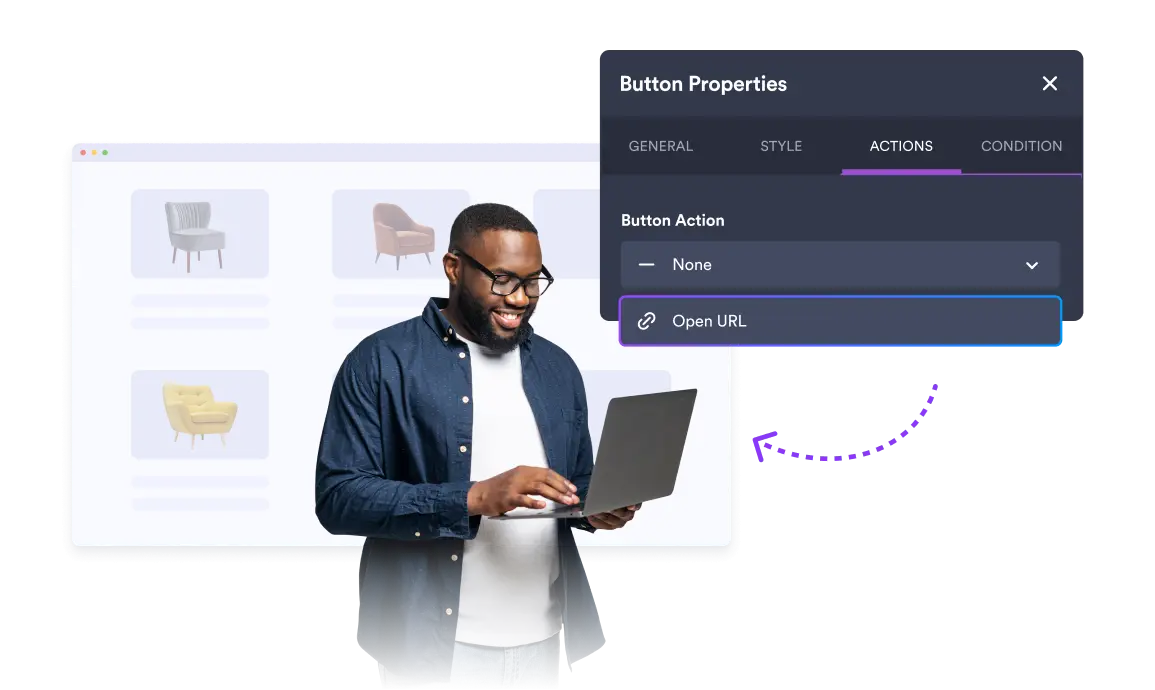
Add customizable buttons that link, call, email, or navigate with a simple drag-and-drop using the free Button element.
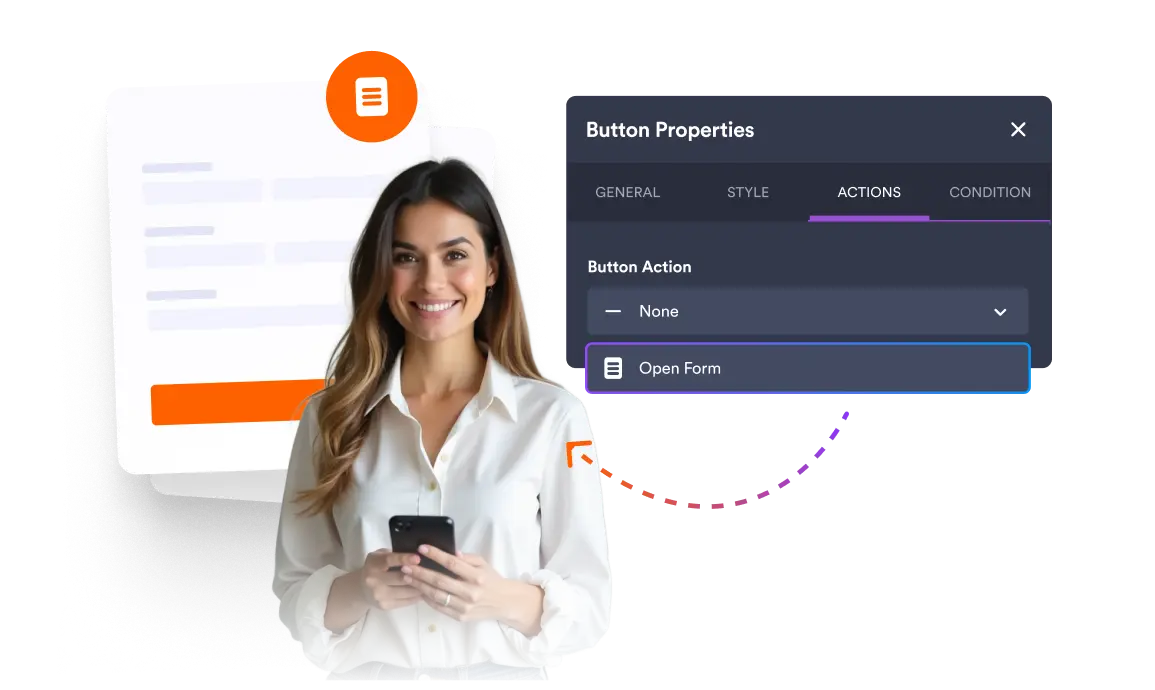
Present your forms in a clean, polished way with Open Form. By connecting forms to elements, guide users to the right form without disrupting your app’s visual consistency.
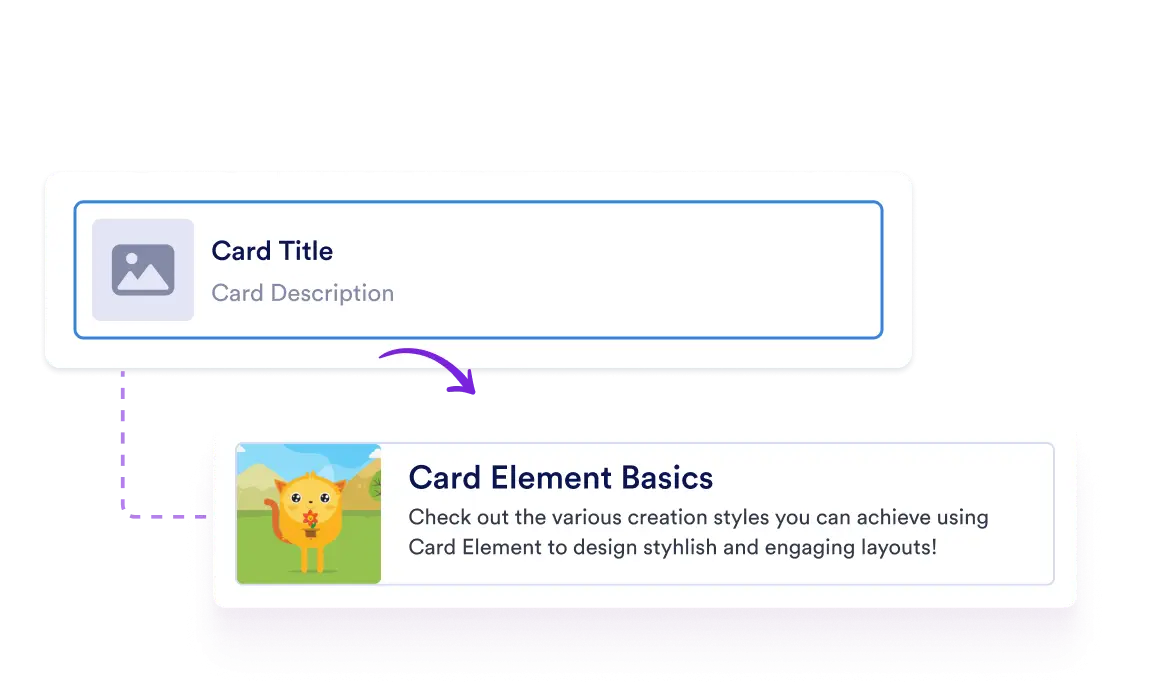
Showcase products or services with sleek cards featuring images, details, and instant actions like calls, emails, or links.
Guide users to the right place with a single tap. Open links from lists, cards, buttons, or images to easily connect your app to helpful pages and resources.
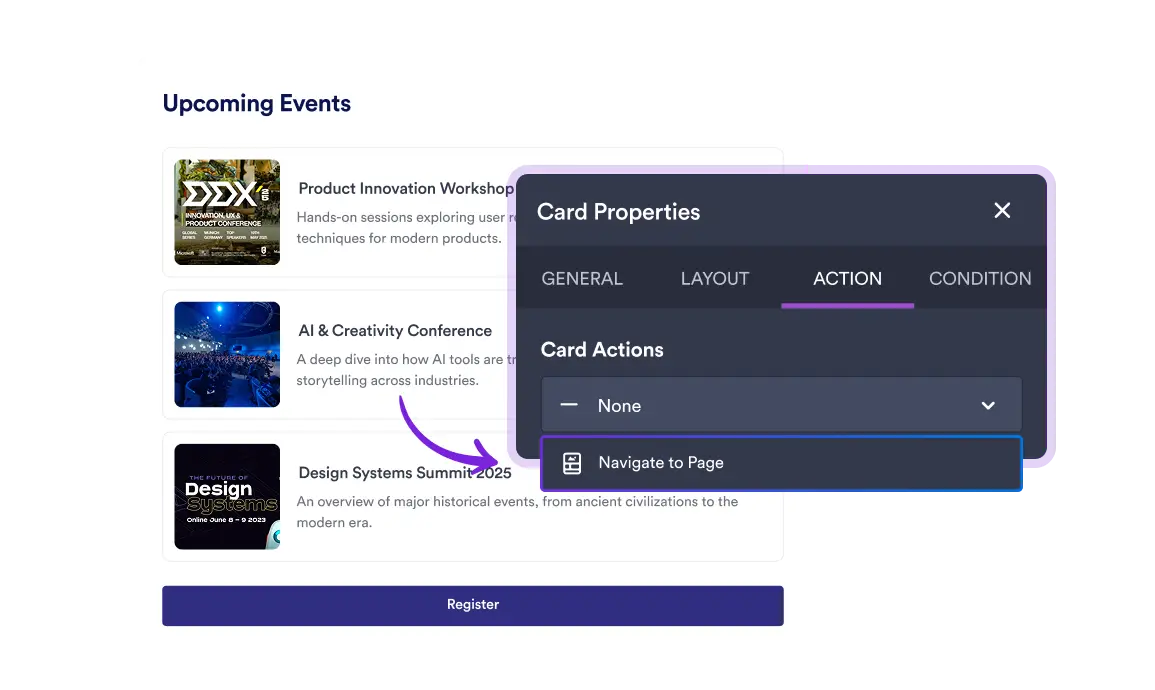
Mit „Zu Seite gehen“ leiten Sie Benutzer durch Ihre App, indem Sie Bild-, Karten- und Button-Elemente direkt mit bestimmten Seiten verknüpfen.
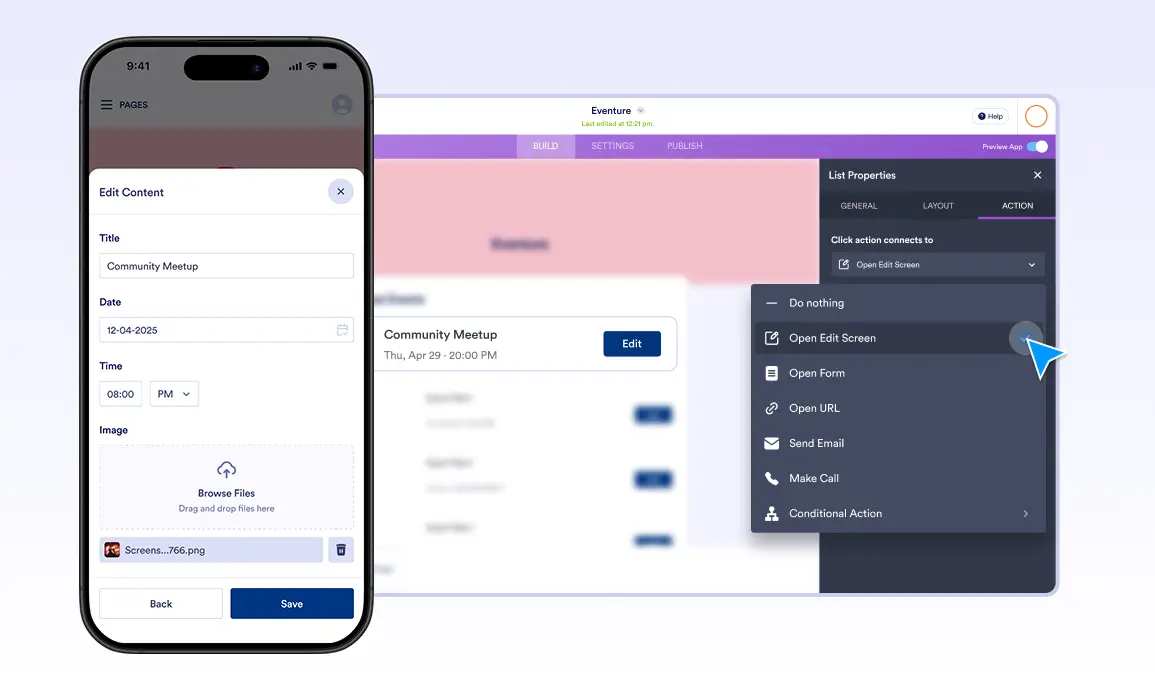
Easily edit your own form submissions directly within the app. Open Edit Screen lets users update their submitted data quickly and securely, keeping everything organized in one place.
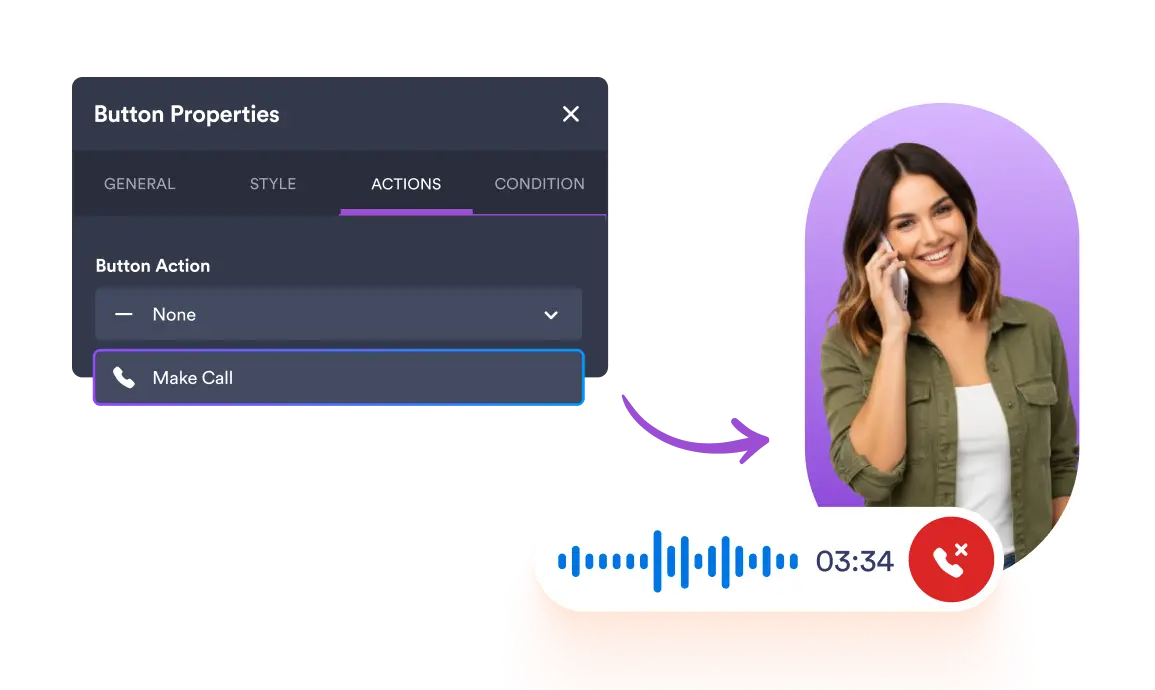
Enable instant communication with a single tap. Let users place phone calls directly from List, Card, Button, or Image elements by simply selecting the action and entering a phone number.
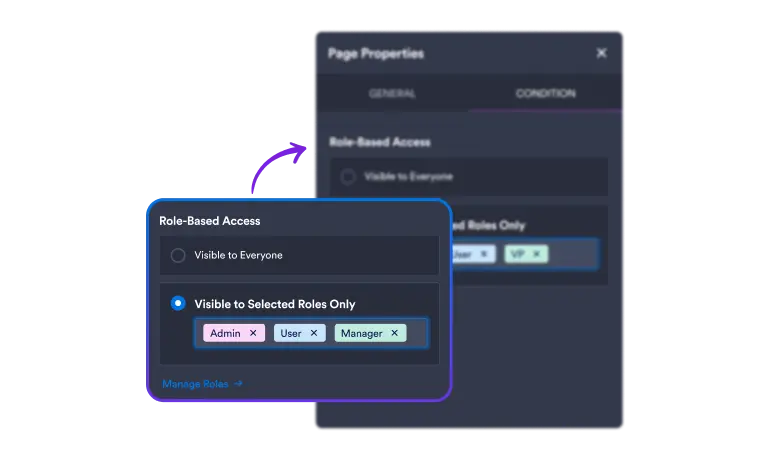
Mit Sichtbarkeitsregeln für Seiten und Inhalte bestimmen Sie, wer in Ihrer App welche Informationen sieht. So schützen Sie vertrauliche Daten und behalten Ihren Workspace immer klar strukturiert.
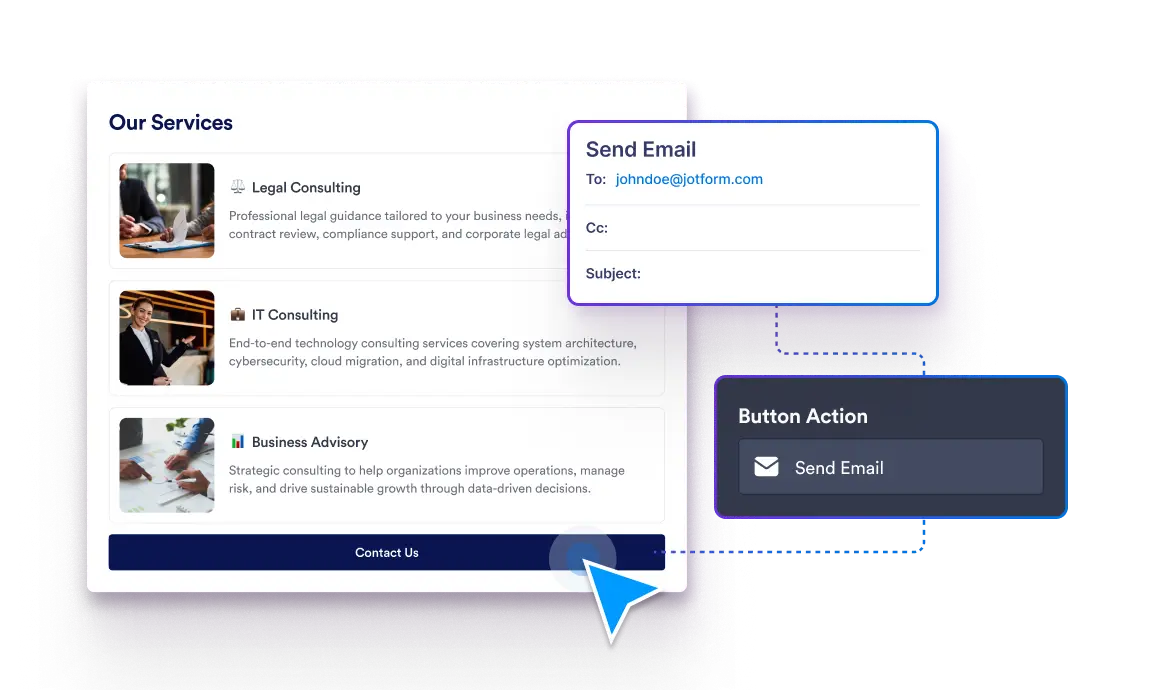
Bleiben Sie mit Ihren Nutzern in Kontakt, indem Sie E-Mail-Aktionen zu Button-, Karten-, Bild- oder Listenelementen hinzufügen. So entsteht ein direkter Kommunikationskanal, der Gespräche am Laufen hält.
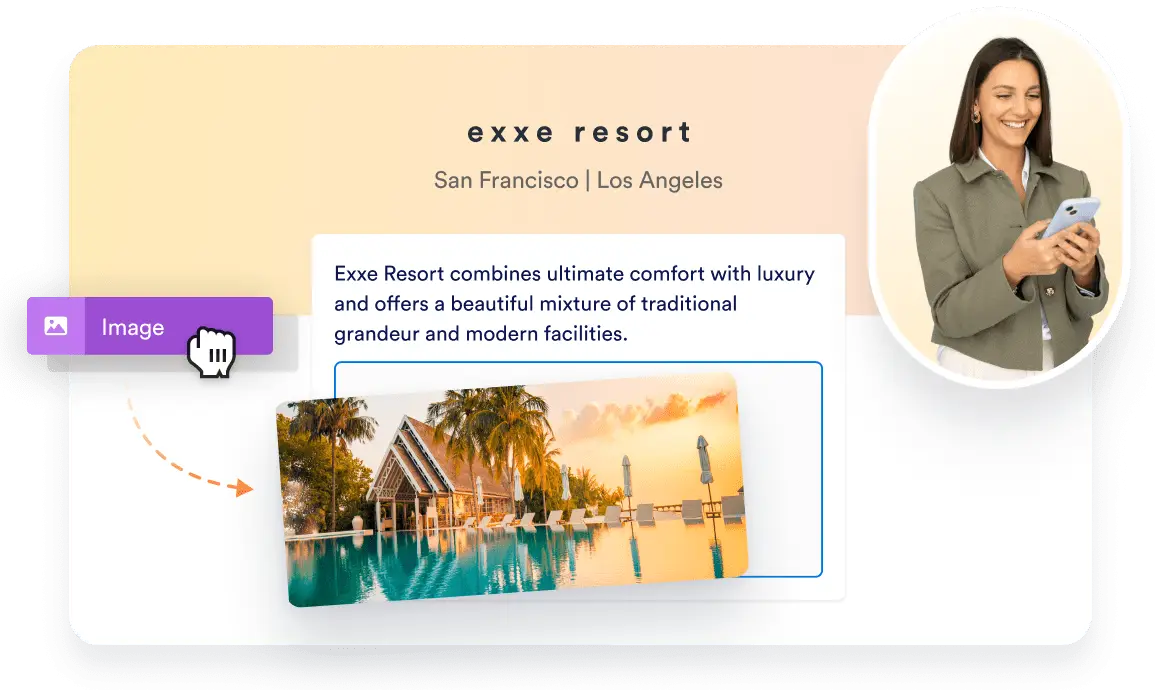
Mit dem Bildelement fügen Sie Ihrer App lebendige Grafiken hinzu. Laden Sie Fotos hoch, die Sie anschließend wiederverwenden oder verlinken können. Geben Sie Alternativtext ein, um die Barrierefreiheit zu verbessern.