# Appointment scheduling software for Google Calendar | Jotform

Smarter scheduling starts here
# Appointment scheduling software for Google Calendar

Build a flexible, professional booking system with Jotform’s appointment scheduling software. Instantly sync with Google Calendar, prevent double bookings, automate confirmations, and connect multiple services — all from a single customizable form. Perfect for teams, consultants, service providers, and anyone managing a busy schedule.

[Create a Scheduling Form](https://www.jotform.com/build/?question=appointment)

![Image 1: Appointment scheduling software for Google Calendar hero](https://cdn.jotfor.ms/image/r/aHR0cHM6Ly9jZG4uam90Zm9yLm1zL3AvYXBwb2ludG1lbnQtc2NoZWR1bGluZy1zb2Z0d2FyZS9hc3NldHMvaW1nLW1pbi9nb29nbGUtY2FsZW5kYXIvaGVyby5wbmc/dj0wLjM=/hero.png?w=1276&t=1)

Integrations
## How to connect Google Calendar with Jotform

Jotform integrates easily to supercharge your scheduling process. Eliminate repetitive tasks and build custom appointment workflows that fit your business perfectly.

### Customize appointment forms

Add form fields, conditions, disclaimers, or anything else you need for a complete workflow

### Connect Google Calendar

Sync availability in real-time to reflect booked slots and block conflicts automatically.

### Automate the Follow-up

Trigger emails, calendar invites, or integrations as soon as someone books.

Features
## Powerful appointment scheduling software features

A smarter way to manage appointments — so you can focus on what matters most. Keep everything running smoothly while delivering exceptional client experiences.

## Smart calendar sync

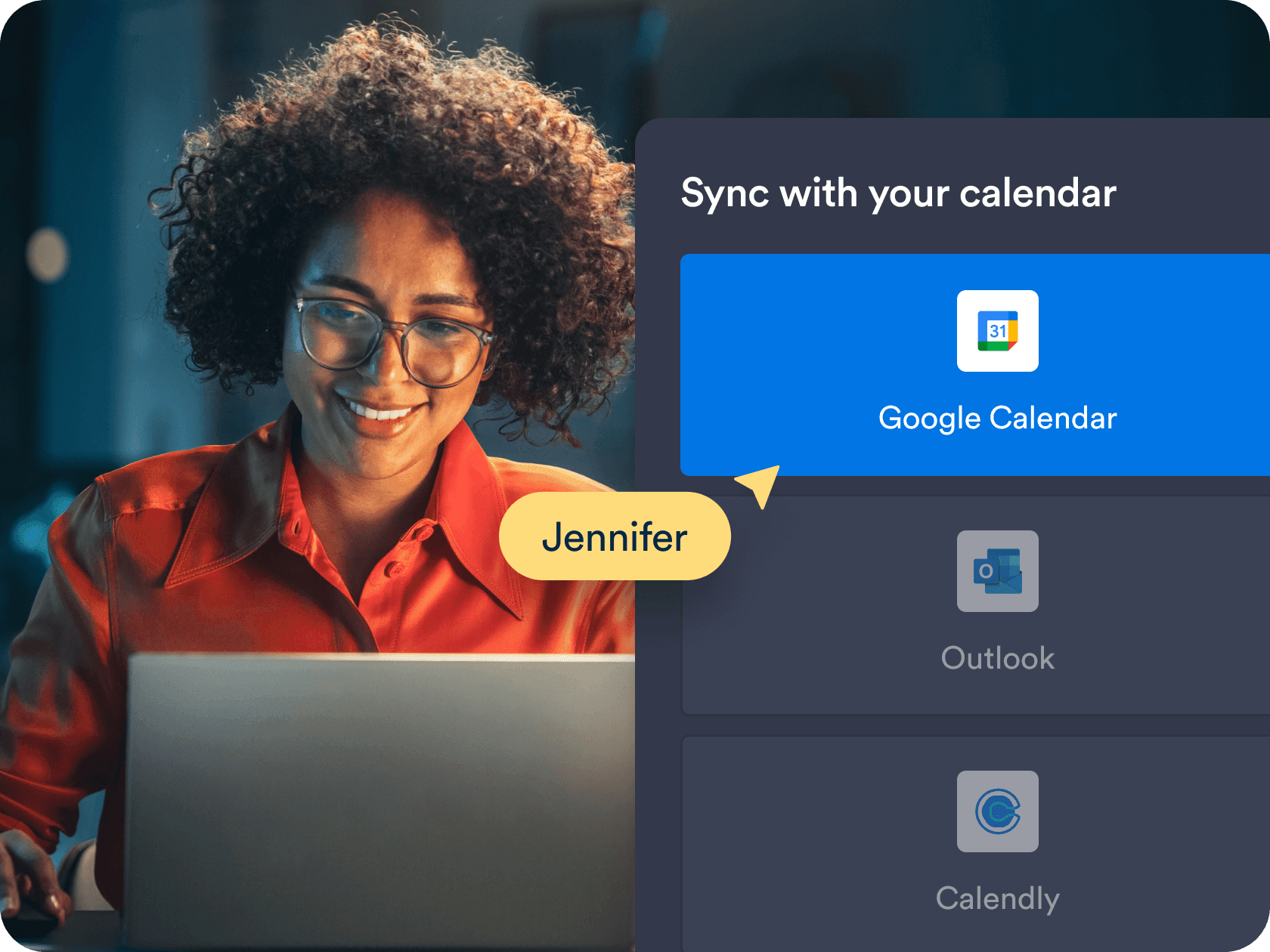
Sync your appointment form with **Google Calendar** in real time to reflect your true availability. Booked time slots and existing calendar events are automatically blocked to prevent conflicting appointments.

[Create Free Scheduling Form](https://www.jotform.com/build/?question=appointment)

![Image 2: Smart calendar sync](https://cdn.jotfor.ms/image/r/aHR0cHM6Ly9jZG4uam90Zm9yLm1zL3AvYXBwb2ludG1lbnQtc2NoZWR1bGluZy1zb2Z0d2FyZS9hc3NldHMvaW1nLW1pbi9ob21lcGFnZS8xLnBuZw==/1.png?w=40&t=1)

## Custom availability and time controls

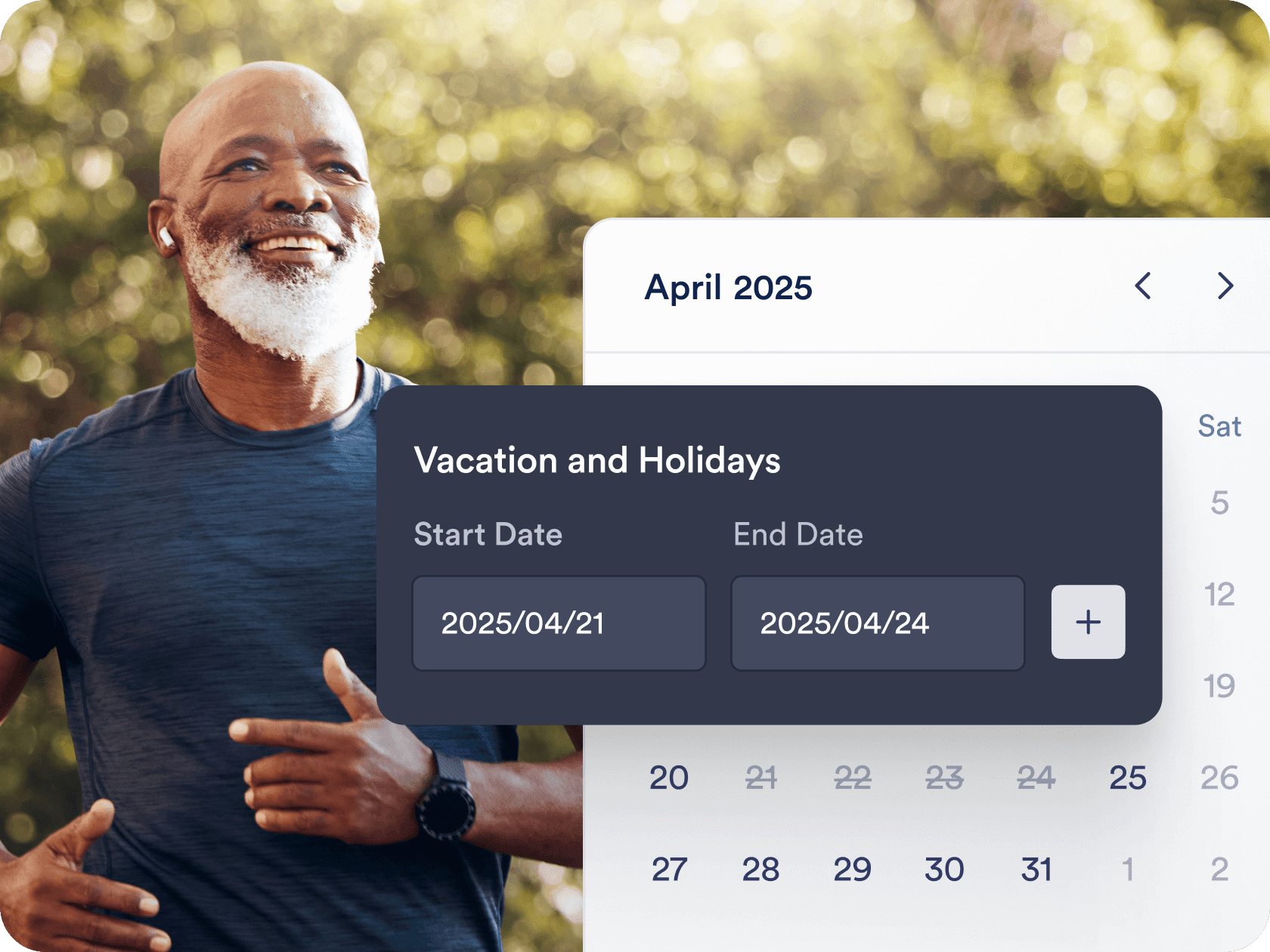
Set your working hours, add buffer times, and limit how many appointments you accept per day. You’re always in control of when and how clients can book you.

[Create Free Scheduling Form](https://www.jotform.com/build/?question=appointment)

![Image 3: Custom availability and time controls](https://cdn.jotfor.ms/image/r/aHR0cHM6Ly9jZG4uam90Zm9yLm1zL3AvYXBwb2ludG1lbnQtc2NoZWR1bGluZy1zb2Z0d2FyZS9hc3NldHMvaW1nLW1pbi9ob21lcGFnZS8yLnBuZw==/2.png?w=40&t=1)

## Automated workflows and integrations

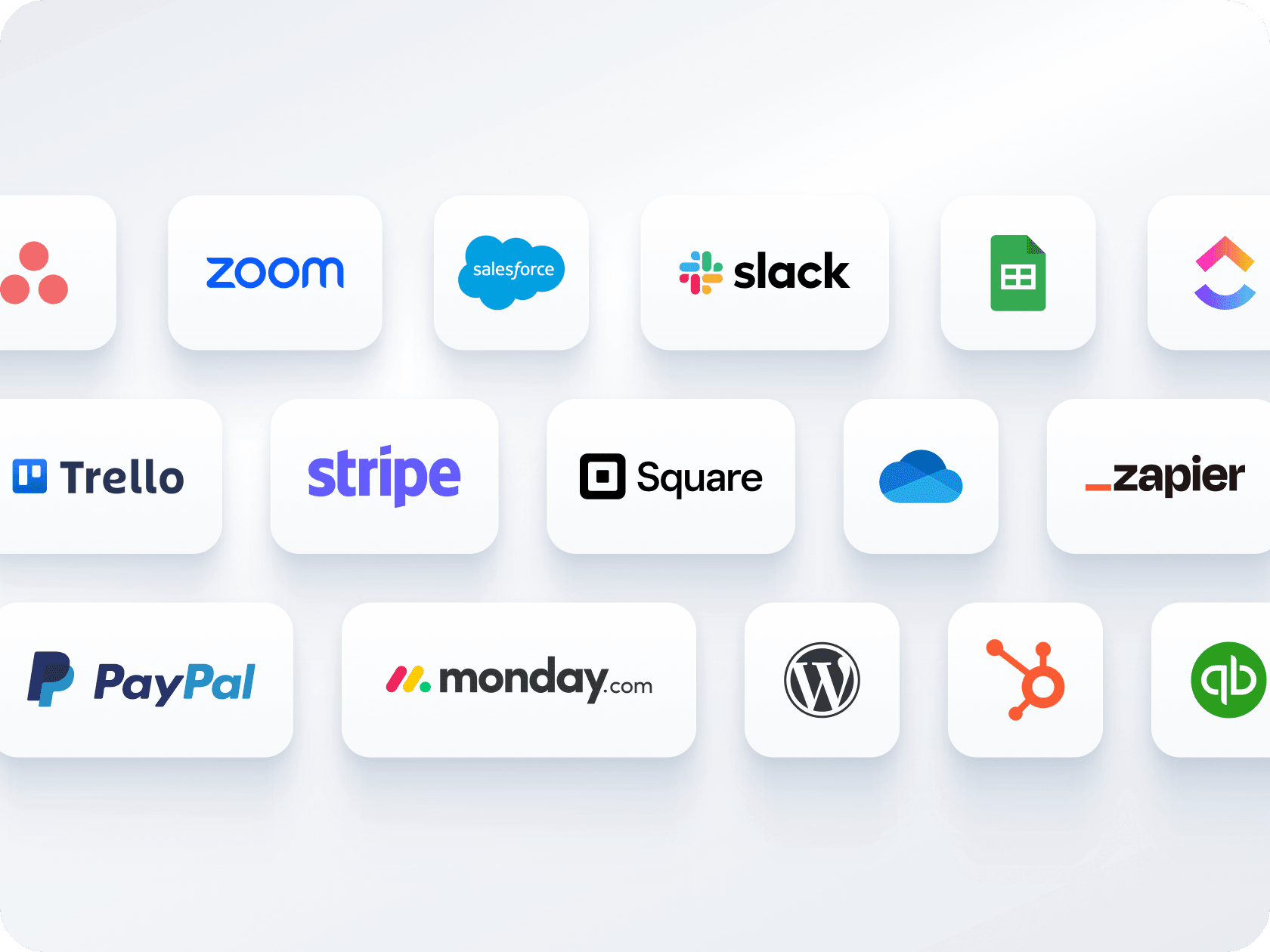
Send instant confirmation emails, trigger reminders, and connect with tools like **Zoom, Google Sheets,** and **Slack**. Jotform helps you build hands-free workflows around every booking.

[Create Free Scheduling Form](https://www.jotform.com/build/?question=appointment)

![Image 4: Automated workflows and integrations](https://cdn.jotfor.ms/image/r/aHR0cHM6Ly9jZG4uam90Zm9yLm1zL3AvYXBwb2ludG1lbnQtc2NoZWR1bGluZy1zb2Z0d2FyZS9hc3NldHMvaW1nLW1pbi9ob21lcGFnZS81LnBuZw==/5.png?w=40&t=1)

## Multiple forms, one calendar

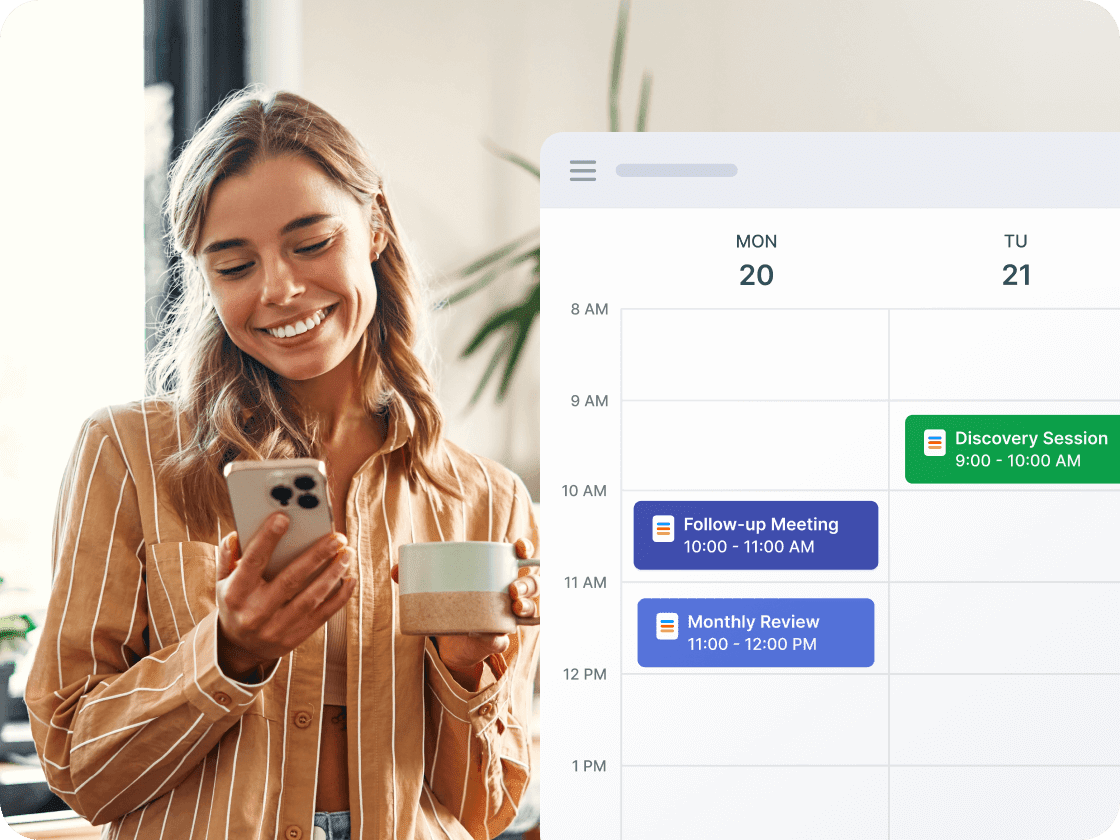
Collect payments and schedule appointments through a single form — no need for separate tools. Connect with **Stripe, PayPal, Square**, or other gateways to charge clients during booking.

[Create Free Scheduling Form](https://www.jotform.com/build/?question=appointment)

![Image 5: Multiple forms, one calendar](https://cdn.jotfor.ms/image/r/aHR0cHM6Ly9jZG4uam90Zm9yLm1zL3AvYXBwb2ludG1lbnQtc2NoZWR1bGluZy1zb2Z0d2FyZS9hc3NldHMvaW1nLW1pbi9ob21lcGFnZS80LnBuZw==/4.png?w=40&t=1)

## Easy sharing and embedding options

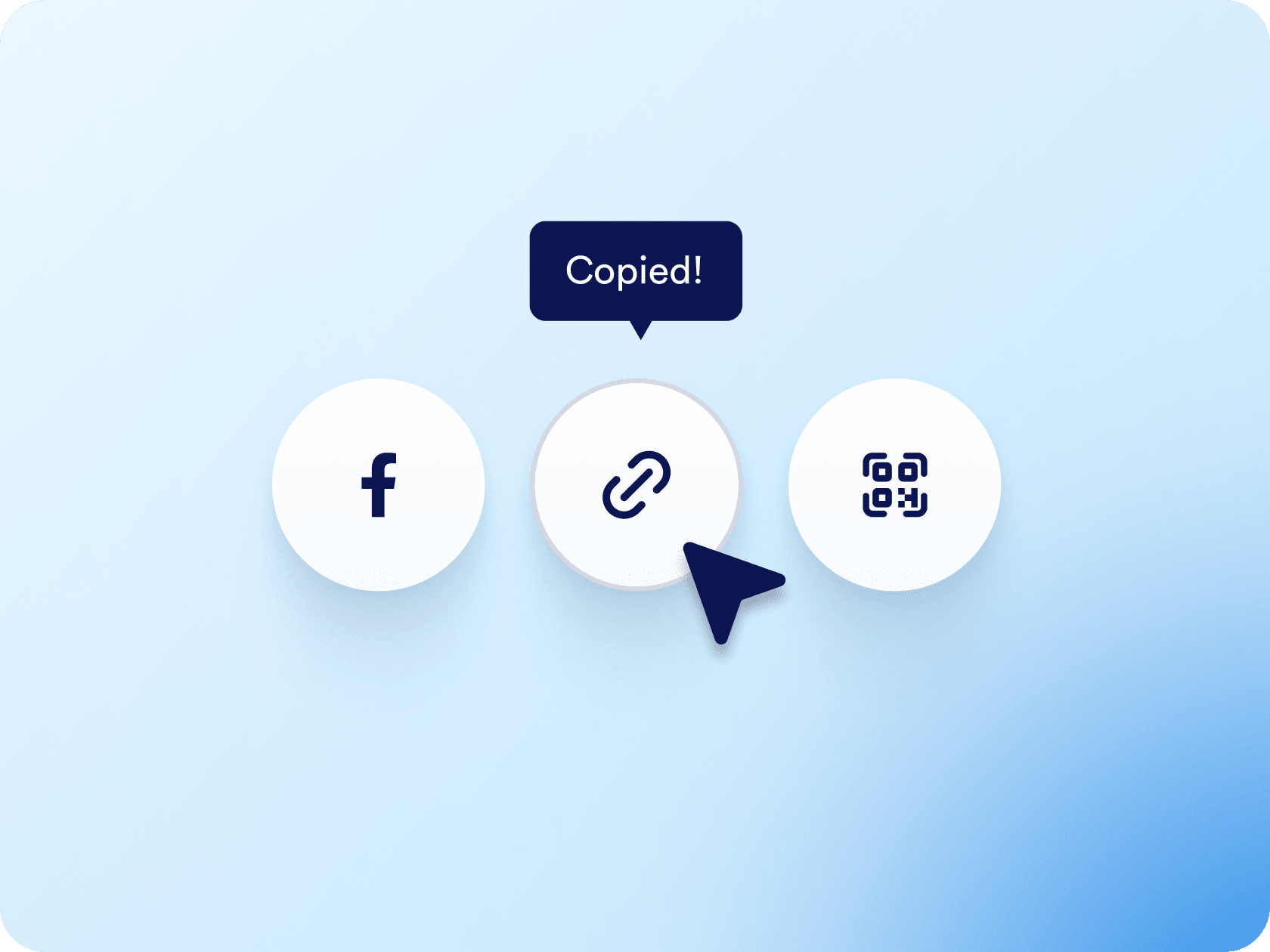
Share your appointment form with a link, embed it on your website, or generate a QR code in seconds. Whether from social media, email, or your homepage, reaching your audience is effortless.

[Create Free Scheduling Form](https://www.jotform.com/build/?question=appointment)

![Image 6: Easy sharing and embedding options](https://cdn.jotfor.ms/image/r/aHR0cHM6Ly9jZG4uam90Zm9yLm1zL3AvYXBwb2ludG1lbnQtc2NoZWR1bGluZy1zb2Z0d2FyZS9hc3NldHMvaW1nLW1pbi9lbWJlZC5wbmc/dj0wLjE=/embed.png?w=40&t=1)

## Appointment Scheduling Software for Google Calendar
![Image 7: Appointment Scheduling Software for Google Calendar](https://cdn.jotfor.ms/image/r/aHR0cHM6Ly9jZG4uam90Zm9yLm1zL3AvYXBwb2ludG1lbnQtc2NoZWR1bGluZy1zb2Z0d2FyZS9hc3NldHMvaW1nLW1pbi9nb29nbGUtY2FsZW5kYXIveXQtdGh1bWIuanBn/yt-thumb.jpg?w=40&t=1)

## Let your AI Agent book appointments anywhere

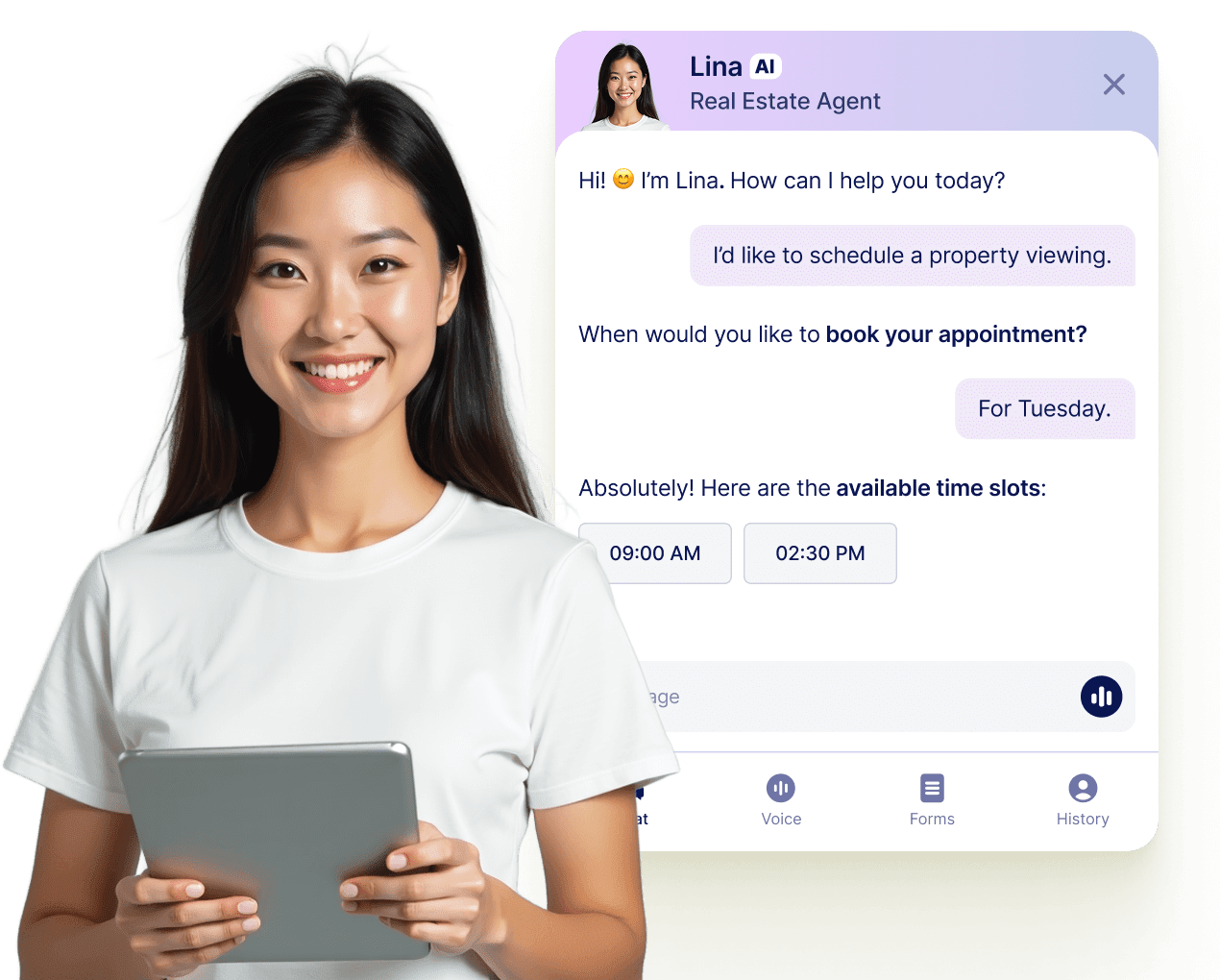
Turn every conversation into a confirmed booking with Jotform AI Agents. Your agent can schedule appointments in real time from your website, your email, WhatsApp, Messenger, Slack, and more — so you never miss a chance to connect.

[Learn more](https://www.jotform.com/ai/agents/features/multi-channel-support/)

![Image 8: Let your AI Agent book appointments anywhere](https://cdn.jotfor.ms/image/r/aHR0cHM6Ly9jZG4uam90Zm9yLm1zL3AvYXBwb2ludG1lbnQtc2NoZWR1bGluZy1zb2Z0d2FyZS9hc3NldHMvaW1nLW1pbi9hZ2VudC1jYXJkLXVzZWNhc2UucG5nP3Y9MC4x/agent-card-usecase.png?w=40&t=1)

## Frequently Asked Questions

*    
### Can I sync Jotform appointments with Google Calendar? Yes, Jotform offers full two-way sync with Google Calendar. Appointments made through your forms appear automatically in your calendar, and existing events are checked to ensure your availability is accurate.   
*    
### How does Jotform prevent overlapping bookings? When someone books a time slot, it’s instantly removed from the available options. Jotform also checks your connected calendar for conflicts and adjusts availability accordingly.   
*    
### Can I offer multiple services or appointment types with one form? Yes, you can easily offer multiple services or appointment types within a single form using dropdowns, multiple-choice fields, and conditional logic. For example, you can let users choose between a 30-minute consultation, a 1-hour session, or a group meeting — and display different availability, instructions, and pricing based on their selection. All appointments booked through the form are sent to the same connected calendar, allowing you to manage different services from one centralized view. If you have different team members or departments, you can also create separate forms for each and connect them to the same calendar.   
*    
### Is it possible to accept payments when someone books? Absolutely. Jotform integrates with Stripe, PayPal, Square, and other payment processors to securely collect payments using the booking form. This makes it perfect for consultations, classes, or paid sessions.   
*    
### Can I send confirmation emails and reminders automatically? Yes. Jotform supports fully automated confirmation emails, reminder notifications, and follow-ups. You can also customize these messages with the user’s appointment details.   
*    
### How customizable are the appointment forms? Jotform’s drag-and-drop form builder lets you add custom fields, branding, disclaimers, file uploads, and more. You can even use conditional logic to tailor the experience based on the user’s selections.   
*    
### Can I limit how many appointments I get per day? Yes. You can set daily limits, add buffer times, define working hours, and block off unavailable dates, like holidays or breaks.   
*    
### Does Jotform work for teams or multi-person scheduling? Yes. You can create individual appointment forms for team members, or manage everything from a single form using conditional logic and calendar mapping.   
*    
### Can I connect multiple forms to the same calendar? Yes, Jotform allows you to connect several appointment forms to a single Google Calendar. This is especially useful if you offer different services, work with multiple team members, or manage separate booking flows — all while keeping appointments organized in one place for easier calendar management.   
*    
### Is the scheduling feature available on the free plan? Yes. Jotform’s free plan includes appointment fields, calendar integrations, and basic automation. Paid plans are available for more advanced features and higher submission limits.   

View More