# Appointment scheduling software for Calendly | Jotform

Smarter scheduling starts here
# Appointment scheduling software for Calendly

Jotform makes it easy to schedule appointments and manage your calendar. Build fully customizable forms, connect with your favorite tools, sync availability, and collect everything you need — from payments to participant details.

[Create a Scheduling Form](https://www.jotform.com/build/?question=appointment)

![Image 1: Appointment scheduling software for Calendly hero](https://cdn.jotfor.ms/image/r/aHR0cHM6Ly9jZG4uam90Zm9yLm1zL3AvYXBwb2ludG1lbnQtc2NoZWR1bGluZy1zb2Z0d2FyZS9hc3NldHMvaW1nLW1pbi9jYWxlbmRseS9oZXJvLnBuZz92PTAuMw==/hero.png?w=2025&t=1)

Integrations
## How to connect Calendly with Jotform

Jotform integrates easily to supercharge your scheduling process. Eliminate repetitive tasks and build custom appointment workflows that fit your business perfectly.

### Customize appointment forms

Add form fields, conditions, disclaimers, or anything else you need for a complete workflow

### Connect Calendly

Sync availability in real-time to reflect booked slots and block conflicts automatically.

### Automate the Follow-up

Trigger emails, calendar invites, or integrations as soon as someone books.

Features
## Powerful appointment scheduling software features

A smarter way to manage appointments — so you can focus on what matters most. Keep everything running smoothly while delivering exceptional client experiences.

## Smart calendar sync

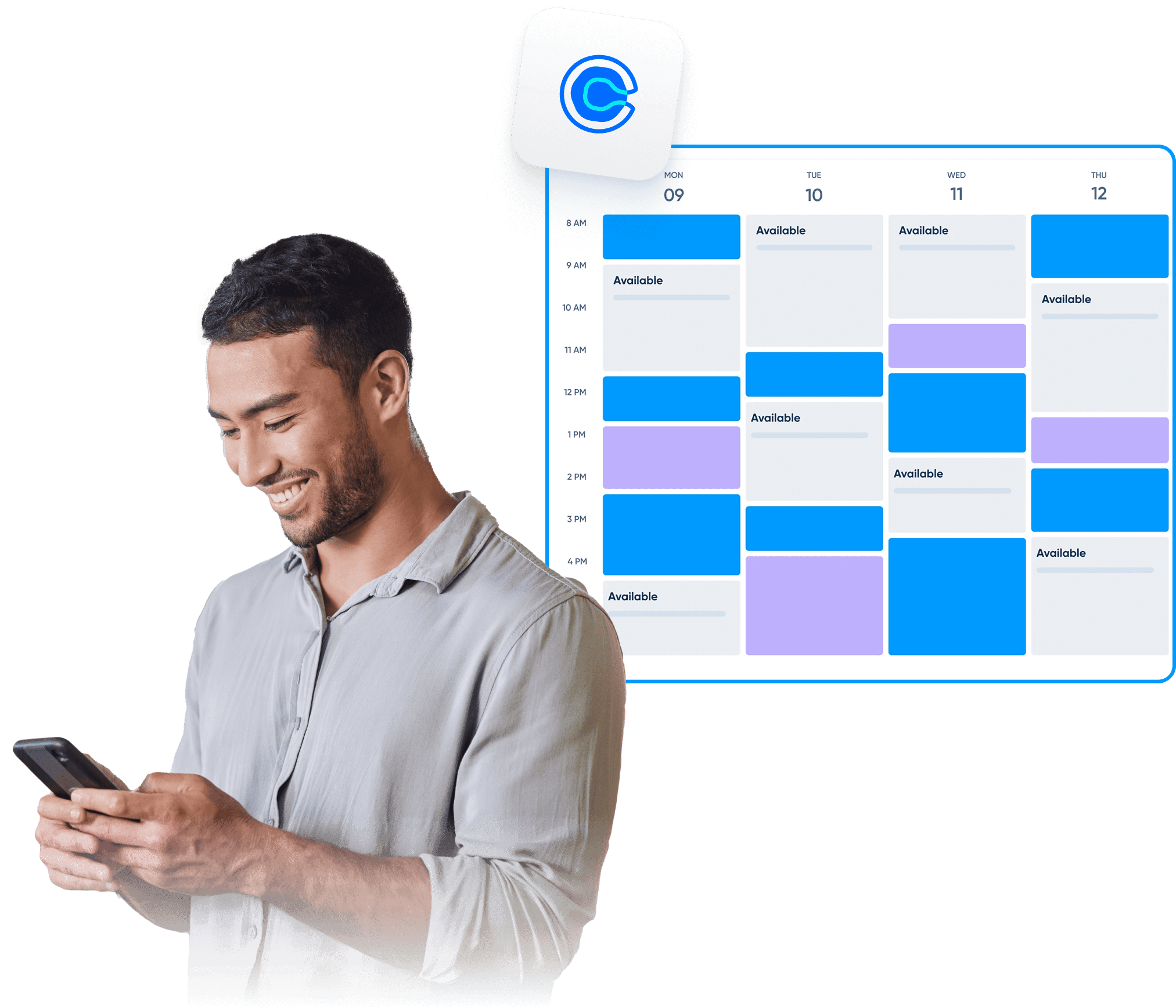
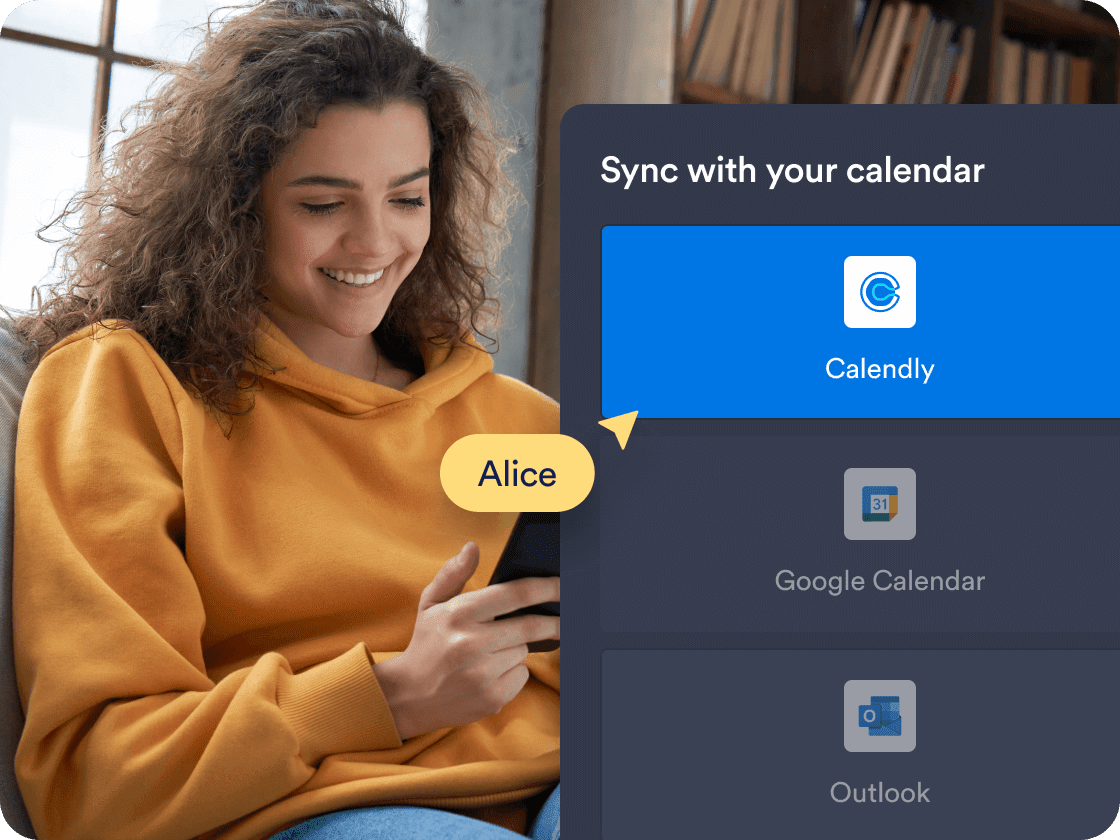
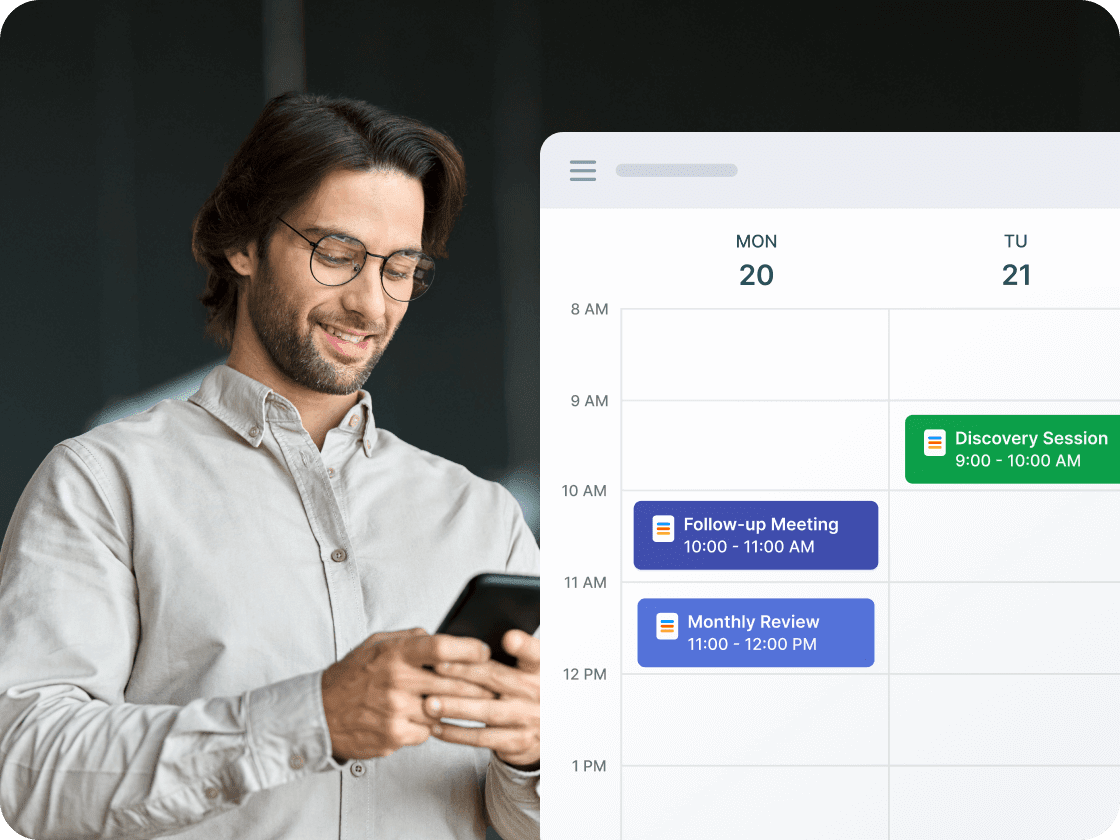
Sync appointments in real time with **Calendly**, ensuring your form always shows accurate availability. Booked time slots and existing calendar events are automatically blocked to prevent overlaps.

[Create Free Scheduling Form](https://www.jotform.com/build/?question=appointment)

![Image 2: Smart calendar sync](https://cdn.jotfor.ms/image/r/aHR0cHM6Ly9jZG4uam90Zm9yLm1zL3AvYXBwb2ludG1lbnQtc2NoZWR1bGluZy1zb2Z0d2FyZS9hc3NldHMvaW1nLW1pbi9jYWxlbmRseS8xLnBuZz92PTAuMg==/1.png?w=40&t=1)

## Prefill Calendly details automatically

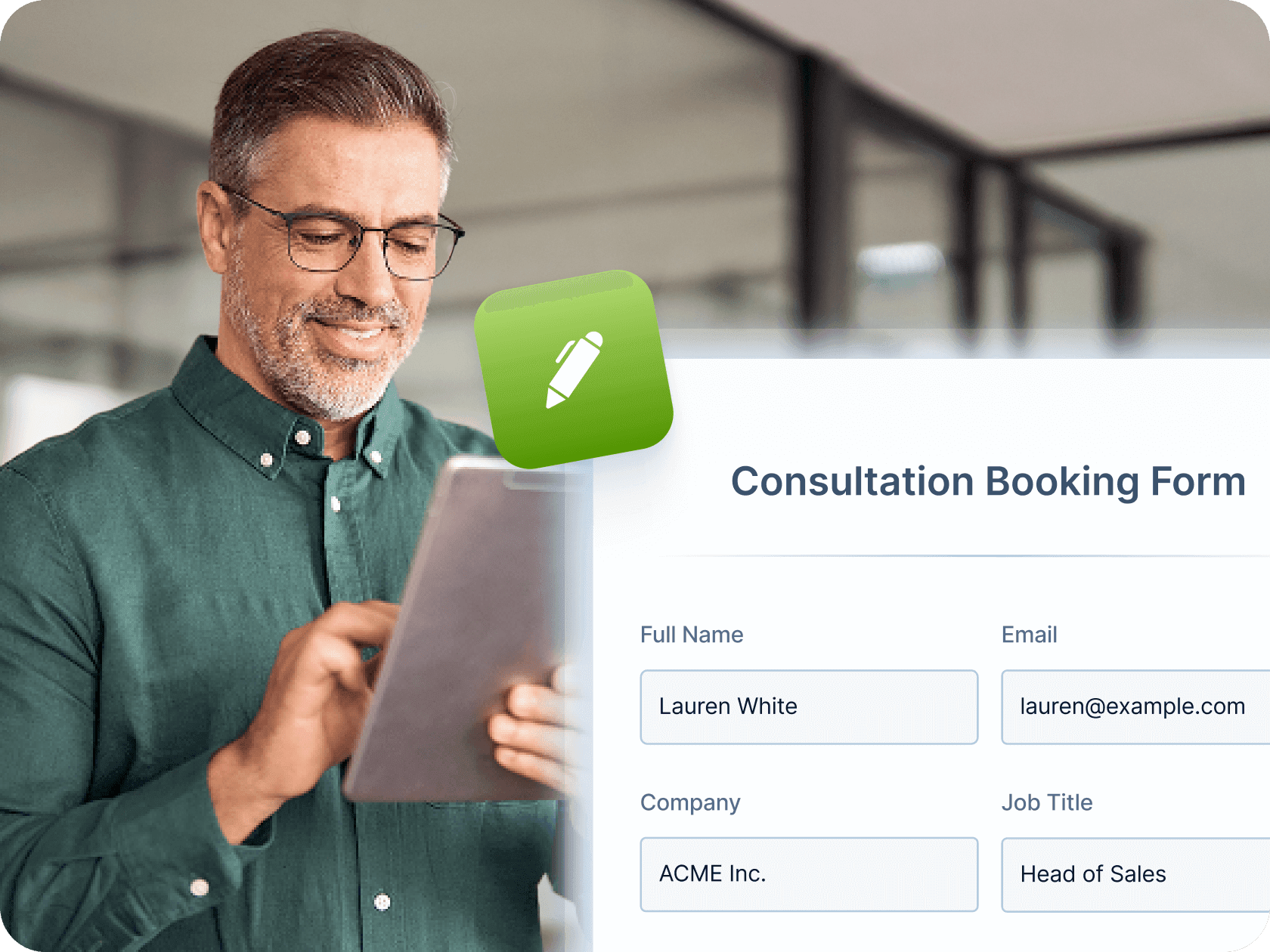
Make booking even faster by mapping Jotform form fields—like name, email, and phone number—directly to your Calendly event fields. Once a user submits the form, their details are automatically passed into Calendly, saving time and reducing manual entry for both you and your clients.

[Create Free Scheduling Form](https://www.jotform.com/build/?question=appointment)

![Image 3: Prefill Calendly Details Automatically](https://cdn.jotfor.ms/image/r/aHR0cHM6Ly9jZG4uam90Zm9yLm1zL3AvYXBwb2ludG1lbnQtc2NoZWR1bGluZy1zb2Z0d2FyZS9hc3NldHMvaW1nLW1pbi9jYWxlbmRseS8yLnBuZz92PTAuMg==/2.png?w=40&t=1)

## Automated workflows and integrations

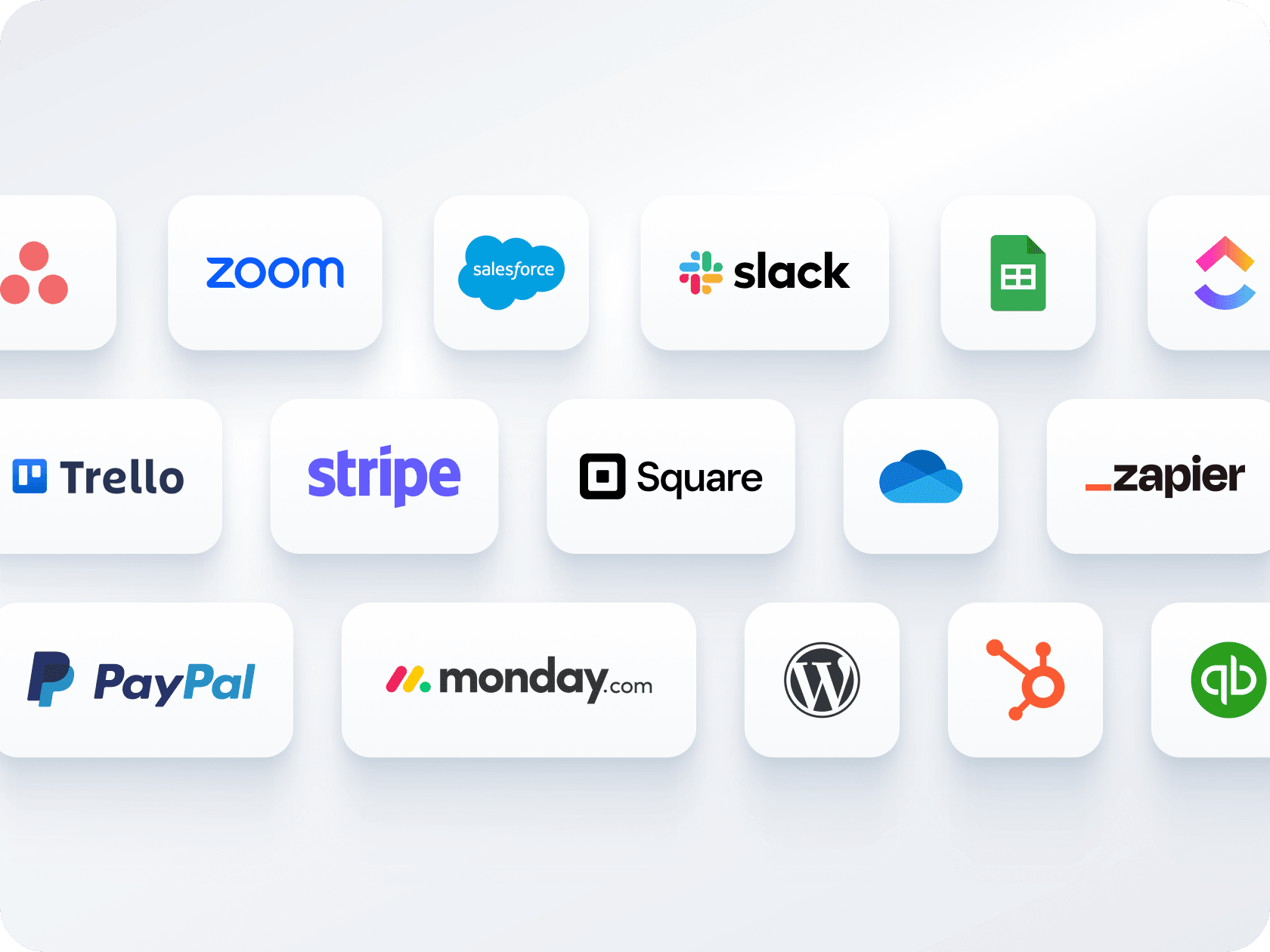
Send confirmation emails, automate reminders, and connect with tools like Zoom, Slack, or CRMs. Jotform helps you create a seamless workflow around each booking — without manual follow-up.

[Create Free Scheduling Form](https://www.jotform.com/build/?question=appointment)

![Image 4: Automated workflows and integrations](https://cdn.jotfor.ms/image/r/aHR0cHM6Ly9jZG4uam90Zm9yLm1zL3AvYXBwb2ludG1lbnQtc2NoZWR1bGluZy1zb2Z0d2FyZS9hc3NldHMvaW1nLW1pbi9ob21lcGFnZS81LnBuZz92PTAuMg==/5.png?w=40&t=1)

## Multiple forms, one calendar

Collect payments and schedule appointments through a single form — no need for separate tools. Connect with Stripe, PayPal, Square, or other gateways to charge clients during booking.

[Create Free Scheduling Form](https://www.jotform.com/build/?question=appointment)

![Image 5: Multiple forms, one calendar](https://cdn.jotfor.ms/image/r/aHR0cHM6Ly9jZG4uam90Zm9yLm1zL3AvYXBwb2ludG1lbnQtc2NoZWR1bGluZy1zb2Z0d2FyZS9hc3NldHMvaW1nLW1pbi9jYWxlbmRseS80LnBuZz92PTAuMg==/4.png?w=40&t=1)

## Easy sharing and embedding options

Distribute your appointment form via link or QR code, or embed it directly on your website. Whether you’re sharing through email, social media, or landing pages, it takes just a few clicks.

[Create Free Scheduling Form](https://www.jotform.com/build/?question=appointment)

![Image 6: Easy sharing and embedding options](https://cdn.jotfor.ms/image/r/aHR0cHM6Ly9jZG4uam90Zm9yLm1zL3AvYXBwb2ludG1lbnQtc2NoZWR1bGluZy1zb2Z0d2FyZS9hc3NldHMvaW1nLW1pbi9lbWJlZC5wbmc/dj0wLjI=/embed.png?w=40&t=1)

## Appointment Scheduling Software for Calendly
![Image 7: Appointment Scheduling Software for Calendly](https://cdn.jotfor.ms/image/r/aHR0cHM6Ly9jZG4uam90Zm9yLm1zL3AvYXBwb2ludG1lbnQtc2NoZWR1bGluZy1zb2Z0d2FyZS9hc3NldHMvaW1nLW1pbi9jYWxlbmRseS95dC10aHVtYi5qcGc=/yt-thumb.jpg?w=40&t=1)

## Let your AI Agent book appointments anywhere

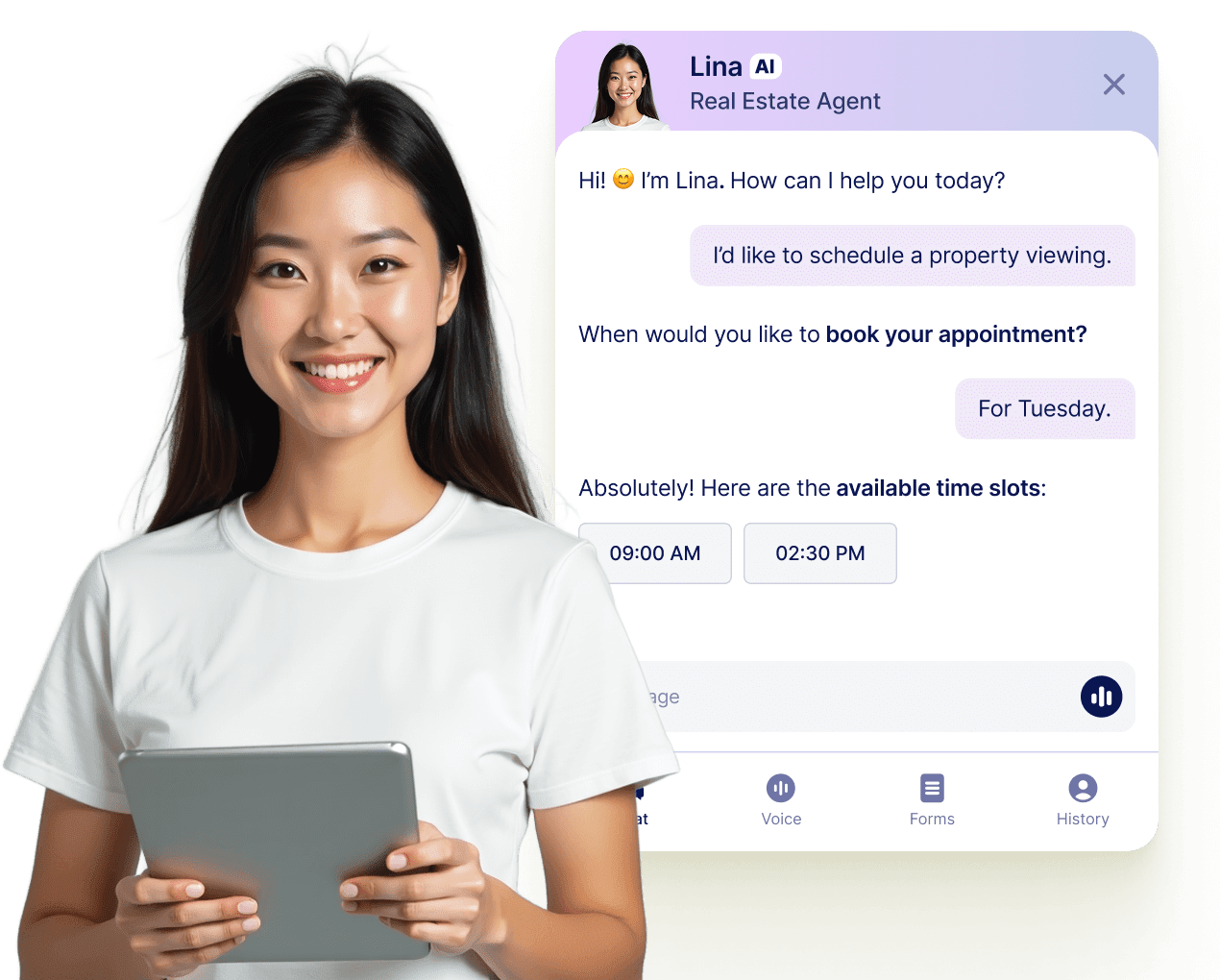
Turn every conversation into a confirmed booking with Jotform AI Agents. Your agent can schedule appointments in real time from your website, your email, WhatsApp, Messenger, Slack, and more — so you never miss a chance to connect.

[Learn more](https://www.jotform.com/ai/agents/features/multi-channel-support/)

![Image 8: Let your AI Agent book appointments anywhere](https://cdn.jotfor.ms/image/r/aHR0cHM6Ly9jZG4uam90Zm9yLm1zL3AvYXBwb2ludG1lbnQtc2NoZWR1bGluZy1zb2Z0d2FyZS9hc3NldHMvaW1nLW1pbi9hZ2VudC1jYXJkLXVzZWNhc2UucG5nP3Y9MC4x/agent-card-usecase.png?w=40&t=1)

## Frequently Asked Questions

*    
### How do I connect Calendly to my Jotform appointment form? To connect Calendly, go to the **Appointment Properties** panel in your form, select **Calendly**, and log in to your Calendly account. Once connected, you can configure event details, set durations, and map your form fields to the appropriate Calendly event fields for prefilled booking info.   
*    
### Can I prefill Calendly event fields using my Jotform form? Yes. After connecting Calendly, go to the **Prefill** section in the Appointment Properties sidebar. From there, you can map form fields like name, email, or phone number to the corresponding Calendly event fields—so the user's information is automatically passed through when they submit the form.   
*    
### How does Jotform prevent double bookings? Jotform automatically disables time slots that are already taken through your form or your connected calendar. Once a user books a time, it’s instantly removed from your available options, so no one else can reserve the same slot.   
*    
### Can I collect payments at the time of booking? Absolutely. Jotform integrates with major payment processors like **Stripe**, **PayPal**, and **Square** so you can collect payments directly through the appointment form. Whether you’re charging for consultations, classes, or coaching sessions, users can pay as they schedule.   
*    
### Can I create different appointment types in a single form? Yes. You can use dropdown menus and conditional logic to offer multiple services, appointment lengths, and meeting formats (e.g., virtual vs. in-person). Based on what the user selects, the form can display different questions, prices, or instructions.   
*    
### Will Jotform send confirmation emails and reminders automatically? Yes. You can set up automatic confirmation emails, custom notifications for your team, and reminder emails to reduce no-shows. These can include the client’s name, appointment time, Zoom link (if integrated), and any other custom details from your form.   
*    
### Can I automate other tasks after someone books an appointment? Yes, with Jotform Workflows and hundreds of integrations, you can automate almost any follow-up action. This includes creating calendar events, sending internal notifications, generating Zoom meeting links, updating a CRM, or moving data to Google Sheets — without any manual work.   
*    
### How is availability handled when using Calendly with Jotform? Jotform will reflect the availability already set in your **Calendly** account, which syncs with your connected calendars like **Google Calendar** or **Outlook Calendar**. Any time slots marked as unavailable in Calendly or those blocked in your calendar will automatically be hidden from the form.   
*    
### Can I embed the appointment form on my website or share it via link? Yes. You can **embed your form** on your website or share it via a direct link, an email, social media, or even a QR code.   
*    
### What happens after someone books an appointment through the form? Once a user selects a time slot and submits the form, the appointment is created directly in your Calendly account and also appears in your connected calendar (e.g., Google Calendar). The user's information, including mapped fields, is stored within the Calendly event.   
*    
### Which calendars are supported through Calendly in Jotform? Calendly supports syncing with **Google Calendar**, **Outlook Calendar**, and **iCloud Calendar**. Once Calendly is integrated into your Jotform form, all your connected calendars are used to determine available booking times.   
*    
### Can I use Calendly with Jotform on a HIPAA-enabled account? No. At this time, **Calendly is not compatible with HIPAA-compliant Jotform accounts**. If you're using Jotform for sensitive health data, it's recommended to use the native Appointment field with Google or Outlook Calendar integrations instead.   

View More