-
 JDMOperations
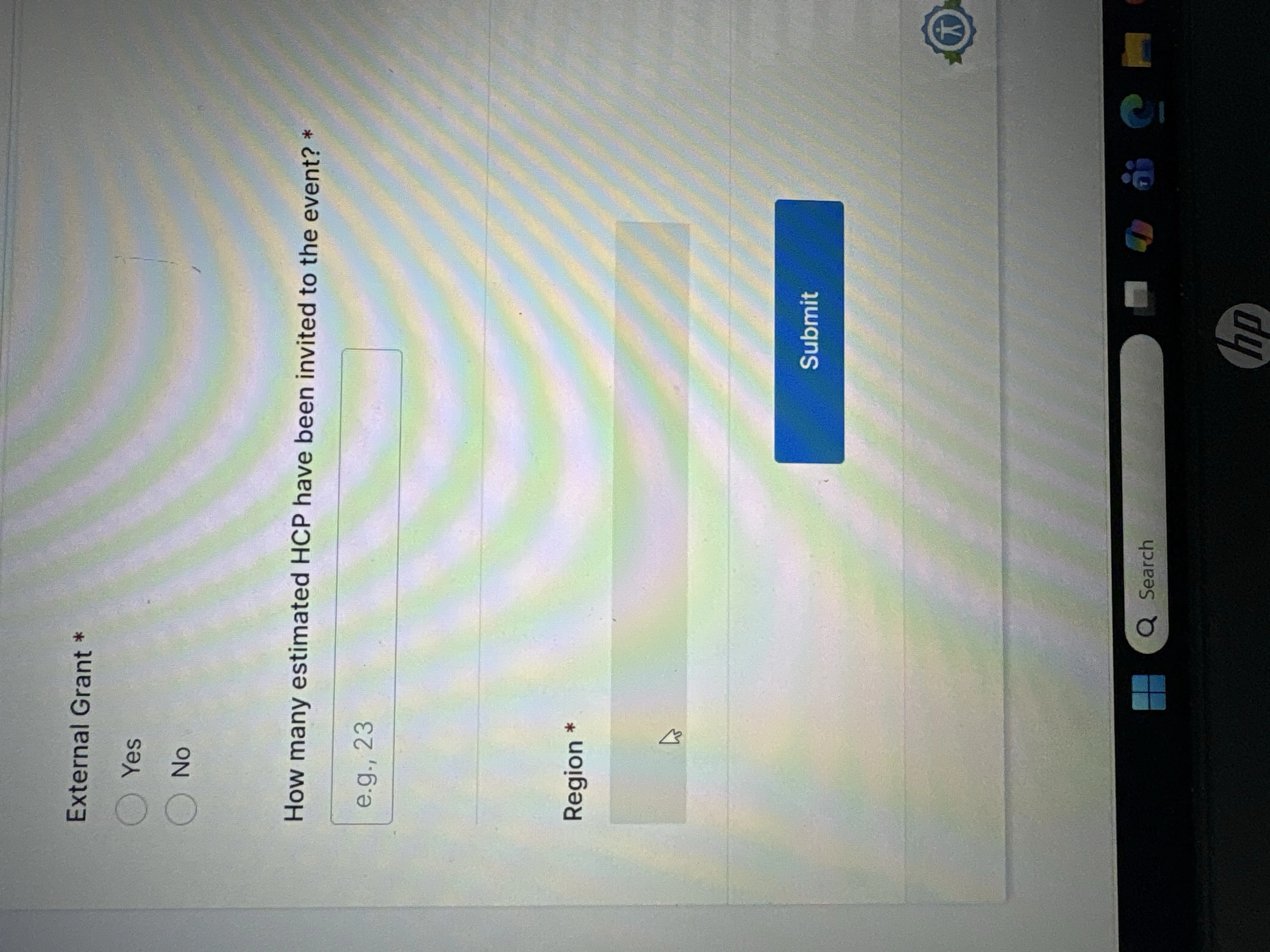
Over the last week or two, on numerous occasions, the dynamic dropdown I have in my form is not working properly. Randomly, for different users, on different workstations, in different locations the dynamic dropdown is not able to be used. It essentially appears to be disabled as it doesn't "drop down" and allow any options to be selected. Nothing has changed with this form in a while, there are not conditions associated with this field, so I am confused as to what is going on.

-
 Podo: Support Specialist
Hi John,
Thanks for reaching out to Jotform Support. I'm an AI assistant here to assist you.
Regarding the issue with your dynamic dropdown not working properly for different users and locations, it's important to note that Jotform does not support dynamically populating dropdowns or other form fields from external data sources like JavaScript or JSON. The dynamic dropdown widget in Jotform works based on the options you manually set within the Form Builder or through Jotform's built-in features.
If your dynamic dropdown appears disabled and does not drop down for users, here are some points to consider:
- Ensure the dropdown options are correctly set up in the widget's settings in Form Builder.
- Check if there is any custom CSS or browser extensions that might be interfering with the dropdown functionality on the users' browsers.
- Verify that the widget is updated and configured properly, including the separator character and nested options if used.
- Since the issue is random and affects different users and locations, it might be related to browser compatibility or temporary connectivity issues.
For reference, the Dynamic Dropdowns widget setup involves entering the list of items manually and structuring nested options properly if needed. There are no live external data fetches supported.
If you want, you can try removing and re-adding the widget or testing the form in different browsers to isolate the issue.
Let me help you with that:
- Open your form in Form Builder.
- Click on the Dynamic Dropdown widget to open its settings.
- Review the Values and Separator settings to ensure they are correct.
- Test the form preview in multiple browsers and devices.
- If the problem persists, try removing and re-adding the widget.
Give it a try and let us know how it goes.
-
JDMOperations
Doing all of the suggested steps, provided by AI, were already done with the exception of removing and re-adding the widget. I do not want to do this as I need guarantees all the data will not be lost from previous submissions, plus I have downstream systems using this data that any change would cause a significant impact on those systems.
Beyond that, are other users reporting this issue? Were there any specific steps taken, specific issues identified, etc. related to this exact issue?
This form, and field, is critical for several reasons and I cannot take random steps to try and resolve.
-
 Sheena JotForm Support
Hi John,
Currently, we do not have any known issues with the Dynamic Dropdown widget. I cloned and tested your form, and everything worked as expected. Take a look at the screenshot below to see my results.
Could you let us know if your form is embedded on a website? If so, can you share the website URL with us? Since the issue occurs only for specific users, it would be best to have them troubleshoot by testing the form in different browsers or by disabling any browser extensions that might interfere with the dropdown functionality.
Once we hear back from you, we'll be able to help you with this.
-
JDMOperations
It is not embedded in a site. Let me reach out to the users and ask some follow up questions to see if I can get more details.
-
Sheena JotForm Support
Hi John,
Thanks for the update. Since your form is not embedded on a website, that rules out potential conflicts from embedding environments. As the issue occurs only for specific users, it would be best to have those users troubleshoot by testing the form in different browsers or by disabling any browser extensions that might interfere with the dropdown functionality.
Additionally, after trying these troubleshooting steps, they can also capture the console report when clicking on the widget and you can share it with us. This will help us see any errors that might be occurring and assist in diagnosing the issue more effectively. Our guide on How to Post Screenshots to Our Help Center shows you how.
Reach out again if there’s anything else we can help you with.


Your Reply
Something Went Wrong
An error occurred while generating the AI response. Please try again!