-
 Edward_DeAngelis
I am a new user trying out jot forms which I think is going to be a game changer
Having trouble with my first form
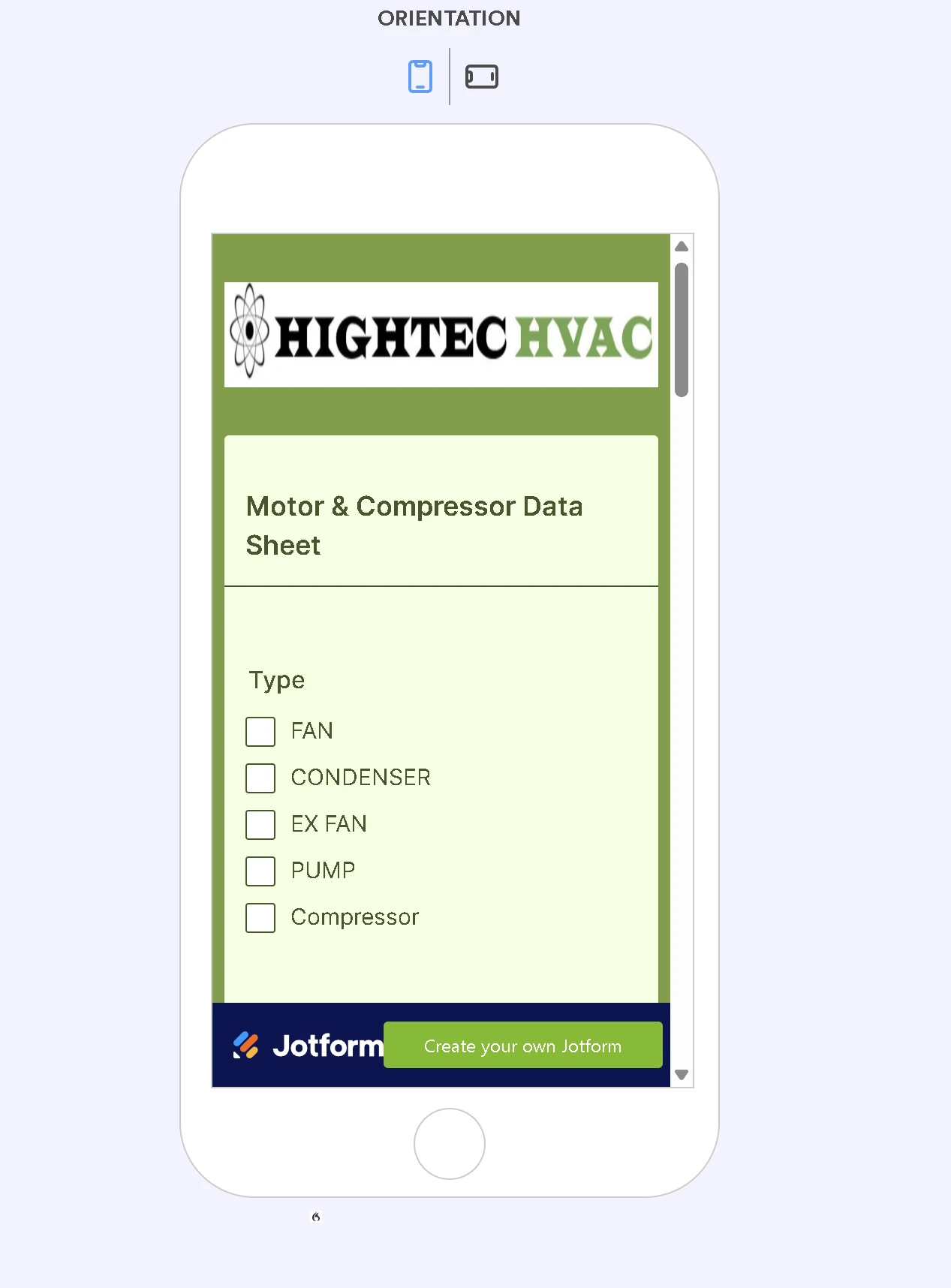
The first page is not showing up when I go to fill it out and jumps automatically to the last page can you help
Thanks Ed

-
 Eduardo_Ca
Hi Ed,
Thanks for reaching out to Jotform Support. I cloned your form and tried to replicate the issue, but everything worked the way it should. Check out my results in the screenshot below:
I've cleared your form's cache. Can you give it a try now?
After we hear back from you, we’ll have a better idea of what’s going on and how to help.
-
Edward_DeAngelis
yes all good working now.
appreciate your prompt help
Ed
-
 Podo: Support Specialist
Hi Edward DeAngelis,
Your request has been answered and the thread is closed.
If you have another question or need more help, feel free to reply here and we'll assist you right away.
-
Edward_DeAngelis
Question
I have an Excel data form linked to my job form auto complete
I would like users to be able to select from the 1000 available selections by scrolling. To prevent the errors that come back if they don't type in the number correctly. This way they could just select or start typing the numbers to see which one they want.
This is possible?
-
 Kyle JotForm Support
Hi Edward,
I’ve gone ahead and moved your other question to a separate thread to keep things tidy, and someone from our Support Team will help you out with it here.
Reach out again if there’s anything else we can help you with.