-
 qlf7335
 -
 Rica Support Team Lead
Hi qlf7335,
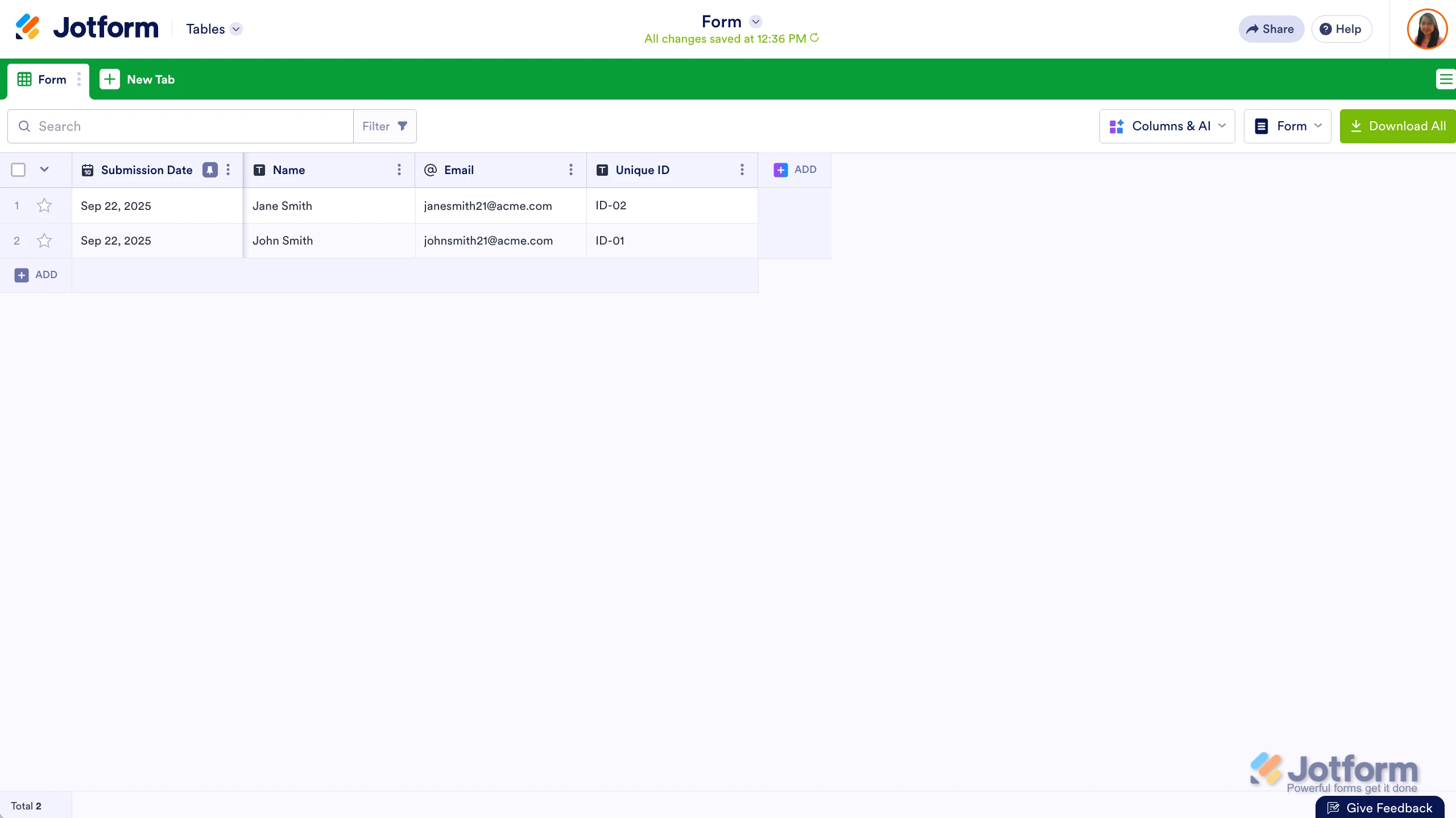
Thanks for reaching out to Jotform Support. It’s easy to add Unique IDs to your form submissions to add unique identifiers to your form entries. Let me show you how:
- In Form Builder, click on Add Element on the left side of the page.
- Under the Widgets tab, search for Unique Field and click on it.
- Next, click on the Gear icon on the right side of the Unique Field to open the Unique ID Properties.
- In the menu that opens on the right side of the page, enter the Prefix and Number of Digits for your Unique ID. That’s it. You’re done.
 Reach out again if there’s anything else we can help you with.
 -
qlf7335
Hi Support Team,
Attached above is guideline from using FORM Builder.
May I know if APPS Builder also has a similar widget for Unique ID?The reason I ask is that my table data comes from APPS, not from FORM Builder.
Looking forward to hear from you.
Thank you. -
 Kris Ann JotForm Support
Hi qlf7335,
Currently, the Unique ID widget is specifically available in the Form Builder only. You can still use it by adding the Unique ID widget to a form and then add that form to your app. Let me show you how:
1. In App Builder, click on the Plus button on the left side of the page.
2. Add a Form element to your app, then under the Select Forms modal, choose the form with the Unique ID widget.
3. Once done, click on the Add Forms button, then click on the Gear icon.
4. Then enable the Show Form option.
Thanks for your patience and understanding, we appreciate it.

Your Reply
Something Went Wrong
An error occurred while generating the AI response. Please try again!