-
 qlf7335
Greetings, Support Team.
I encountered an issue regarding the sequence number for submission orders.
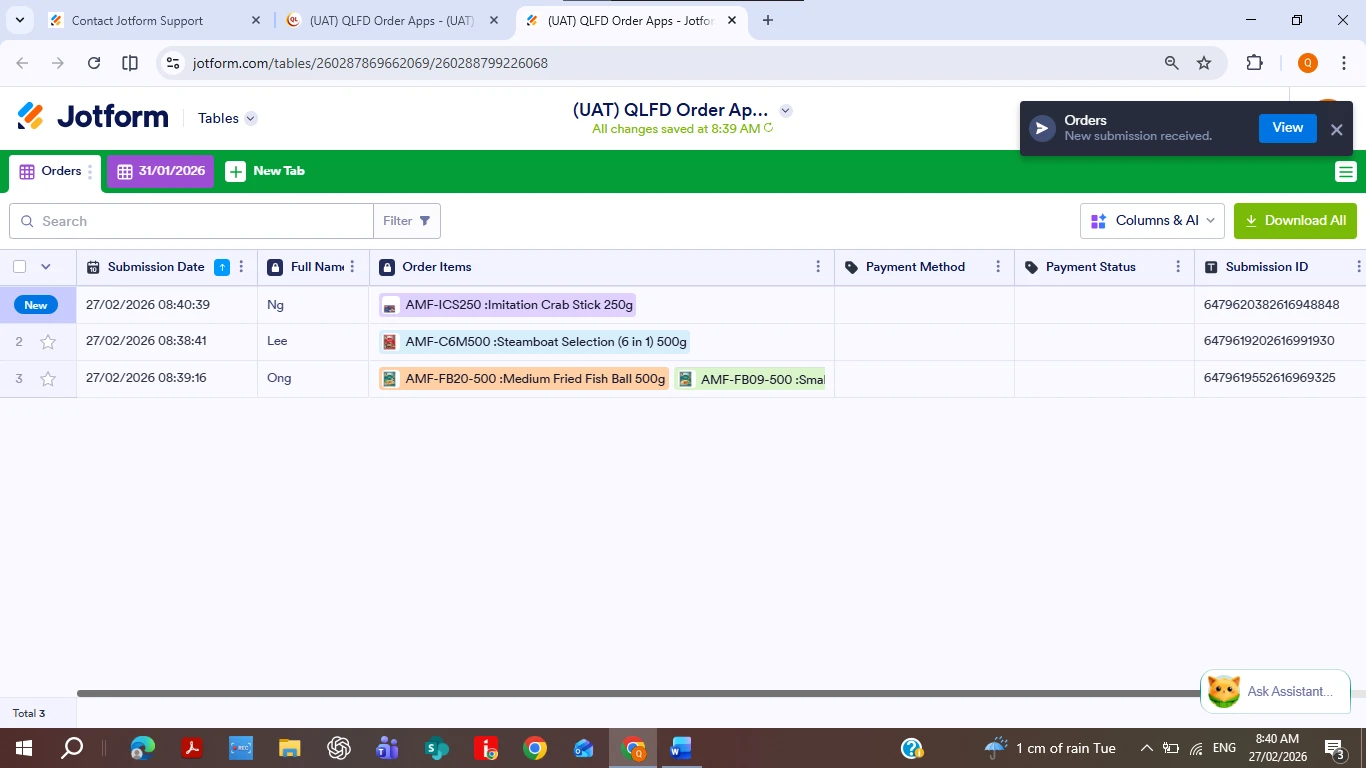
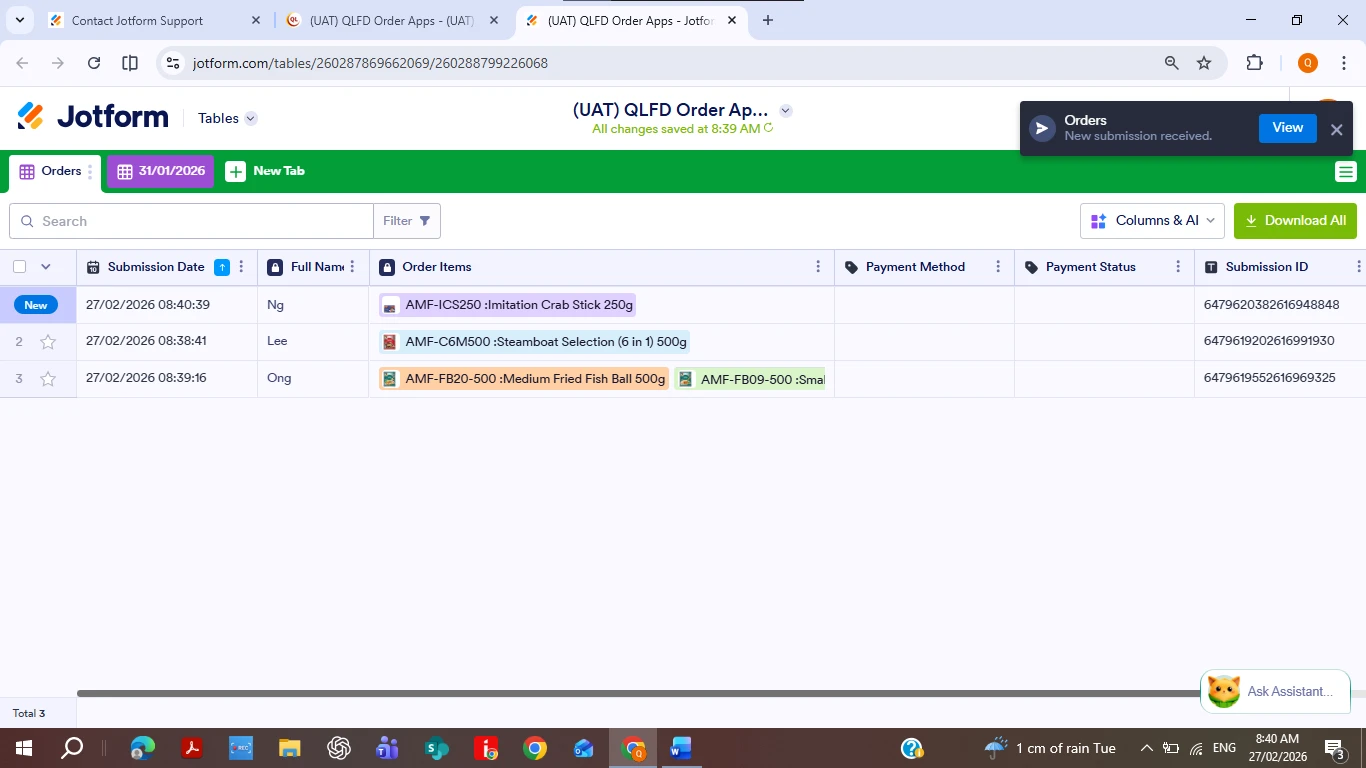
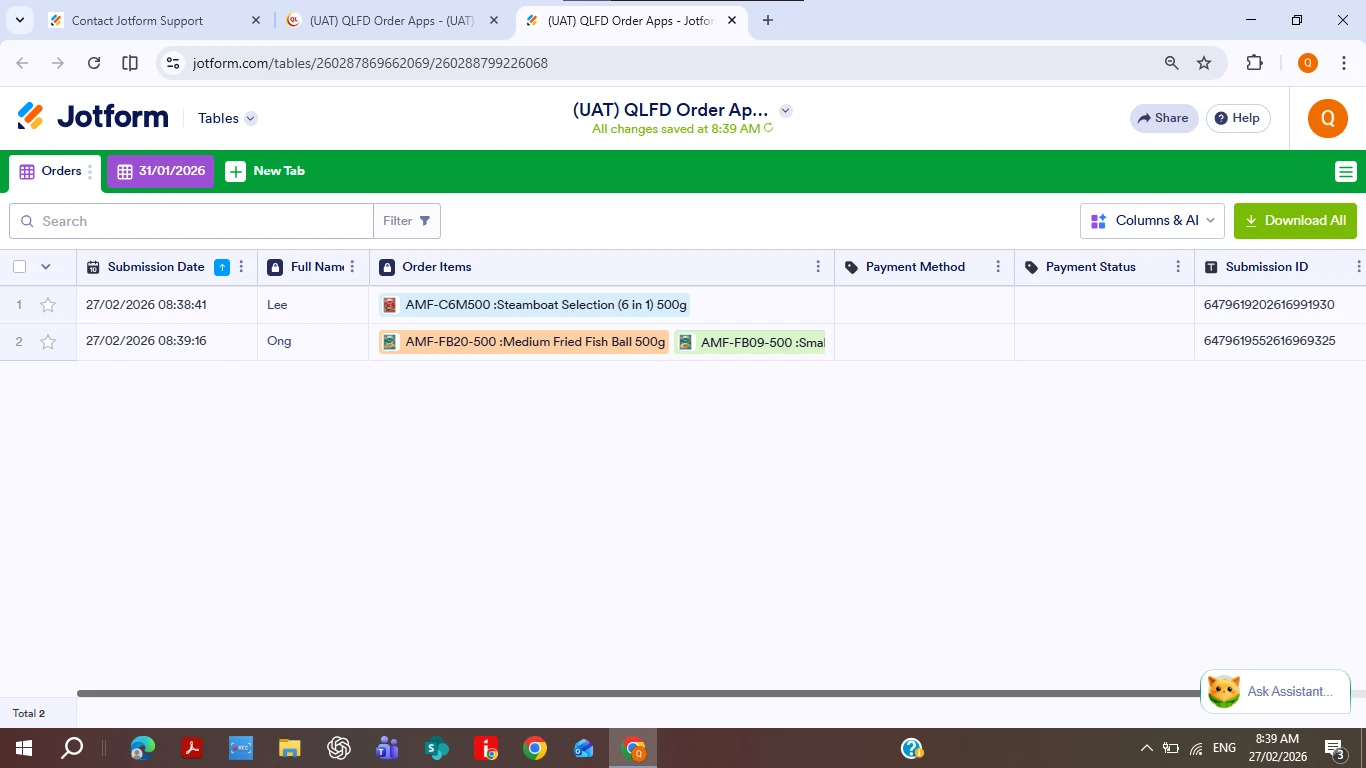
Based on below screenshot, I arranged the submission time when the order FULL NAME = "LEE" & "NG" with in ascending sequence (older orders with smaller order numbers).
 Therefore, I assumed that new orders would automatically take the next bigger order number in ascending order.
However, for example, the order with FULL NAME = NG was assigned order number "1" instead of "3".
As a result, we need to manually sort the orders before every printing. Otherwise, if we print without sorting when every new orders came in, we may end up with two or more orders having the same order number "1".
Could you please advise how this can be resolved or whether there is a setting that controls the order number sequencing?
Thank you.
-
 Podo: Support Specialist
Hi QLF,
Thanks for reaching out to Jotform Support. I'm an AI assistant here to assist you.
Regarding your issue with submission order sequencing in Jotform Tables, currently, there is no setting that automatically assigns or controls the order number sequencing based on submission time or any other criteria. The order numbers you see are not automatically incremented in ascending order by submission time, which is why you are seeing new submissions assigned the order number "1" again.
To manage the order sequence for printing or processing, you will need to manually sort the submissions by the desired column (such as Submission Date) before printing. Unfortunately, this manual sorting is necessary as the system does not automatically update or maintain a continuous ascending order number for new submissions.
If you want to keep a consistent order number, you might consider adding a unique ID or an auto-increment field within your form or table setup, but this requires manual configuration and is not automatically handled by Jotform Tables.
Let us know if you need guidance on how to set up such a field or if you have any other questions.
Give it a try and let us know how it goes.
-
qlf7335
-
 Jeric_T
Hi qlf7335,
I’ve gone ahead and moved your other question to a separate thread to keep things tidy, and someone from our Support Team will help you out with it here
Reach out again if you need any more help.
 Therefore, I assumed that new orders would automatically take the next bigger order number in ascending order.