Back to Top Widget
Create Your Own Back to Top Button in Seconds for Your Website
Add a smooth back to top button to long pages and help visitors navigate your website with less effort. With flexible positioning, styling options, and simple setup, you can create a back to top experience that matches your site design.
Create Your Back to Top Widget — It’s Free!
Add a Floating Back to Top Button
Help visitors return to the top of long pages with a button that stays available while they scroll. A floating back to top button makes navigation easier on landing pages, blogs, product pages, and content-heavy websites.
Useful for:
Convert More Visitors
Customize the appearance of your reviews so the widget blends naturally with your website. The widget supports both light and dark themes, allowing you to match modern website styles and branding.
Customization options include:

Match the Button to Your Website Design
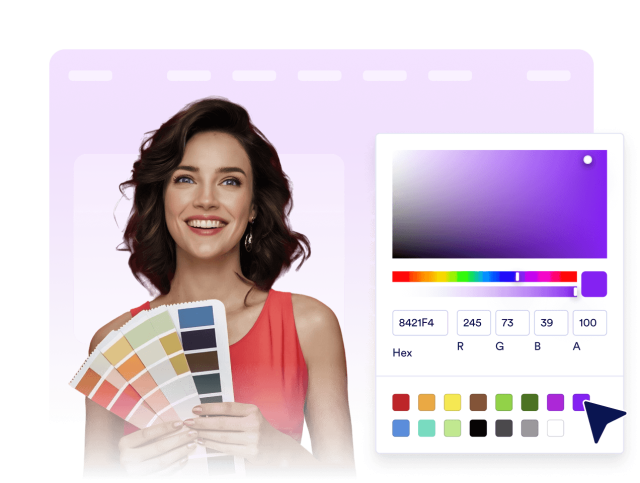
Customize the look of your back to top button so it feels native to your website. Adjust colors, shape, size, icon style, and shadow settings to match your brand and page layout.
Custom background color
Control When the Button Is Shown
Decide when the back to top button appears so it supports the browsing experience without getting in the way. Set scroll behavior and visibility options for desktop and mobile visitors.
Behavior settings include: