# Accept Venmo Payments via Online Forms | Jotform

# Accept Venmo Payments via Online Forms

Gather **peer-to-peer payments with Venmo** payment forms. Integrate Venmo with Jotform to **get paid instantly online** — while paying no extra transaction fees to Jotform!

Sign Up with Google Sign Up with Apple

OR

Sign Up with an email It's free!

![Image 1: Introduction Image Mobile](https://cdn.jotfor.ms/image/r/aHR0cHM6Ly9jZG4uam90Zm9yLm1zL3AvdmVubW8vYXNzZXRzL2ltZy1taW4vaG9tZXBhZ2UvaW50cm9kdWN0aW9uLW1vYmlsZS5wbmc=/introduction-mobile.png?w=40&t=1)

## Free Venmo Payment Form Templates

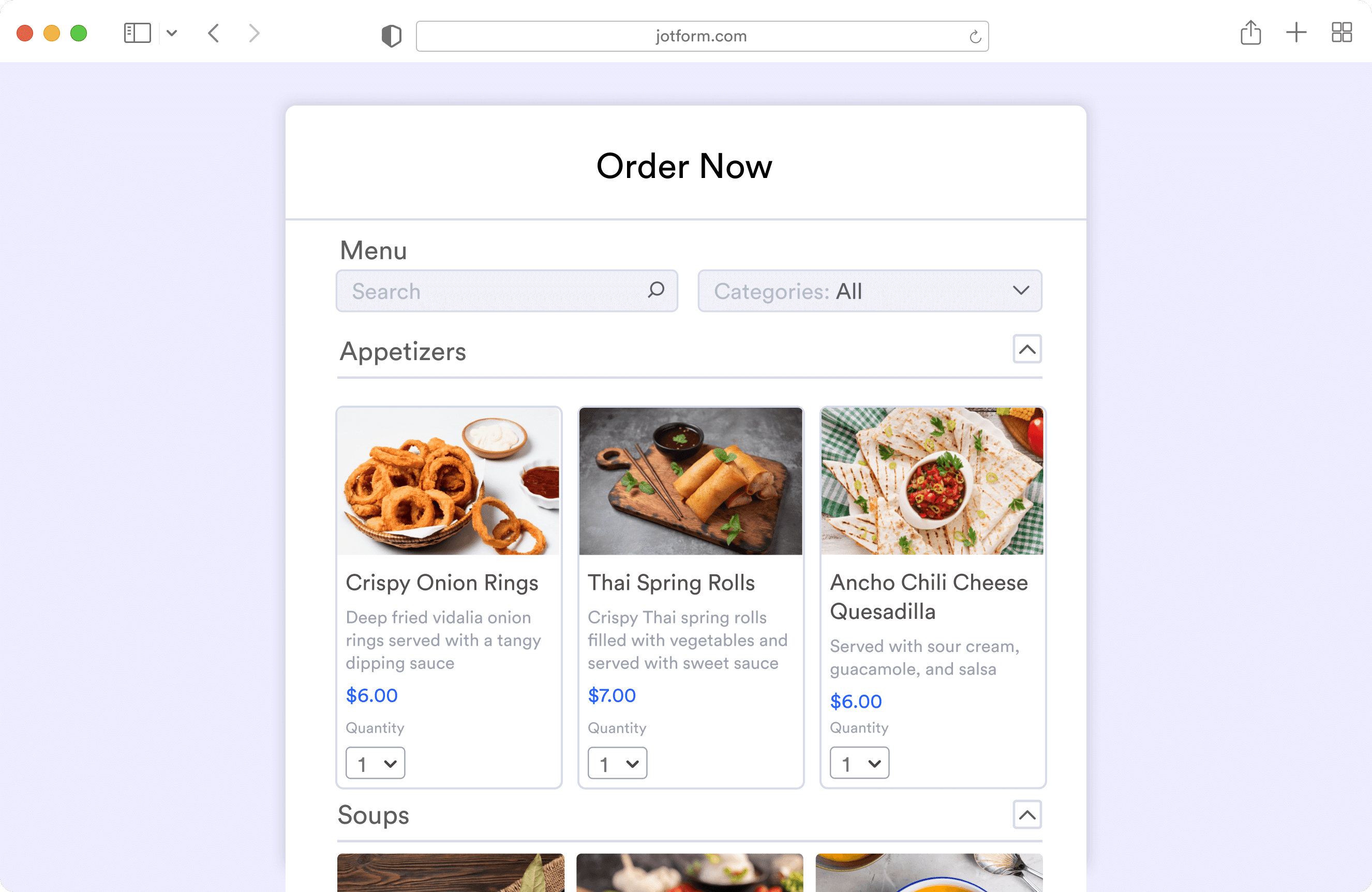
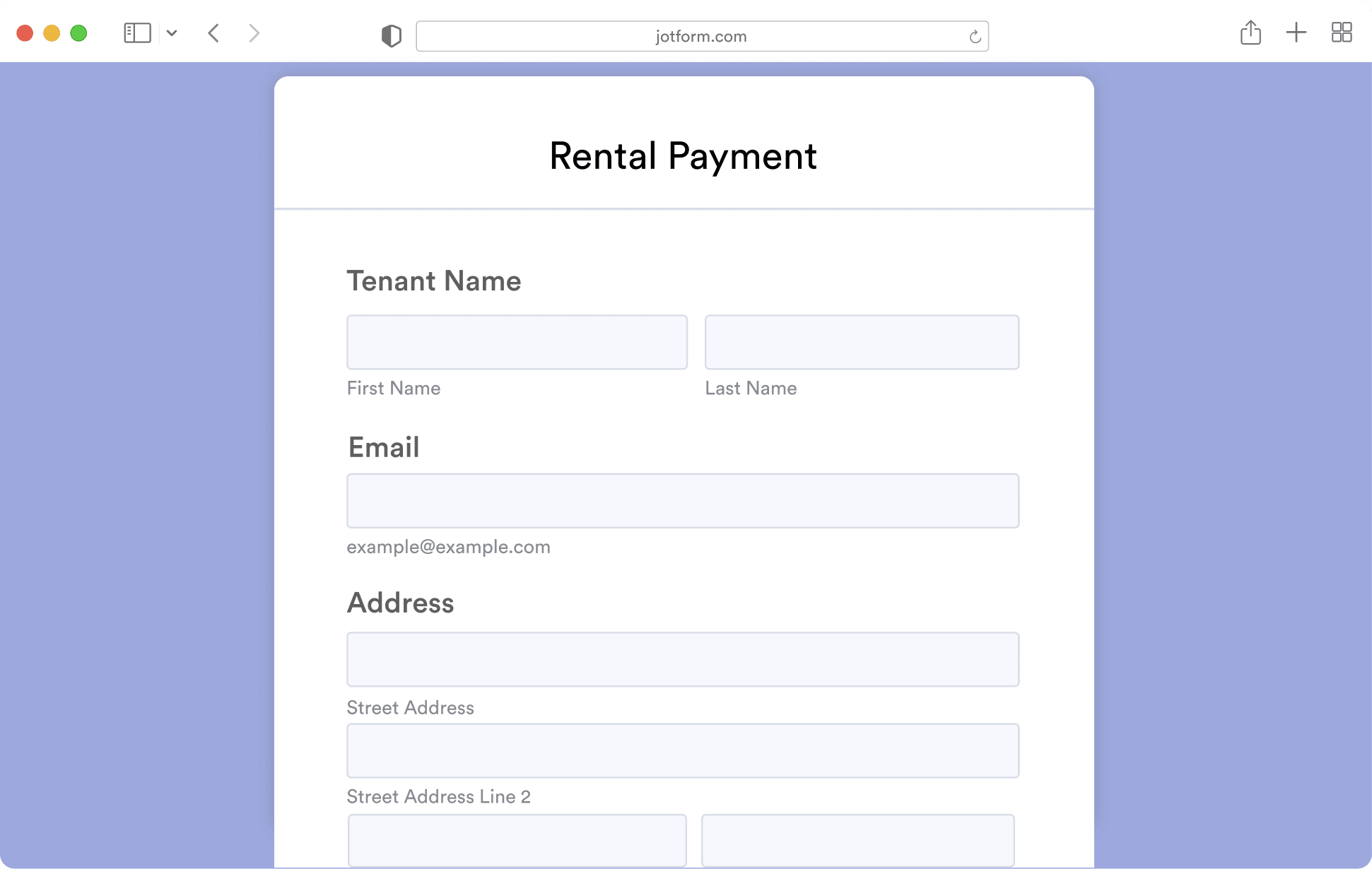
Get a head start with readymade form templates. All templates are easy to customize with our drag-and-drop no-code builder.
[![Image 2: Event Registratie](https://cdn.jotfor.ms/p/venmo/assets/img-min/homepage/template-blank.png)](https://www.jotform.com/venmo/?jfNext=1)

[![Image 3: Event Registratie](https://cdn.jotfor.ms/p/venmo/assets/img-min/homepage/template-blank.png)](https://www.jotform.com/venmo/?jfNext=1)

[![Image 4: Event Registratie](https://cdn.jotfor.ms/p/venmo/assets/img-min/homepage/template-blank.png)](https://www.jotform.com/venmo/?jfNext=1)

Use template

## No Monthly Fee

Both Venmo and Jotform’s free plans **don’t charge** any monthly fees. Plus, Jotform **doesn’t charge any transaction fees**, and Venmo **doesn’t charge for basic services** like receiving or sending money from a linked bank account.
![Image 5: Easy to Set Up](https://cdn.jotfor.ms/p/venmo/assets/img-min/homepage/easy-to-setup.svg)

Easy-to-use

## Easy to Set Up

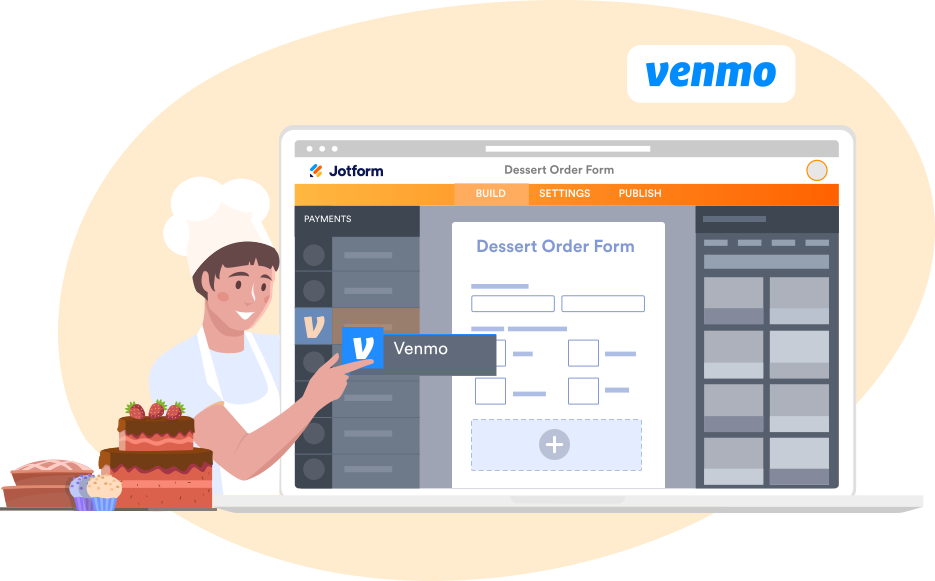
**Drag and drop the Venmo integration** onto your Jotform payment form and follow the short setup process to connect your Venmo account. It’s that simple!
![Image 6: Collect Payments](https://cdn.jotfor.ms/p/venmo/assets/img-min/homepage/payments.svg)

Collect Payments

## Quick, Convenient Payments

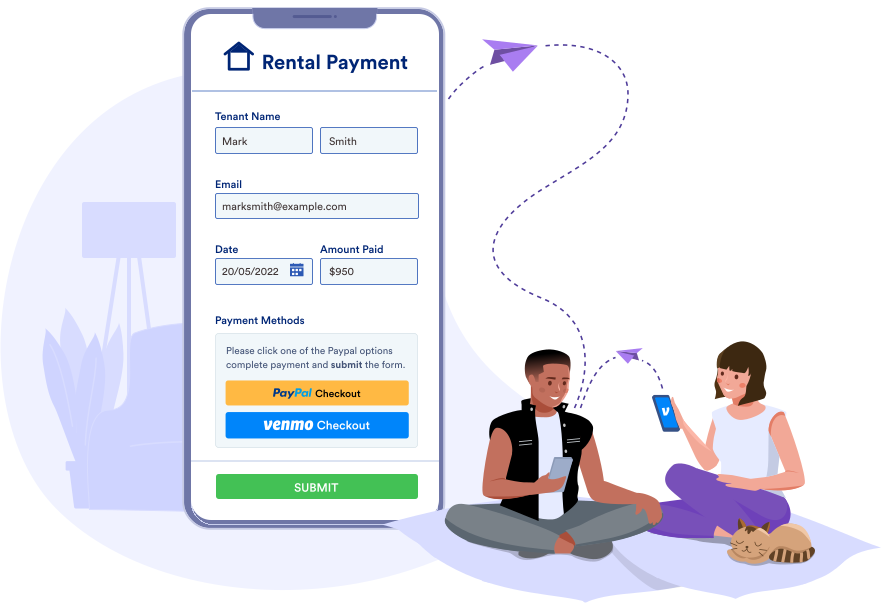
Venmo is a **peer-to-peer payment gateway** and a fast, easy way to transfer money between people. With Jotform and Venmo, you can **receive money directly to your bank account or debit card**.

![Image 7: Easy to Personalize](https://cdn.jotfor.ms/p/venmo/assets/img-min/homepage/personalize.svg)

Drag and Drop

## Easy to Personalize

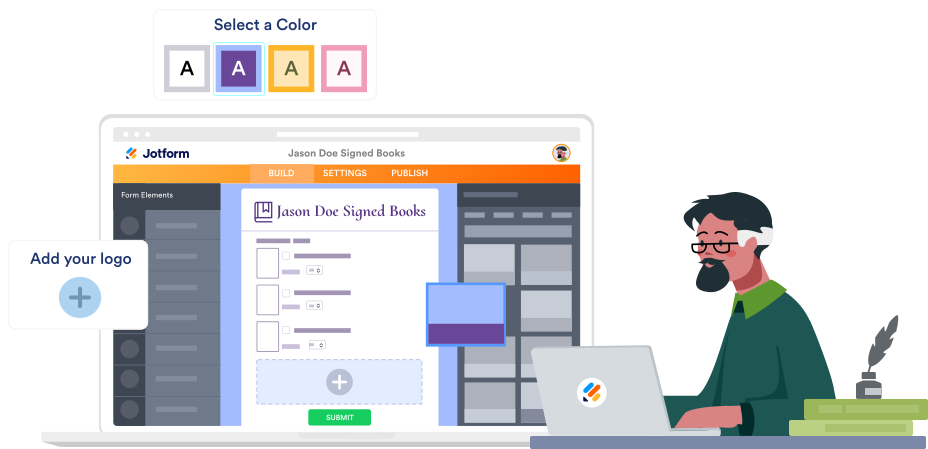
Make changes to the design of your Venmo payment form with no coding required. Our drag-and-drop builder lets you **upload your logo, add payment amounts**, and **change fonts** and **colors**.

![Image 8: Customize Privacy Settings](https://cdn.jotfor.ms/p/venmo/assets/img-min/homepage/customize.svg)

Advanced Sharing

## Customize

 Privacy Settings

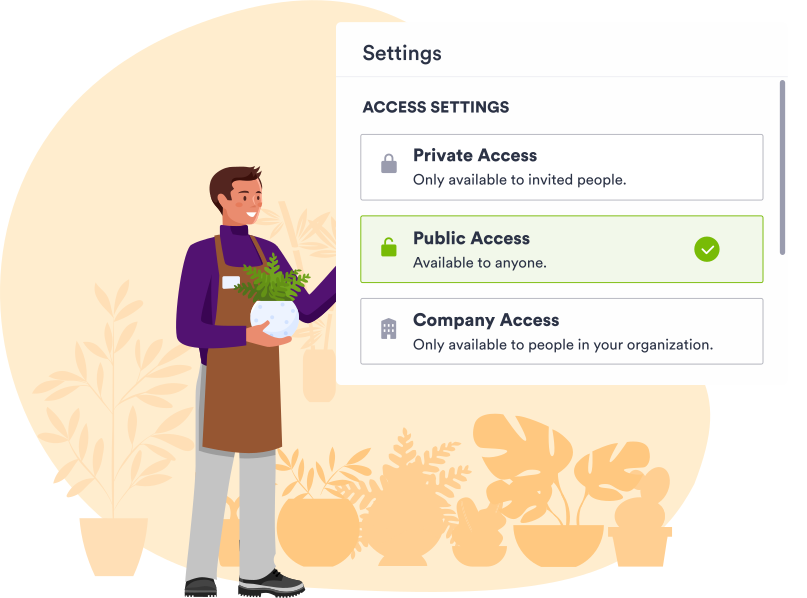
In a single click, decide whether to make your Venmo form **public, private, or only available to members of your organization**.

![Image 9: High-Level Security](https://cdn.jotfor.ms/p/venmo/assets/img-min/homepage/security.svg)

Data Protection

## High-Level Security

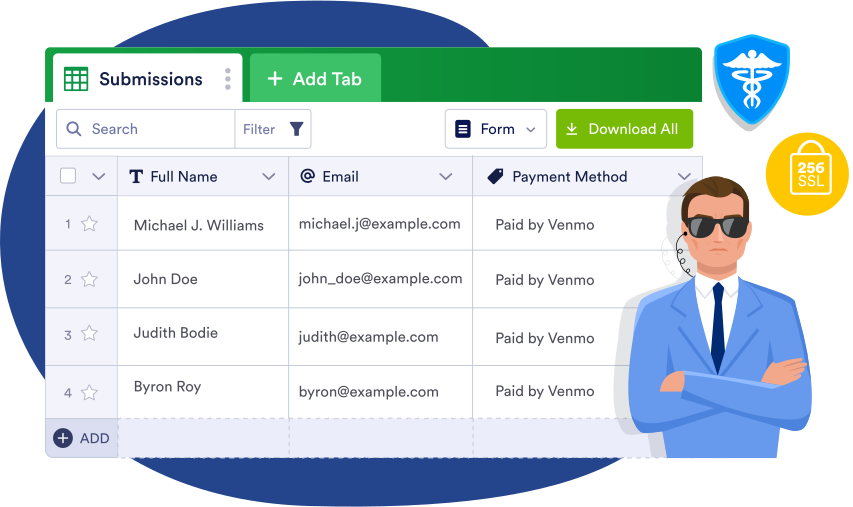
Venmo is owned by **trusted payment platform PayPal**, so you can rest assured knowing your customers’ information is safe. Jotform also protects form submission data with a **256-bit SSL connection and options for HIPAA compliance and form encryption**.

## How can I add Venmo to my payment forms?

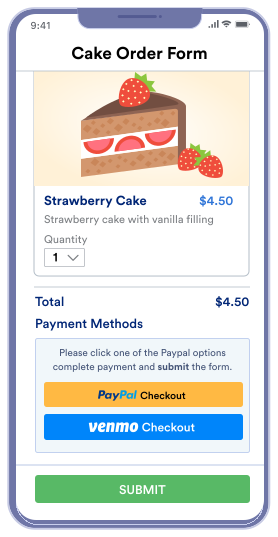
Create your **Venmo form with Jotform**.

![Image 10: Venmo Image 1](https://cdn.jotfor.ms/p/venmo/assets/img-min/homepage/venmo-1.svg)

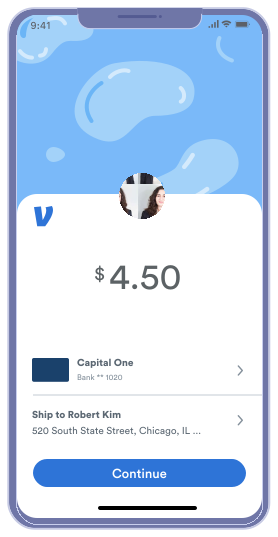
Select **Venmo** as your preferred payment option.

![Image 11: Venmo Image 2](https://cdn.jotfor.ms/p/venmo/assets/img-min/homepage/venmo-2.svg)

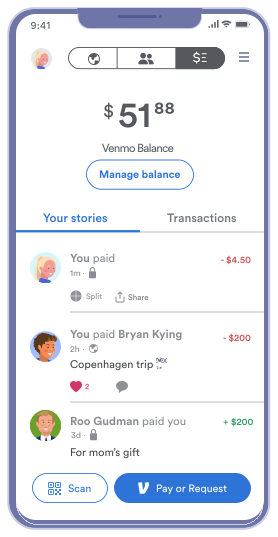
Review your **payment details**.

![Image 12: Venmo Image 3](https://cdn.jotfor.ms/p/venmo/assets/img-min/homepage/venmo-3.svg)

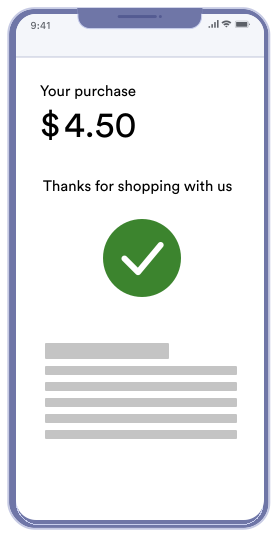
After **payment is completed**, you’ll be routed back to your form.

![Image 13: Venmo Image 4](https://cdn.jotfor.ms/p/venmo/assets/img-min/homepage/venmo-4.svg)

Create your **Venmo form with Jotform**.

![Image 14: Venmo Image 1](https://cdn.jotfor.ms/p/venmo/assets/img-min/homepage/venmo-1.svg)

Select **Venmo** as your preferred payment option.

![Image 15: Venmo Image 2](https://cdn.jotfor.ms/p/venmo/assets/img-min/homepage/venmo-2.svg)

Review your **payment details**.

![Image 16: Venmo Image 3](https://cdn.jotfor.ms/p/venmo/assets/img-min/homepage/venmo-3.svg)

After **payment is completed**, you’ll be routed back to your form.

![Image 17: Venmo Image 4](https://cdn.jotfor.ms/p/venmo/assets/img-min/homepage/venmo-4.svg)

![Image 18: Receive Payments Using a QR Code](https://cdn.jotfor.ms/p/venmo/assets/img-min/homepage/qr-code.svg)

QR Code

## Receive Payments Using a QR Code

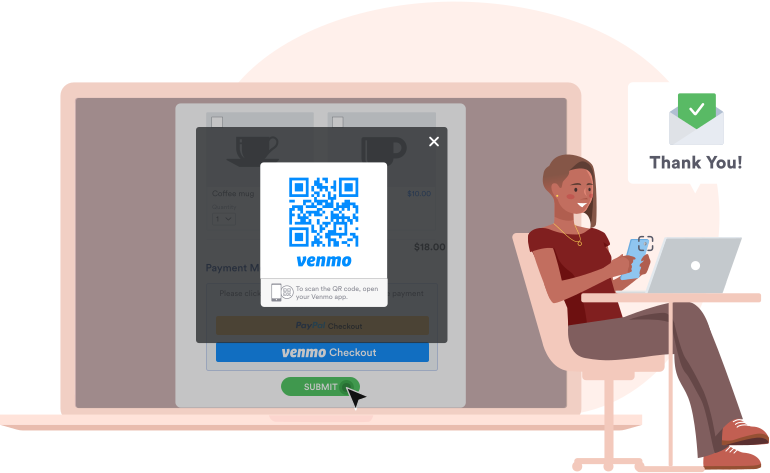
Receive **Venmo payments from desktop browsers** with **auto-generated QR codes** that customers can scan to open the Venmo app and pay directly from their smartphone.
![Image 19: Add Venmo to Your Own App](https://cdn.jotfor.ms/p/venmo/assets/img-min/homepage/venmo.svg)

Jotform Apps

## Add Venmo to Your Own App

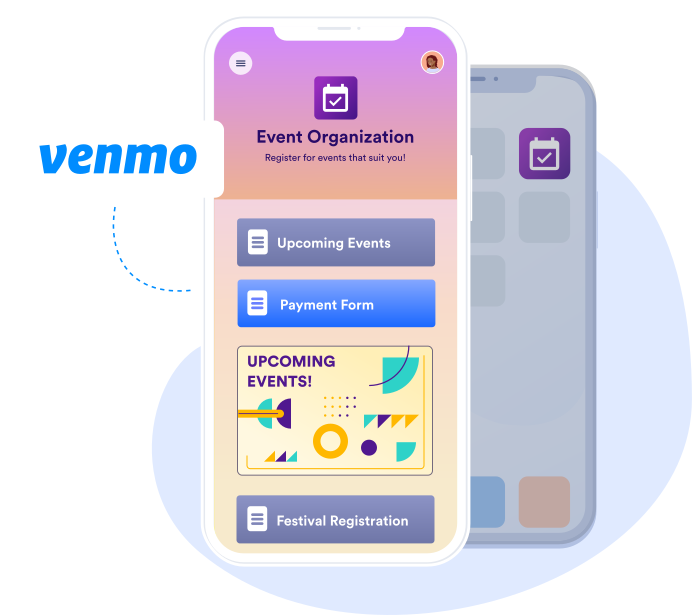
Create a **custom mobile app** for your business with no coding required using Jotform Apps. Add your **Venmo payment form to the app** to gather payments from your customers on any device.

[Create your payment app](https://www.jotform.com/workspace/new?assetCreationType=portal&wizardInitialView=UseTemplate&templateCategory=Payment+Collection+Apps)