Create registration forms with Jotform for Salesforce
Build custom registration forms and send submission data to Salesforce automatically using Jotform for Salesforce. Whether you’re registering people for classes, events, or conferences, you can create the perfect registration forms for your organization.
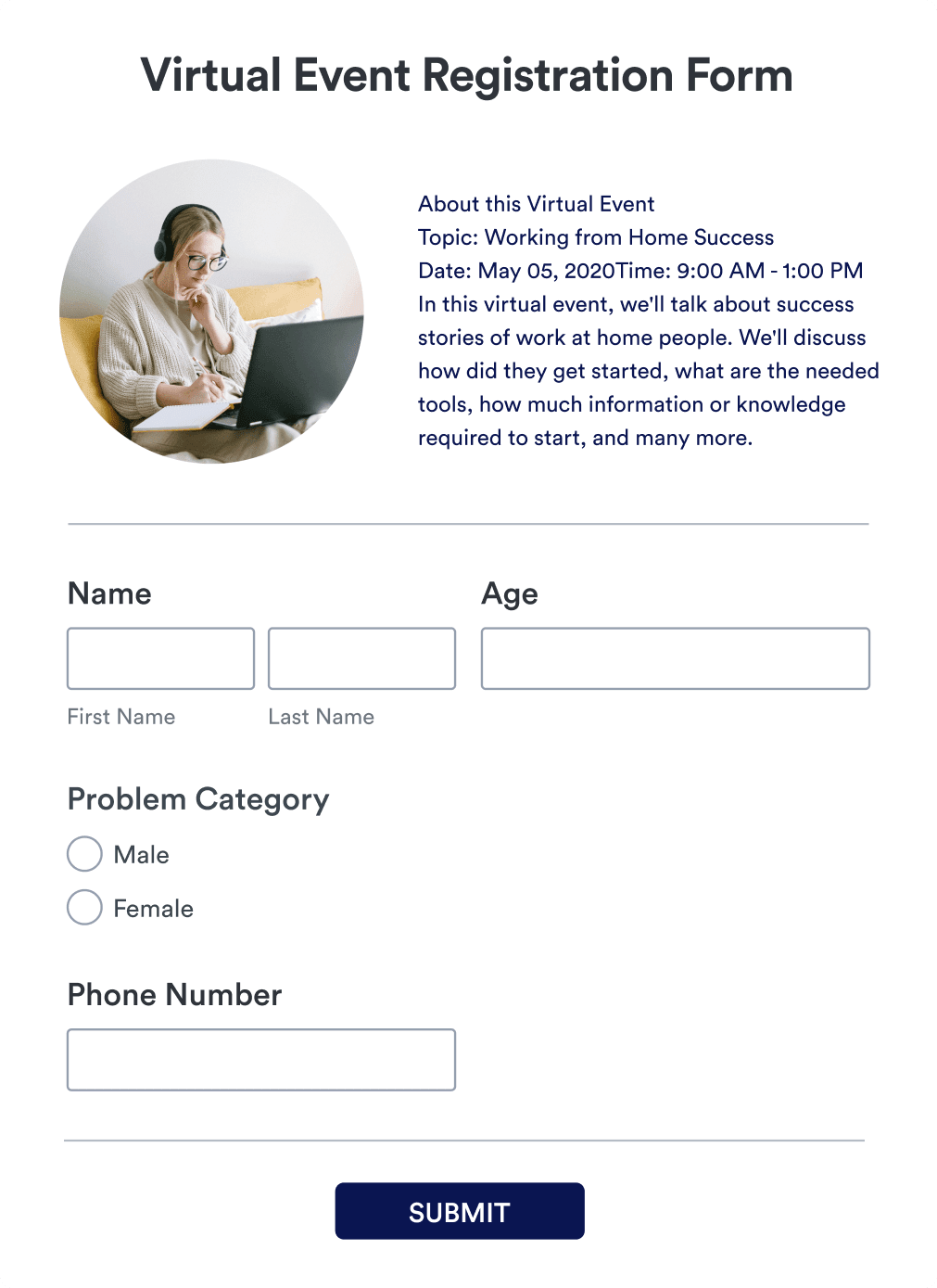
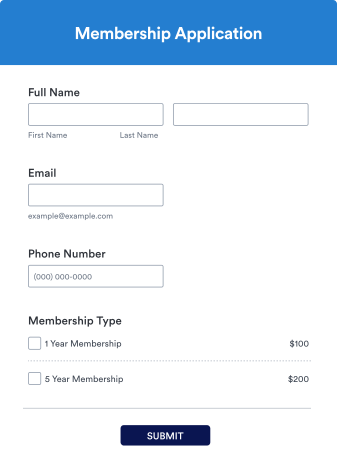
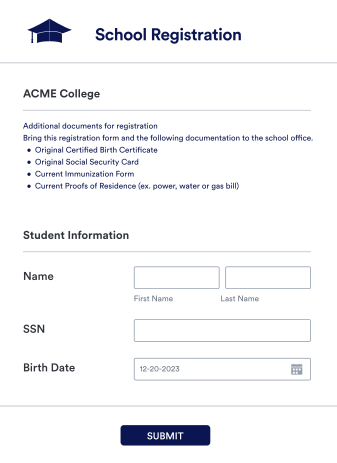
Explore Registration Form Templates
Registration forms make it easy to plan your next event, workshop, or program. Jotform offers many ready-made templates, so you can choose the one that works best for you.
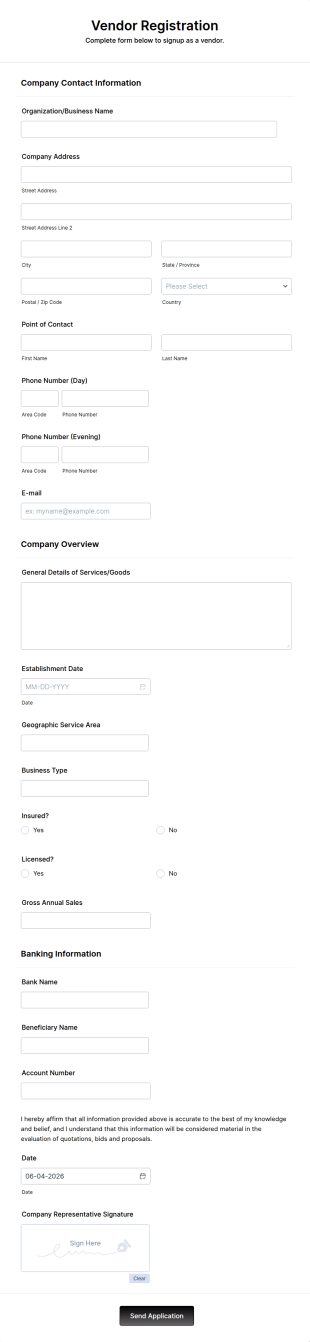
Vendor Registration Form
A vendor registration form is used by event planners to collect the contact details of vendors, suppliers, and other service providers. You’ll track an impressive list of contacts with Jotform!
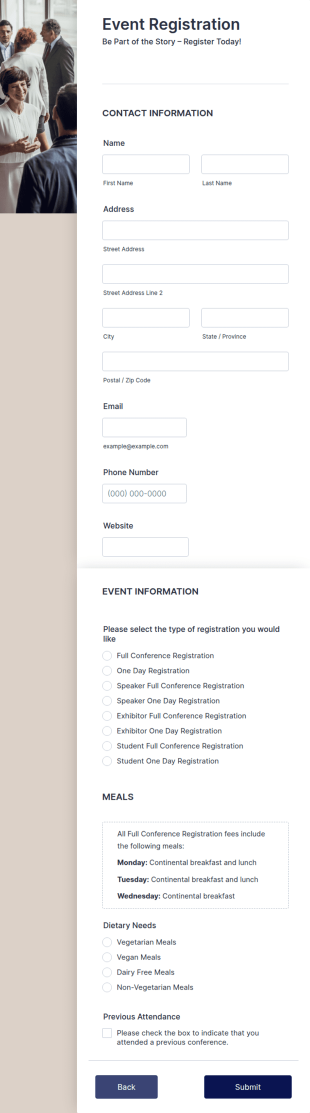
Online Event Registration
The Online Event Registration form template is designed to streamline the event registration process for event organizers, marketing teams, nonprofit organizations, educational institutions, freelancers, online event management platforms, and IT or web development teams.
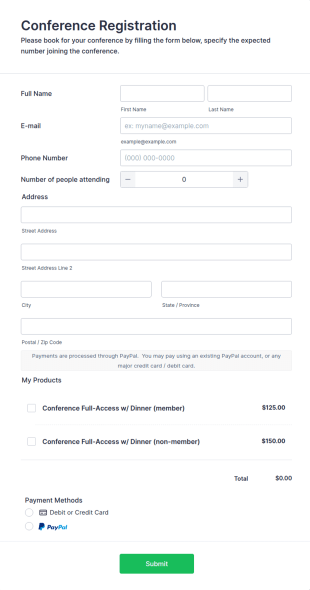
Conference Registration Form With Payment
A Conference Registration Form with Payment is a form template that optimizes event management. Simplify payment processing, attendee tracking, and data collection.
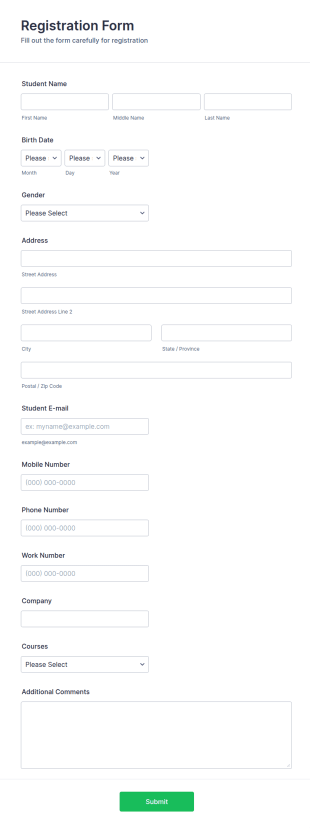
Course Registration Form
This Course Registration Form template can be used by any school/institution to accept registration on various educational programs that it offers to its students.
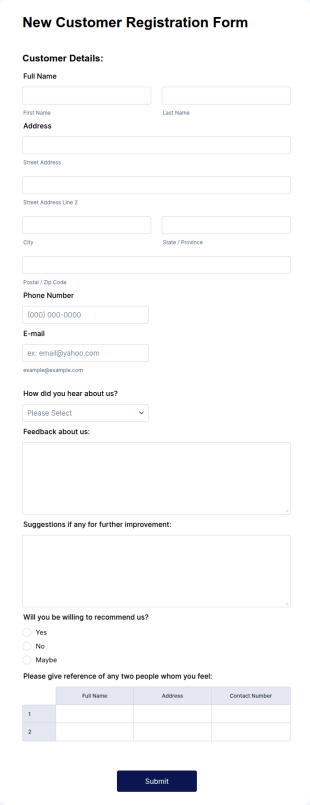
New Customer Registration Form
A New Customer Registration Form is a form template designed to streamline the process of collecting personal and contact information from new customers
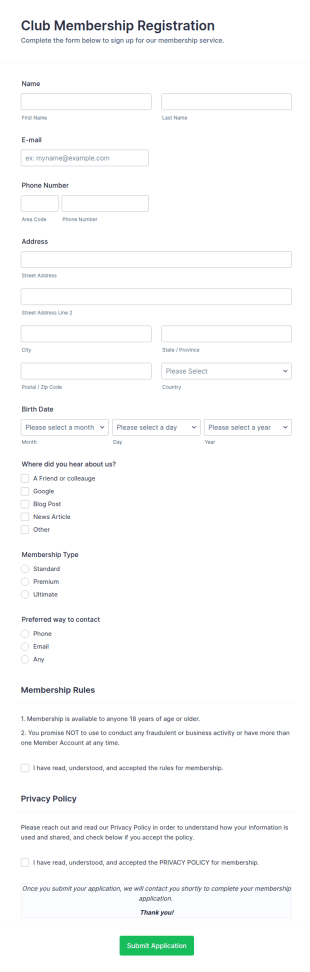
Club Membership Registration Form
A Club Membership Registration Form is a form template designed to streamline the process of registering new members for a club or organization.
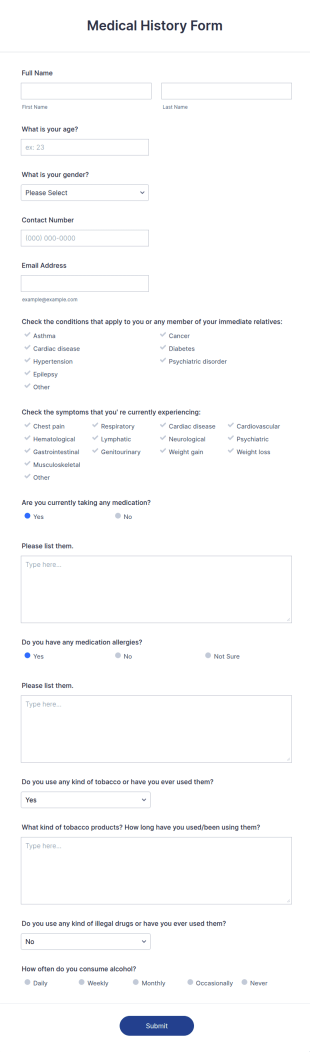
Medical History Form
A medical history form is a questionnaire used by health care providers to collect information about the patient’s medical history during a medical or physical examination.
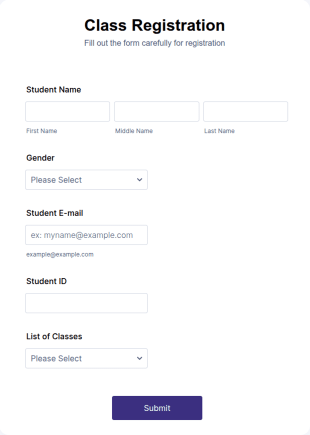
Class Registration
Streamline student registration with the template form providing student contact information, ID and course selection which can be used to arrange classes accordingly. Customize it by adding new fields as your requirements.
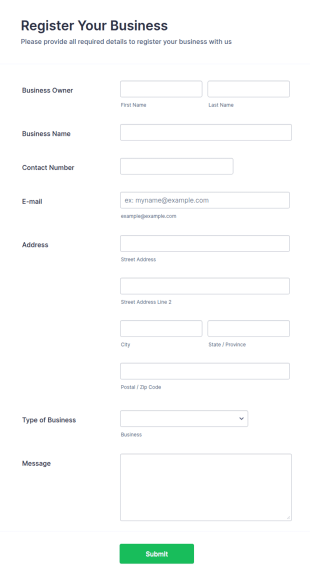
Business Registration Form
A business registration form is a document used by small business and startups to register the business name, location, and contact information.
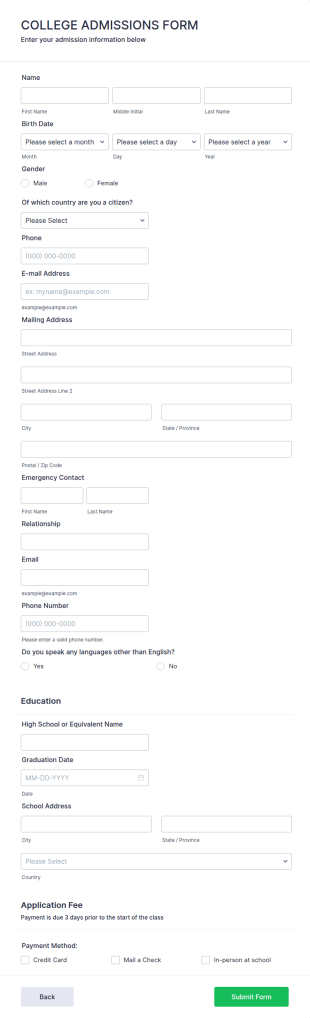
College Admission Form
A College Admission Form is a form template designed to streamline the process of collecting personal and academic details from prospective students
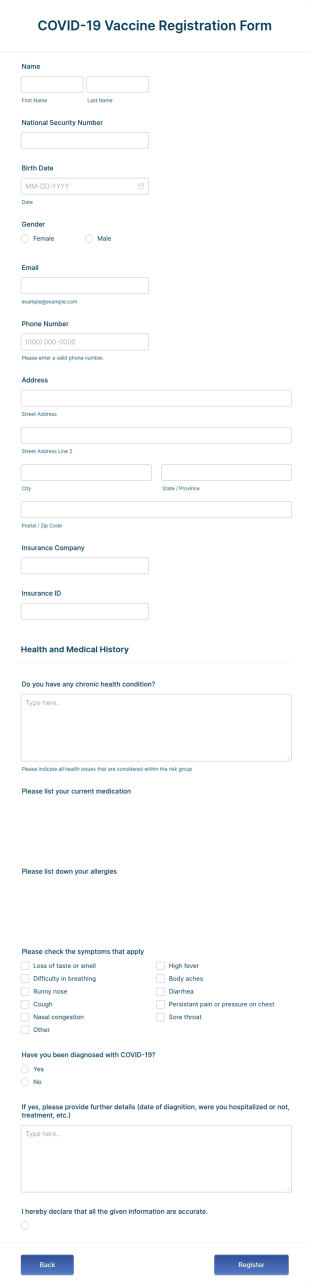
COVID 19 Vaccine Registration Form
Collect COVID-19 vaccine registrations online. Fill out on any device. Easy to customize, share, and embed. Convert submissions to PDFs instantly. HIPAA enabled features option.
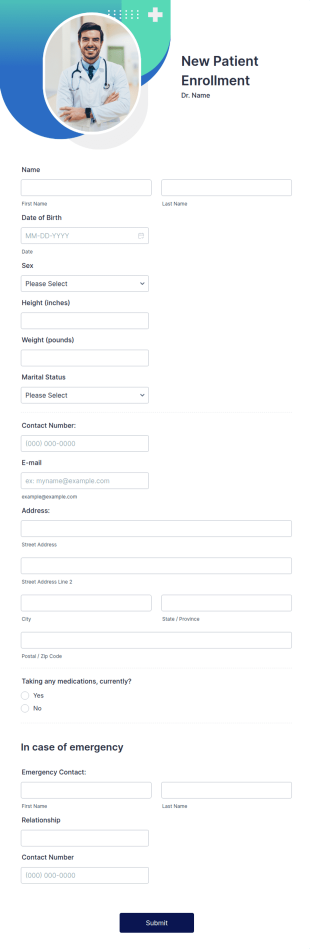
New Patient Enrollment Form
New Patient Enrollment Form which personal information, contact information, emergency contact people area and medical history information are provided; allowing you to have an easier and faster registration process.
Salesforce
Integrate your Jotform account with Salesforce
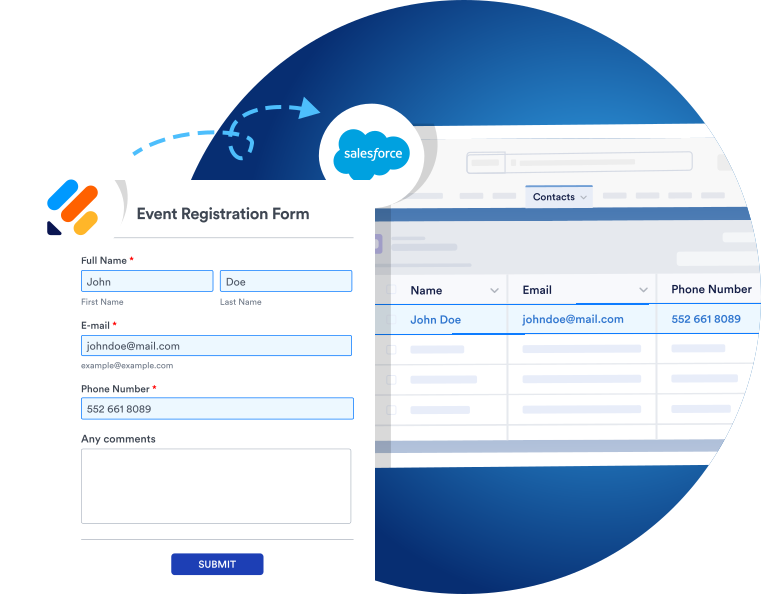
Install Jotform on the AppExchange or use our Salesforce integration on any of your forms in the Jotform Form Builder. Your Jotform submission data automatically populates your Salesforce database, so you never have to worry about transferring information between platforms.
Customize
Customize your forms effortlessly
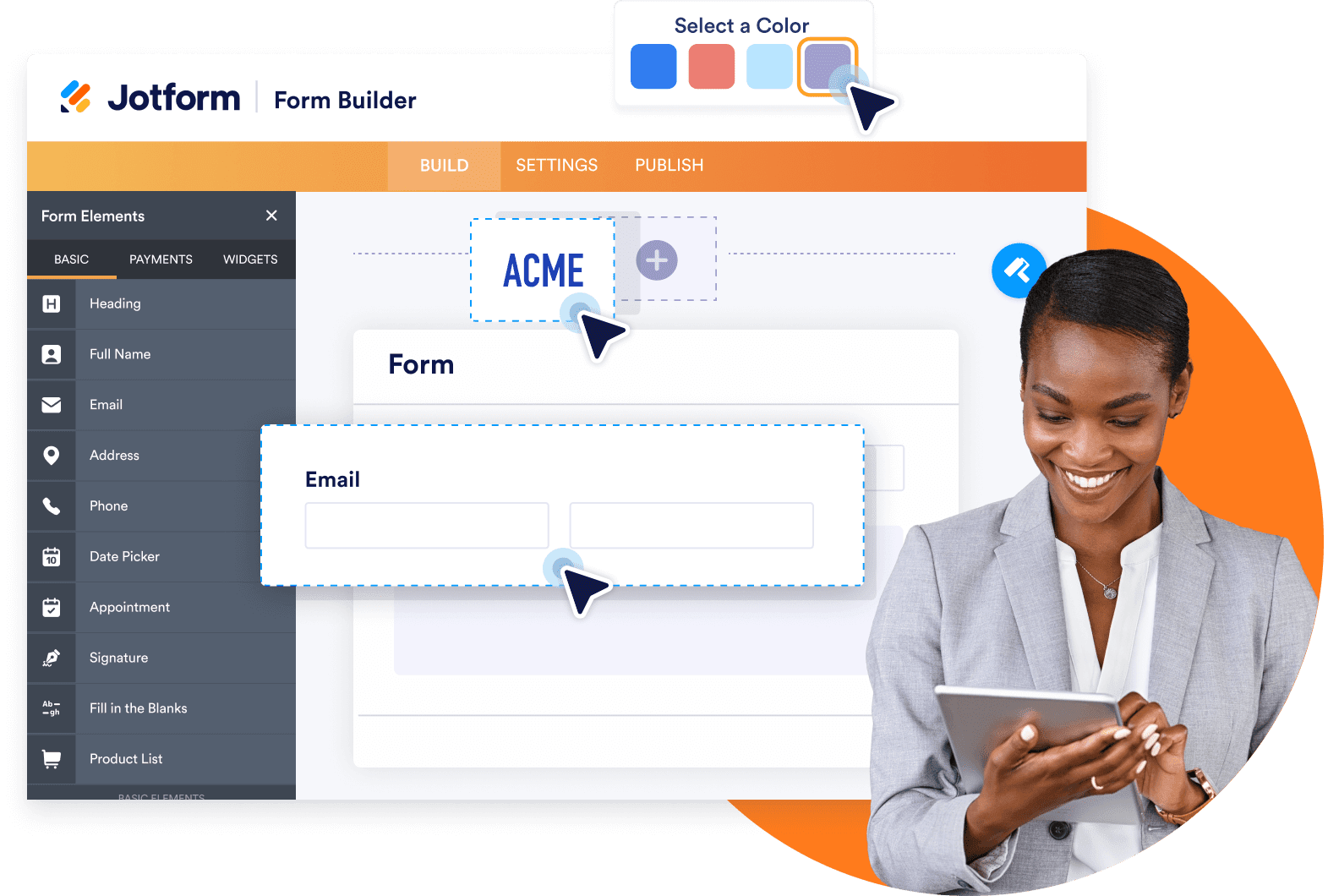
Customers appreciate a personal touch when they’re registering for events. Luckily, you can build custom forms that collect unique information with Jotform’s intuitive drag-and-drop form builder. Add or rearrange form fields, choose fonts and colors, include your own logo, and much more.
Advanced Form Features
Set a registration limit or deadline
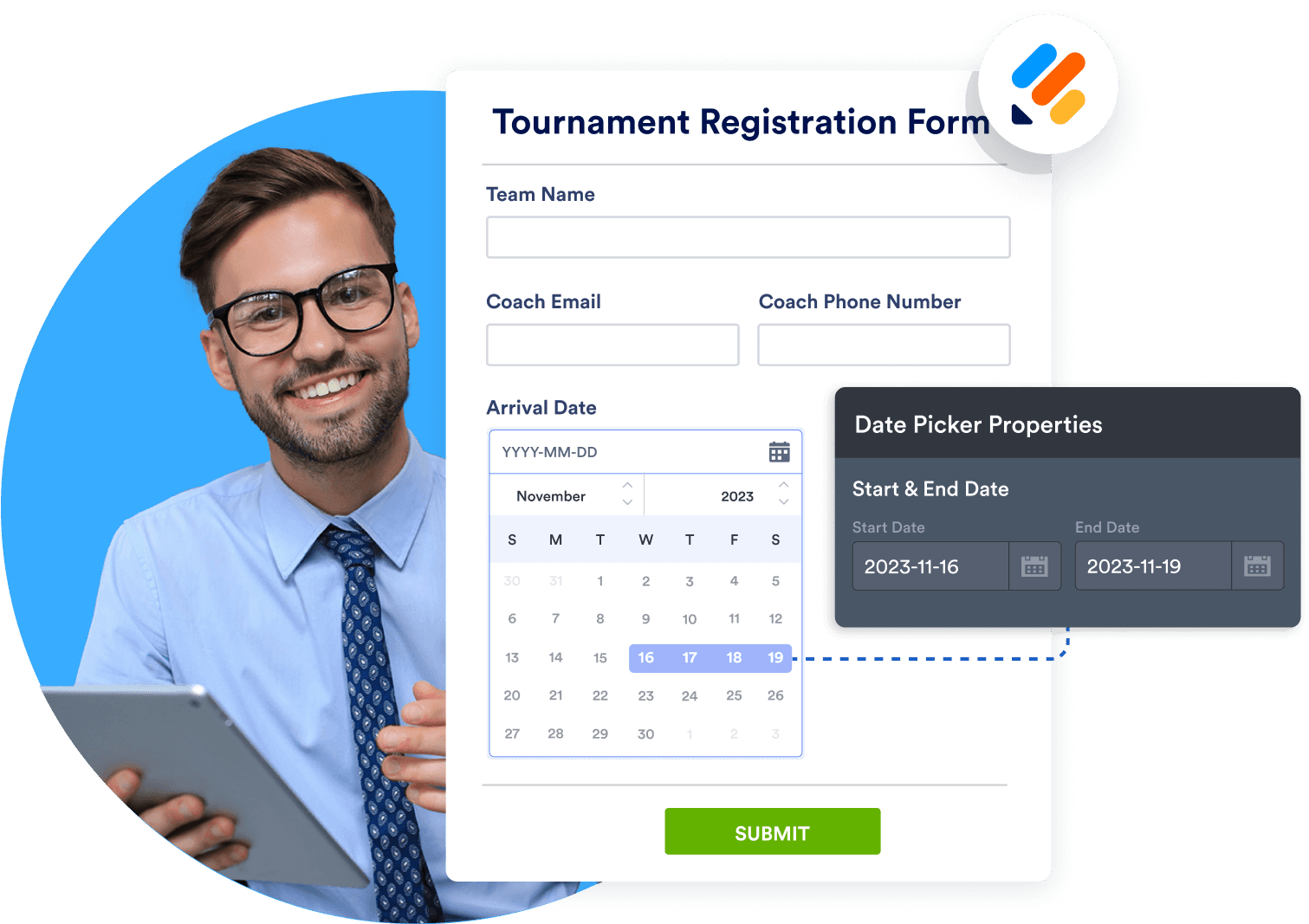
Do you need to register participants by a specific date? Or are there a limited number of places available? Don’t worry — with Jotform, you can set custom deadlines and limits to ensure that you don’t end up overbooked or overwhelmed.
Share & Embed
Share and embed your forms in seconds
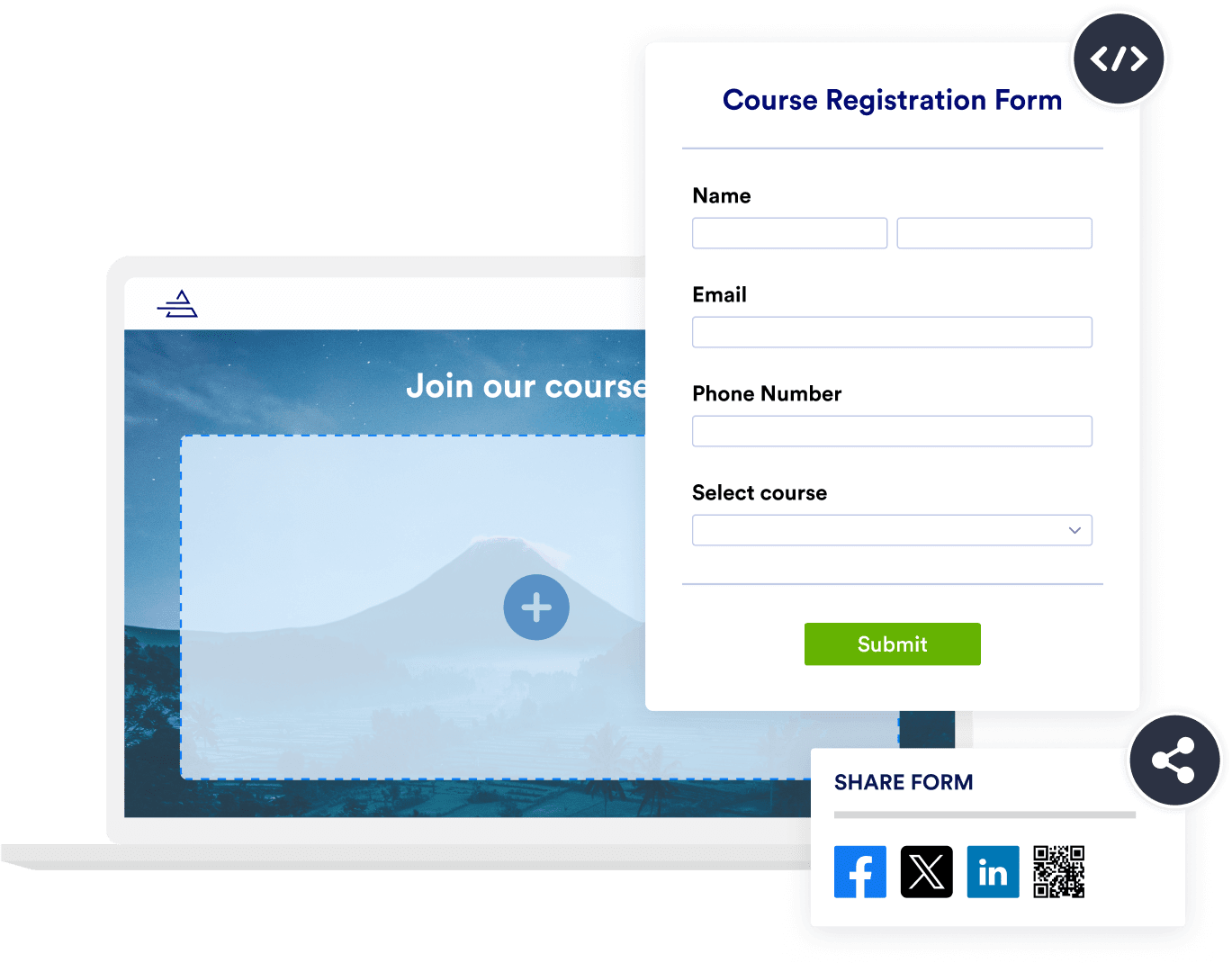
Share your registration forms instantly by sending them through a direct link, via QR code, on your social media platforms, or by embedding them in your registration website. Jotform creates shareable links and embed codes that help you get your registration forms wherever you need them.
Prefill Forms
Send prefilled forms to leads and contacts
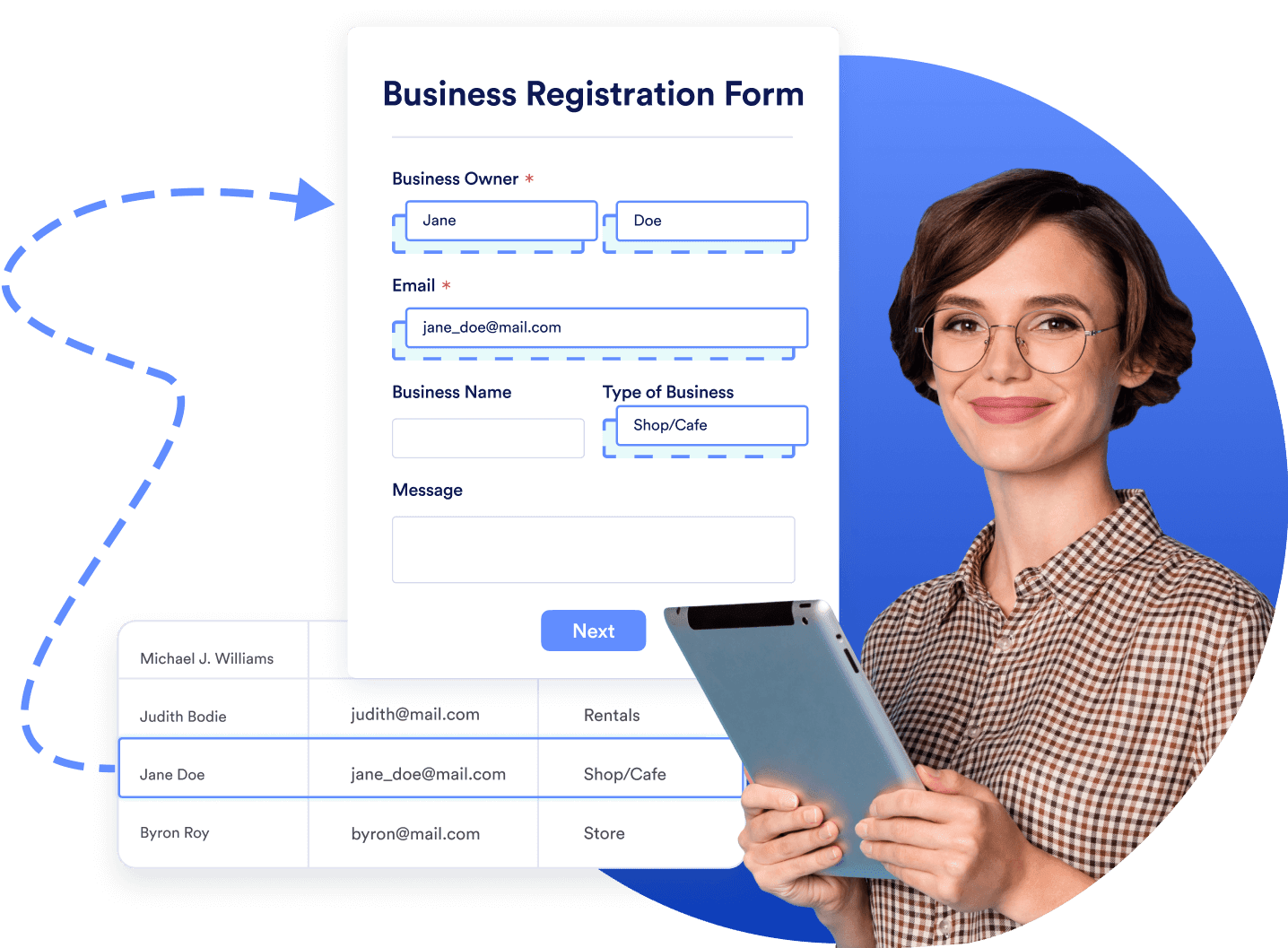
Need to send an order form, feedback form, or survey to your leads and contacts? No problem. Pre-populate forms with the most up-to-date data from your Salesforce database using Salesforce Dynamic Prefill. Automate data collection, save time, and create a better form-filling experience for your clients.
Learn how to use Jotform for Salesforce

What our users say about Jotform
“Jotform has been a great tool. As a nonprofit leader, I am always looking for tools that are easy to use, are priced well, and are able to do more than one function or ‘thing.’ We started using Jotform to allow our supporters a place to request marketing materials for a fundraising walk, but we quickly learned we could use this platform for so much more. We also use it for post-event surveys, community voting on new marketing ideas and projects, and recently used it for our guests to preorder food for a fundraising event.”
Nathan Smith,
Vice President, Rain Inc.
FAQ
How do you create a registration form in Salesforce?
With Jotform for Salesforce, you can create a registration form within Salesforce in minutes. Once you install Jotform from the Salesforce AppExchange, you’ll be ready to start building forms.
We offer 800+ registration form templates that you can customize or use as inspiration. Choose one from our form template directory that best suits your needs, or start from scratch with our drag-and-drop form builder.
The best part? You won’t need to leave the Salesforce platform. Data will transfer between Jotform and Salesforce seamlessly, ensuring you’re always up to date.
How can Jotform help you while getting registrations?
Jotform makes it easy to streamline data collection, making sure it’s done uniformly and that data is stored properly in Salesforce. Once you build a custom registration form, you can start collecting responses instantly. Not only will they be stored in your Jotform Inbox and in Jotform Tables, but they’ll also auto-populate Salesforce objects to create new leads. Inputting data from a third-party form software app would take hours, but now that process is instant with Jotform for Salesforce.
Can you create a self-registration page with Jotform?
You sure can! With Jotform, your registrants won’t have to speak with a live person to register for your conferences, events, or programs. Direct them to an online form via email, link, or social media post. They can provide you with their signup information, event preferences, and more — and they can even pay directly from the form with one of our 40+ payment integrations. Gather hundreds or even thousands of registrations with minimal staff time thanks to Jotform’s self-registration forms.
Can you create a registration form with an auto-responder in Jotform?
Yes — if you want your customers to get an instant reply after registering, you can set up an Autoresponder. Customize a message to send them once their registration is complete. When a respondent replies to an autoresponder email, the message will be sent to your email address.
The Jotform Form Builder automatically creates an autoresponder email when you add an Email element to your form. Go to the Settings tab, select Emails in the left menu, and create or edit an Autoresponder. When you’re finished customizing your email, you’ll be ready to go.
How can you start creating Salesforce registration forms in AppExchange?
Creating Salesforce registration forms in AppExchange is a breeze once you install Jotform. Open AppExchange, search for Jotform in the search bar, click Get It Now, and then follow the setup instructions. You can choose whether to install the app for Admins Only, for All Users, or for Specific Profiles.
Once you’re done, open the app by clicking on the App Launcher icon and searching for Jotform. Create your free Jotform account or log into your existing account and follow the instructions to finish setting up the app.
How can forms be used for class registration?
Registering students for classes used to be a pain. Now it’s easier than ever with Jotform’s free course registration forms.
Customize one of our templates to collect information about student class preferences and availability. You can even accept class fees directly through your form. Plus, if you need to collect medical information, you can upgrade to an appropriate plan to make your forms HIPAA friendly. Submissions will be sent to your secure Jotform account, which you can view from any device.
Who can use Salesforce class registration forms?
Many industries can use Salesforce class registration forms, including educational institutions, training centers, online learning platforms, professional training providers, and more. If you’re a private tutor or you work at an after-school program, you can customize these forms to fit your needs as well.
Where can you use Salesforce event registration forms?
There is a wide range of use cases for Salesforce event registration forms. You can collect registrations for everything from webinars and networking events to trade shows and charity events. If you’re putting on a conference, you’ll be able to gather thousands of registrations with ease and store customer information securely in your Salesforce account. These forms can also be used for smaller events, such as local meetups or work happy hours.
Is the data collected via Jotform safe?
Jotform’s biggest priority is keeping your data secure. With a 256-bit SSL connection, encryption, PCI certification, and compliance with GDPR and CCPA, we’ve got you covered. You can also opt for HIPAA features if you need to protect sensitive patient health information.