
Top 6 educational apps
As a school administrator, you’re always looking for ways to improve student learning. One idea you might be considering is a dedicated quiz and review app that students can use to reinforce key learning concepts. The only thing is, you’re not sure how much it would cost to develop.
Educational app development costs can vary significantly. A basic app with minimal features may cost $20,000 or more, while a complex app can exceed $100,000. In this guide, we explore the various types of educational apps, the features they may include, and the estimated costs of developing one from scratch.
Top 6 reasons to build an educational app
Educational apps benefit both teachers and students. Here are a few reasons you may want to create one.
1. Boost student motivation
Educational apps offer a fresh learning experience that students find engaging. This is especially true for gamified learning apps — a recent study found that these types of apps significantly increased students’ motivation to learn.
2. Organize coursework and track progress
Not all educational apps are learning-based. Some offer administrative tools that list a course’s topics, assignments, quizzes, and exams. Students who log into their profile on an app like this can view their current grades and upcoming coursework.
3. Facilitate communication and collaboration
Educational apps with built-in messaging tools allow teachers, students, parents, and other stakeholders to communicate within the app. This eliminates the need for lengthy email chains, which can easily be overlooked, especially if the teacher has a large student base. It’s also useful for general, school-wide comms.
4. Provide additional learning materials
Some educational apps offer content and resources that dive deeper into concepts covered during class time. Students who haven’t quite mastered them can lean on additional materials, like videos and quizzes, to enhance their understanding.
Teachers can also record their lectures and share them through the app for students who missed class or want to review parts again.
5. Offer personalized learning
Apps can offer customized review exercises and lessons tailored to a student’s needs. For example, if a student misses specific questions on a quiz in the app, the app can suggest learning materials to address their weaknesses. It can also create new quizzes designed to bolster their comprehension.
6. Improve accessibility
Teachers and administrators are usually only available during school hours. However, apps are available 24-7, 365 days a year. Students can access the tools they need on their own schedule.
7 types of educational apps
There are a variety of educational apps that are useful for students, teachers, administrators, parents, and others. Here’s a look at some of the most popular categories of apps used in school settings.
1. Educational game app
Game apps use quizzes and puzzles to reinforce learning and help students feel more confident when test day rolls around. The gamification aspect encourages students to master a topic so they earn top scores on their challenges — and later use that knowledge to perform well in course assignments, quizzes, and exams.
Jotform’s Quiz App template allows teachers to create quizzes for students that they can access through the app. The template includes four pre-built quizzes that are fully customizable using a drag-and-drop builder.
Once quiz results start filtering in, teachers can access them using the app’s table feature. This can help them identify weak areas where students can benefit from learning reinforcement. You can also use it for actual quizzes that count toward a student’s final grade.
2. Teacher assessment app
Many school districts require administrators to observe teachers in the classroom throughout the year. They then use their findings to provide feedback and suggestions that can improve student engagement. However, tracking observation forms are widely known to be a bit of a hassle — especially if they’re paper-based.
With Jotform’s Teacher Observation App template, you can store evaluation forms and feedback surveys in one place. Evaluators can access the forms and fill them out, and then share their completed forms with individual teachers using a link or QR code.
3. Class scheduling app
With a class scheduling app, students can view available classes and sign up for them directly within the app. This saves time and keeps signups within a single platform.
Jotform’s School Scheduling App provides a customizable template for class registration — whether in-person or virtual. Schools can list their available classes and times, and students can register for courses that fit their needs. The app template also includes a feedback form, so students can share their thoughts on the class experience.
4. Registration app
Registering a child at a new school can be stressful. Parents may have to fill out multiple forms and provide supporting documentation as part of enrollment. That’s where a dedicated school registration app comes in, keeping forms in one place and tracking the registration process so that parents and administrators know whether there are any outstanding items to complete.
Jotform’s School Parent App template provides a portal that both parents and administrators can access, as well as several form templates to help you get started. Schools can store educational enrollment forms, student information forms, and other registration materials within the app, and even provide links to the school website and handbook. Parents can then download forms and access resources whenever they need them.
5. Test preparation app
Students are often juggling multiple materials when prepping for a big test or exam. With a test preparation app, teachers can share helpful content, including videos, text documents, and sample practice questions in one place.
Jotform’s fully customizable Exam Preparation App contains an exam registration form, sample test questions, and contact buttons to connect students with their teachers. You can modify the app to add your own links, additional forms, documents, pictures, and more. Once built, students can access the app through a personalized email invite or link posted on your website.
6. Lesson planner app
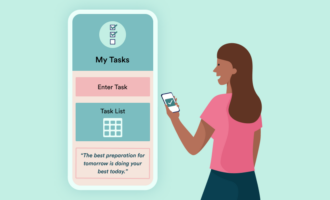
Keeping track of classroom materials is easy with a lesson planner app. A tool like this can help teachers identify key objectives to cover, manage their presentations and handouts, and track tasks and assignments. Best of all, they can modify and access their materials even when they’re outside the classroom.
With Jotform, you can set up your own Lesson Planner App using our template. This planning tool lets you organize your classes and lessons based on start times and end dates. You can add lesson titles, objectives, and documents to simplify the planning process. It also includes a daily assignment checklist to track student submissions and engagement.
7. Assignment tracking app
There are also apps that take a deeper dive into the assignment tracking process. With a dedicated app, teachers can record student grades and submissions on a single platform. Some even enable sharing, allowing students to access their grade reports and current averages.
The Jotform Assignment Tracking App compiles student grades in a comparison spreadsheet. Teachers can use the app to view a student’s finished assignments, recent test scores, and performance evaluations. It eliminates manual paperwork and saves time, especially when completing a student’s progress report or report card.
How to develop an educational app: Features and technologies
Teachers and students want different things from their educational apps. So, it’s no surprise that the feature set included in your particular educational app will vary depending on its primary user.
Apps for students
Students use educational apps to support learning, get their hands on course materials, register for classes, track grades, and more. Must-have features for a student-focused app include
- Registration and login: Students use this feature to create a personal account. After registration, they can log in to access relevant content.
- User profile: This feature stores a student’s basic information and app settings. It may include details about previous content the student accesses or submits.
- Course information: Apps created for a specific course can include general resources, such as the class syllabus and teacher contact information.
- Payments: Students who sign up for a paid course can use the app’s payment gateway to submit fees. This eliminates the need to take cash into school or use a third-party system.
- Push notifications: Apps use notifications to notify students of important course updates, such as upcoming due dates. They can also boost daily engagement with the app.
- Progress and grade tracking: Apps can show a student’s progress within a course; their grades for assignments, quizzes, and tests; and even results from in-app study challenges.
- Course materials: Videos and text content available through the app help students solidify their understanding of topics covered in the class.
- Study tools: Flashcards, custom quizzes, and notes help students prepare for upcoming graded assignments.
- In-app messaging: Students can use this feature to communicate with teachers or their peers.
- Appointment scheduling: This enables students to book meetings with teachers or tutors.
Teachers may not be the primary users of an educational app built for students, but they usually have administrative privileges. This allows them to fill the app with updated course content, share grades, and manage student inquiries. Developers must create an admin panel that gives teachers control over user access and app resources.
Apps for teachers
Apps built to support teachers generally provide administrative support. They can help teachers plan lessons and class schedules, manage assignments, and analyze student performance. Common features in an app built for teachers include
- Registration and login: Teachers use this feature to register for the app and log in.
- User profile: This feature stores a teacher’s contact information and settings.
- Course management: Teachers can oversee the courses they offer within this feature. It may list courses by time and topic, and include a place to outline lesson plans and assignments.
- Revenue tracking: Teachers who charge for course access can track earnings within this feature and perhaps even take in-app payments if integrated with a payment gateway. It may also include tools to manage payments and follow-up invoices.
- Push notifications: Notification tools remind teachers of upcoming to-dos and alert them to new inquiries.
- In-app messaging: Built-in communication tools allow teachers to communicate with peers, parents, and students.
- Student performance tracking: Tools that allow teachers to record student attendance, grades, and behavior are common in teacher apps.
- Lesson planning tools and templates: Some apps support lesson plan development with customizable templates. Teachers can organize learning objectives, class activities, and presentations using these features.
- Appointment management: These tools allow teachers to share their availability and manage upcoming parent or student meetings.
Teacher apps may include a separate panel that administrators use to orchestrate access and enable or disable specific features. And if the app allows parent or student communication, another interface must be created to support their access.
How much does it cost to build an educational app?
Building an educational app requires weeks or months of work. Developers take the lion’s share of it, creating the app’s backend, front end, and user interface and experience. They also add any necessary integrations, like server connections and payment gateways.
Throughout the development process, quality assurance (QA) teams test the app and verify that it meets project requirements. And project managers oversee the entire process from start to finish, keeping teams on top of deadlines and communicating with other stakeholders.
Besides a team’s wages, other factors can influence an educational app’s final cost, such as the feature set and technology stack. That makes it difficult to provide a precise estimate to develop an app from the ground up. However, the estimates below can give you some insight into what you might pay:
- Study app: Allows teachers and students to create flashcards, practice tests, and quizzes for study reinforcement. Averages $20,000–$100,000 to develop.
- Subject learning app: Provides e-learning tools, course materials, and gamified quizzes on a specific subject, such as math or a foreign language. Averages $50,000–$200,000 to develop.
- Communication app: Supports in-app messaging and file sharing between teachers, students, parents, and other stakeholders. Averages $15,000–$40,000 to develop.
- Lesson planning app: Offers customizable learning plan templates to help teachers organize their class time. Averages $10,000–$30,000 to develop.
- Grading and assessment app: Simplifies grading using automated test banks. Gives teachers clear insights into student performance. Averages $20,000–$50,000 to develop.
Apps with minimal features typically cost the least to develop. Incorporating advanced tools, such as in-app communication, payment integrations, automated grading, and personalized learning tools, can significantly push up the final bill.
Ongoing expenses
Educational apps may additionally come with ongoing costs depending on their setup. For example, most apps require a host server to enable content delivery — the cost of which depends on whether you share a server or rent your own but may run several hundred dollars a month.
Submitting your app to Google Play or the Apple App Store requires an upfront fee, too. Apple also charges an additional annual fee. And if you license content or use third-party APIs, they may charge a separate fee to use their features.
What’s more, while the bulk of the work is done during app development, most apps need ongoing maintenance. Teams may release regular updates to introduce new features and bug fixes.
6 popular educational apps and the cost to develop them
There are many educational apps on the market — some of which are highly successful. Let’s take a look at a few of the most popular apps, what they offer, and how much it would cost to develop a similar option.
1. Jotform Apps
Jotform Apps offers over 2,900 pre-built, fully customizable apps. Our no-code app templates include frameworks for an educational app, and you can add your own content for a tailored experience.
We have 95 educational app templates to choose from, each variously supporting the needs of teachers, administrators, students, and parents. Once you’ve picked one that’s closest to what you need, our drag-and-drop editor lets you add elements such as links, documents, text fields, buttons, images, and more, as well as configure fonts and color schemes. You can even design your own app icon and splash screen for a branded experience.
Need to collect money for course registrations, educational camps, or something else? Jotform Apps integrates with over 40 payment gateways, including Square, Stripe, PayPal, and Braintree. Want to manage who has access to your app? Our platform can do that too, with granular control settings.
When you’re ready to launch, Jotform Apps are shareable via a link, email invitation, or QR code. Best of all, we offer a free plan that allows you to create as many educational apps as you like.
2. Coursera
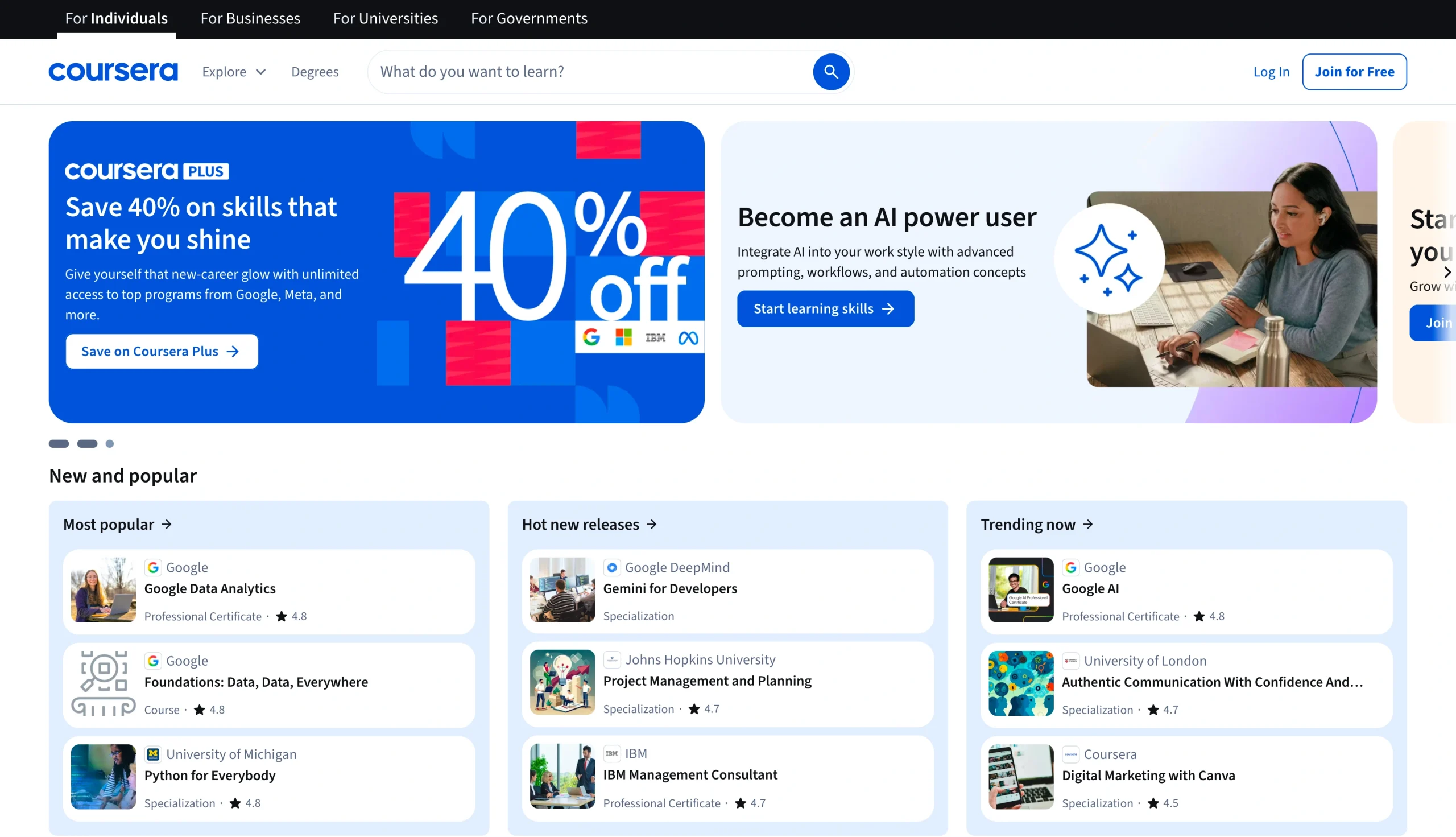
Coursera is an online learning platform that offers individual courses, certificates, and degrees geared toward adult learners. While many of its programs are in the computer science field, you can find courses in every subject, including marketing, science, and business.
Developing an app like Coursera can cost $40,000 to $200,000.
3. Udemy
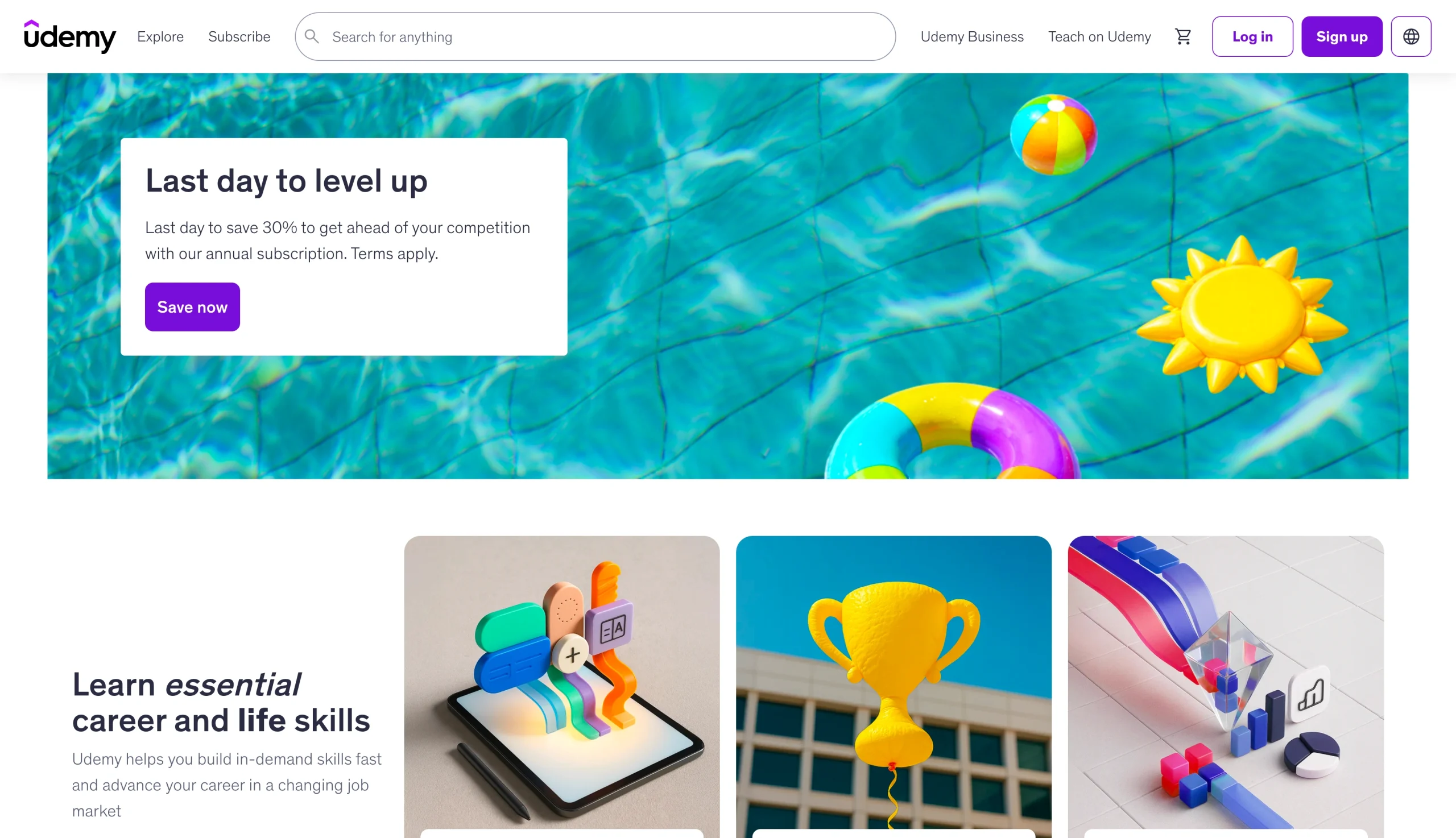
Udemy is an online platform that offers courses and certifications in a wide range of subjects, including data science, web development, leadership, and project management. Classes are available on demand, delivered by individuals who are experts in their fields, and include hands-on assignments to help students develop their skills.
Building an app similar to Udemy may cost $50,000 to $180,000.
4. Duolingo
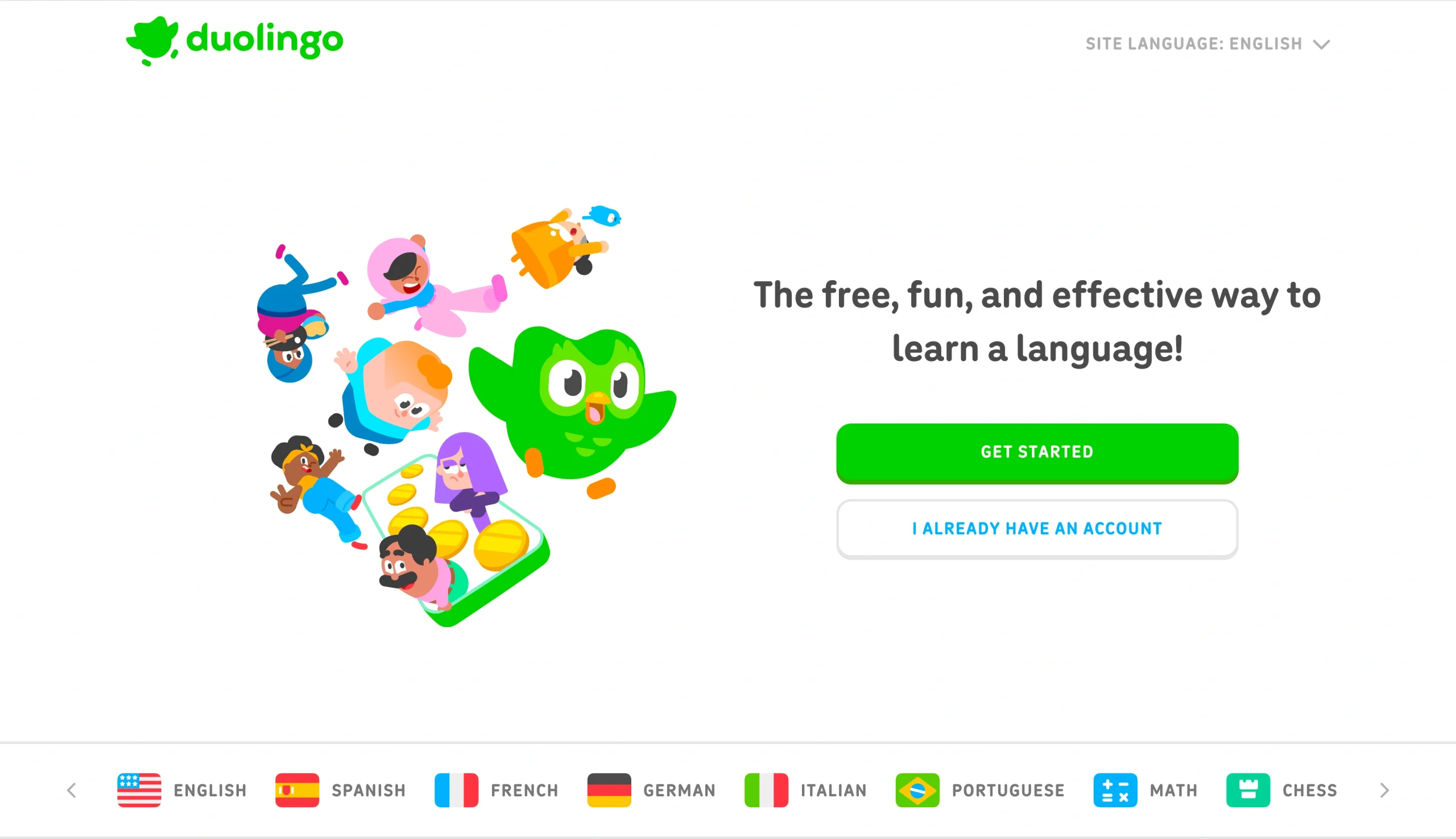
Duolingo is a popular language-learning app that uses gamification to enhance learning outcomes. Its lineup of cartoon characters teaches short lessons that students can finish in under five minutes. Duolingo combines stories, radio sessions, and quizzes to boost speaking, listening, and reading comprehension. Recently, the company introduced math and chess courses for its user base.
To develop an app similar to Duolingo, you’ll be looking at paying between $30,000 and $200,000.
5. edX

edX offers courses, certificates, boot camps, and degree programs for adult learners. Its classes are taught by professionals from elite universities and major companies, making it a top-tier educational app. Students can take most courses for free, but may need to pay to earn a verified certificate or degree.
Many edX courses focus on data science, computer programming, and artificial intelligence. However, one of its distinguishing features is its executive programs, which are ideal for students seeking leadership positions. It also offers courses in healthcare, counseling, and finance.
The cost to develop an app like edX could range from $60,000 to $200,000.
6. Khan Academy
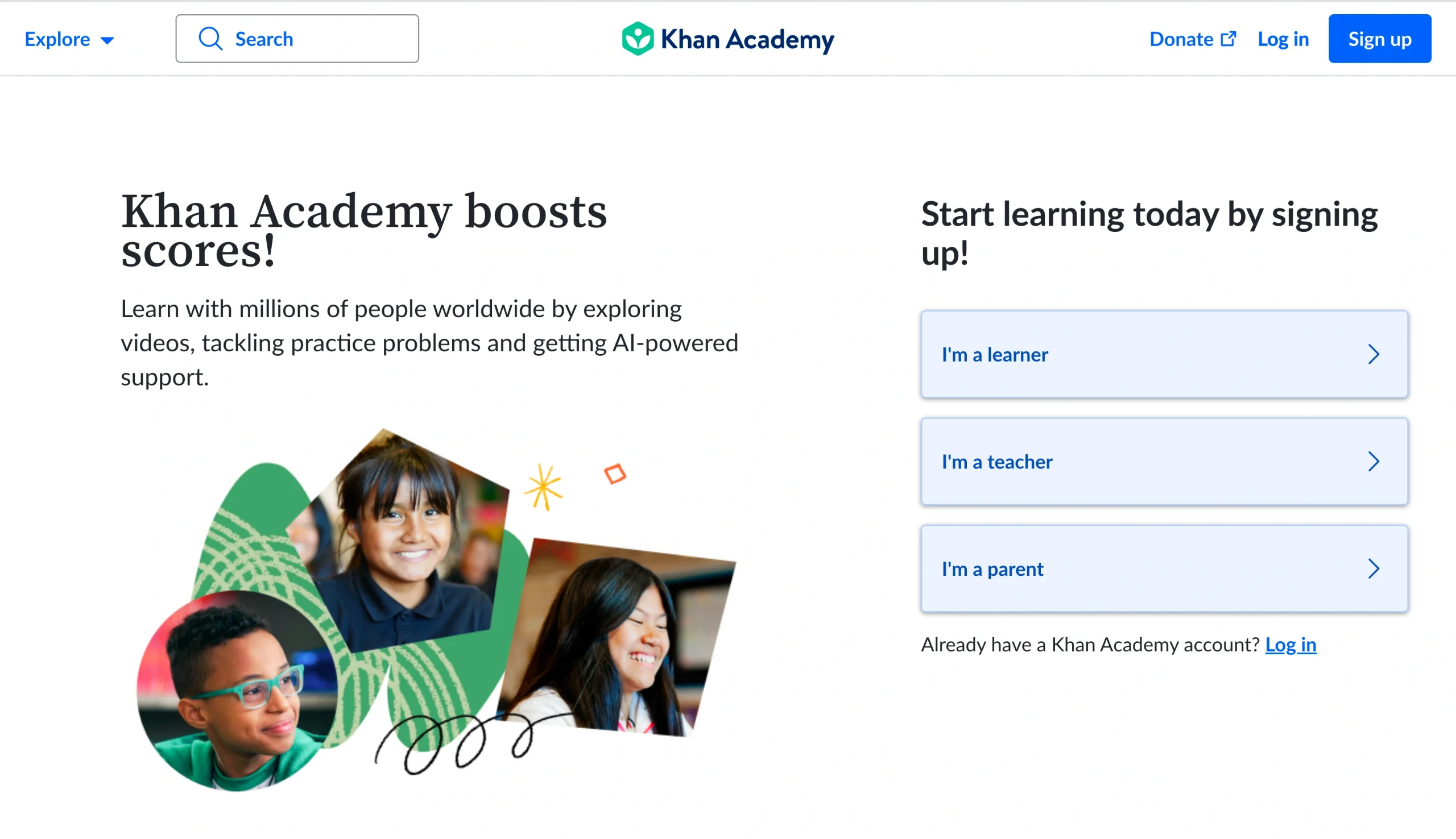
Khan Academy is a free online learning platform designed for elementary, secondary, and high school students. It offers videos and practice problems for personalized learning. Students can also use it to prepare for standardized tests such as the SAT and AP exams.
A unique feature of Khan Academy is its AI-powered tutoring assistant, Khanmigo. It helps students understand key concepts and strengthen learning weaknesses. Teachers can also sign up for a Khan Academy account, assign coursework to their students, and track results through the platform.
Creating an app similar to Khan Academy may cost anywhere from $20,000 to $150,000.
Develop an educational app today using Jotform Apps
Jotform Apps offers hundreds of pre-made, no-code app templates that you can use to create an educational app that benefits teachers, students, and parents. You don’t need any coding expertise to use our tools — an idea is enough to get started.
Our free plan allows you to create unlimited apps, but if you have a lot of users, you may want to upgrade to one of our paid plans for enhanced storage and additional features. We offer a 50 percent discount for educators on any of our paid plans.
Create your first app with Jotform Apps today.
FAQs on educational app development costs
Basic apps with limited features may cost $20,000 or more. Complex apps that include advanced features such as in-app messaging, third-party integrations, and artificial intelligence tools may exceed $100,000.
This article is for school administrators, teachers, educational technology teams, and anyone who wants to understand the features, benefits, and development costs involved in creating an educational app for students, parents, or staff.




























































































Send Comment: