
Kitchen Management App brings daily kitchen operations into one place so teams can stay organized during busy shifts. Use it to track inventory items, assign and follow prep tasks, run cleaning checks by area, and log issues as they come up. It’s a practical fit for restaurants, cafés, catering teams, and food trucks that need clearer handoffs between managers, cooks, and opening or closing staff without relying on scattered notes or messages.
Jotform makes it easy to turn this kitchen workflow into a shareable, mobile-friendly experience with a no-code app builder and a drag-and-drop interface. Connect the app to forms for fast data collection, keep records organized for your team, and build simple workflow steps around restocking, prep planning, sanitation routines, and issue reporting. With Jotform App Templates, you can customize pages, branding, and navigation, then publish and share the app with the people who need it most.
Related templates
Drink Order App
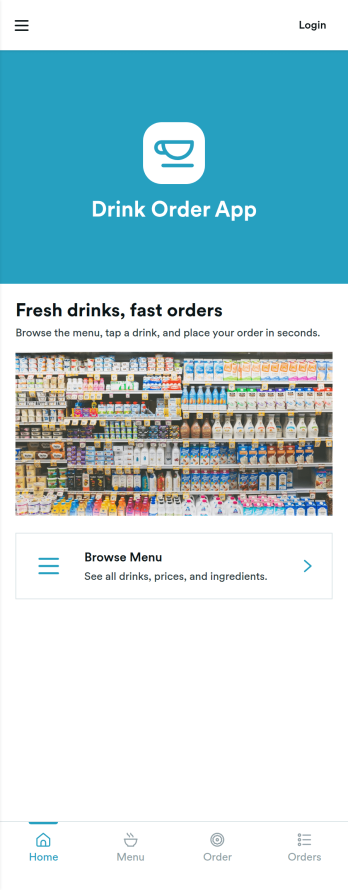
Drink Order App helps cafés, juice bars, coffee kiosks, concession stands, and pop-up beverage vendors take drink requests in one simple place. Guests can start a quick order, pick items from a product list, and send their request without waiting in line, while staff can keep tabs on what’s coming in through an easy order tracking area. It also supports lighter-touch service moments such as sharing contact options like calling the shop or sending an email message, which is useful for special requests and follow-ups.With Jotform, you can turn this drink ordering flow into a polished self-service experience using App Templates and a no-code app builder. Customize pages with a drag-and-drop interface, connect your order form to workflows that route requests to the right team, and keep data collection organized so orders are easier to review and manage. Publish and share your app through a link or QR code, then update the menu and ordering experience anytime without coding.
Go to Category:Food & Beverage Apps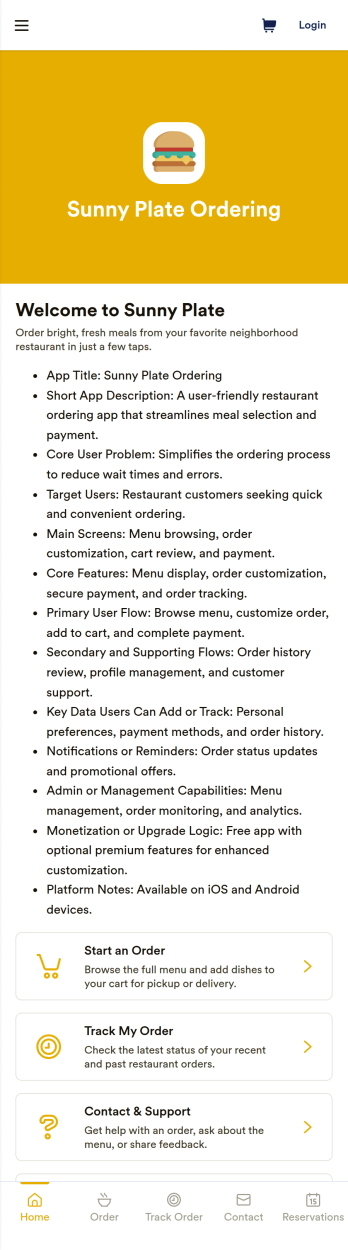
Restaurant Ordering App
Restaurant Ordering App helps restaurants, cafés, and food counters present a mobile-friendly menu and guide customers from browsing to placing an order in one place. Use it to spotlight popular picks like lunch combos and chef specials, give guests a clear product list to choose from, and reduce confusion during busy service. It’s a practical fit for dine-in QR ordering, takeout counters, small chains, pop-ups, and campus dining where speed and clarity matter.With Jotform, you can build and publish polished App Templates using a no-code app builder and a drag-and-drop interface. Connect your app to forms and tables to support data collection, keep orders organized, and give teams an easy self-service view of activity like recent orders, order history, and messages. Update items, pages, and navigation anytime, then share the app by link or QR code so customers and staff can access it from anywhere.
Go to Category:Restaurant Apps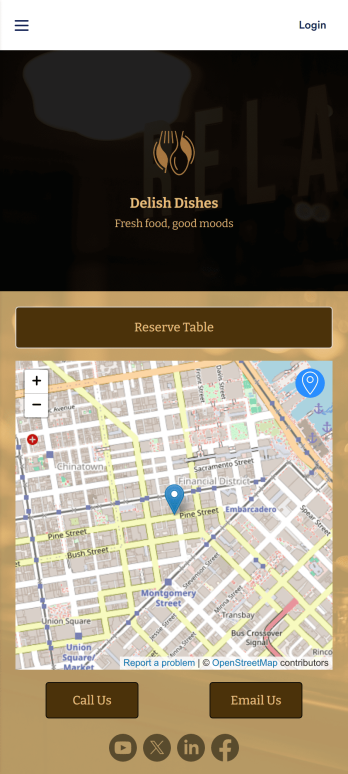
Restaurant Waitlist App
No matter what cuisine your restaurant serves, our free Restaurant Wailist App makes scheduling reservations easy for your customers. This ready-to-use app includes a Restaurant Reservation Form that can be filled out from any smartphone, tablet, or computer. Customers can enter the amount of guests, select an occasion, and add special requests to place their reservation requests. You can then view entries in your Restaurant Reservation Sheet and even set up an automated approval flow with our Restaurant Reservation Approval Process Template.Need more from this Restaurant Waitlist App? No problem — simply use our drag-and-drop builder to make any changes you’d like to this app template. You can add a dropdown calendar to the reservation form, create more forms or surveys, embed links to your menu, upload your logo, and include your branding with ease. When your app is ready to use, display the app link on your website for customers to download onto their own device. Make the reservation process easier than ever with a custom Restaurant Waitlist App!
Go to Category:Booking Apps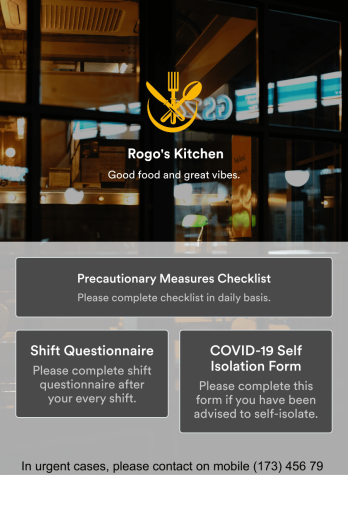
Restaurant Employee Screening App
A restaurant employee screening app is used by restaurant managers to screen employees for COVID-19 before shifts. With Jotform’s Restaurant Employee Screening App — which includes a COVID-19 Self Isolation Form, Staff Shift Questionnaire, and Precautionary Measures Checklist — you can collect all the information and e-signatures you need to ensure a safe environment for both your employees and your customers.Need to make changes to this free app? Add or remove forms, include your branding, and personalize other design elements to make this app work better for you. Employees can then download your app onto any device in a few quick clicks! All form responses are stored securely in your Jotform account and can be protected with HIPAA friendly features. Ditch messy paper forms and get organized with this Restaurant Employee Screening App.
Go to Category:Healthcare Apps
Customizable Food Waste App
Run a nonprofit organization that deals with food waste? Take action to prevent food waste and donate food to charitable organizations with this free Food Waste App from Jotform. Send food requests and schedule pickup times and locations with restaurants, airports, and catering companies by filling out online forms. Responses are stored in your secure Jotform account to be viewed and shared within your organization.Make this Food Waste App your own without any coding knowledge. Drag and drop to add or change form fields and checklist items, create new pages, choose fonts and colors, upload your organization’s unique branding, install helpful widgets and integrations, and much more. After you’re finished, share your app by sending email invites or the app link to businesses. Prevent food waste and help those in need with a fully-customizable Food Waste App that works on any device.
Go to Category:Booking Apps
Restaurant Mobile App
You’ve got your hands full trying to run a busy restaurant — so the last thing you want to learn is how to sell food online. Make it easier on yourself with Jotform's free Restaurant Mobile App. With this ready-to-use template, customers can reserve a table, place orders for pick-up or delivery, pay ahead with credit card or through PayPal, and leave reviews for your restaurant. You can upload images to use for the online menu, and even showcase signature dishes on your splash page! Just share a link to your app on your website or social media, and customers can access and download it on any smartphone, tablet, or computer.Want to customize your Restaurant Mobile App to match your restaurant’s branding? Our drag-and-drop interface makes it easy to add or change forms, choose fonts and colors, upload your logo, update the app name or text, and more — all with zero coding. Take your restaurant digital to sell food online and make reservations and orders a breeze with this Restaurant Mobile App.
Go to Category:Booking Apps