Restaurant Ordering App helps restaurants, cafés, and food counters present a mobile-friendly menu and guide customers from browsing to placing an order in one place. Use it to spotlight popular picks like lunch combos and chef specials, give guests a clear product list to choose from, and reduce confusion during busy service. It’s a practical fit for dine-in QR ordering, takeout counters, small chains, pop-ups, and campus dining where speed and clarity matter.
With Jotform, you can build and publish polished App Templates using a no-code app builder and a drag-and-drop interface. Connect your app to forms and tables to support data collection, keep orders organized, and give teams an easy self-service view of activity like recent orders, order history, and messages. Update items, pages, and navigation anytime, then share the app by link or QR code so customers and staff can access it from anywhere.
Related templates
Cooking App
Whether you run a recipe blog or teach online cooking classes, share your recipes with the world using Jotform’s free Cooking App! This readymade app template includes a recipe submission form, recipe log, and feedback form. Users can download your app onto their favorite device and fill out the bundled forms with ease. All entries will be synced to your secure Jotform account. Customize this Cooking App in just a few clicks using Jotform’s drag-and-drop interface. No coding necessary — you can easily add new forms and app pages, upload links and images, display your logo, and include other elements as well. When it’s ready to share, post the app link in your website or social accounts. Users can then open and save your Cooking App on any computer, smartphone, or tablet for easy access to your recipes.
Go to Category:Entertainment Apps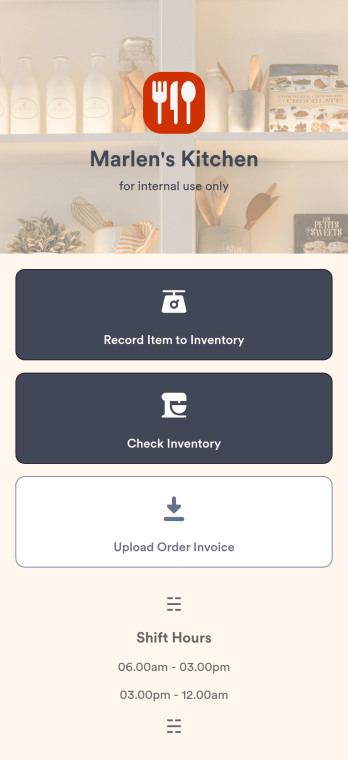
Restaurant Food Inventory App
A Restaurant Food Inventory App is used by restaurant owners and their employees to keep track of food and equipment. With this readymade app template, you can record inventory type, item name and type, quantity, and unit cost. There is also a separate form for uploading PDFs and images of invoices. Inventory submissions are instantly synced to an easy-to-read Restaurant Inventory Sheet, which is stored securely in your online account.Looking to customize your Restaurant Food Inventory App? Our drag-and-drop interface makes it easy to add forms, choose fonts and colors, upload your restaurant’s logo, update the app name or text, and more — no coding necessary. Afterwards, simply have your employees download the app onto any smartphone, tablet, or desktop, and you’re ready to go. Make inventory tracking a breeze with this Restaurant Food Inventory App!
Go to Category:Company Portal Apps
Digital Menu App
A digital menu app is used by restaurant owners to gather food orders or reservations from customers. Need to know how to sell things off your digital menu online? With this free Digital Menu App from Jotform, your restaurant can create a custom app that includes your unique menu items, reservation slots, and even a button that lets customers call your restaurant in a single click. All responses through the app are stored in your Jotform account, ready to view instantly from your own mobile device.Want to change the design of this free app template? Add your logo, update the form designs, include photos of your dishes, update the app’s background and icon, and make other changes with no coding required. Just drag and drop to get the look you want! Then customers can download your custom Digital Menu App onto their smartphone, tablet, or computer to submit orders or reservation requests whenever they like.
Go to Category:Online Store Apps
Catering App
Need to find out how to sell catering items online? A catering app allows customers to quickly and easily hire caterers and order food for their events. Get a head start creating an app for your own catering company with our free Catering App. This pre-made template includes a menu and order form for customers to access from their smartphone, tablet, or computer. Customers can easily place their orders from any device, and you’ll receive submissions instantly in your secure Jotform account.Customize your Catering App in just a couple of clicks with our no-code app builder. Simply drag and drop to add more forms, update text, upload images, embed links, and change app settings. Use Jotform’s Sentbox element to give your app users quick, in-app access to their previous submissions, so they can review what they’ve already sent anytime. When it’s ready, embed the app link in your website or share it on social media to start receiving orders from customers. Take your catering business to the next level and sell catering items online with a professional Catering App.
Go to Category:Delivery Apps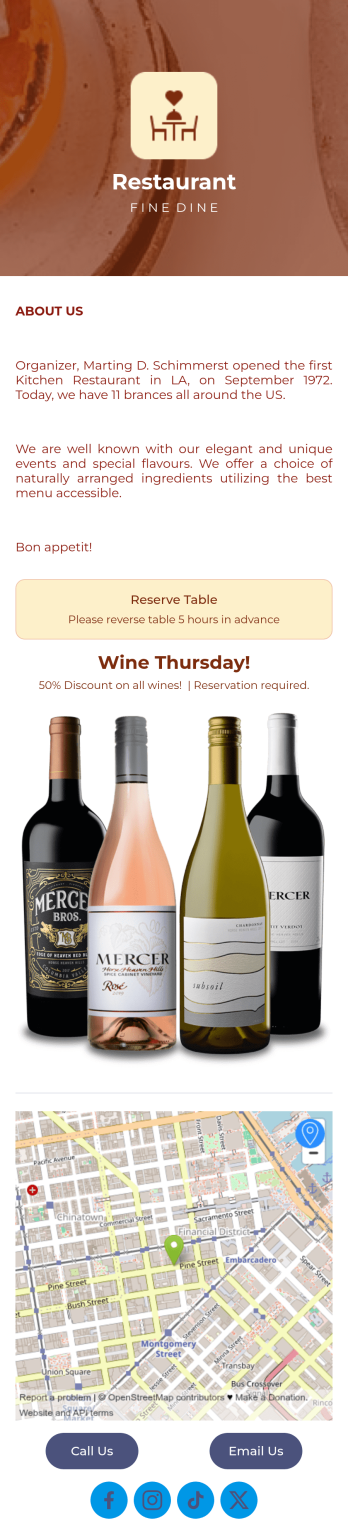
Restaurant Reservation Mobile App
Ditch the pen and paper and keep all your table reservations in one convenient location with our Restaurant Reservation Mobile App. This readymade app template allows guests to easily reserve a table online using their name, email, and phone number. Tapping on the embedded calendar displays all available reservation slots for a particular day. Your reservations are then compiled and stored securely in your account, and viewable in an easy-to-read database from any device.Want to customize this Restaurant Reservation Mobile App to match your restaurant’s branding? Our drag-and-drop interface makes it easy to add or change forms, choose fonts and colors, upload your logo, update the app name or text, and more — all with zero coding. You can even display signature dishes and inform customers of discounts or happy hours on your splash page. Just share a link to your app on your website or social media, and customers can access and download it on any smartphone, tablet, or computer. Start taking online table reservations today with this Restaurant Reservation Mobile App!
Go to Category:Booking Apps
Restaurant Mobile App
You’ve got your hands full trying to run a busy restaurant — so the last thing you want to learn is how to sell food online. Make it easier on yourself with Jotform's free Restaurant Mobile App. With this ready-to-use template, customers can reserve a table, place orders for pick-up or delivery, pay ahead with credit card or through PayPal, and leave reviews for your restaurant. You can upload images to use for the online menu, and even showcase signature dishes on your splash page! Just share a link to your app on your website or social media, and customers can access and download it on any smartphone, tablet, or computer.Want to customize your Restaurant Mobile App to match your restaurant’s branding? Our drag-and-drop interface makes it easy to add or change forms, choose fonts and colors, upload your logo, update the app name or text, and more — all with zero coding. Take your restaurant digital to sell food online and make reservations and orders a breeze with this Restaurant Mobile App.
Go to Category:Booking Apps