Hipaa Compliant Scheduling App helps healthcare teams and patients coordinate appointments in one place while keeping scheduling communication organized. Use it to offer a clear path to book appointments, view appointment details, and contact the care team without confusion or missed steps. It’s a practical fit for clinics, private practices, therapy providers, and medical offices that want a simple self-service experience for scheduling requests and intake, plus an easy way for staff to route patients to the right next action.
Jotform makes it easy to turn these workflows into a polished app experience using App Templates and a no-code app builder with a drag-and-drop interface. Connect buttons and pages to forms for data collection, centralize information for quick navigation, and share the app through a link or QR code for convenient self-service. As your workflow evolves, you can update pages, adjust navigation, and keep everything consistent across teams without needing to code.
Related templates
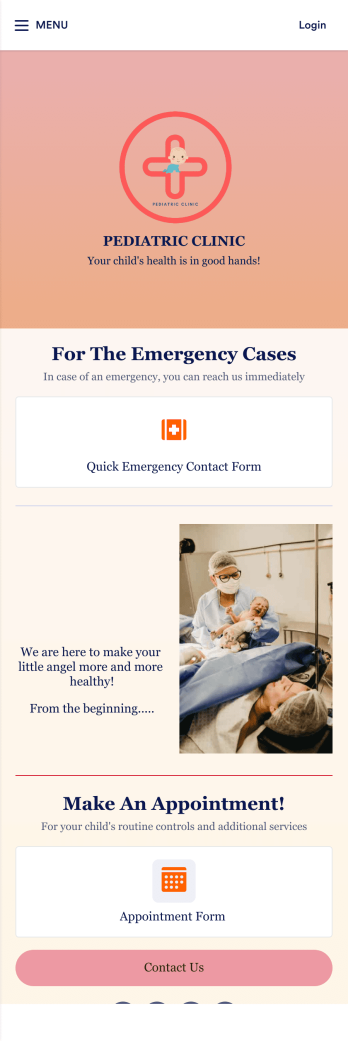
Pediatric Clinic App
Monitoring a newborn’s condition is important for keeping them and their families on the right track for health and wellness. For pediatric doctors that need to oversee their patients’ conditions closely, try this handy Pediatric Clinic App from Jotform. Collect daily or weekly reports, process fees and payments online, upload instructional videos or images, add scheduling forms for follow up appointments, and more.Customize this Pediatric Clinic App to match your clinic’s needs more closely with our easy-to-use app builder. Drag and drop to integrate with helpful widgets, add useful pages for first time parents, change fonts and colors, upload images and medical reports, and connect with your clinic’s favorite payment processors. Then simply share with your patients’ parents via link, QR code, or by linking to your app within your patient portals.
Go to Category:Appointment & Booking Apps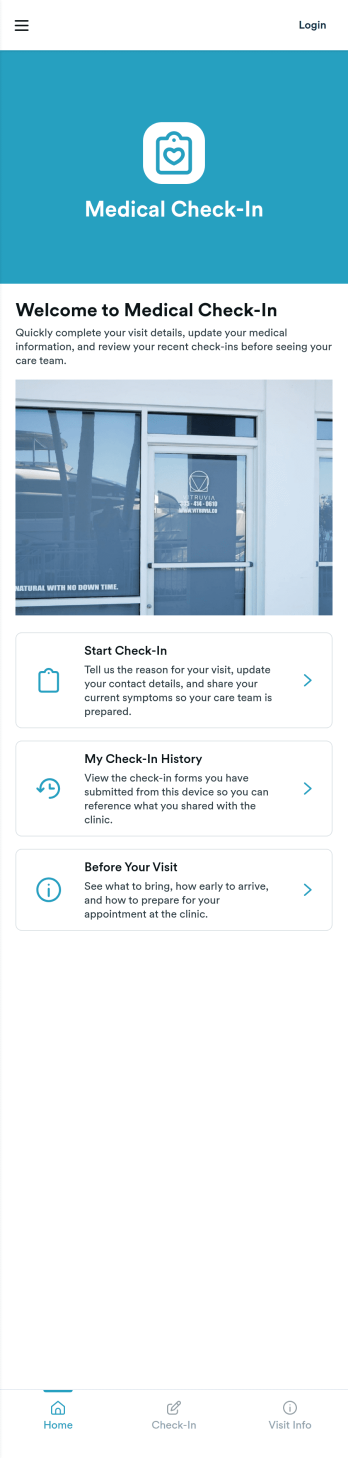
Medical Check-In App
Medical Check-In App gives clinics and private practices a simple way to welcome patients, collect check-in details before arrival, and keep past check-ins easy to find. Patients can start a check-in from one clear entry point, review their check-in history, and read visit prep guidance so they show up ready. This works well for front desks managing busy schedules, providers who want cleaner intake, and organizations that need a consistent check-in experience across multiple staff members or locations.Jotform makes it easy to create and publish patient-facing experiences with a no-code app builder and a drag-and-drop interface. Customize pages, add branded visuals, and connect your check-in form to the app so data collection stays organized and actionable. Share the app with a link or QR code, guide patients to the right next step, and support smoother workflows from arrival prep to recordkeeping.
Go to Category:Healthcare Apps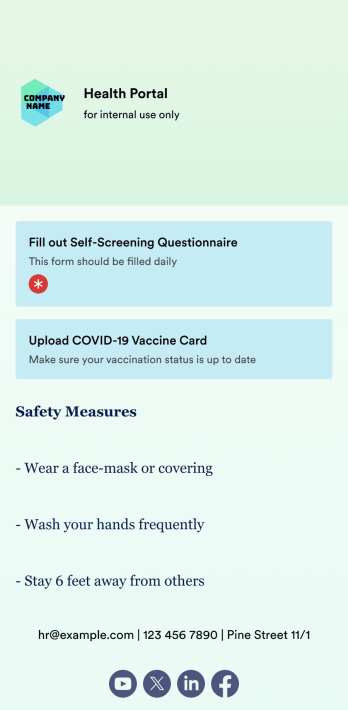
COVID-19 Screening App
A COVID-19 screening app is used by companies, businesses, or organizations to screen people for COVID-19 and collect vaccination information. Whether you’re screening employees, customers, or visitors, do it seamlessly from any device with Jotform’s free COVID-19 Screening App! The app can be filled out on your building’s computer or tablet, or downloaded instantly onto any smartphone for more frequent access.Customize this app template without coding using our drag-and-drop builder — you can upload your logo, add more forms, choose a new background image, and make other changes at the touch of a button. All submissions are stored in your secure Jotform account and can be further reinforced with HIPAA-friendly features. Make the switch from messy paper forms to improve the way you screen for COVID-19 with this powerful COVID-19 Screening App.
Go to Category:Healthcare Apps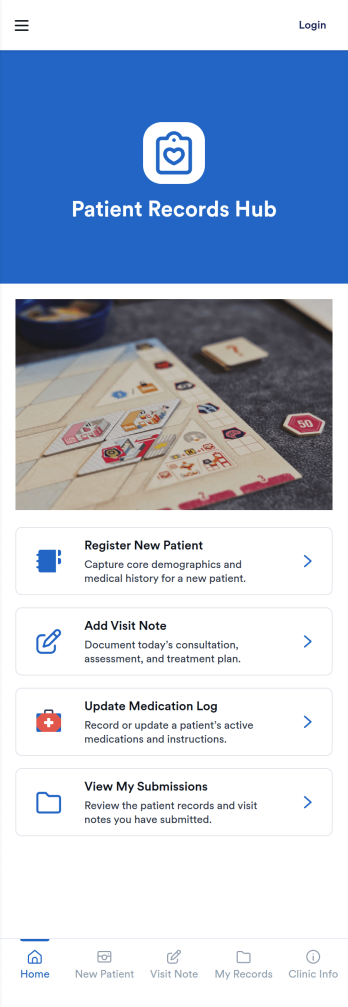
Patient Records App
Patient Records App gives clinics, private practices, and care teams a simple way to organize patient profiles and document medical activity in one place. Use it to browse a patient list, open an individual patient page for quick context, and add new patients or records as visits happen. It’s a practical fit for front-desk staff, nurses, and providers who need a consistent process for capturing information and keeping records easy to find across day-to-day operations.With Jotform, you can turn patient recordkeeping into a guided self-service workflow that’s easy to share with your team. Start with this app template, customize pages with a drag-and-drop interface, and connect forms and tables for reliable data collection and ongoing updates. As your workflow evolves, you can adjust what users see, keep information organized across pages, and publish a polished app experience without writing code.
Go to Category:Healthcare Apps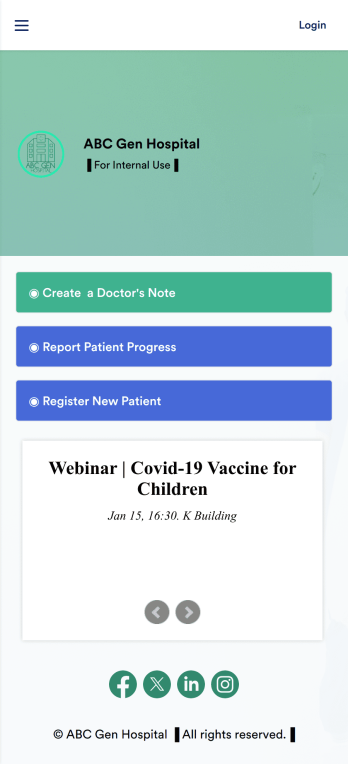
Doctors Note App
A doctor’s note app is used by hospitals and medical professionals to document a medical appointment when a patient is feeling unwell. Doctors can record general information about the patient and hospital, provide a medical diagnosis, and sign off on the note with a digital signature. Once submitted, a PDF of the doctor’s note will be automatically generated using our Doctor’s Note Template. Doctors can report patient progress and update treatment plans in a separate form through this app.Want to customize your Doctor’s Note App? No coding required — our drag-and-drop interface allows you to add forms and text, choose fonts and colors, change your app icon and splash screen, and more. After you’re done, you can share notes and progress updates with patients via link, where they can be viewed and downloaded on any smartphone, tablet, or desktop. Simplify the paperwork and let your patients focus on getting well with this customizable Doctor’s Note App.
Go to Category:HIPAA Apps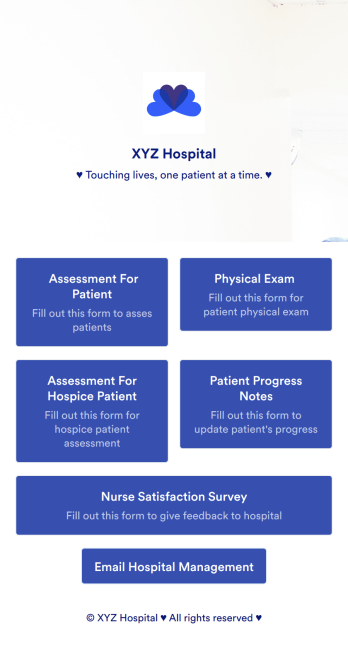
Nurse Notes App
A nurse notes app is used by nurses to manage information for their patients. Hospitals, doctor’s offices, and other healthcare centers can use this free Nurse Notes App to securely record patient information from any device! Your nurse notes are kept safe with Jotform’s advanced security measures, including optional HIPAA friendly features.This free app already includes forms for assessments, exams, and general notes, but feel free to add more forms, update the app icon or splash screen, and make other changes with no coding required. Your custom app can then be shared with a link and quickly downloaded onto nurses’ smartphones, tablets, or computers. Upgrade from messy paper forms with an all-in-one Nurse Notes App.
Go to Category:Healthcare Apps