

Engineering Apps
Job Bidding App
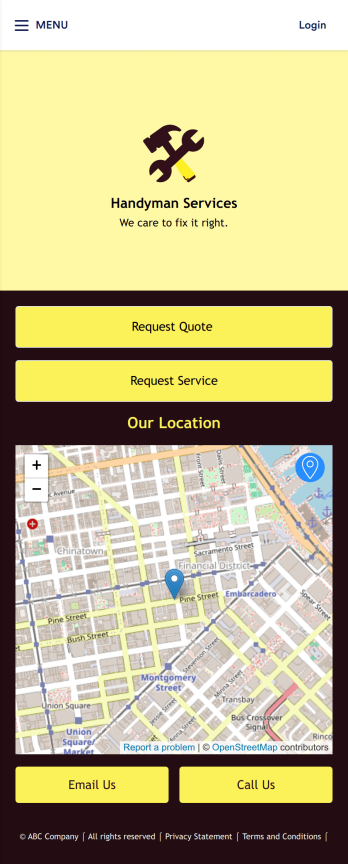
A job bidding app is used by handyman businesses to have their customers request job quotes and services. With this free Job Bidding App, customers can fill out general contact information, describe the work they need done, and upload any relevant photos. Once submitted, a PDF of the customer’s job request is auto-generated with this Handyman Proposal Template. Customers can then use the request service form to schedule a project.This Job Bidding App can be fully customized to match the branding of your business. No coding required — just use our drag-and-drop form builder to add or change forms, upload your logo, choose colors, customize your splash screen, and more. You can then have your customers access and download your app on any smartphone, tablet, or computer with a shareable link. Start receiving job quotes and service requests from your very own app with this Job Bidding App from Jotform!
Go to Category:Construction Apps
Construction Estimate App
A construction estimate app allows you to calculate the estimated cost of construction projects from any device. Make construction estimates from any smartphone, tablet, or desktop with Jotform’s free Construction Estimate App. This ready-to-use template is easy to customize for your construction business, so you can use your favorite device to collect project requests and calculate costs through a fully-custom mobile app. All entries are stored in your secure Jotform account, where you can view them in a table or turn them into PDFs.In just a few clicks, you can make this Construction Estimate App your own. Simply drag and drop to add forms, documents, links, buttons, and much more. You can also change the app name, icon, and splash screen for a more personalized design. When it’s ready to use, you can download your app onto any device, or share it with others by copying and pasting the app link on your website or sending it via message. Make construction estimates easy anytime, anywhere with a Construction Estimate App for your company.
Go to Category:Construction Apps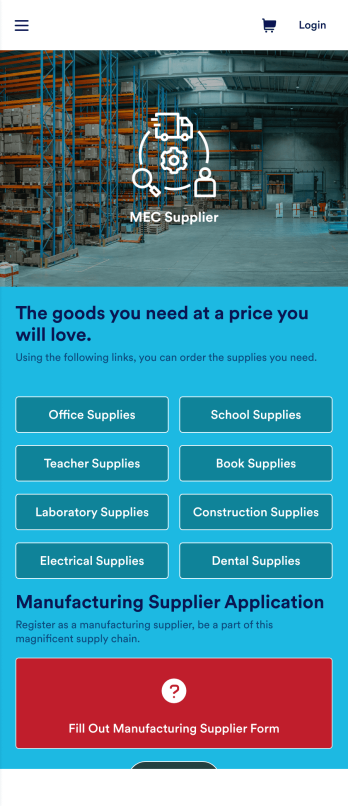
Supply Chain Management App
A supply chain management app is used by wholesale supplier companies for selling products to their customers. Want to learn how to sell your products online? This Supply Chain Management App allows customers to order supplies for offices, schools, labs, dental offices, and more with a simple ordering form. There is also a new customer signup form as well as a contact page. Once an order is placed, it will automatically be sent to your secure Jotform account, where you can see all of your orders at a glance.Making changes to this Supply Chain Management App is easy with Jotform’s no-code app builder. Simply drag and drop to add form elements, create new pages, edit text files and radio buttons, choose fonts and colors, upload images, include your branding, and more. When you’re satisfied with the look and feel of your app, you can share it by embedding it on your website or by sharing email invites with your customers. They can then download your app on any smartphone, tablet, or computer and start placing orders right away. Create an all-in-one supply chain ordering form with this ready-to-use Supply Chain Management App from Jotform.
Go to Category:Online Service Apps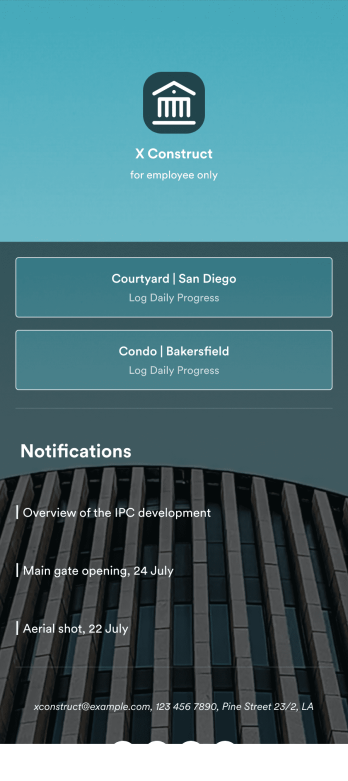
Custom Construction Daily Log App
A construction daily log app is used by construction companies to log their daily progress on construction sites. With Jotform’s free Construction Daily Log App, your company’s employees can complete daily work logs directly from their smartphone or tablet. Just customize the app template, share it with your employees to download onto any device, and view responses in your secure Jotform account.Update the app template to include your branding, add more forms, and make other design changes using our drag-and-drop app builder. No coding knowledge required! Once your app is fully customized to match your needs, share it with a link or invite company members to download it via email so they can readily access it from their mobile device. Save time and paper by completing work logs online with this free Construction Daily Log App.
Go to Category:Construction Apps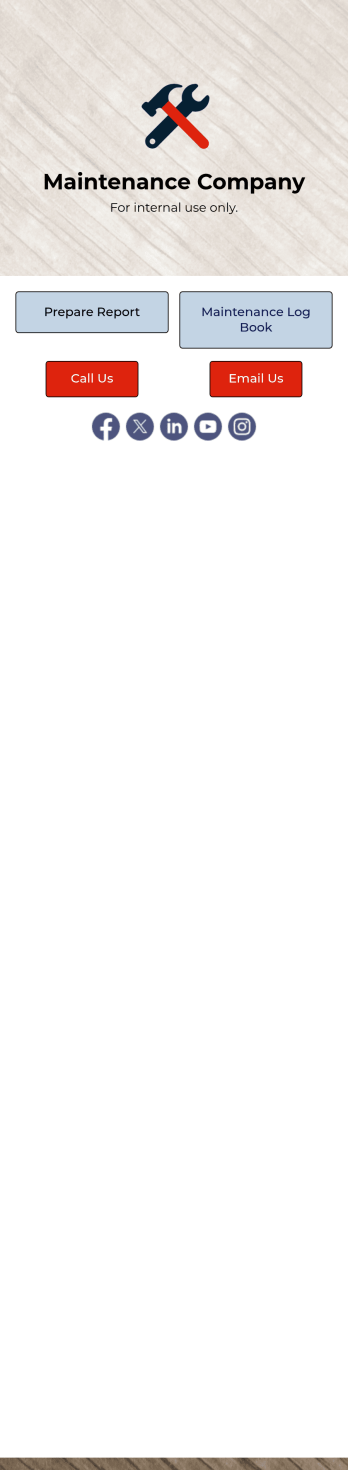
Maintenance Log App
A maintenance log app is used by companies to record and keep track of maintenance records. With our free Maintenance Log App, you can use a Maintenance Report Form to track general personnel information, equipment and building issues, and any repairs performed. There is a digital signature box at the bottom of the form to be signed upon completion. Reports are instantly compiled and stored in an Equipment Maintenance Log, which is accessible from your Jotform account.You can easily customize this app to suit your needs by adding or changing forms, uploading your logo, choosing fonts and colors, and more — no coding required. Share your app with a link or embed it in an internal website, and maintenance staff can begin using it right away on any device. Say goodbye to paperwork and start keeping all your maintenance records online with this free Maintenance Log App.
Go to Category:Log Apps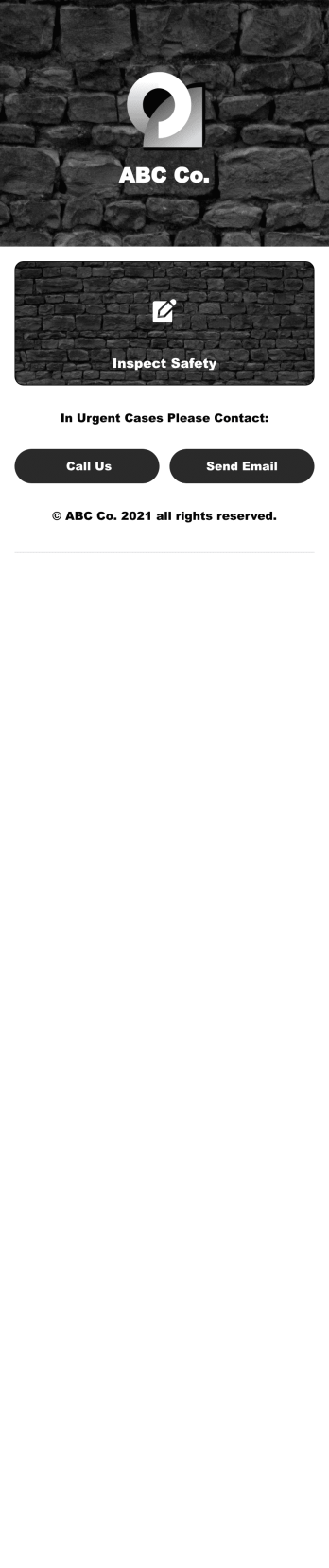
Safety Audit App
A safety audit app is used by safety auditors to perform safety inspections from their mobile devices. Have members of your inspection team perform audits without any messy paperwork using this free Safety Audit App. The app can be downloaded onto any computer, tablet, or smartphone to gather important data in the field — such as checks for fire prevention, equipment, first aid, and more.Customize this app template’s design without coding using our drag-and-drop app builder. Update items on your inspection checklist, include your company logo, change the app icon or background, and make other changes in seconds. You can then share the app via link or email to be downloaded onto iOS or Android devices. Save time and paper performing safety checks with a free Safety Audit App from Jotform.
Go to Category:Construction Apps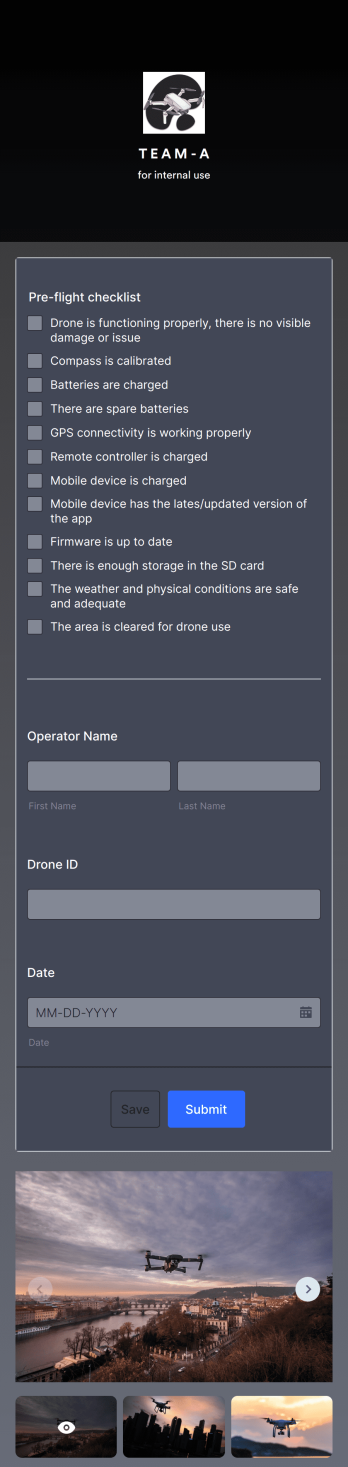
Drone Pre Flight Checklist App
A drone pre-flight checklist app ensures that drone pilots properly follow the right steps to ensure a safe and controlled flight. If you’re a drone inspector or pilot, prepare for your next flight with Jotforms’ free Drone Pre-Flight Checklist App. This prebuilt app includes a comprehensive checklist form that also requires operator name, drone ID, and flight date. You can download the app to fill out the form from any smartphone, tablet, laptop or computer before your drone takes flight. Submissions are securely stored in your Jotfrom account for your records.This Drone Pre-Flight Checklist App is ready to be used as is — but if you’re looking for even more, customize the template in just a few clicks with Jotform’s drag-and-drop builder. You can add more items to the checklist, include new forms and tables, change the fonts and colors, and even update the app name, icon, and splash screen for a more personalized design. When you’re happy with the way it looks and feels, download the app onto your preferred device to open at any time. Check weather conditions, record flight details, and prevent damage to your drone with an easily-accessible Drone Pre-Flight Checklist App on hand.
Go to Category:Checklist Apps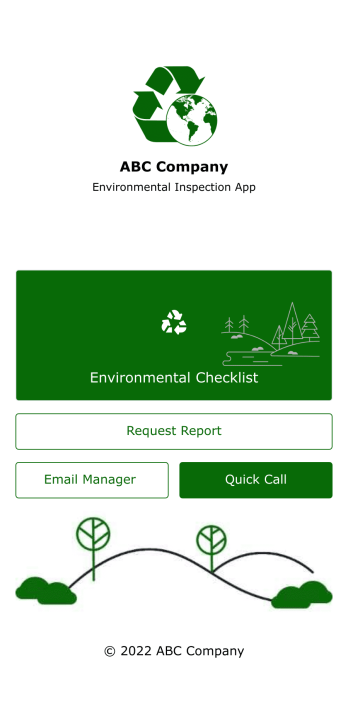
Environmental Inspection App
An environmental inspection app is used by government agencies and other environmental organizations to conduct inspections from their mobile devices. With Jotform’s free Environmental Inspection App, your agency can switch from paper forms to online forms to reduce messy paperwork and create a secure database of all your inspection information. Just customize and share the app to download it onto any device — no coding required!Customize the app design with our drag-and-drop no-code builder. Choose a new app icon and splash screen, add or remove forms, include your unique logo, and make other changes in seconds. You can then send your personalized Environmental Inspection App to your teammates with a copy-paste link that they can use to download the app onto their iOS or Android device.
Go to Category:Checklist Apps
Building Inspection App
A building inspection app allows building inspectors to complete their work using any device. Conduct inspections from any smartphone, tablet, or computer with Jotform’s free Building Inspection App. This readymade template comes with a building inspection checklist and task log, but with our drag-and-drop builder you can add whatever else you need to make the app your own. All entries will be stored in your secure Jotform account and ready to view at any time.Customize your Building Inspection App without any coding. Just drag and drop to add more forms, checklists, documents, links, and even your branding. When you’re done, download it onto your favorite device or share it with other building inspectors via link or email invite. With a fully-custom Building Inspection App, you’ll be able to efficiently conduct building inspections and write reports no matter where you are!
Go to Category:Construction Apps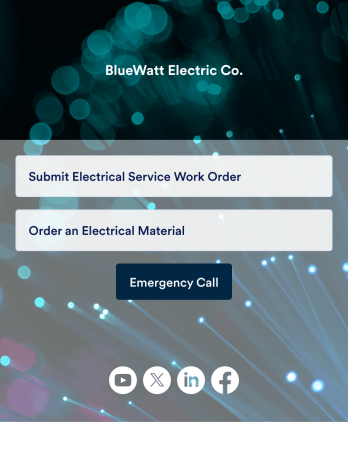
Electrical Work Order App
An electrical work order app is used by electricians for submitting service work orders, keeping track of equipment, and ordering new materials. Jotform’s Electrical Work Order App comes bundled with two useful forms: an Electrical Service Work Order Form to be filled out in detail before beginning a new job, and an Electrical Material Order Form to be filled out when an employee requires new work materials. Submission data from both forms is instantly synced and stored in your Jotform account, so everything is securely organized in one central location.Make this app template your own with just a few clicks. No coding necessary — just use Jotform’s drag-and-drop interface to add or swap out form elements, edit text fields and checklist items, install widgets, upload your own branding, and much more. After you’re done, employees can download your app onto their favorite device by opening an email invite or accessing the app link through a browser. Mobile users can also add your app to their home screen for future use with just the tap of a button. Make filling out and submitting work orders and material requests a snap with this free and fully customizable Electrical Work Order App from Jotform.
Go to Category:Construction Apps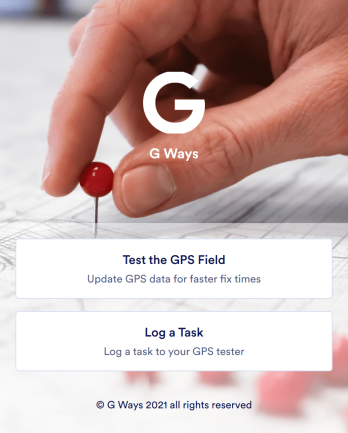
Gps Field Testing App
A GPS field testing app is used by GPS businesses for adjusting and servicing location data. Our GPS Field Testing App is a convenient way for field employees to create on-site GPS testing reports using a Field Testing Form and a Task Log Form. Employees can document device configuration, weather conditions, and note any obstructions. There is also space to record additional notes and upload photos of the sites. Reports are synced and stored in your secure Jotform account so you can keep them organized in one centralized location.Want to make this app template your own? No problem — just use our drag-and-drop app builder to customize the perfect app in seconds. Without any coding, you can add or change form elements, edit text fields and checklist items, choose fonts and colors, upload your branding, and more. Sharing your app by sending email invites or the app link, and employees can start filling out forms right away on any device. Ditch the paperwork and go digital with this free GPS Field Testing App from Jotform.
Go to Category:Engineering Apps
Safety Observation App
A safety observation app is a mobile app that businesses can use to collect and manage information about workplace safety. With a free Safety Observation App from Jotform Apps, you can gather safety reports, give safety briefings, and inspect job site safety from one convenient platform. Plus, include direct buttons to contact safety managers by email or phone. All submissions made in the app will be stored securely in your Jotform account — ready to view, edit, or share on any device.Want to customize your Safety Observation App? No problem! You can use our drag-and-drop app builder to upload images and videos, change fonts and colors, integrate with popular apps, and much more. Give your employees a user-friendly way to submit safety information with a free app from Jotform.
Go to Category:Checklist Apps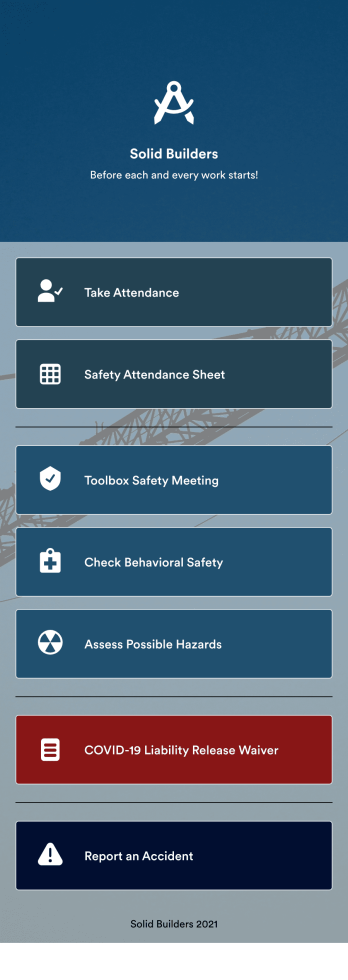
Briefing App
A briefing app is used by worksite safety managers and employees for taking attendance and reviewing safety procedures prior to beginning work. Our readymade Briefing App bundles several forms, including an attendance tracking sheet, and safety guidelines and checklists for tools and equipment, PPE, and hazardous materials and conditions. Employees can also fill out and digitally sign a COVID-19 liability waiver and report worksite accidents directly from the app. Attendance and form submissions are instantly synced and stored in your secure Jotform account, so you can keep everything organized in one convenient location.Make this app template your own in just a few clicks with Jotform’s no-code app builder. Simply drag and drop to add form elements, edit existing forms, attach documents, upload your own branding, and more. You can even use the main page of your app to post work schedules, make announcements, and link to external resources. After you’re done, share your app with employees via email or the app link, and they can download and use it on their preferred devices directly from the jobsite. Build an app to keep everyone safe and accounted for with Jotform’s fully-customizable Briefing App.
Go to Category:Construction Apps
Asbestos Inspection App
An asbestos inspection app is used by asbestos inspection companies to complete and track inspection reports electronically. With this free downloadable Asbestos Inspection App, members of your team can save the app to their personal device — be it a smartphone, tablet, or computer — for quick access to your company’s inspection report form in the field.If you need to add additional forms, update the splash screen or icon, or make other design changes, just drag and drop fields until you get the look you want. No coding knowledge needed! Your custom app will then be shareable with a link, so you can get it in front of your inspection team in no time. Power up your inspection workflow with this free Asbestos Inspection App from Jotform.
Go to Category:Inspection Apps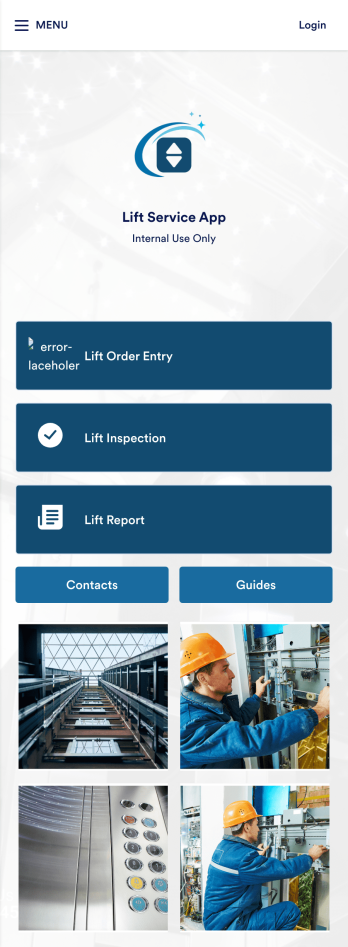
Lift Service App
A lift service app is used by lift operators to keep track of inspections, orders, reports, and more. With this ready-made Lift Service App by Jotform, your company can switch from paper forms to efficient online forms that can be filled out seamlessly on any device. Once you customize this app template to your liking with our drag-and-drop builder, you can share it to start collecting form submissions instantly.Need to update the design of this Lift Service App? Add your company logo, add or remove forms, split your app into separate pages, and make other changes with no coding required. You can even integrate with 200+ other platforms to sync submissions to your other accounts automatically — no manual data entry required.
Go to Category:Company Portal Apps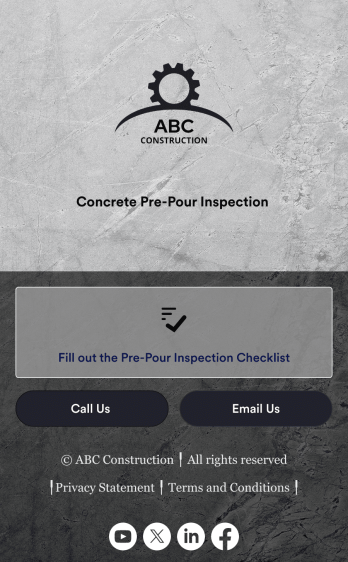
Concrete Pre-Pour Inspection App
A concrete pre-pour inspection app is used by construction companies to allow their employees to conduct pre-pour inspections in the field. Directly from the construction site, this Concrete Pre-Pour Inspection App from Jotform enables your employees to fill out an inspection checklist and submit it to you using their smartphone, with no messy paperwork required.Customize this free app to perfectly match your needs using our drag-and-drop app builder. No need to know how to code — you can add your logo, update the checklist to match your site requirements, and make other design changes in just a few clicks. Once your custom Concrete Pre-Pour Inspection App is ready to go, share it with employees via email so they can download and use it in seconds.
Go to Category:Inspection Apps
Construction Equipment Maintenance Software
Construction Equipment Maintenance Software is an app template designed to streamline the upkeep of construction machinery for optimal operations. This influential software swiftly automates preventive maintenance, enabling construction companies, equipment fleet managers, and maintenance teams to avert unnecessary downtime. It's ideal for those managing machinery across multiple job sites, including rental companies, project managers, and operations leaders seeking to reduce costs and improve productivity. This dynamic app template tracks equipment performance in real time and manages repair workflows efficiently, offering a comprehensive view of asset utilization. By rendering detailed reports and analytics, it provides valuable insights for data-driven decision-making, enhancing productivity and cost-efficiency.Jotform's superior no-code, drag-and-drop app builder brings this template to life, allowing you to customize and deploy your Construction Equipment Maintenance Software without any coding. You can effortlessly design your app to reflect your branding, choosing preferred fonts and colors, uploading your logo, and integrating relevant forms. Thanks to its cross-platform compatibility, your app will function seamlessly across smartphones, tablets, and desktops for maximum convenience. Jotform's app builder also supports workflow automation, enabling you to create efficient approval flows and data routing systems. This results in a centralized, seamless experience that streamlines your construction equipment maintenance operations. With Jotform, you can proficiently manage your construction equipment maintenance processes, ensuring high performance and longevity of your machinery.
Go to Category:Engineering Apps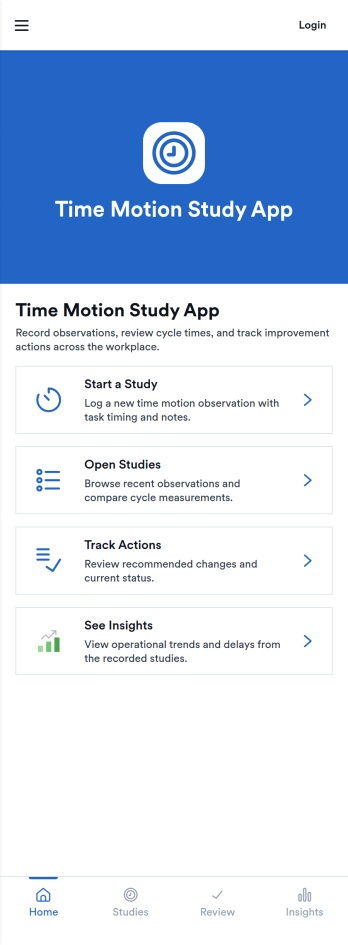
Time Motion Study App
Time Motion Study App helps teams capture how work is performed so they can understand cycle times, spot delays, and standardize repeatable processes. Use it on the floor, in the field, or in an office setting to log a study as it happens, keep a centralized list of studies, and review insight-ready records without relying on scattered notes. It’s a practical fit for operations leaders, industrial engineers, continuous improvement teams, supervisors, and analysts who need consistent time-and-motion documentation across shifts, sites, or job types.With Jotform, you can turn this app template into a branded, self-service experience that’s easy to share and update. Using Jotform’s no-code app builder and drag-and-drop interface, you can connect your study logs to forms and data collection workflows, organize studies into navigable lists, and give stakeholders a simple way to view recent studies and drill into details. As your process changes, you can adjust the app layout and connected workflow in minutes so the same hub keeps supporting ongoing improvement.
Go to Category:Engineering Apps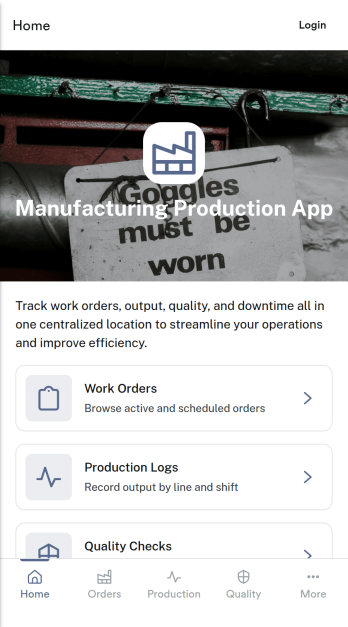
Manufacturing Production App
Manufacturing Production App centralizes day-to-day shop floor tracking so teams can move work orders through production with fewer gaps and clearer accountability. Use it to create and review work orders, record production activity tied to specific orders, capture quality checks, and document downtime events as they happen. It fits production supervisors, line leads, quality teams, and operations managers who need a practical way to keep order status, output notes, and interruptions organized without chasing updates across messages and spreadsheets.With Jotform, you can adapt this app template to match your processes using a no-code app builder and a drag-and-drop interface. Connect buttons and pages to the forms that power data collection for work orders, production logs, quality checks, and downtime records, then share the app with your team for fast self-service access on any device. As your workflow evolves, update pages, branding, and navigation in minutes while keeping your records structured and easy to review.
Go to Category:Engineering Apps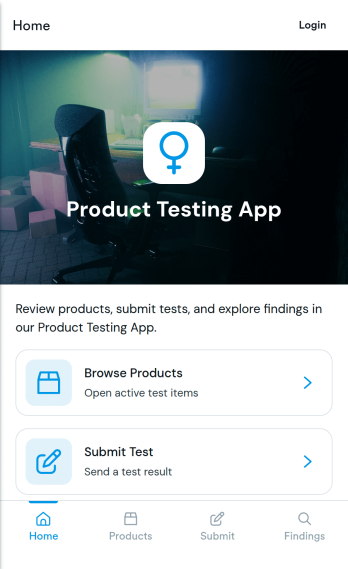
Product Testing App
Product Testing App keeps product trials organized by giving testers a clear place to browse products, submit tests, and review findings in one flow. It’s a practical fit for product teams, QA groups, labs, and consumer research programs that need consistent feedback across multiple items. Use it to guide internal testers, external beta users, or focus groups through what to test, what to report, and where to see outcomes, helping reduce missed details and scattered notes.Built with Jotform App Templates, this app template can be tailored with a no-code app builder and a drag-and-drop interface so you can match your testing process without relying on developers. Connect product lists and a test submission form to support reliable data collection, route updates to the right stakeholders, and keep your workflow moving from test intake to consolidated findings. Share the app by link for fast self-service access on any device.
Go to Category:Engineering Apps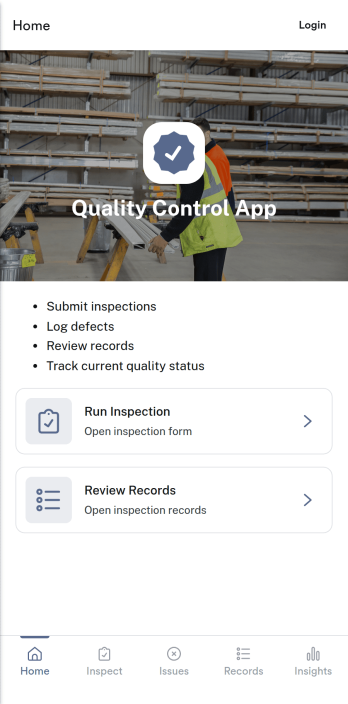
Quality Control App
Quality Control App helps teams run inspections, log issues as they’re found, and review past records in one place. Use it on the production floor, in warehouses, at job sites, or in field operations to capture consistent checks and keep defects from slipping through. With quick navigation to start an inspection, report a problem, and browse inspection and issue lists, it supports supervisors, QA staff, line leads, and contractors who need clear visibility into what was inspected, what failed, and what needs follow-up.Built with Jotform App Templates, this app template can be tailored to your process without coding. Customize pages, update the layout with a drag-and-drop interface, and connect the app to your Jotform forms and data collection workflows so records stay organized and easy to access. Share the app through a link or QR code for self-service reporting, and keep quality documentation centralized as your operation scales.
Go to Category:Inspection Apps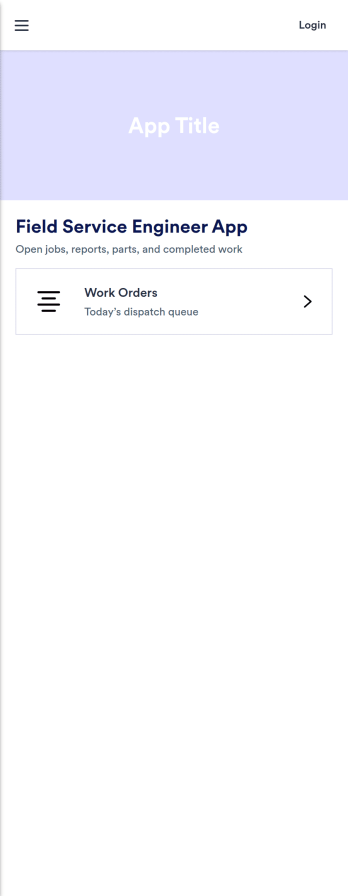
Field Service Engineer App
Field Service Engineer App helps field engineers manage daily site work by organizing today’s jobs, keeping work orders easy to browse, and providing a clear path to close out completed jobs. It’s a practical fit for service and maintenance teams, engineering contractors, and operations groups that need a simple way for technicians to check what’s next, open a job to review details, and finish work in the field without digging through messages or paperwork.With Jotform, you can turn this app template into a branded, self-service experience for your team using a no-code app builder and a drag-and-drop interface. Connect job closeout to a form for consistent data collection, keep work order records organized, and refine the workflow as your processes evolve, then share the app with a link or QR code so engineers can access it on any device.
Go to Category:Engineering Apps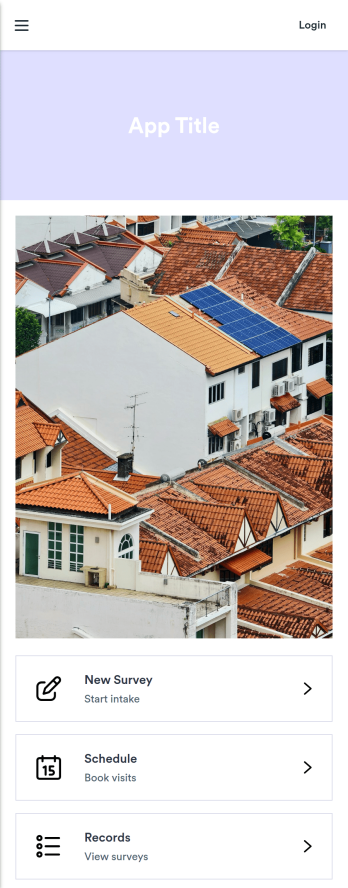
Solar Site Survey App
Solar Site Survey App helps solar installers and field teams capture consistent site intake details, manage active survey work, and keep survey records organized in one place. Use it to launch a new survey from the field, revisit open surveys during ongoing projects, and present a clear survey report view for office follow-up. It’s a practical fit for residential and commercial site visits where photos, measurements, notes, and customer details need to be gathered quickly and reviewed later without digging through emails or scattered files.Built with Jotform, this app template supports fast data collection and smoother workflow handoffs between the field and the office. With Jotform’s no-code app builder and drag-and-drop interface, you can tailor the experience to your process, connect the app to your survey form and survey records table, and share a self-service link with your team so everyone works from the same up-to-date information.
Go to Category:Engineering Apps
Bug Report App
Bug Report App helps product teams and internal IT groups capture software issues in a consistent way, then make them easy to review and follow up on. With a clear path to submit a bug, browse reported issues, and check on your own reports, this app works well for QA, customer support, and beta programs that need a reliable intake flow. Use it to reduce missing details, speed up triage, and keep reports organized when bugs come in from multiple channels.Jotform makes it simple to turn this Bug Report App into a branded self-service experience using App Templates and a no-code app builder. Customize pages with a drag-and-drop interface, connect the bug report form to your workflow, and centralize data collection so teams can review reports in one place. Share the app by link or QR code so testers, employees, or customers can submit and track issues anytime.
Go to Category:Information Technology AppsAbout Engineering Apps
Engineering Apps are specialized apps that cater to the needs of engineering professionals by streamlining workflows and enhancing productivity. These apps are utilized for a variety of operational use cases, such as project management, data collection, and real-time collaboration. Industries ranging from construction and manufacturing to aerospace and automotive employ engineering apps to optimize their processes and improve efficiency. By facilitating communication, data sharing, and task management, these apps play a crucial role in real-world engineering workflows, ultimately helping professionals focus on innovation and problem-solving.
Jotform Apps, as a no-code app builder, provides an ideal solution for creating engineering apps. Leveraging Progressive Web App (PWA) technology, Jotform Apps can be installed directly via a browser without the need for an App Store, and they function seamlessly across a variety of devices including iOS, Android, tablets, and desktops. This flexibility ensures that engineering teams can access their apps anytime, anywhere, enhancing collaboration and efficiency. The centralized data management with Jotform Tables further supports streamlined workflows by allowing engineers to keep all their data organized and accessible.
Why Use Engineering Apps?
- Engineering apps facilitate improved project management by providing centralized platforms for tracking progress, resources, and timelines. This ensures that all team members are aligned and can easily access the information they need to make informed decisions.
- By enabling real-time data collection and analysis, engineering apps allow for quick adjustments to plans and designs. This agility helps teams to respond promptly to challenges and opportunities, enhancing their ability to deliver projects on time and within budget.
- These apps enhance collaboration among multidisciplinary teams by providing communication channels that integrate seamlessly with existing workflows. This fosters a more cohesive working environment where ideas and feedback can be shared instantly.
- Engineering apps often come with features that support compliance and quality assurance, ensuring that projects meet industry standards and regulations. This reduces the risk of errors and rework, contributing to overall project success.
- The use of engineering apps can lead to significant cost savings by automating routine tasks and reducing the need for physical paperwork. This not only cuts down on material costs but also frees up valuable time for engineers to focus on more strategic activities.
Common Problems Solved by Engineering Apps
- One common challenge in engineering projects is maintaining clear communication across diverse teams and stakeholders. Engineering apps solve this by offering centralized communication platforms that keep everyone informed and engaged throughout the project lifecycle.
- Managing vast amounts of project data can be daunting, especially when dealing with complex engineering specifications and calculations. Apps streamline this process by organizing data in a structured manner, making it easily accessible and manageable.
- Ensuring compliance with safety standards and regulations is a critical concern in engineering. Apps help automate the tracking and documentation of compliance-related activities, reducing the risk of oversight and enhancing accountability.
- Engineering projects often involve intricate scheduling and resource allocation. Apps provide tools that facilitate dynamic scheduling and resource management, allowing for real-time adjustments based on project needs and priorities.
Matching Use Cases to Features
- For project management, the Drag-and-Drop Interface allows engineers to customize their app layout to suit the specific needs of their projects, resulting in a more intuitive and efficient workflow.
- With the Store Builder feature, engineering firms can create dedicated sections within their apps for storing and managing project resources, which enhances organization and accessibility.
- The Push Notifications feature keeps team members updated on project milestones and deadlines, ensuring timely communication and swift action on tasks that require immediate attention.
- Payment Integrations with services like Stripe and PayPal enable companies to manage client billing and payment processing directly through the app, streamlining financial operations.
- Publish Options such as Public, Private, and Company-only ensure that sensitive project information is shared appropriately, safeguarding data privacy while promoting transparency.
- Sharing Methods, including Direct Link, Email, QR Code, and Social Media, facilitate easy distribution of project updates and app access to team members and stakeholders.
- Workflow Automation simplifies routine tasks, such as data entry and reporting, allowing engineers to focus more on critical thinking and problem-solving.
How to Create an Engineering App
- Choose a category-relevant template from the Template List or start from scratch.
- Customize using the Drag-and-Drop Interface to tailor the app to specific project needs.
- Share via Link, QR Code, or Embed to distribute the app efficiently among team members and stakeholders.
Top Use Cases for Engineering Apps
- For Managers: Engineering apps provide managers with a comprehensive platform to oversee project progress, manage resources, and ensure compliance with industry standards. These apps offer real-time insights and analytics that are crucial for making strategic decisions and enhancing project outcomes. By having centralized access to all project-related data, managers can effectively coordinate activities, allocate resources efficiently, and identify potential risks before they escalate.
- For Teams: Teams benefit from engineering apps through enhanced collaboration and communication, which are essential in complex engineering environments. The apps enable seamless sharing of documents, designs, and feedback, allowing team members to work together more effectively, regardless of their location. This connectivity fosters a cohesive team dynamic, promotes innovation, and ensures that everyone is working towards the same goals and objectives.
- For Customers: Customers experience the benefits of engineering apps through improved service delivery and transparency. With access to project updates and communication channels, customers can stay informed about project progress and provide timely input. This level of engagement not only enhances customer satisfaction but also builds trust and ensures that the final deliverables meet their expectations and requirements.
Summarizing Engineering Apps
Engineering apps offer a robust solution for optimizing engineering workflows, enhancing collaboration, and ensuring compliance with industry standards. By leveraging the capabilities of Jotform Apps, engineering professionals can create customized apps that address their unique operational needs without requiring any coding skills. The use of centralized data management and real-time communication tools results in more efficient project execution and better business outcomes. Ultimately, these apps empower engineering teams to focus on innovation and delivering high-quality results.
Frequently Asked Questions
1) Is it free to create and use Engineering apps on Jotform?
Jotform offers a Starter plan, which allows users to create and use engineering apps for free with certain limitations. This plan is ideal for small projects or initial trials where full access to all features may not yet be necessary. For larger projects or organizations requiring more comprehensive capabilities, Jotform offers tiered plans that provide additional features and support.
2) Are the data and payments collected through the app secure?
Yes, the data and payments collected through Jotform apps are secure. Jotform complies with industry standards such as GDPR, ensuring that user information is protected and handled with the utmost care. Payment integrations, including Stripe and PayPal, are designed to provide secure transactions, safeguarding both the company and its clients.
3) Do I need any coding skills to create an Engineering App with Jotform?
No coding skills are required to create an engineering app with Jotform. Jotform's no-code app builder is designed to be user-friendly, employing a Drag-and-Drop Interface that allows users to customize their apps easily. This empowers engineering professionals to create and deploy apps that meet their specific needs without relying on technical expertise.
4) Can I collect payments for services directly through the app?
Yes, you can collect payments for services directly through the app using payment integrations such as Stripe and PayPal. These integrations allow for seamless and secure transaction processing, making it convenient for businesses to manage billing and payments within the app environment.
5) Does Jotform support offline data collection for Engineering apps?
Jotform supports offline data collection through its Mobile Forms feature, which is particularly useful for engineering environments where connectivity may be intermittent. This capability ensures that data can be captured and stored securely, even without internet access, and then synchronized once connectivity is restored.
6) Are Jotform Apps compatible with both iOS and Android devices?
Jotform Apps are compatible with both iOS and Android devices, as well as tablets and desktops. Leveraging Progressive Web App technology, these apps function seamlessly across different platforms, ensuring accessibility and convenience for users regardless of their device preferences.
7) How can Engineering apps improve project management?
Engineering apps improve project management by providing centralized platforms for tracking progress, resources, and timelines. They offer real-time data collection and analysis capabilities, allowing project managers to make informed decisions swiftly. Additionally, features such as Push Notifications and Workflow Automation enhance communication and streamline processes, leading to more efficient project execution.
8) Can Engineering apps be customized to meet specific industry standards?
Yes, engineering apps can be customized to meet specific industry standards through Jotform's versatile app-building capabilities. Users can utilize the Drag-and-Drop Interface to tailor apps to their unique requirements, ensuring compliance with industry regulations and enhancing operational efficiency. This customization flexibility allows organizations to create apps that align with their specific workflows and quality assurance protocols.