
A bug tracking app gives teams one place to report issues, review what’s already been logged, and keep work moving as fixes progress. This template fits software teams, QA groups, IT departments, and agencies that need a simple way to capture new bug reports, browse a growing list of bugs, and check status views without chasing updates across chats and spreadsheets. It’s especially useful for triage workflows where many people can submit problems while a smaller group reviews, prioritizes, and follows up with clear ownership.
Jotform makes it easy to turn this Bug Tracking App into a self-service, shareable workflow using App Templates and a no-code app builder. With a drag-and-drop interface, you can tailor pages, buttons, and navigation, connect the app to your form and tables for reliable data collection, and keep your workflow organized as reports come in. Publish the app in minutes, share it with a link, and keep everyone aligned with a centralized view of reported bugs.

Cell Service App
If you sell cell phones or are a cell phone service provider, use this free Cell Service App to give customers an easy way to contact you and purchase your products or services! Start by customizing the app template to match your needs and branding — then share the app to be downloaded onto any iOS or Android tablet or smartphone. Customers can then submit orders, feedback, and other form responses on the go.Want to customize the design of this Cell Service App template? Drag and drop to get the look you want. Add your logo and products, update the app icon and background, split the app into multiple pages, and make other design changes in seconds with no coding required. All submissions through your custom Cell Service App are stored securely in your Jotform account, ready to view and respond to fast.
Go to Category:Customer Portal Apps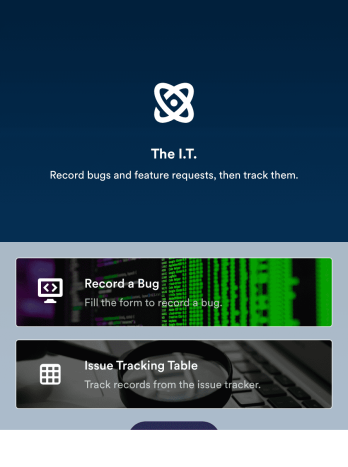
Bug Tracker App
A bug tracker app is used by IT professionals to record bugs and track technical issues on the go. With Jotform’s free Bug Tracker App, your IT department can enjoy a more seamless way to track and manage bugs on any device! You can enter the bug type, add a description of the bug, upload photos or screenshots, and input URLs to keep a complete log and address issues with your team.Drag and drop to make changes to this app template without coding. Feel free to add images or upload your company logo, add more forms or spreadsheets, and update other design elements like app icon, background, and font type. Then share your custom Bug Tracker App with members of your team to download onto their smartphone, tablet, or computer and gather data on the go.
Go to Category:Tracker Apps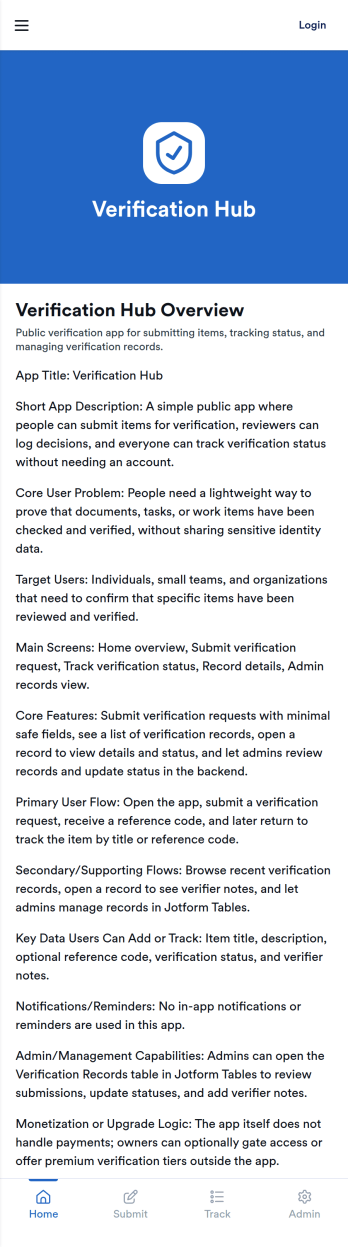
Verification App
Verification App keeps verification requests organized from intake to review, giving teams a clear way to accept new requests, monitor pending reviews, and work through a dedicated verification queue. It fits operations teams, support groups, HR, community moderators, or any organization that needs a repeatable process for checking information, documents, or identities before moving a request forward. With a Start Request button, an All Requests view, and a personal My Submissions area, requesters and reviewers can stay aligned without chasing updates across channels.Jotform makes it easy to launch and tailor this app template with a no-code app builder and a drag-and-drop interface. Connect your verification form and table views, adjust what each page shows, and keep data collection consistent as volume grows. Share the app with a link for quick self-service access, then refine your workflow over time by updating pages, buttons, and navigation as your verification process evolves.
Go to Category:Customer Portal Apps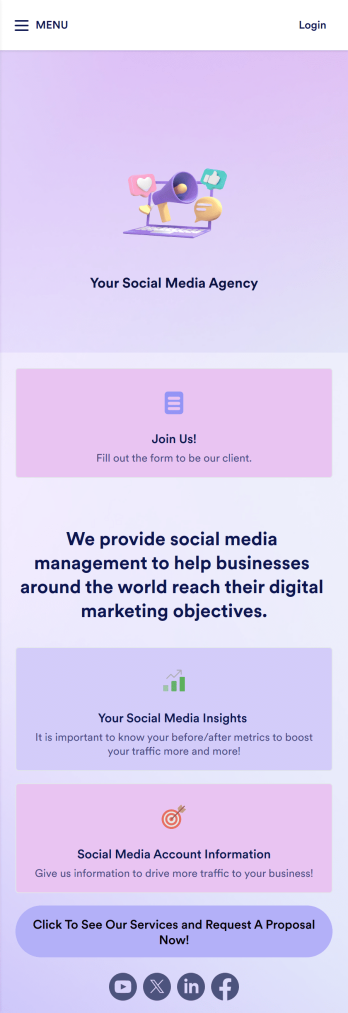
Social Media Marketing App
A social media marketing app is used by social media managers or marketing agencies to list their services, accept proposal requests, and list their contact information. With this ready-made Social Media Marketing App, your business can provide clients with a convenient mobile app — which they can instantly download onto their smartphone for easy access.Need to make design changes? Add your company logo and branding, update the listed services, and change the app background, colors, and icon for a personal touch. No coding knowledge is required with our drag-and-drop builder! Give your customers a quicker way to contact you and book your services with a custom Social Media Marketing App.
Go to Category:Consulting Apps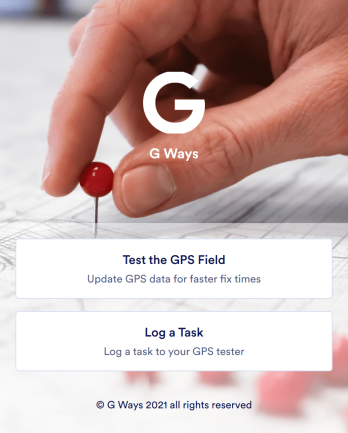
Gps Field Testing App
A GPS field testing app is used by GPS businesses for adjusting and servicing location data. Our GPS Field Testing App is a convenient way for field employees to create on-site GPS testing reports using a Field Testing Form and a Task Log Form. Employees can document device configuration, weather conditions, and note any obstructions. There is also space to record additional notes and upload photos of the sites. Reports are synced and stored in your secure Jotform account so you can keep them organized in one centralized location.Want to make this app template your own? No problem — just use our drag-and-drop app builder to customize the perfect app in seconds. Without any coding, you can add or change form elements, edit text fields and checklist items, choose fonts and colors, upload your branding, and more. Sharing your app by sending email invites or the app link, and employees can start filling out forms right away on any device. Ditch the paperwork and go digital with this free GPS Field Testing App from Jotform.
Go to Category:Engineering Apps
Business Instagram Bio Link App
Create an app to add to your company’s Instagram bio with Jotform’s Business Instagram Bio Link App. With this app template, you can make company announcements, showcase webinars and events, create pre-order forms, and have your followers submit feedback — all accessible from a single app in your Instagram bio. Submissions made to your app are stored in your secure Jotform account, which you can view on any smartphone, tablet, or desktop.Make this Business Instagram Bio Link App your own by adding your own branding. Just use Jotform’s drag-and-drop form builder to upload your logo or a background image, choose a custom app icon, change fonts and colors, and more — no coding required. You can also fully customize your app’s splash screen by adding or changing form elements or installing widgets. After you’re finished, simply copy and paste a link to your app in your Instagram bio and you’re off and running. Create an all-in-one app that your followers can access on any device with this free Business Instagram Bio Link App.
Go to Category:Social Bio Link Apps