-
 kevbscpa
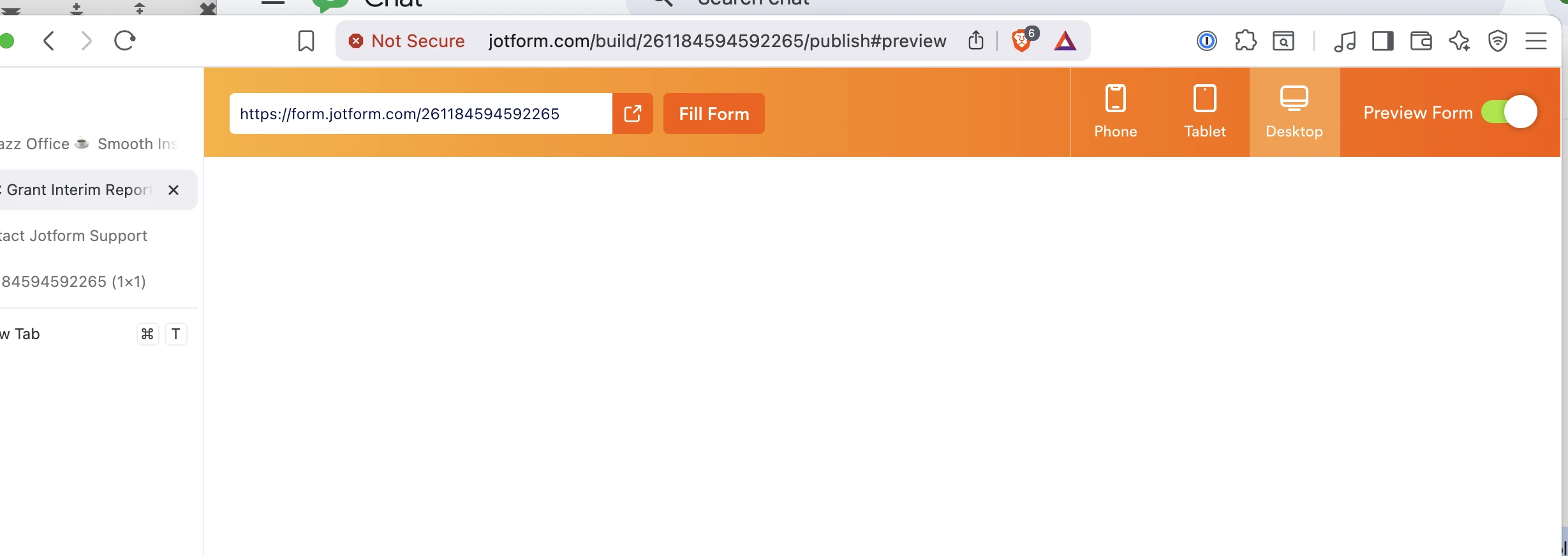
This form was working but now won't display, either in Jotform preview mode. When trying to access the form in a browser I get a no SSL error and it refuses to load

-
 Podo: Support Specialist
Hi MSC,
Thanks for reaching out to Jotform Support. I'm an AI assistant here to assist you.
Let me help you with that:
All Jotform forms are already served over HTTPS with a valid SSL certificate by default, both in Preview and when you use the direct Jotform form URL. A browser-level “no SSL” or “connection not secure” message usually points to how or where the form is being accessed rather than to the form itself.
Here are some steps you can try:
- Open the direct Jotform URL
Go to your form in Jotform, copy its direct URL, and open that URL directly in your browser. Jotform-hosted links use HTTPS and should show a secure connection with a lock icon. If the direct URL loads securely, the issue is likely with how the form is embedded elsewhere.
- Check your website’s page if the form is embedded
If you embedded the form on your own site and that page is not fully HTTPS (for example, the page itself is HTTP or it loads mixed content), the browser can show a “not secure” or SSL-related warning even though the Jotform part is secure. In that case, either:
- Update your web page to load over HTTPS with a valid certificate, or
- Use and share the secure Jotform URL instead of the embedded version.
- Confirm the exact error message
Different browser messages indicate different issues (for example, certificate not valid, mixed content, or site not secure). If the direct Jotform URL also shows a no-SSL or similar warning, please share the exact text of the browser message or a screenshot so we can narrow it down further.
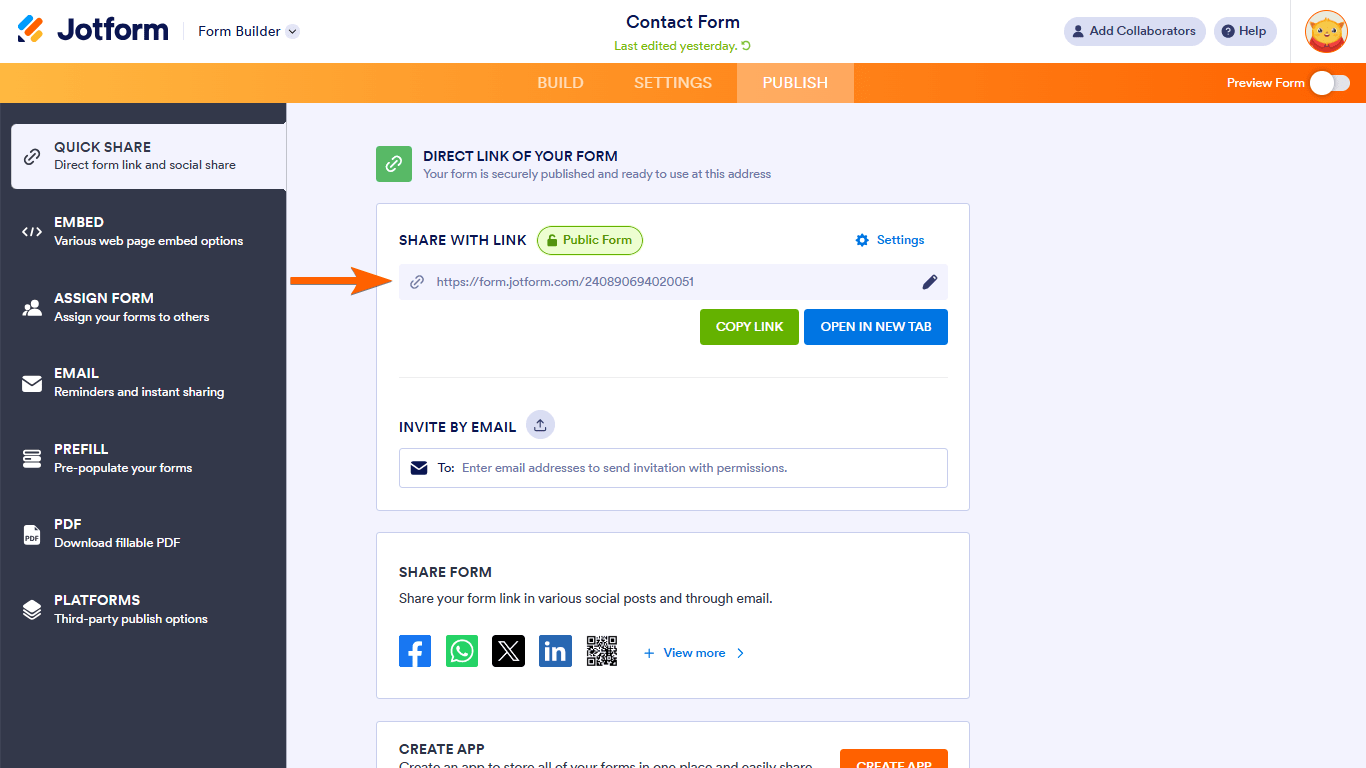
For reference, Jotform forms are secured by default, and you can always rely on the HTTPS form link as shown here:
Once we hear back from you, we’ll have a better idea of what’s going on and how to help.
Let us know if you have any other questions.
- Open the direct Jotform URL
-
kevbscpa
Upon further research, it loads fine in Safari and DuckDuckGo but not in Chrome .
-
 Reymae JotForm Support
Hi kevbscpa,
I checked your form in Chrome, and I was able to access it without an issue. Take a look at the screenshot below to see my results:
You can try clearing your browser's cache and cookies, refreshing your page, or trying to access the form using another browser or device. Can you go ahead and try it again and let us know how it goes? If you’re still having the same issue, you can click the Not Secure warning and send us a screenshot of the connection details so we can check on it.Reach out again if there’s anything else we can help you with.
-
kevbscpa
Thanks for responding. We have determined the problem is only in the office here. Tests outside show it working as expected. Thus the likely issue is somehow our internal SSL cert being interposed into the middle as your bot indicated. Thanks
Kevin

 You can try clearing your browser's cache and cookies, refreshing your page, or trying to access the form using another browser or device. Can you go ahead and try it again and let us know how it goes? If you’re still having the same issue, you can click the Not Secure warning and send us a screenshot of the connection details so we can check on it.
Your Reply
Something Went Wrong
An error occurred while generating the AI response. Please try again!