-
 HealingManor
Team,
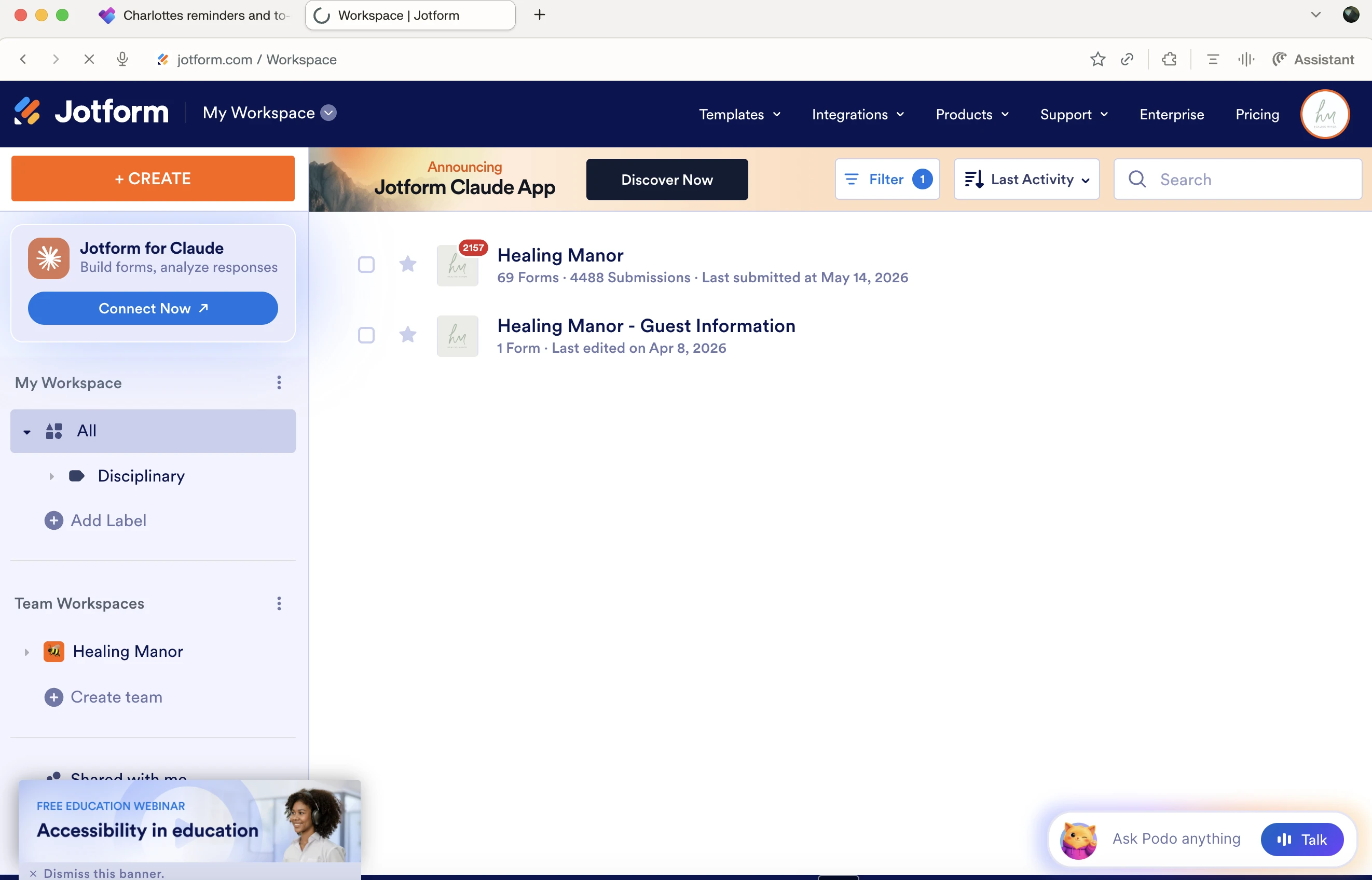
We are trying to access the backend of our app, however for two days now it has failed to load. I've attached a screenshot, and we have tried this on multiple website browsers and multiple devices, and it is not working on any of them.
Please can you help?
Kind regards,
Charlotte

-
 Podo: Support Specialist
Hi Charlotte,
Thanks for reaching out to Jotform Support. I'm an AI assistant here to assist you.
From what you described, it sounds like the app backend (App Builder) is not loading at all across different browsers and devices. There is a known situation where Jotform services can become temporarily unavailable due to high traffic between front-end and back-end servers, which can cause pages like the builder or app editor to fail to load.
Let me help you with that:
- Check for a general service issue
If the outage is on Jotform’s side, you may see a message similar to “Temporarily Back-end Unavailable – We are currently experiencing abnormally high traffic volume between our front-end and back-end servers, and working to restore all services as quickly as possible.” In such cases, the issue is not specific to your account or app and is resolved once the traffic stabilizes. - Visit the status page
You can check Jotform’s overall service status to see if there is any ongoing incident affecting builders or apps. If there is an active incident, the best step is to wait for it to be resolved, as local troubleshooting (clearing cache, changing browser, or device) will not fix a platform-wide issue. - Confirm if the issue is only with this app
If other forms or apps in your account load correctly but this specific app’s builder does not, please let us know the app’s name and whether you see any specific error text (for example, a 404, 504, or “Temporarily Back-end Unavailable” message) on screen. A short description of the exact message will help narrow down whether it’s an availability, access, or configuration issue.
If you are currently seeing a “Temporarily Back-end Unavailable” type message or a blank/non-responsive builder screen for more than a short period, after already trying multiple browsers and devices, then this is likely not something you can resolve from your side alone. In that case, please confirm whether any other Jotform pages (like your forms or Tables) load normally, and share what exact message appears under or instead of the builder so we can better understand what is happening.
Once we hear back from you, we’ll have a better idea of what’s going on and how to help.
Let us know if you have any other questions.
- Check for a general service issue
-
HealingManor
Confirm if the issue is only with this app
If other forms or apps in your account load correctly but this specific app’s builder does not, please let us know the app’s name and whether you see any specific error text (for example, a 404, 504, or “Temporarily Back-end Unavailable” message) on screen. A short description of the exact message will help narrow down whether it’s an availability, access, or configuration issue
The issue is only with this app. Our other apps are working. It works from the front end. It is just trying to access the backend to make edits in this.
-
Podo: Support Specialist
Thanks for confirming that, Charlotte.
Since the issue is only with this specific app’s backend, I’d like to gather a bit more detail so we can narrow it down:
- Since you already cleared your form and browser caches, to help us better understand the issue, could you share a screenshot of your browser’s Console Log?
- You can follow this guide to get it: How to Get a Console Report from Most Common Browsers.
- If you haven’t already, please also provide the exact page URL where you’re encountering the issue.
Once you share those details (console screenshot + URL), we can better see what’s blocking the App Builder from loading for that app and suggest the next steps. Let me know when you have them and we’ll go from there.
-
HealingManor
Node cannot be found in the current page.Understand this warning
251754790298369:1 Failed to load resource: the server responded with a status of 504 ()
-
Podo: Support Specialist
Hi Charlotte,
The 504 message you’re seeing indicates that a request to Jotform’s servers is timing out, which can happen when there is high traffic or a temporary service-side issue. In such cases, the builder or app editor may fail to load even though the live (front-end) app still works.
Let me help you with that:
- Check for a temporary back-end availability issue
If the outage is on Jotform’s side, you may see a message similar to “Temporarily Back-end Unavailable – We are currently experiencing abnormally high traffic volume between our front-end and back-end servers, and working to restore all services as quickly as possible.” When this happens, the issue is not specific to your account or app and is resolved once traffic stabilizes.
- Check Jotform’s status page
You can check Jotform’s overall service status to see if there is any ongoing incident affecting builders or apps. If there is an active incident, local troubleshooting (different browser, device, or clearing cache) will not resolve it, and it will work again once the incident is cleared.
- Confirm if other Jotform pages are affected
Since you mentioned other apps are working and this one loads on the front end, please also check if other areas like your forms or Tables load normally. If everything else is fine and only this app’s builder consistently returns a 504, it points to a specific availability issue with that app’s editor.
Summary: A 504 “Failed to load resource” in this context means the request from the builder to Jotform’s back-end is timing out. When this is due to high traffic or a temporary back-end availability issue, it needs to be resolved on the service side; once it is, the app builder should start loading again without changes on your end.
Let us know if you have any other questions.
- Check for a temporary back-end availability issue
-
HealingManor
-
Podo: Support Specialist
Hi Charlotte,
The 504 “Failed to load resource” you’re seeing means the request from the App Builder to Jotform’s servers is timing out. This can happen when there is abnormally high traffic between the front-end and back-end servers, which can prevent the builder for a specific app from loading even though the live app (front end) still works.
Let me help you with that:
- Understand what the 504 indicates
When there is a temporary back-end availability issue, you may see a message like “Temporarily Back-end Unavailable – We are currently experiencing abnormally high traffic volume between our front-end and back-end servers, and working to restore all services as quickly as possible.” In these cases, the issue is on the service side and not something you can fix locally.
- Check overall service status
Please check Jotform’s status page to see if there is any ongoing incident affecting builders or apps. If there is an active incident, switching browsers/devices or clearing cache will not resolve it; it will start working again once the incident is cleared.
- Compare with other areas of your account
Since other apps are working and this one loads on the front end, also confirm whether your other Jotform areas (like forms or Tables) load normally. If everything else is fine and only this app’s builder keeps timing out with a 504, it points to a specific availability issue with that app’s editor that needs to be resolved on the service side.
In summary, the 504 timeout and “Node cannot be found in the current page” warning together indicate the builder cannot fully load because the back-end request is not completing; once the temporary back-end issue is resolved, the app editor should open again without changes on your end.
Reach out again if you need any other help.
- Understand what the 504 indicates
-
HealingManor
I need to speak to someone, as this is not resolving the issue and this has been going on for 48 hours.
-
Podo: Support Specialist
Hi Charlotte,
One of our Support Team members will take it from here to follow up shortly.
Reach out again if you need any other help.
-
 Umut
UmutHi Charlotte,
I've forwarded your request to the relevant team for further review. Once they complete their investigation, we’ll update you with any findings or next steps.Thank you for your patience.
-
HealingManor
Team, it has been over a week and I still don't have access to the back end of our app. There is risk of a serious access breach, as I am unable to add or remove users due to this. Please can I have an update?
-
 Lorelie Enterprise Support
Hi Charlotte,
The relevant team is still looking into this, but we haven’t heard back yet. I’m following up with them for any updates and will let you know as soon as I hear anything.
Thanks for your patience and understanding, we appreciate it.


Your Reply
Something Went Wrong
An error occurred while generating the AI response. Please try again!