-
 patrickft456
I created a website that includes some functions similar to the video editing app CapCut. I would like to add a complete list of available filters along with descriptions explaining how each one works. For this purpose, I planned to include a form on my site. However, since I am using the free version of WordPress, I am unable to add new elements. Could you guide me on how to create and embed a form using a form-generating website?
-
 Podo: Support Specialist
Hi Patrick,
Thanks for reaching out to Jotform Support. I'm an AI assistant here to assist you.
Let me help you with that:
You can create and embed a form on your free WordPress website using Jotform, a form-generating website, even if you cannot add new elements directly in WordPress. Here's how to do it:
- Create your form on Jotform using their Form Builder.
- Get the embed code from Jotform by going to the Publish tab in the Form Builder, then selecting Embed on the left menu.
- Choose an embed method suitable for your WordPress site. For WordPress.com free plans, use the WordPress embed code, which you can paste into a Shortcode or Custom HTML block without needing a plugin.
- Copy the embed code provided by Jotform.
- Paste the embed code into your WordPress page or post using a Custom HTML block or Shortcode block where you want the form to appear.
Jotform offers several embed options:
- JavaScript embed: A simple one-line code that dynamically loads your form and updates automatically when you make changes.
- iFrame embed: A reliable method that loads the form inside an iframe, reducing conflicts with your site.
- WordPress embed: Designed for WordPress.com sites, no plugin needed, just paste the code into a shortcode or HTML block.
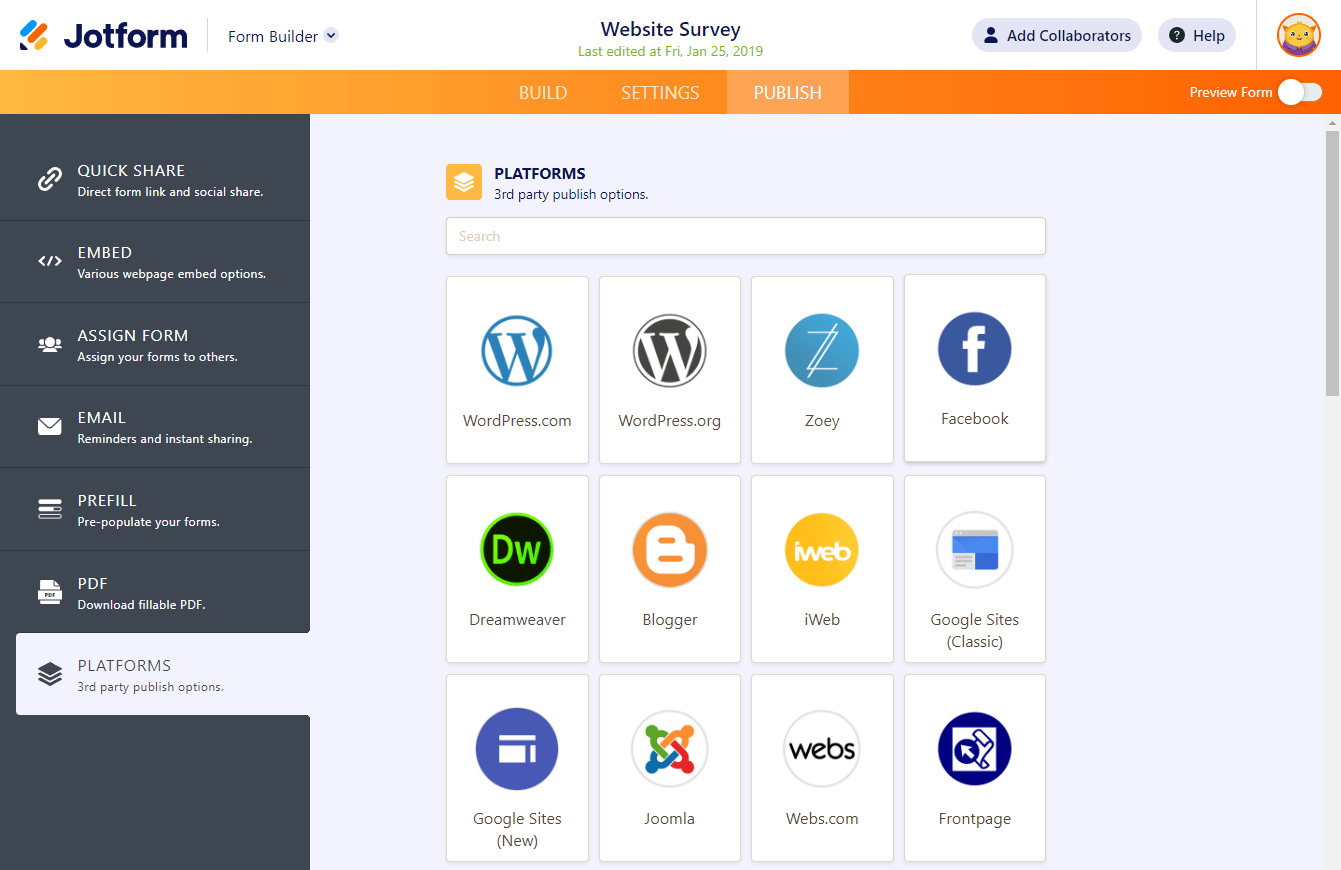
Here is an example image showing the embed platforms available in Jotform:

For detailed steps and visuals, you can also refer to Jotform's guide on How to Embed a Form on a Web Page.
This way, you can add your form listing the filters and their descriptions on your WordPress site without needing to upgrade or add new WordPress elements.
Give it a try and let us know how it goes.
Your Reply
Something Went Wrong
An error occurred while generating the AI response. Please try again!