-
 Ward_Traci
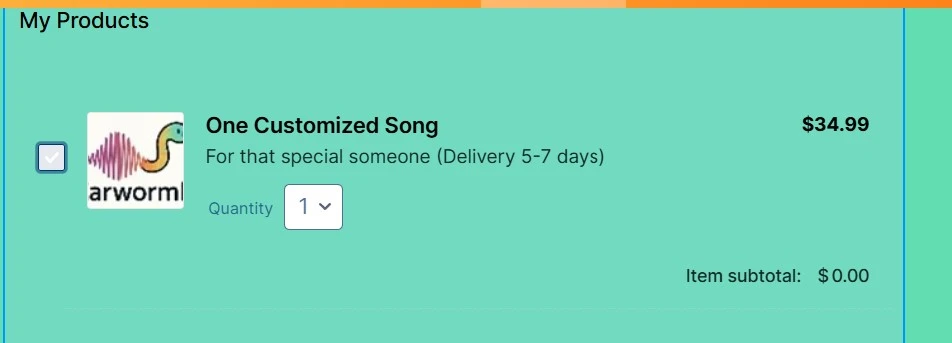
You'll see on the attachment that my icon is a little too big for the box, so I want to switch it for a different pic. How do I do that? I can't figure out how to delete or override the picture that is already in the box.
Thanks,

-
 Jerlan JotForm Support
Hi Traci,
Thanks for reaching out to Jotform Support. Let me show you to change the product image:
- Open your form in Form Builder, click on the Product List field.
- Then, click on the Shopping Cart icon on the right side of the field.
- In the menu on the right, hover your cursor to the image and click on Pencil icon.
- Under the Product settings, click on the Image and select the Trash Can icon.
Your Reply
Something Went Wrong
An error occurred while generating the AI response. Please try again!