-
 Haley_Kardell
Here's a loom video of the issues: https://www.loom.com/share/05efcd3c95884d2ea2e6b537fc01e77d
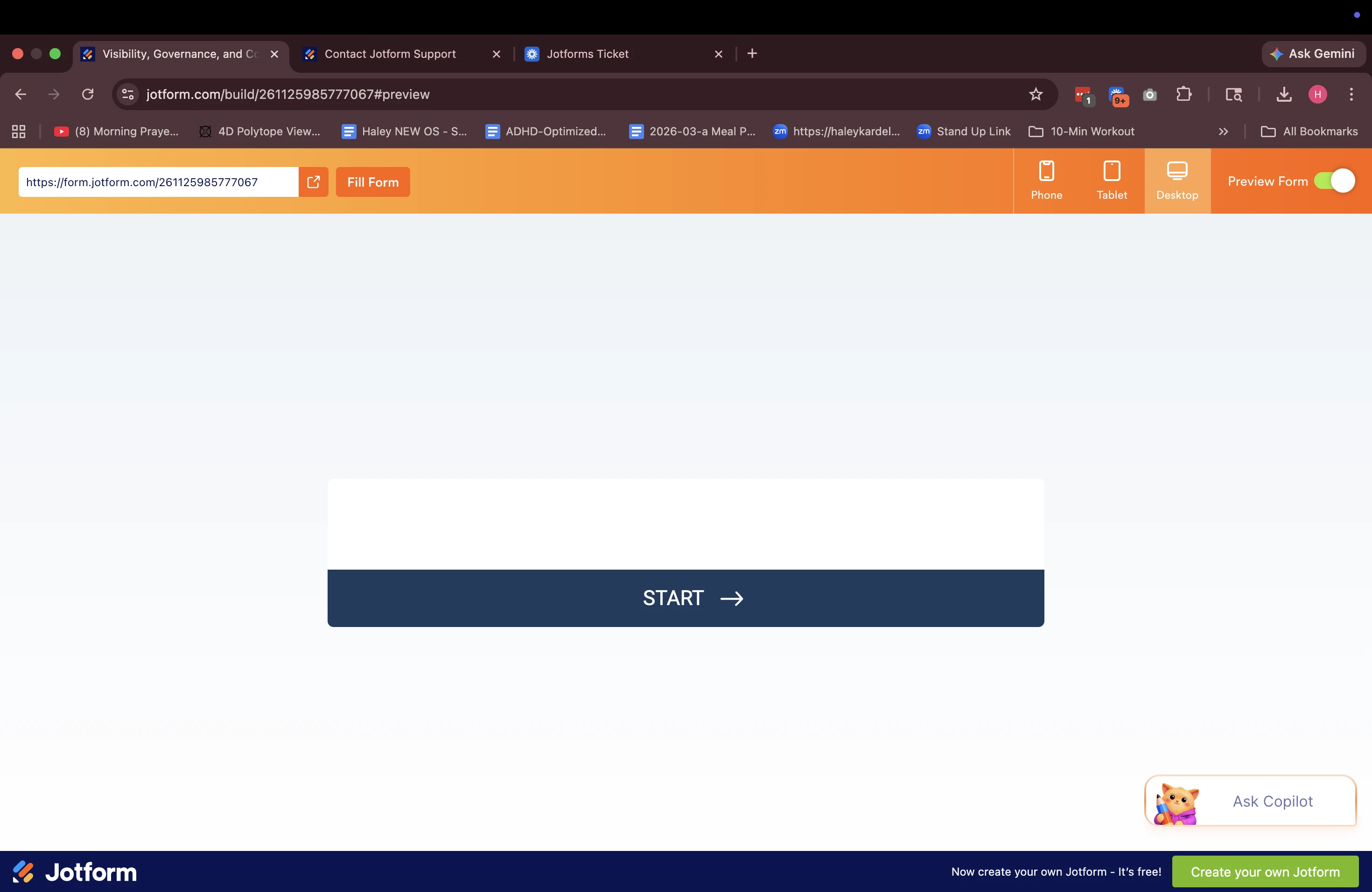
Issue 1: The first view of the jotform isn't displaying as expected
Issue 2: The thank you page completion icon is not displaying as expected
-
 Anna JotForm Support
Hi Haley,
Thanks for reaching out to Jotform Support. I cloned and tested your form, and I ran into the same issue. This is happening because two Section Headers element are next to each other. Take note that you need a regular form element in between the two Section Headers elements for this to work properly. Check out the screencast below for the result:
If you're unable to add anything in between these two Section Headers elements, I suggest using the Welcome Page instead as your first page. Let me show you how:
- In Form Builder, under the Settings tab, click on Add Welcome Page.
- Next, copy the text on the Section Header element to the Welcome Page.
- Once you're done, click on the Trash Can icon of the Section Header element.
Check out the screencast below for the result:
Reach out again if there’s anything else we can help you with.

Your Reply
Something Went Wrong
An error occurred while generating the AI response. Please try again!