-
 Galavanta
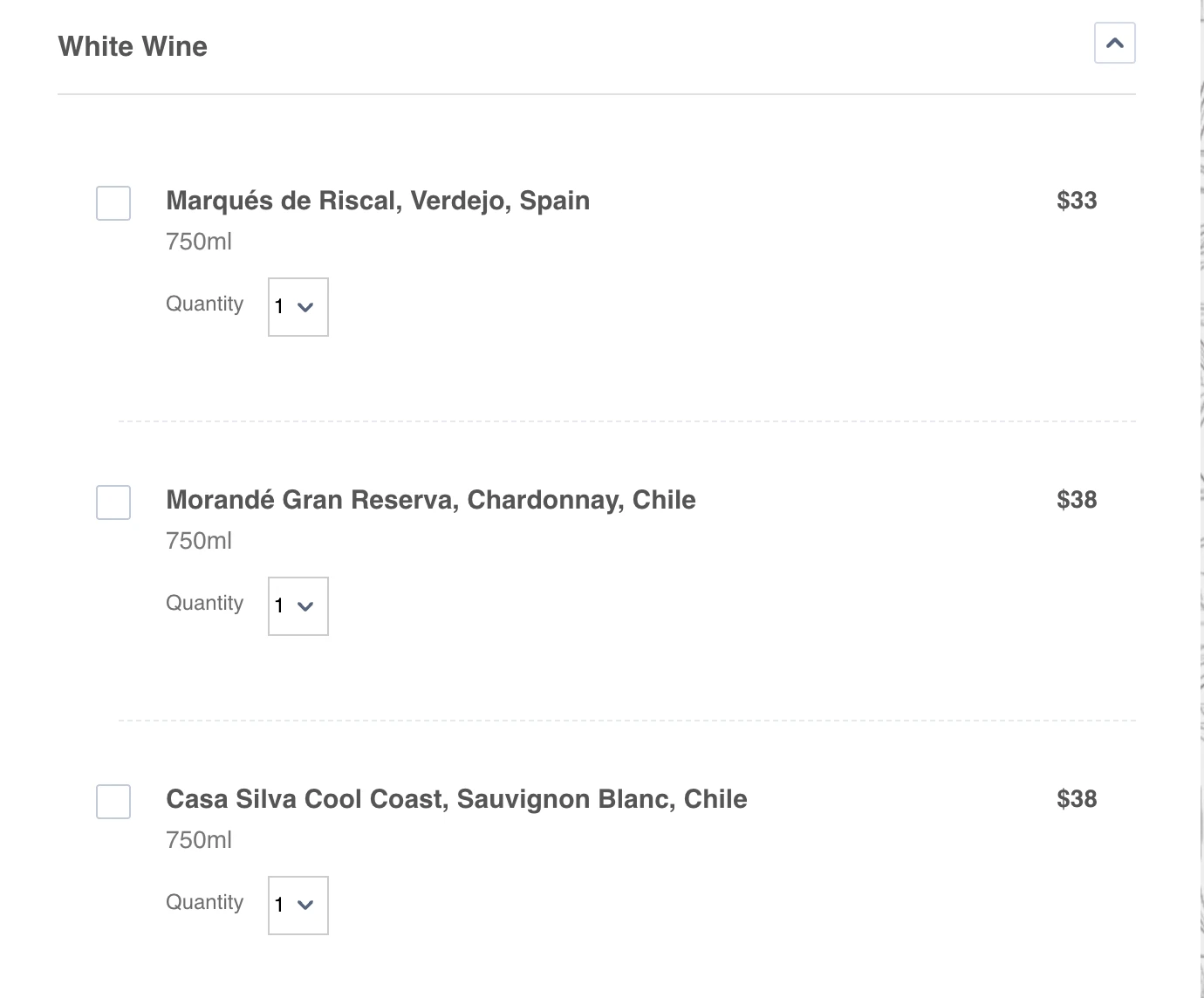
I have a form called “Clone of Wine & Liquor Menu.” In that form, I have a list of products, but it doesn’t allow me to set the default quantity to 0 so that the user can choose how many they want from the dropdown menu. Currently, the default shows as 1. Is there a way to change that, and also to remove the checkboxes?

-
 Podo: Support Specialist
Hi Galavanta,
Thanks for reaching out to Jotform Support. I'm an AI assistant here to assist you.
Regarding your form "Clone of Wine & Liquor Menu" and the product list you have:
1. Default Quantity Cannot Be Set to 0: The Product List element in Jotform does not allow setting the default quantity to 0. The quantity selector starts at 1 by design to prevent users from submitting the form with zero quantity products. This behavior cannot be changed within the Product List element.
2. Removing Checkboxes: The checkboxes in the Product List element are part of the multiple product selection feature. You can disable multiple product selection in the Product List settings to remove the checkboxes, but this means users can only select one product at a time.
Alternative Solution: If you want users to be able to select zero quantity or skip products and avoid checkboxes, consider using the Inventory widget. This widget allows setting available quantities and permits zero as a valid choice, giving users more flexibility in quantity selection.
Let me show you how to disable multiple product selection to remove checkboxes:
- Open your form in Form Builder.
- Select the Product List element.
- Click on the Gear icon to open Product List properties.
- Under the General tab, disable the Multiple Product Selection option.
This will remove the checkboxes but keep in mind it restricts users to select only one product.
Give it a try and let us know how it goes.
-
Galavanta
When using the Inventory tool, how can I display the product price in each field?
-
 Brandon
Hi Galavanta,
Currently, there isn't a way to display price in the same way that it is displayed in a product field, i.e. off to the side. I would recommend using the description of the item to list the price. If you do want that functionality in the future, we would be happy to submit that as a feature request.Let us know if you have any questions.

Your Reply
Something Went Wrong
An error occurred while generating the AI response. Please try again!