-
 Soldier_Labour
Hi,
I would like to file a ticket regarding our forms not accepting mobile submission or the submission is not pushing through
-
 Podo: Support Specialist
Hi Soldier,
Thanks for reaching out to Jotform Support. I'm an AI assistant here to assist you.
Can you explain a bit more about your issue, so I can get a better idea of what's happening? Why do you think the mobile submissions are not pushing through? Did you encounter any error messages or problems while submitting the forms on mobile?
If possible, please take a screenshot of what’s happening. This will help us understand the issue better. Here’s how to post a screenshot to our Help Center:
- On the Help Center page, scroll down to the Your Answer section and click on the Image icon.
- Drag and drop your image into the Upload box, or click on it and select your file.
- Then, click on the Add button in the bottom-right corner of the window.
- To resize it, click on your screenshot and then click on one of the boxes in the corners, and drag inward.
- Once you're finished, click on the Post Answer button at the bottom right of the Your Answer section.
Once we hear back from you, we'll be able to help you with this.
-
Soldier_Labour
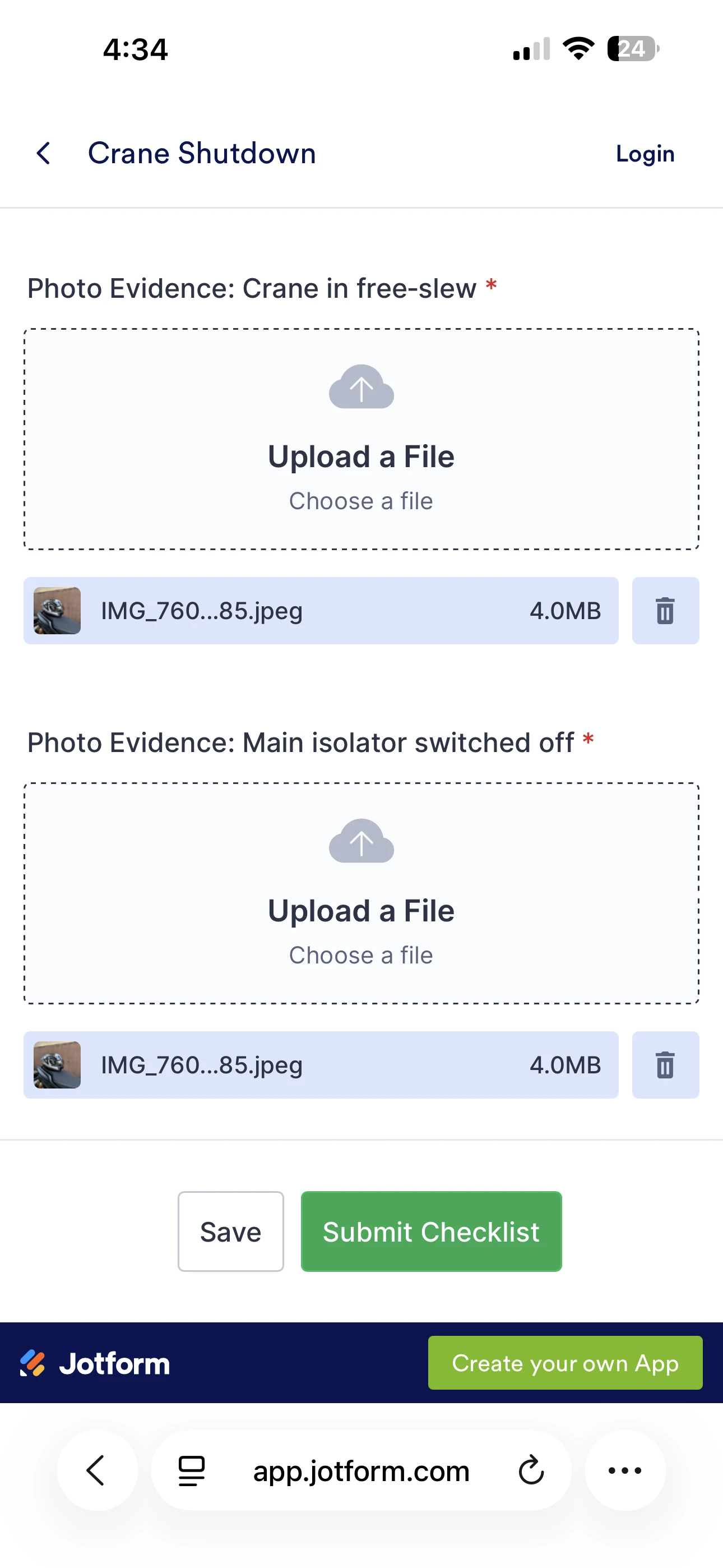
I tried submitting using desktop and it work, but when submitting using mobile phone, There is nothing happening when i clicked the submit button
-
Podo: Support Specialist
Hi Soldier,
Thanks for providing more details about the issue. When the submit button on your form is unresponsive on mobile devices but works on desktop, here are some steps you can try to resolve the issue:
- Clear your mobile browser cache and cookies, then try submitting the form again.
- Try using a different mobile browser or update your current browser to the latest version.
- Check if your form uses Page Breaks. If so, ensure that no conditions are hiding the Submit button along with navigational buttons (Back and Next), as this can cause the submit button to not respond.
- Review any custom CSS or scripts applied to the Submit button that might affect its behavior on mobile devices.
- Test your form in the Jotform Mobile App or on a different mobile device to see if the issue persists.
Jotform forms are mobile responsive by default, so no extra configuration is usually needed for mobile compatibility. If you want to customize the Submit button appearance or behavior, you can do so with CSS in the Form Designer.
If these steps do not resolve the issue, please provide a screenshot or screen recording of what happens when you tap the Submit button on your mobile device. This will help us diagnose the problem further.
Give it a try and let us know how it goes.
-
 Otto JotForm Support
Hi Soldier,
I just heard back from our Developers. They’ve resolved it, so it should be working fine now. Can you give it a try and see how it goes?
Your Reply
Something Went Wrong
An error occurred while generating the AI response. Please try again!