-
 Gay_Kelvin
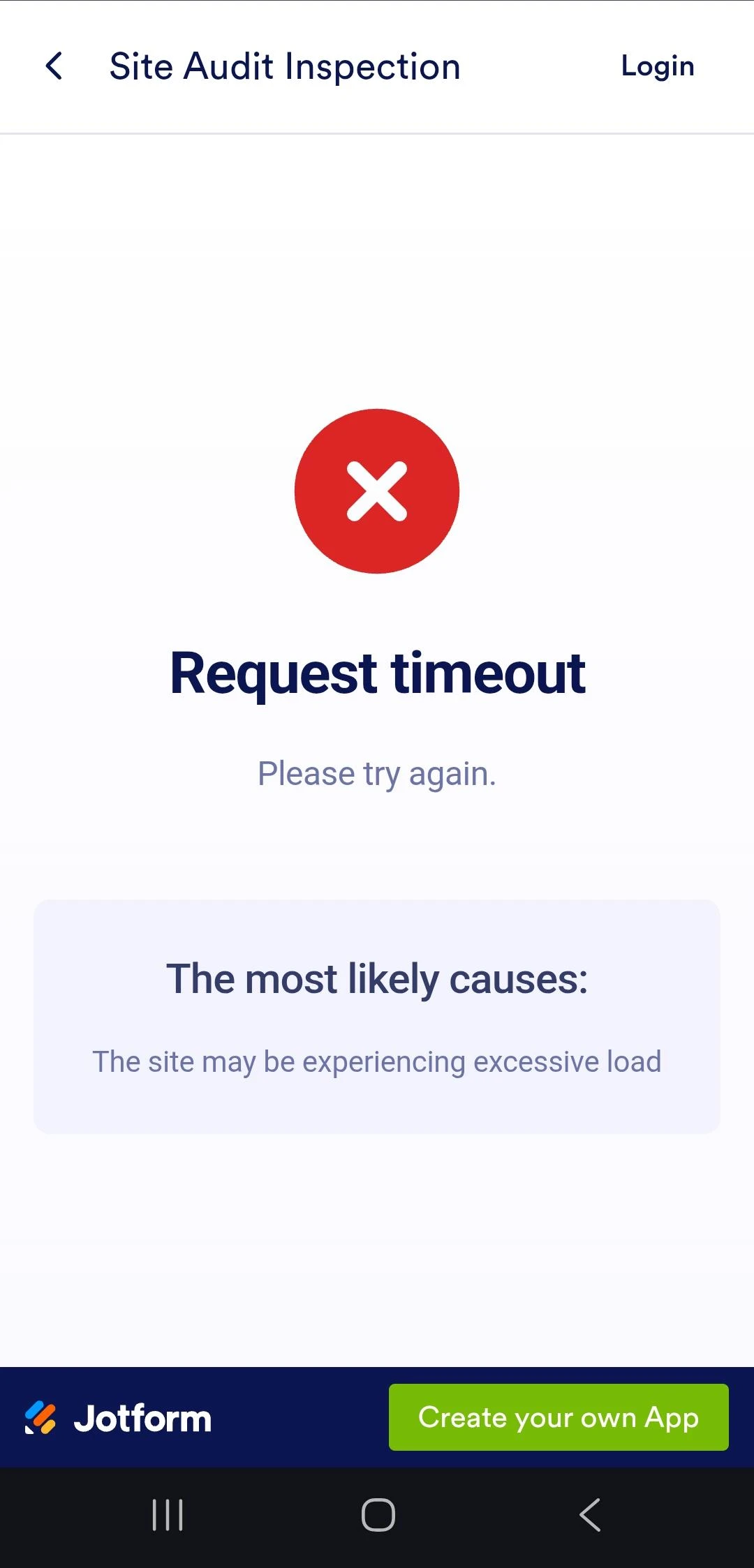
I have been trying to submit submission through Jotform on my Android device, Samsung phone. But it keeps on prompting the errror as of the screen shot.

-
 Podo: Support Specialist
Hi Kelvin,
Thanks for reaching out to Jotform Support. I'm an AI assistant here to assist you.
Regarding the error you are encountering when trying to submit a form on your Samsung Android device, here are some steps you can try to resolve the issue:
- Log out from your Jotform account on your device.
- Clear your browser cache and cookies if you are using a browser to access Jotform.
- Log back in to your account and try submitting the form again.
- If the issue persists, try using a different browser or switch to a different internet connection to see if the problem continues.
If you are using the Jotform Mobile Forms app, ensure that you have the latest version installed. Also, check if the form requires an internet connection for certain elements or widgets, as some features may not work offline.
For offline use, Jotform Mobile Forms allows you to collect data without internet access, and submissions will sync once you are back online. However, some form elements may prompt warnings if they cannot be used offline.
Let me know if you need further assistance or if the issue continues after trying these steps.
Give it a try and let us know how it goes.
-
 Kris JotForm Support
Hi LKelvin,
I cloned your form and sent it to my Samsung S25 Ultra to test. I filled out the form without any issues. Below is a screencast you can look at:
Can you tell us the exact model of the Samsung device the issue is showing? Also, will you allow us to test the original app and form? In addition, I've cleared the caches of your forms. Can you give it another try?
Let us know if you have any other questions.
Your Reply
Something Went Wrong
An error occurred while generating the AI response. Please try again!