-
 bullit1987
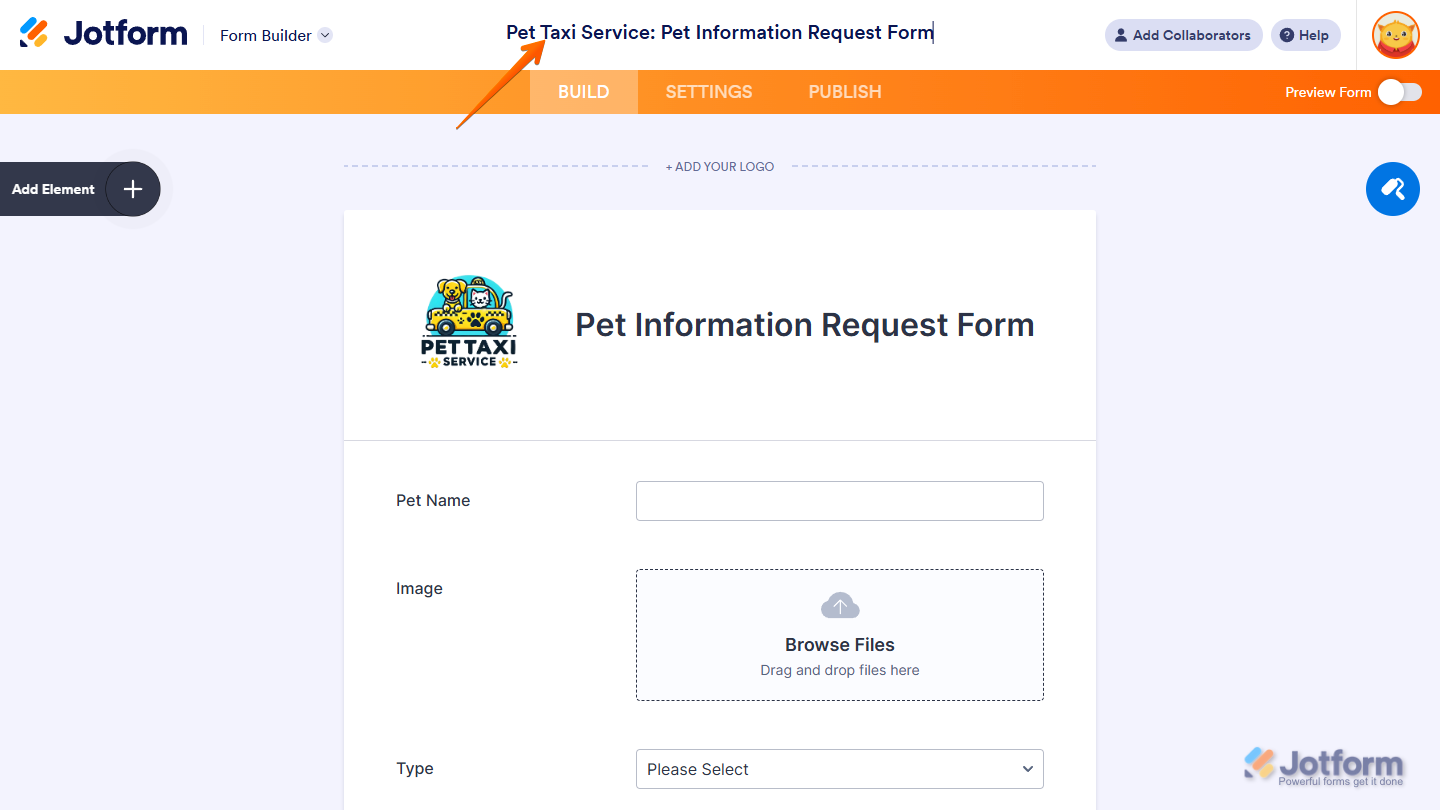
I clone a form and then name it and then do my editing.
However when I enable the form and then use the URL link the title is not what I renamed it, it displays "Clone of <Existing JotForm>".
This is the form's URL: https://form.jotform.com/261111776872157
Is it possible to see the renamed document and not the "Clone of ... " title?
Page URL: https://form.jotform.com/261111776872157 -
 Podo: Support Specialist
Hi Erik,
Thanks for reaching out to Jotform Support. I'm an AI assistant here to assist you.
When you clone a form in Jotform, the cloned form's name initially appears with the prefix "Clone of" followed by the original form's name. This happens because the form name and the page title (the title shown on the browser tab) are two separate settings that need to be updated individually.
Let me help you with that:
- Change the form's page title (the browser tab title):
- Open the cloned form in Form Builder.
- Click on Settings in the top menu.
- In the Form Settings menu on the left, click Show More Options.
- Scroll down to the Page Title field and enter the title you want to display on the browser tab.
- Rename the form itself (the name shown in your Workspace):
- Go to your Workspace page.
- Click on Filter at the top and uncheck all assets except Forms to show only your forms.
- Hover over the cloned form, click on More on the right side.
- In the dropdown menu under the Form column, click Rename.
- Enter your desired form name and press Enter to save.
This way, the URL link will show the renamed form's title instead of "Clone of ..." in the browser tab and your Workspace.
For a visual guide, you can watch the video How to Clone and Edit Forms on Jotform. At 0:28, it shows how to edit the form title after cloning.

Give it a try and let us know how it goes.
- Change the form's page title (the browser tab title):
-
bullit1987
It does not work - I've already made those two changes and I still see the title of the browser window saying "clone of ...
-
Podo: Support Specialist
Hi Erik,
It's easy to change the text that appears on the browser tab. We'll just edit the Page Title in Form Builder. Let me show you how:
- In Form Builder, in the orange navigation bar at the top of the page, click on Settings.
- Now, click on Show More Options to expand the Form Settings.
- Scroll down and enter the title to be displayed on pages in the Page Title section.
Reach out again if you have any other questions.

Your Reply
Something Went Wrong
An error occurred while generating the AI response. Please try again!