-
NNayome
I am using a form as a backend for a ticketing system via Jotform Tables. Recently, the required "Email" field on the form has stopped populating in the corresponding column in the Table view upon submission.
This integration was previously working without issue. I have verified that the field is still marked as 'Required' on the form, but the cells in the table remain empty for new entries. I may have inadvertently altered a connection setting or a column mapping, but I cannot locate the discrepancy.
If I could get some assistance on this issue it would be greatly appreciated.
Thanks,
Nayome

-
 Kris JotForm Support
Hi Nayome,
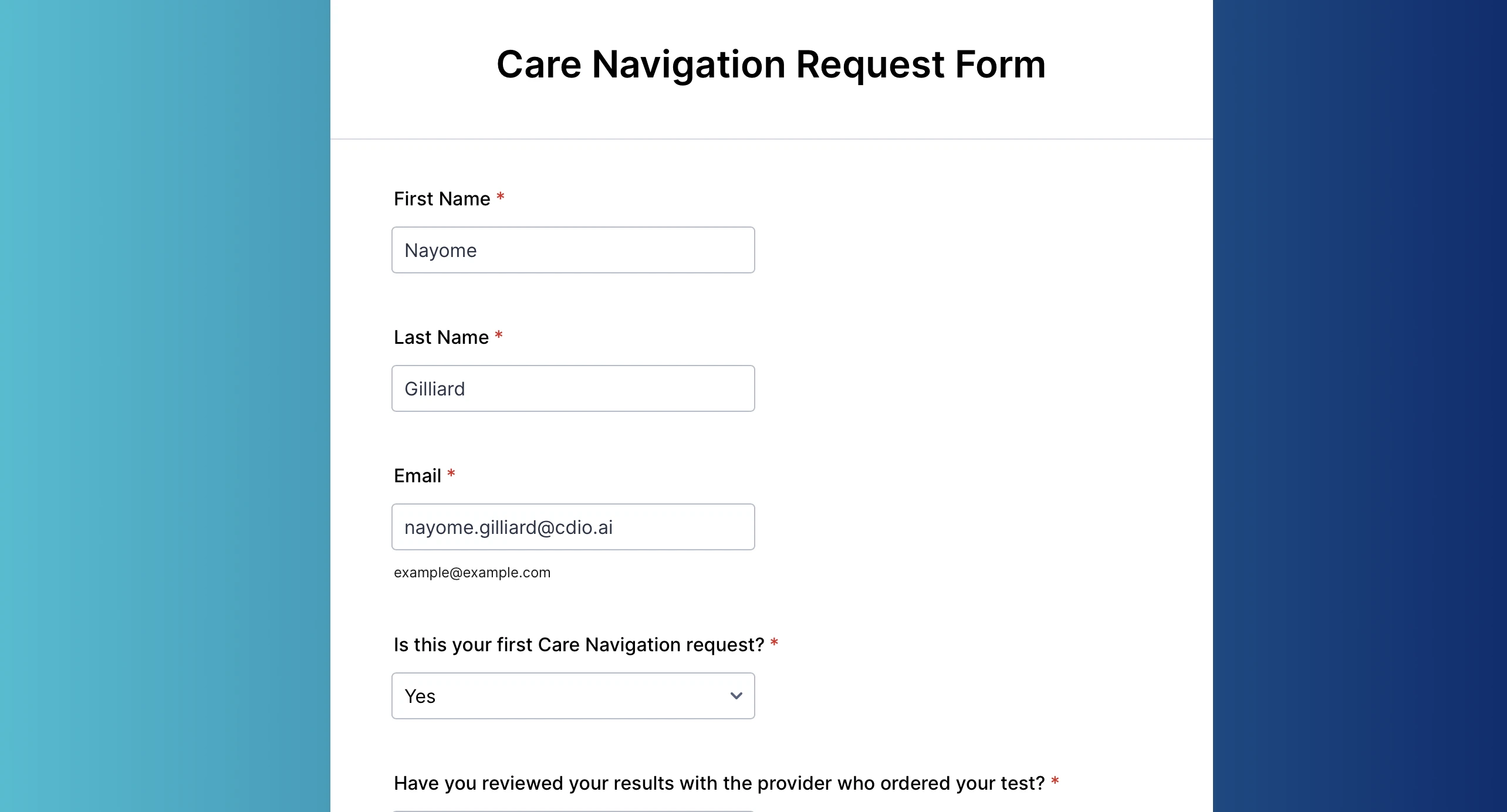
Thanks for reaching out to Jotform Support. I'm filling out the form and tried to bypass the Email element. But the form won't allow me to proceed without adding an email address. You can refer to the screencast below:
Can you tell us how many submissions are affected? Currently this form has five collected submissions. It's possible that the form users were able to bypass the required fields on the form due to their browser's JavaScript being disabled/turned off. The required fields are checked using JavaScript, and as such, if they are disabled, then the user will be able to submit the form even if a required field is not filled.
To prevent this, you can add the NoScript Widget to your form. If this widget is added to the form, it will conditionally hide the entire form and display the message you set up if the user has disabled JavaScript on their browser. Let me show you how:
- In Form Builder, click on the Add Element button on the left side of the page.
- Under the Form Elements, go to the Widgets tab, search for NoScript Widget and drag and drop it to whichever part of the form's page.
- Now, on the Widget Settings window that shows on the right, click on Update once you're done.
Give it a try and let us know if you need any other help.

Your Reply
Something Went Wrong
An error occurred while generating the AI response. Please try again!