-
 harel486
Hi
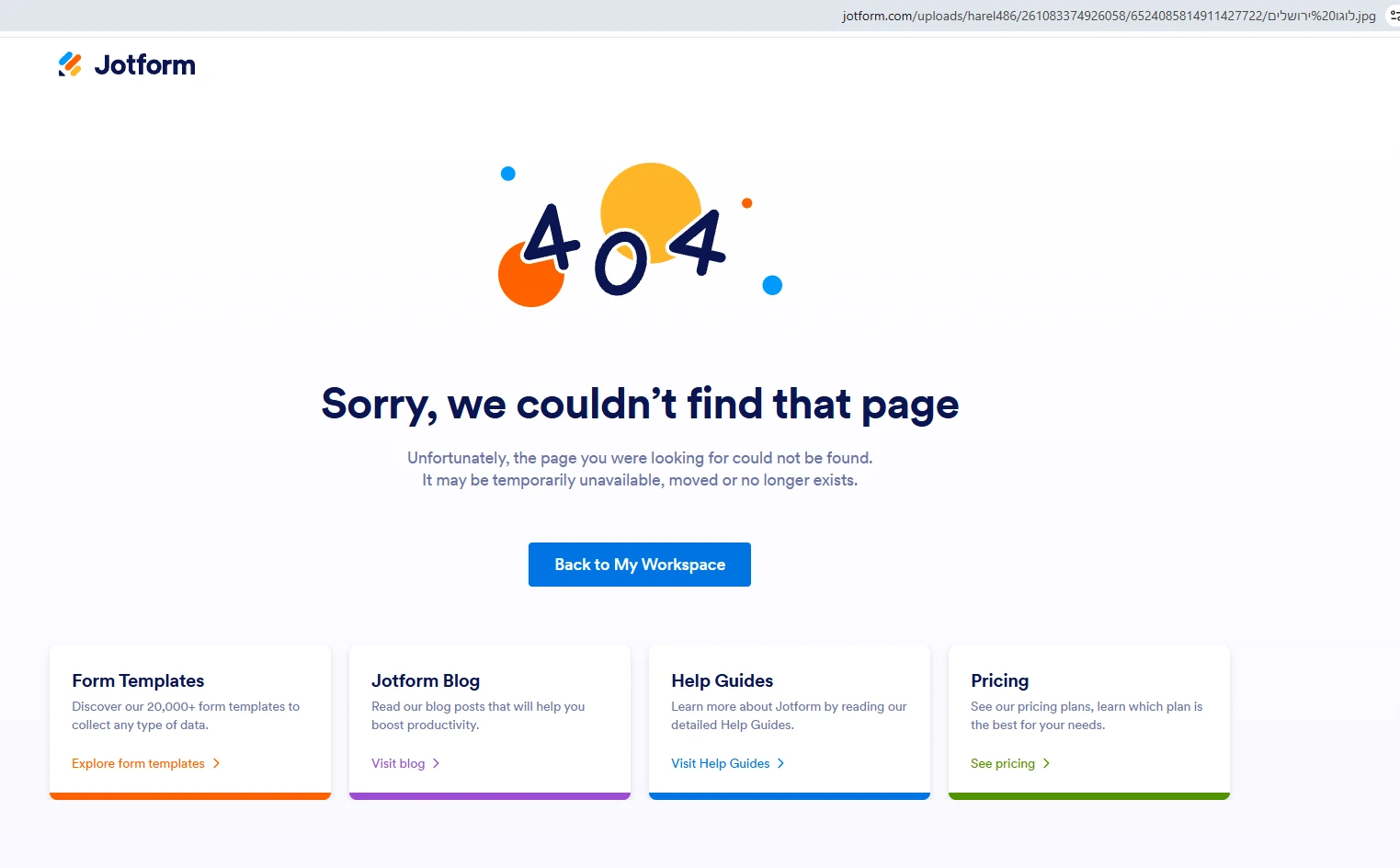
I created a form that has a file upload field, I get the responses in Webhook, and the link to the file is not working. Can you check why?
Thanks

-
 Podo: Support Specialist
Hi הראל,
Thanks for reaching out to Jotform Support. I'm an AI assistant here to assist you.
Let me help you with that:
The uploaded file link can require login if Require Log-in to View Uploaded Files is enabled in your account settings. If that option is turned on, anyone opening the file link will be redirected to a login screen instead of the file.
Here’s how to check it:
- Go to your Workspace page.
- Click on your Profile Picture in the top-right corner, then select Settings.
- Open the Security tab and look for Require Log-in to View Uploaded Files under the Privacy section.
- Uncheck that option if it is enabled.
- Save the changes and test the file link again.
If you cannot turn that option off, the account may have required security settings, such as HIPAA requirements or completion of the KYC User Verification process, and in that case it cannot be disabled.
Give it a try and let us know how it goes.
Your Reply
Something Went Wrong
An error occurred while generating the AI response. Please try again!