-
 AmandaMaxim
Hello,
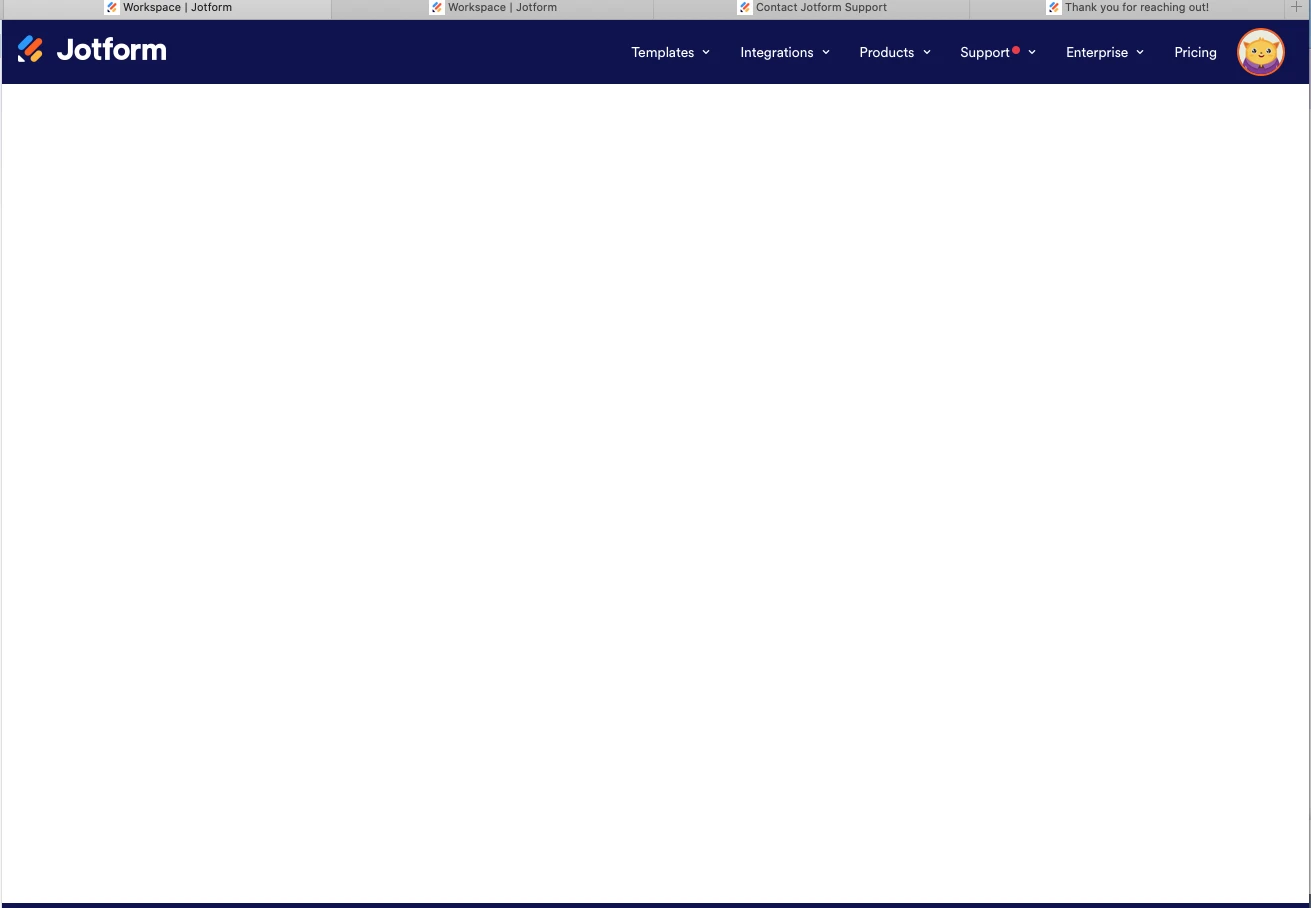
When I login, The workspace looks like the attached Screenshot.
My form is here: https://thepersiankittens/kittens-adoption
I can't access it to edit in Jotform workspace. Please help
Very Repectfully,
Elise

-
 Podo: Support Specialist
Hi Elise,
Thanks for reaching out to Jotform Support. I'm an AI assistant here to assist you.
Let me help you with that:
- Click on the Filter button on your Workspace page, at the top right side near +Create.
- Select Forms only or clear the current filter so your forms are shown.
- Hover over your form and click Edit Form on the right side of the page.
Note: Only the form owner can access a form to make changes or view its submissions. If you are the owner, you can also check the Archive and Trash folders in the left-side menu of Workspace.
Give it a try and let us know how it goes.
-
AmandaMaxim
when I click on Workspace, the field is empty and there are no filter buttons
-
Podo: Support Specialist
Hi Elise,
Let me help you with that:
- Go to My Workspace and check whether a filter is already applied.
- Click on the Filter button on the right side of the page, in the same bar as +Create.
- Select all assets, or choose the asset types you want to see, so the list updates.
- Check the Archive and Trash folders on the left side of Workspace if the form is not in the main list.
Note: My Workspace is the default page, and it provides a Filter button where you can choose which assets to show. If you want to use My Forms every time you open Jotform, bookmark the My Forms view in your browser.
Give it a try and let us know how it goes.
-
AmandaMaxim
there is no filter tab
-
Podo: Support Specialist
Hi Elise,
Let me help you with that:
- Go to My Workspace and check whether you are viewing the correct asset type.
- Click on the Forms dropdown next to +Create and select Forms.
- Use the search bar on the right side of the page to look for your form by name.
- Check Shared with Me in the left menu if the form was shared with your account.
- Open the form from there and select Edit Form if it appears.
Note: If you are viewing My Workspace, the page can show different asset types, and the Forms dropdown is used to switch what is displayed. If the form was shared with you, it may also appear under Shared with Me.
Give it a try and let us know how it goes.
Your Reply
Something Went Wrong
An error occurred while generating the AI response. Please try again!