-
Kkristie
Hello, I am writing to request a manual update to my affected account’s primary email address. I currently cannot change it myself because the system requires a verification code sent to my old email (4camgirl62@gmail.com) which has been disabled and is no longer accessible.
I would like to update my account email to: cuteveils3@gmail.com , which is also the recovery email i added because i knew there was a chance i would be logged out because of the email disable. It is also the email for the account i made and using right now so i could contact help. I understand only one email/account is allowed on the free subscription and i would be happy to delete this one to get my old one back. help me please! The forms on there were important for my clothing vendor buisness and it can’t continue without my customers filling out personal forms.
Thank you, Kristie

-
 Podo: Support Specialist
Hi Kristie, I’m really sorry you’re running into this with such important forms tied to your business.
Since you no longer have access to the old email, the best way to request a manual update and recover your original Jotform account is to fill out the dedicated recovery form here: Recover Your Jotform Account.
Please do the following:
- Go to the link above.
- Fill out the form with:
- Your old account email: 4camgirl62@gmail.com.
- The new email you want on the account: cuteveils3@gmail.com.
- A clear explanation that you can’t receive the verification code because the old email is disabled, and that this new email is the one you’re using now.
- Any extra details that help prove ownership (e.g., form titles, approximate creation dates, links to your forms if you have them, or any billing info if you ever had a paid plan).
Our team will review that request and help with updating the email or restoring access to the correct account; once that’s done, you can then decide which account to keep and which to close. If you’d like, you can also paste here the exact info you plan to submit in that form and I can help you word it clearly before you send it.
-
 cuteveils3
Hello Jotform team,
My old account email is 4camgirl62@gmail.com which I can no longer access because it has been disabled, and I’m unable to receive the verification code. I would like the accounts primary email to be updated to cuteveils3@gmail.com
, which is the email I currently made today and have access to. Additionally, before I got logged out because I knew there was a chance I would be without the email, I added the back-up email as my current email, cuteveils3@gmail.com. I am the owner of the account and can provide any additional details needed to verify this, such as form names, approximate creation dates, or other relevant information. I appreciate your help in restoring access to my account, as it is important for my business operations.
Thank you, Kristie
-
 Kris JotForm Support
Hi Kristie,
We understand that you'd like to update the primary email address of your Jotform account since the previous one was already discontinued. Our AI assistant already shared this link for you to fill out the account recovery form. Provide all the details needed, and once they are verified, a member of the team will help you set a new email address and password.
Reach out to us if you need any more help.
-
cuteveils3Thank you for your response!
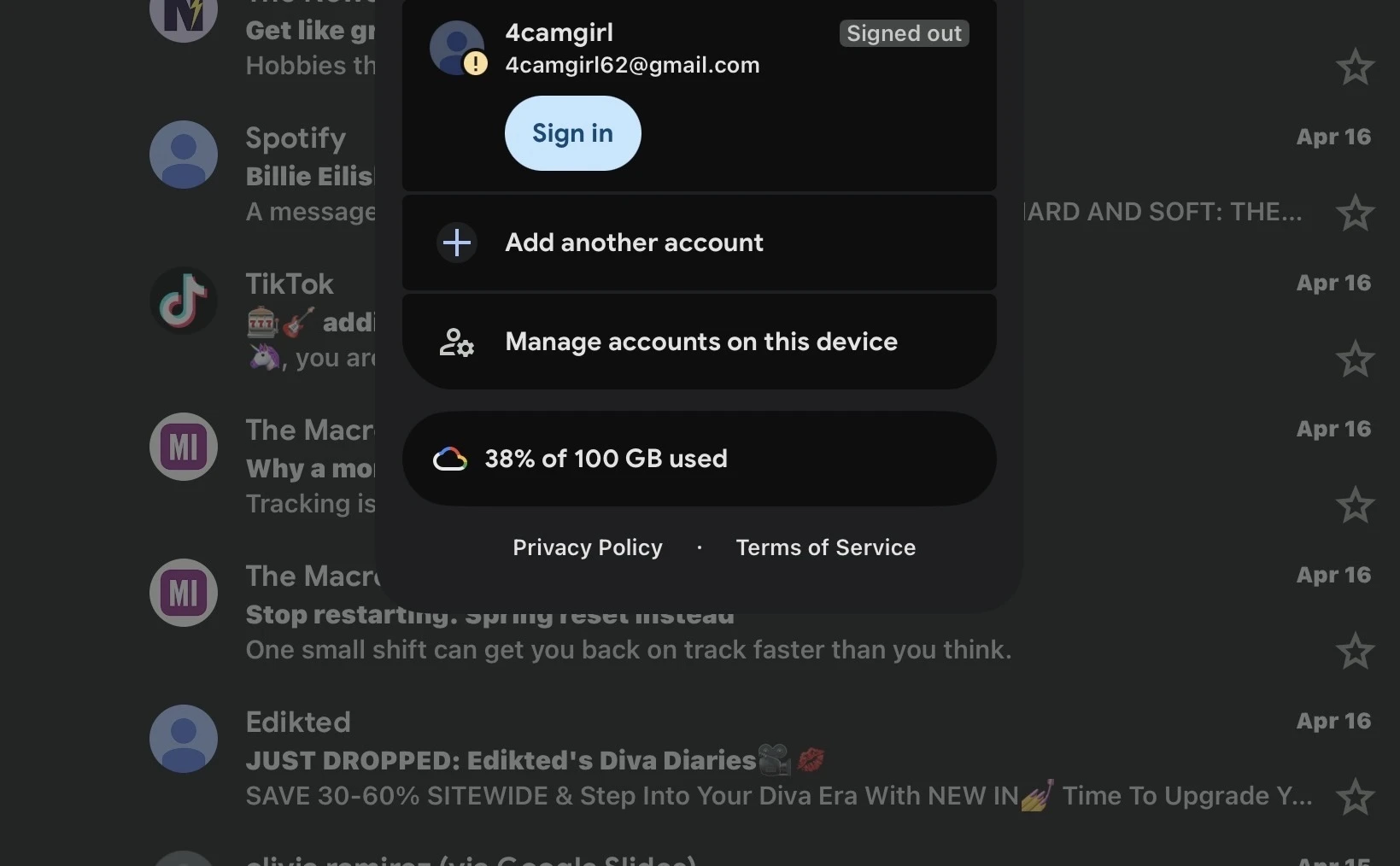
I just submitted the “Recovery Form” here are some additional “proof
pictures” that this was my gmail account.
...
Your Reply
Something Went Wrong
An error occurred while generating the AI response. Please try again!