-
 jmcpartners
I just logged into my account and all of our forms are gone. They were all there this morning, what is happening and why.
We just had an issue with Jotforms last week and now all of our form have disappeared after everything was restored.
This is creating a high level of anxiety Please let us know what is happening and when our forms will be restored
Thank you

-
 Podo: Support Specialist
Hi JMC,
Thanks for reaching out to Jotform Support. I'm an AI assistant here to assist you.
Let me help you with that:
- Open your Workspace.
- Click on Trash on the lower left side.
- Select the deleted form or forms.
- Click on Restore.
Forms in Trash stay there for 30 days before being permanently deleted unless they are purged manually. If the forms were deleted or purged from Trash, they cannot be restored.
If you are looking for a form you filled out, you can find your forms on your My Forms page. To see responses, select the form and click Submissions.
Give it a try and let us know how it goes.
-
 Keenly JotForm Support
Hi jmcpartners,
Our AI assistant already shared the steps on how to restore forms from the Trash, but when I checked your account, I can confirm that you’ve got assets such as forms and AI Agent that should still be showing in your Workspace. You can easily view all your assets on your Workspace page. Let me show you how:
1. On your Workspace page, click on Filter at the top of the page.
2. In the Dropdown menu, check the box next to Select All.
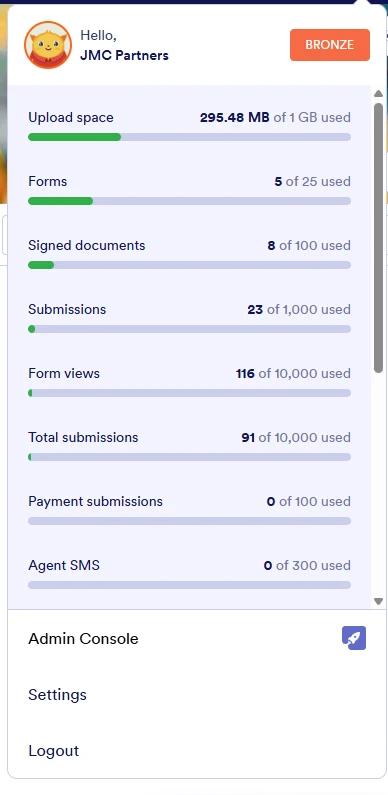
If your forms are still not showing, could you share the URLs of your forms that should be showing in your account? Also, in case we need to take a closer look, we’ll need your permission to access your account. Don’t worry, you can turn it off again once we’re done. Let me show you how to do it:1. In the top-right corner of your Workspace page, click on your Avatar/Profile Image icon.
2. Then, in the Dropdown menu that opens, click on Settings.
3. Next, in the panel on the left, click on the Security tab.
4. If you haven’t opened your Security page in a while, it’ll ask you to verify. To do that, click on Send Verification Code.
5. Then, enter the Verification Code you receive in your email.
6. Finally, at the bottom of the page, toggle on Jotform Support Access.
After we hear back from you, we’ll have a better idea of what’s going on and how to help.

 If your forms are still not showing, could you share the URLs of your forms that should be showing in your account? Also, in case we need to take a closer look, we’ll need your permission to access your account. Don’t worry, you can turn it off again once we’re done. Let me show you how to do it:


 After we hear back from you, we’ll have a better idea of what’s going on and how to help.
Your Reply
Something Went Wrong
An error occurred while generating the AI response. Please try again!