-
 Coelect
Hi JotForm Support,
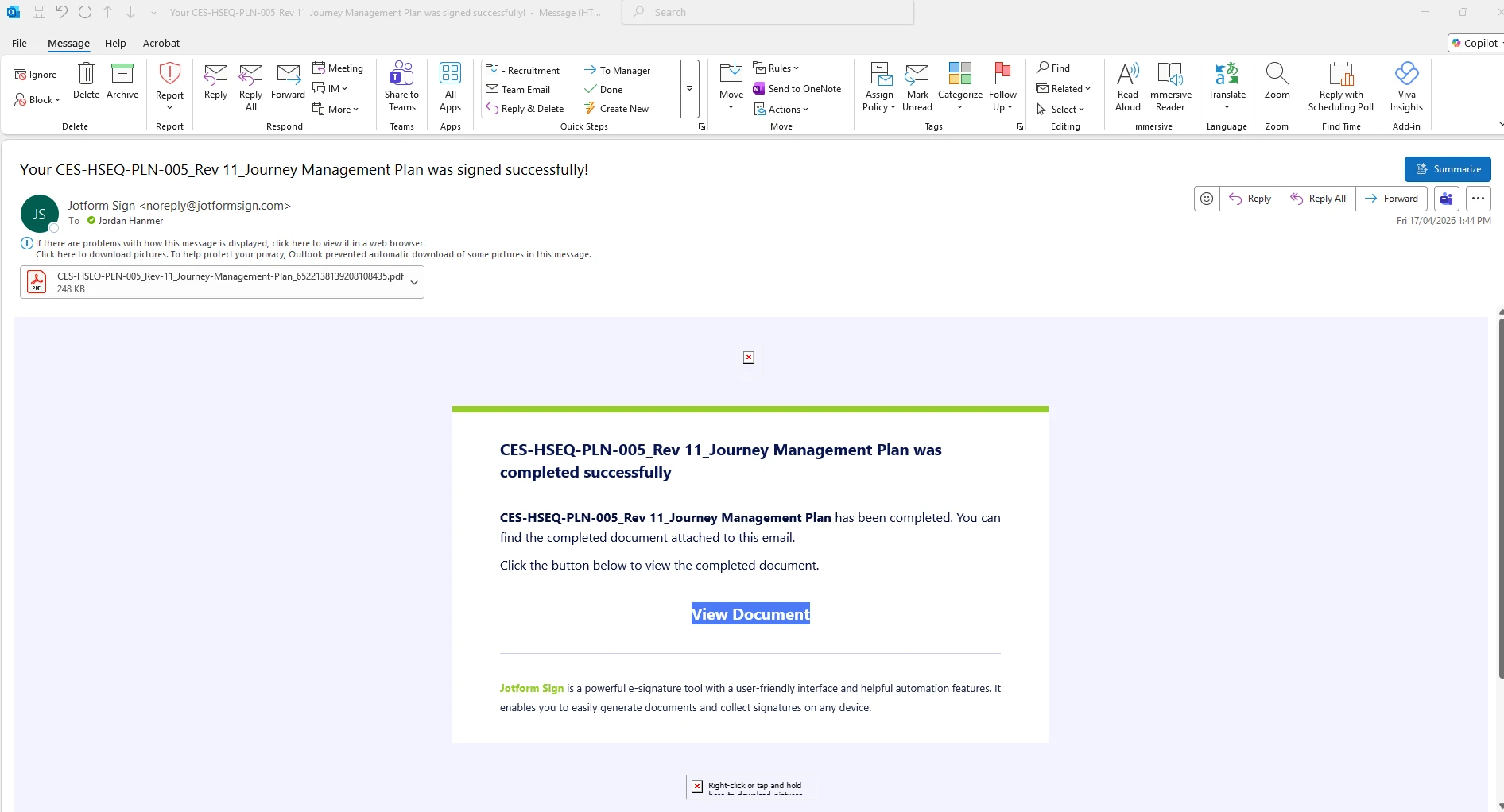
I’m experiencing an issue across multiple forms where I am receiving email notifications for every form submission and approval completion, despite not being listed as a recipient in the notification emails or approval workflows.
To clarify:
- I am the form owner
- My email is not included in any notification, autoresponder, or approval recipient lists
- However, I continue to receive submission and completion notifications for all forms
- This is occurring across all forms, except one (leave request form), which is configured correctly
I would like to:
- Remain the form owner
- Stop receiving all submission and approval-related notifications
Can you please advise:
- Where these owner-level notifications are being triggered from
- How to fully disable them across all forms
- Why one form (leave request) is not triggering these notifications, so I can replicate that setup
If required, I can provide an example form and email for reference.

-
 Podo: Support Specialist
Hi CES,
Thanks for reaching out to Jotform Support. I'm an AI assistant here to assist you.
Let me help you with that:
- Check whether your form includes a Sign field.
- Open Form Builder, then click Settings in the orange bar at the top.
- Select Jotform Sign from the menu on the left.
- Turn off Enable Jotform Sign Automation if you do not want those emails sent to your account email address.
The available information says that if a form includes a Sign field and Sign Automation is enabled, emails will always be delivered to your account’s email address, and this cannot be changed. Disabling Sign Automation will stop those emails, but the forms will no longer be legally binding.
The information also says that the Test Email button always sends the test email to your account’s email address. If you are checking notifications with a test submission, that can explain why the emails go to you even when you are not listed as a recipient.
For the form that is not triggering these emails, the knowledge base does not include enough information to explain why it behaves differently.
Give it a try and let us know how it goes.
Your Reply
Something Went Wrong
An error occurred while generating the AI response. Please try again!