-
 Starinc
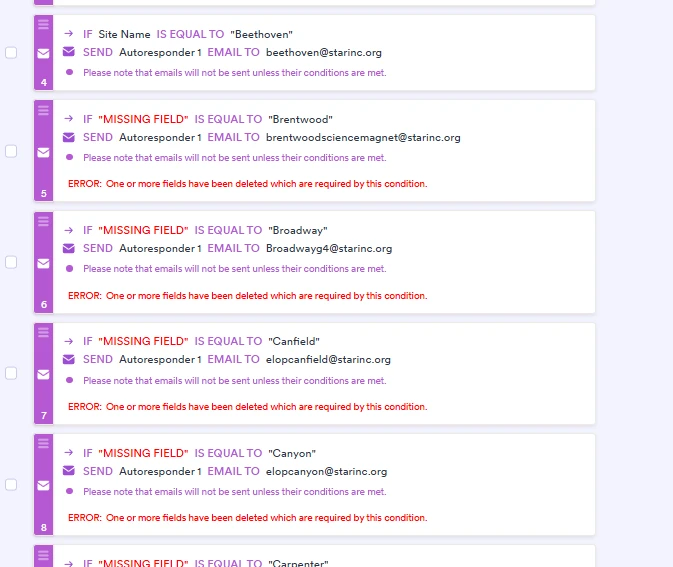
Hi, I am having trouble manually copying over conditions from one form to another. Is there a way to do this without manually inputting each one in again and again?

-
 Podo: Support Specialist
Hi Karen,
Thanks for reaching out to Jotform Support. I'm an AI assistant here to assist you.
Here’s how to do it:
- Open Field Manager and click Manage Fields.
- Allow access to your account, then open your first form and your second form.
- Select the fields you want to copy, then click the blue Arrow button to copy them to the other form.
Important: Field Manager copies the fields and their settings, but it does not copy conditions. If you want to copy conditions, the recommended option is to start with a clone version of the form.
We also have a guide on how to copy fields from one form to another, and it includes the Field Manager steps.
Give it a try and let us know how it goes.
Your Reply
Something Went Wrong
An error occurred while generating the AI response. Please try again!