-
 Trina_martin
-
 Podo: Support Specialist
Hi Trina,
Thanks for reaching out to Jotform Support. I'm an AI assistant here to assist you.
You can easily sync your data in Jotform Mobile App. To get going, here’s what you’ll do:
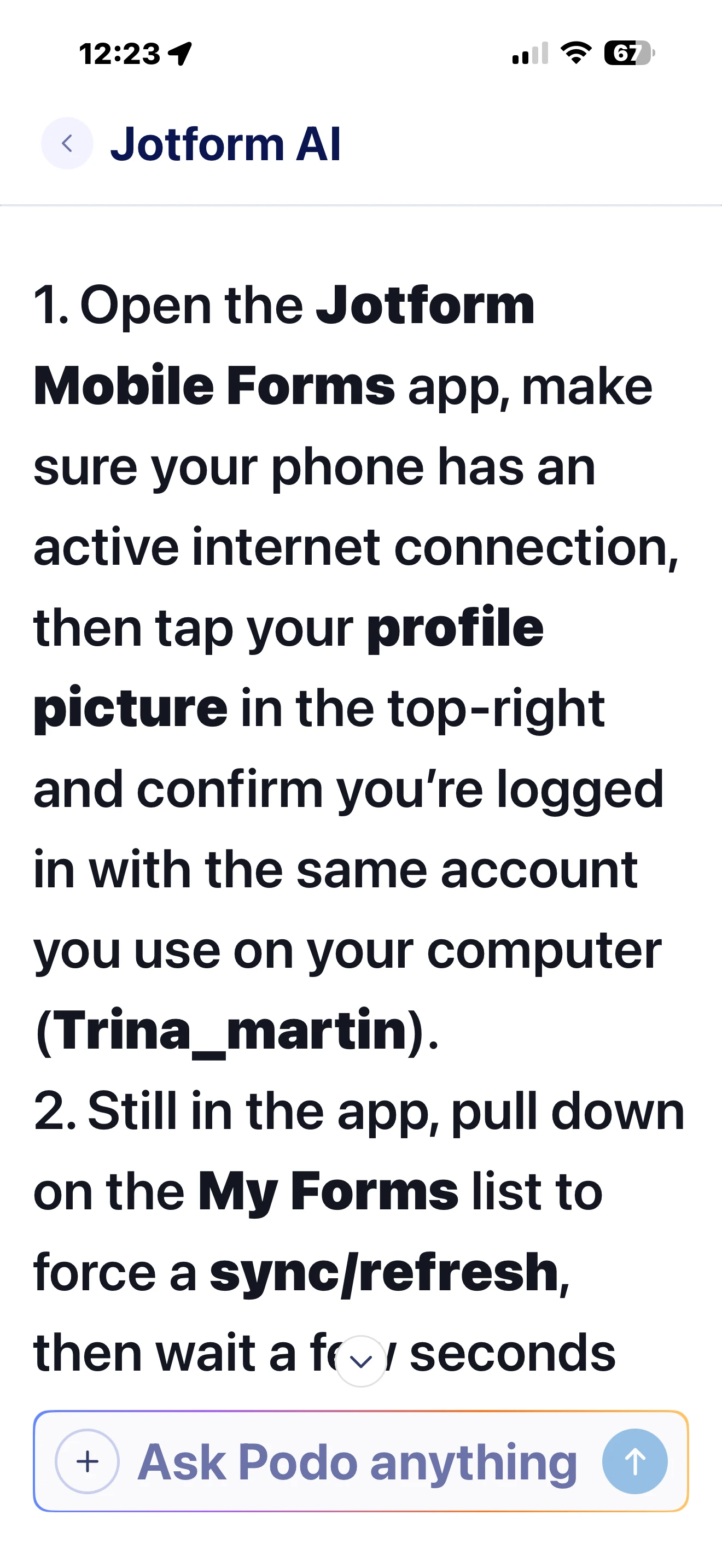
- Open Jotform Mobile App and tap your Profile Picture/Avatar in the top-right corner to open Settings.
- Tap the Refresh icon in the Sync Your Data section.
- Enable Background App Refresh for Jotform Mobile App in your phone settings so the app can refresh and get the latest data.
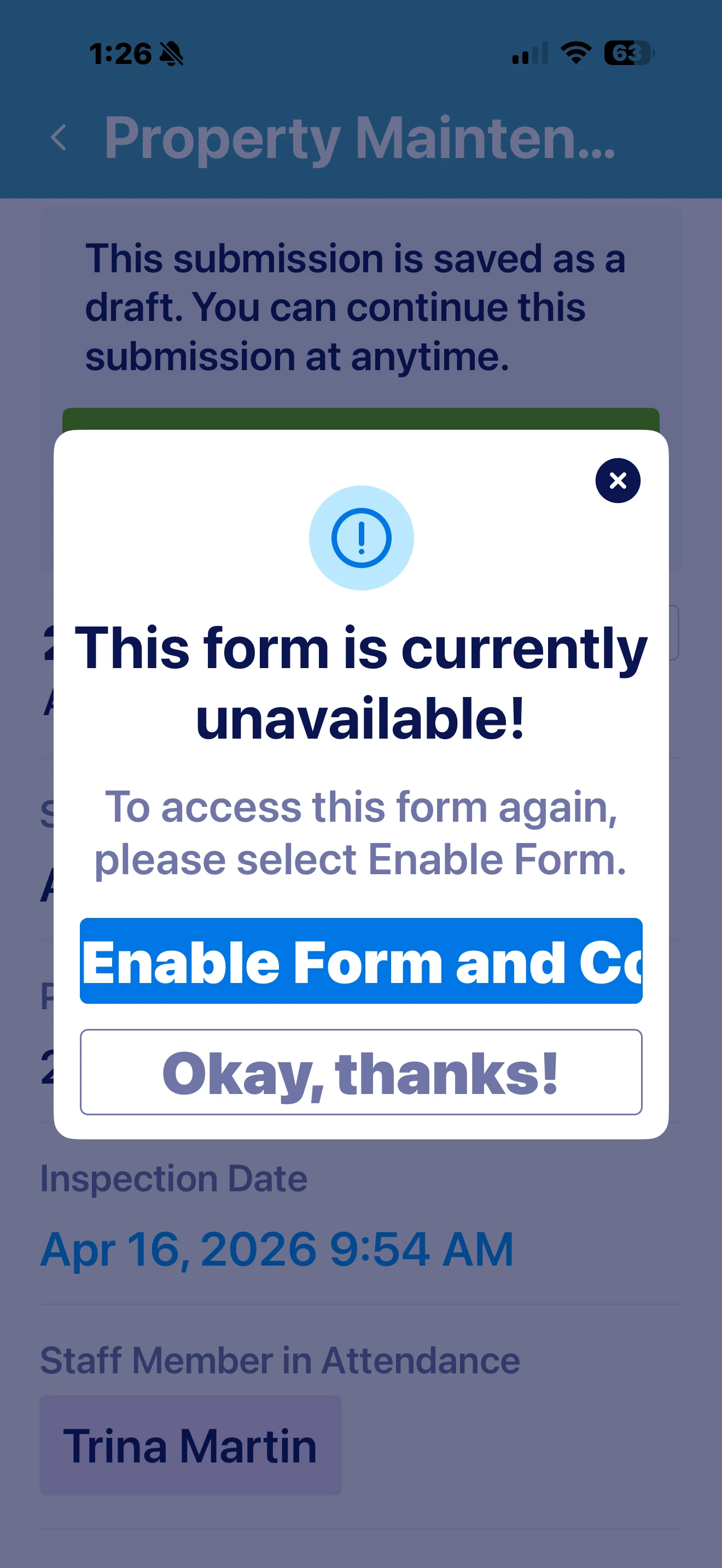
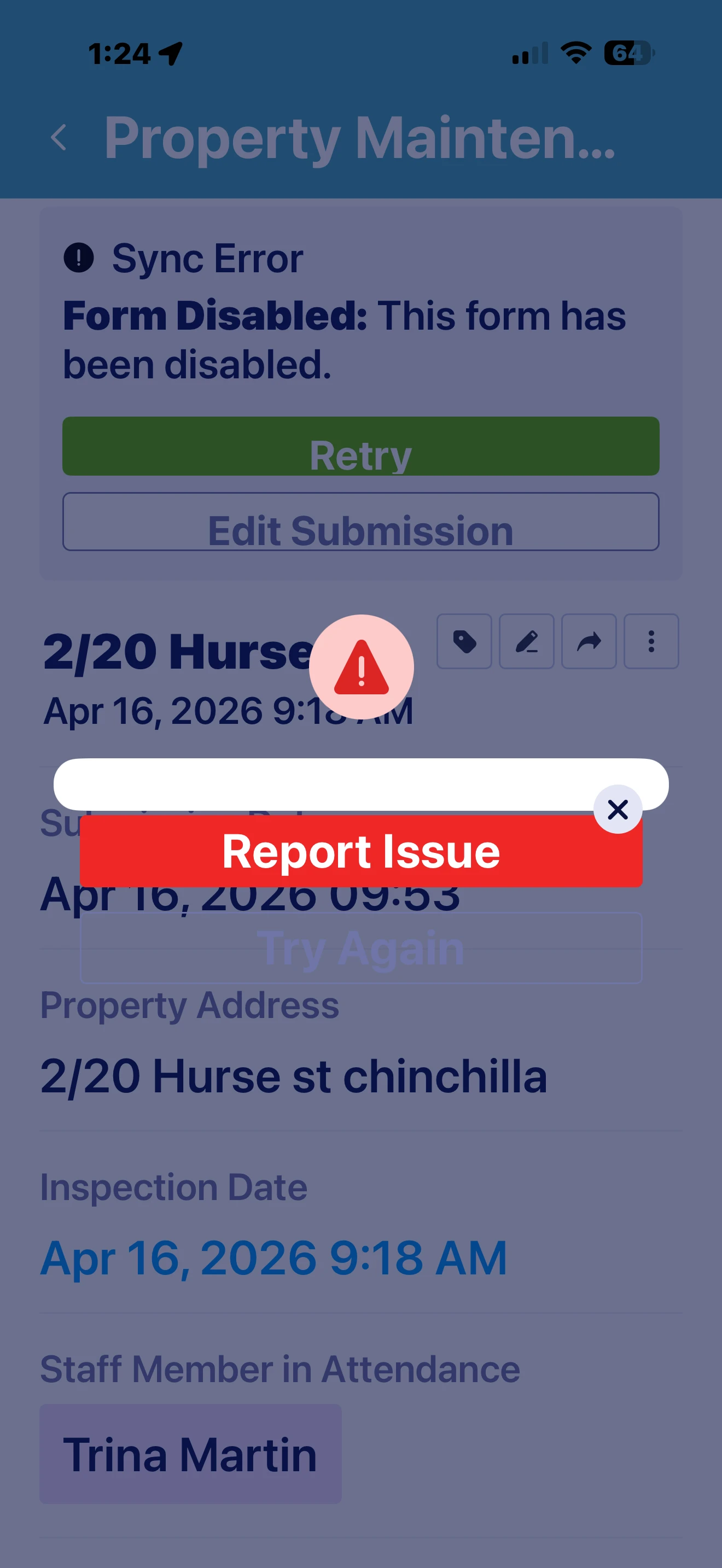
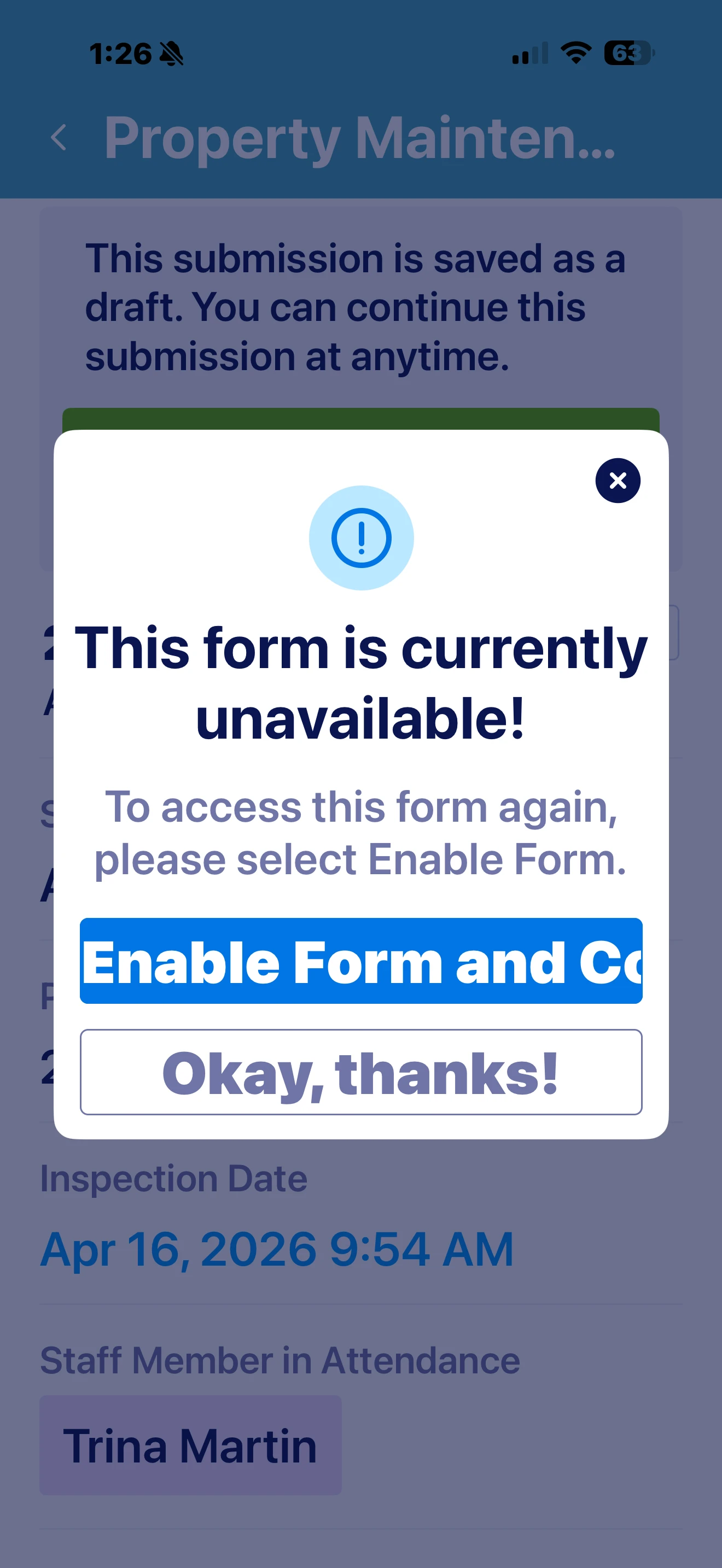
The screenshots you shared also show a Sync Error with Form Disabled, so the form itself may need to be enabled before it can sync properly.
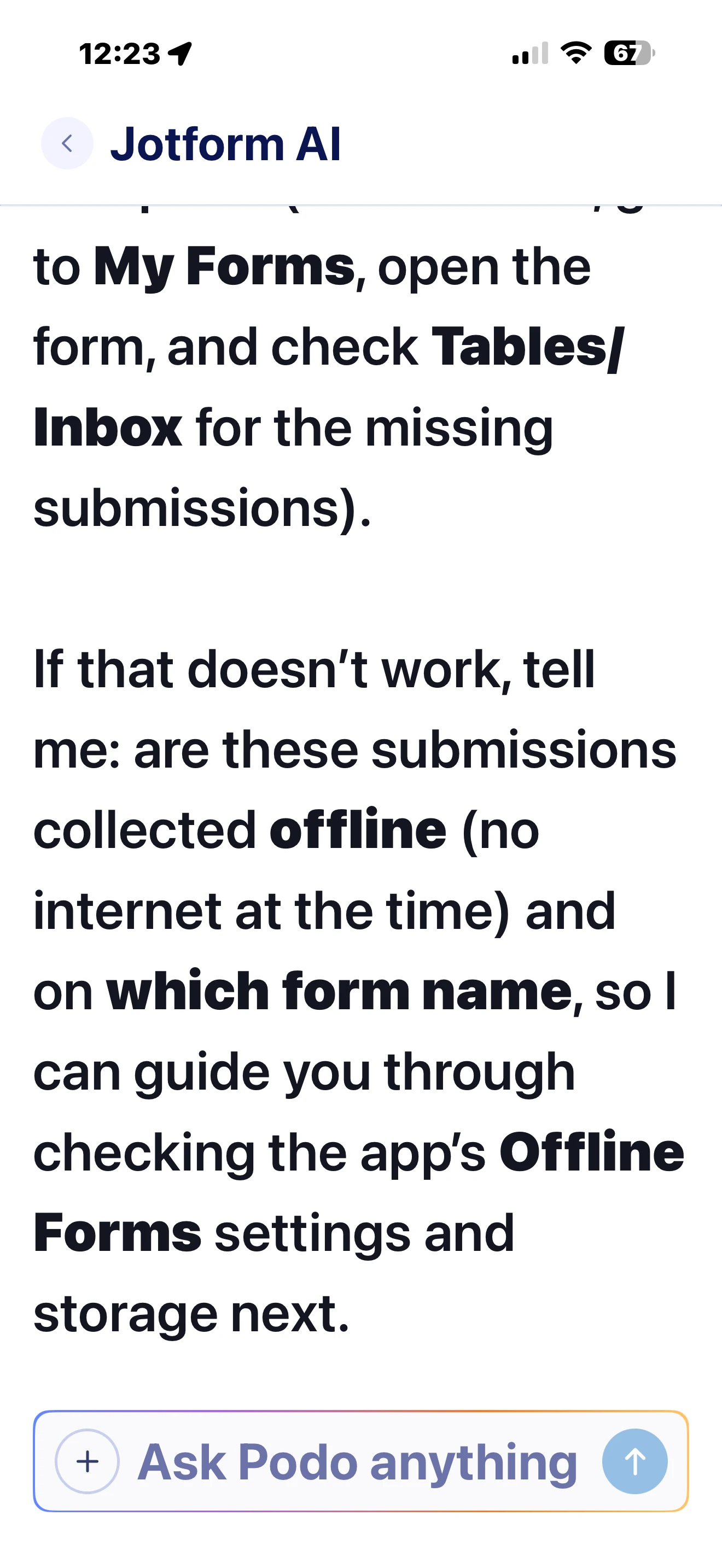
If you are seeing two separate entries for 2/20 Hurse, please check whether they were saved as separate submissions in the app and whether both were created while the form was available.
Give it a try and let us know how it goes.
Your Reply
Something Went Wrong
An error occurred while generating the AI response. Please try again!