-
 hilleryex
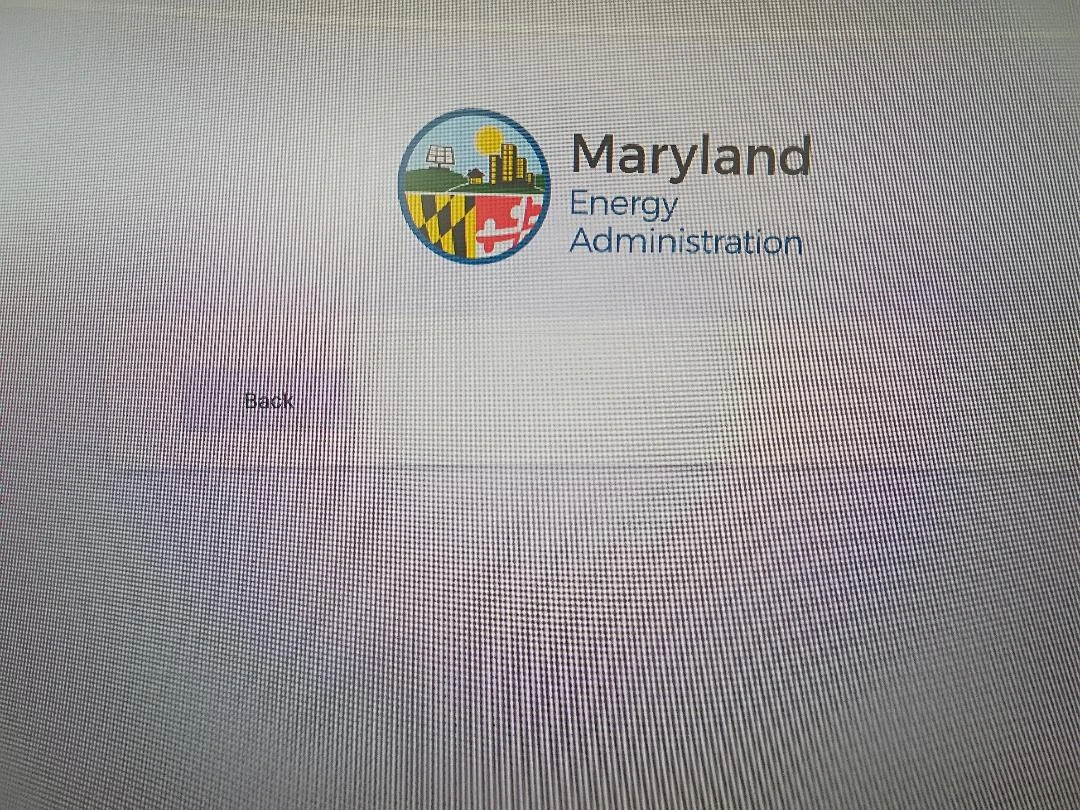
For the Jotform (https://www.jotform.com/242114250040032), I have tried a couple to times (about 7 hours ago and just now) to submit. When I click 'Next' it brings me to the page that is screenshotted below. I have tried to clear cache and cookies but it still shows the logo and 'back' button.
Thank you.
 Page URL: https://www.jotform.com/242114250040032
 -
 Podo: Support Specialist
Hi Terry,
Thanks for reaching out to Jotform Support. I'm an AI assistant here to assist you.
Let me help you with that:
- Check whether the form uses a Page Break element, since the Submit button is grouped with the Back and Next buttons in that setup.
- Open the form in Form Builder and select the Submit button if it is in the same field as the Page Break element.
- Click the Trash icon on the right side, then select the Page Break element and click the Gear icon.
- Go to the Advanced tab in Page Break Properties and make the adjustments you need, then add back the Submit element.
If the submission page is not loading, the available troubleshooting steps are to log out, clear your browser cache and cookies, then log in again. If it still continues, try a different browser or internet connection.
There is also a note that an old cache of your form may cause issues, and clearing your form cache can help.
Give it a try and let us know how it goes.
-
hilleryex
Same results as prior.
-
Podo: Support Specialist
Hi Terry,
Let me help you with that:
- Open the form in Form Builder.
- Click the Paint Roller icon on the right side to open Form Designer.
- Go to the Themes tab.
- Select any theme and click Use Theme.
This resets the form styling and can remove an old image or branding that is stuck in the form preview. If it still shows the same result, clear the form cache again from your Workspace by going to Profile Picture on the top-right, then Settings, and finally Clear Cache in the Form Caches section.
If the Back and Next buttons are still showing in a way you do not want, check whether the Submit button and Page Break element are in the same field. In that case, remove the Submit button, open the Page Break element, go to the Advanced tab, make your changes, and then add the Submit element back.
Give it a try and let us know how it goes.

Your Reply
Something Went Wrong
An error occurred while generating the AI response. Please try again!