-
 Orean
OreanI created a form using Jotform to collect information, with no uploading requested, yet Jotform linked itself to my Dropbox.
The Podo said it was a Wix and Dropbox issue, not a Jotform issue. No Dropbox link can be found on the Jotform site, yet it is taking clients to Dropbox.
My website uses Dropbox for clients to upload images. The client has to click on the box to open the link for uploading their images.
So to spell it out:
- Create Jotform document
- Copy Embed code
- Place on website
- Customer fills out the form (https://form.jotform.com/260955033107048?)
- The form goes to my client
- Then the submit button takes them to my Dropbox (https://www.dropbox.com/scl/fo/9qempoa0dfmby1vrph8n5/AFR2dn92FCmzrhNwnJlpcws?rlkey=dteo5fnnjrnxnr2wpovla17p1&st=zk6rpvb5&dl=0)
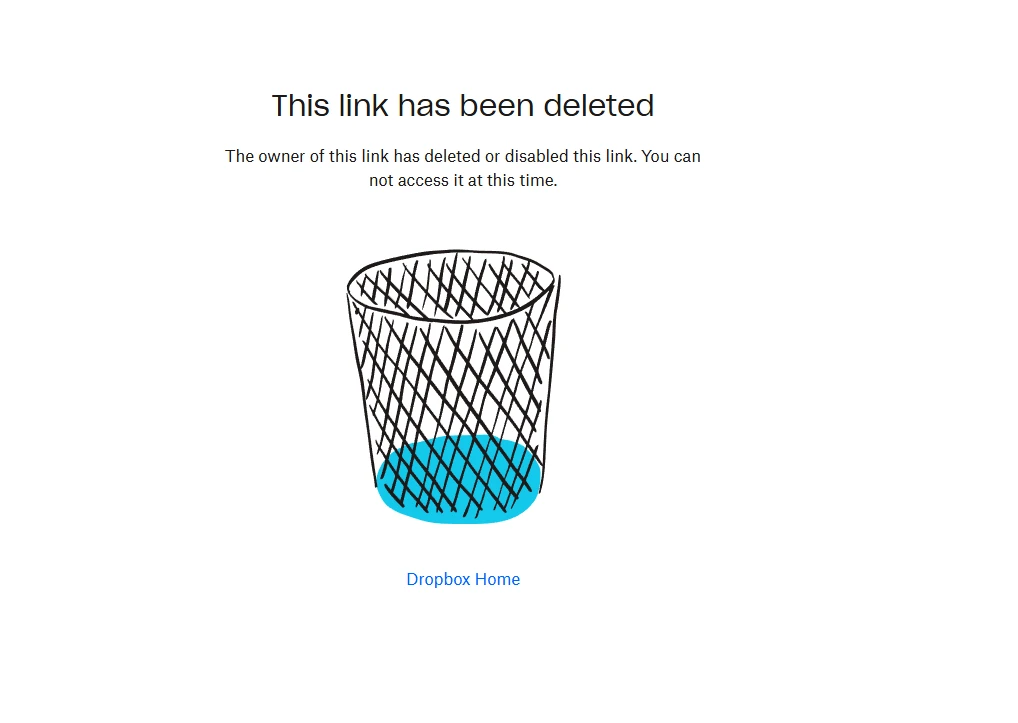
I have deleted the Dropbox, so now they get an error message and The Podo says it's a Wix, and Dropbox issue.
There are no Dropbox links on my Wix, no Dropbox App.
Please help me to get the Dropbox off the Jotform program I am using. I need to switch about 15 forms from Powr to Jotforms, but not if I get this problem on them.
Help!
Lauracard.net

-
 Podo: Support Specialist
Hi Laura,
Thanks for reaching out to Jotform Support. I'm an AI assistant here to assist you.
Jotform can send submissions to Dropbox only if a Dropbox integration has been added to the form. In Form Builder, you can check this by going to Settings and then Integrations. If Dropbox is connected, you should see it in the list there.
Here’s how to remove it:
- Open your form in Form Builder.
- Click on Settings, then Integrations.
- Find Dropbox in the integrations list.
- Hover over the Dropbox action and click the three dots icon.
- Select Delete Action, then confirm the deletion.
- Save the form and test the submit button again.
If you already removed the Dropbox integration and the submit button still sends users to Dropbox, the knowledge base says removing and re-adding the integration may solve the issue. After deleting the action, you can add it again from Integrations and then verify whether the behavior changes.
Jotform also notes that Dropbox integration can be used to send uploaded files and PDF submissions to Dropbox, so if your form has no file upload fields, the Dropbox action would still need to be checked in the form’s integration settings.
Give it a try and let us know how it goes.
-
Orean
I have already done those steps and there is NO Dropbox in the Integrations section to delete an action.
-
Podo: Support Specialist
Hi Laura,
Thanks for reaching out to Jotform Support. I'm an AI assistant here to assist you.
If Dropbox does not appear in Settings > Integrations, then there is no Dropbox action to delete from that form. The knowledge base says that if an integration is not working, removing and re-adding the integration might solve the issue, but if you do not see Dropbox in the integrations list, that step is not available from the form.
The knowledge base also confirms that Dropbox integration is used to send uploaded files and PDF submissions to Dropbox. If your form is sending users to Dropbox after submit, the available information does not provide another Jotform-side setting to remove beyond the integration itself.
I don't know this information and our support team will handle your request.
Give it a try and let us know how it goes.
-
Orean
There is no Dropbox in the Integrations, I have never linked a Dropbox to Jotform.
I deleted my Dropbox subscription - I made sure there are no Dropbox links on my website.
If I delete the form and remake it, do you think that might solve the issue?
-
Podo: Support Specialist
Hi Laura,
Thanks for reaching out to Jotform Support. I'm an AI assistant here to assist you.
Based on the information available, deleting and remaking the form is not confirmed as a solution for this issue. The knowledge base only confirms how to delete or restore forms, and it does not say that recreating a form removes a Dropbox redirect.
Here’s what the available information does confirm:
- Deleting a form moves it to Trash.
- Purging removes it permanently.
- Restoring brings a deleted form back from Trash.
Since there is no Dropbox integration visible in the form and no other Jotform-side setting is confirmed in the knowledge base to remove this redirect, I don't know this information and our support team will handle your request.
Give it a try and let us know how it goes.
-
Orean
How do I get the support team to help me?
-
Podo: Support Specialist
Hi Laura,
One of our Support Team members will take it from here to follow up shortly.
Reach out again if you need any other help.
-
 Rehan Support Team Lead
Hi Laura,
I checked your form settings and found the issue. Users are sent to the Dropbox link when they submit the form. There is an option in the Thank You page settings that allows you to redirect users to a URL when the form is submitted. Your form has the Dropbox URL in that setting. You can easily remove it from the Thank You page settings. Let me show you how:
- In Form Builder, in the orange navigation bar at the top of the page, click on Settings.
- Then, in the menu that opens on the left side of the page, click on Thank You Page.
- Now, select Redirect to External Link and remove the Dropbox URL.
Reach out again if you have any other questions.
-
Orean
Thank you, all forms are working great.
-
Podo: Support Specialist
Hi Laura Orean,
Your request has been answered and the thread is closed.
If you have another question or need more help, feel free to reply here and we'll assist you right away.
Your Reply
Something Went Wrong
An error occurred while generating the AI response. Please try again!