-
RRichard Neradil
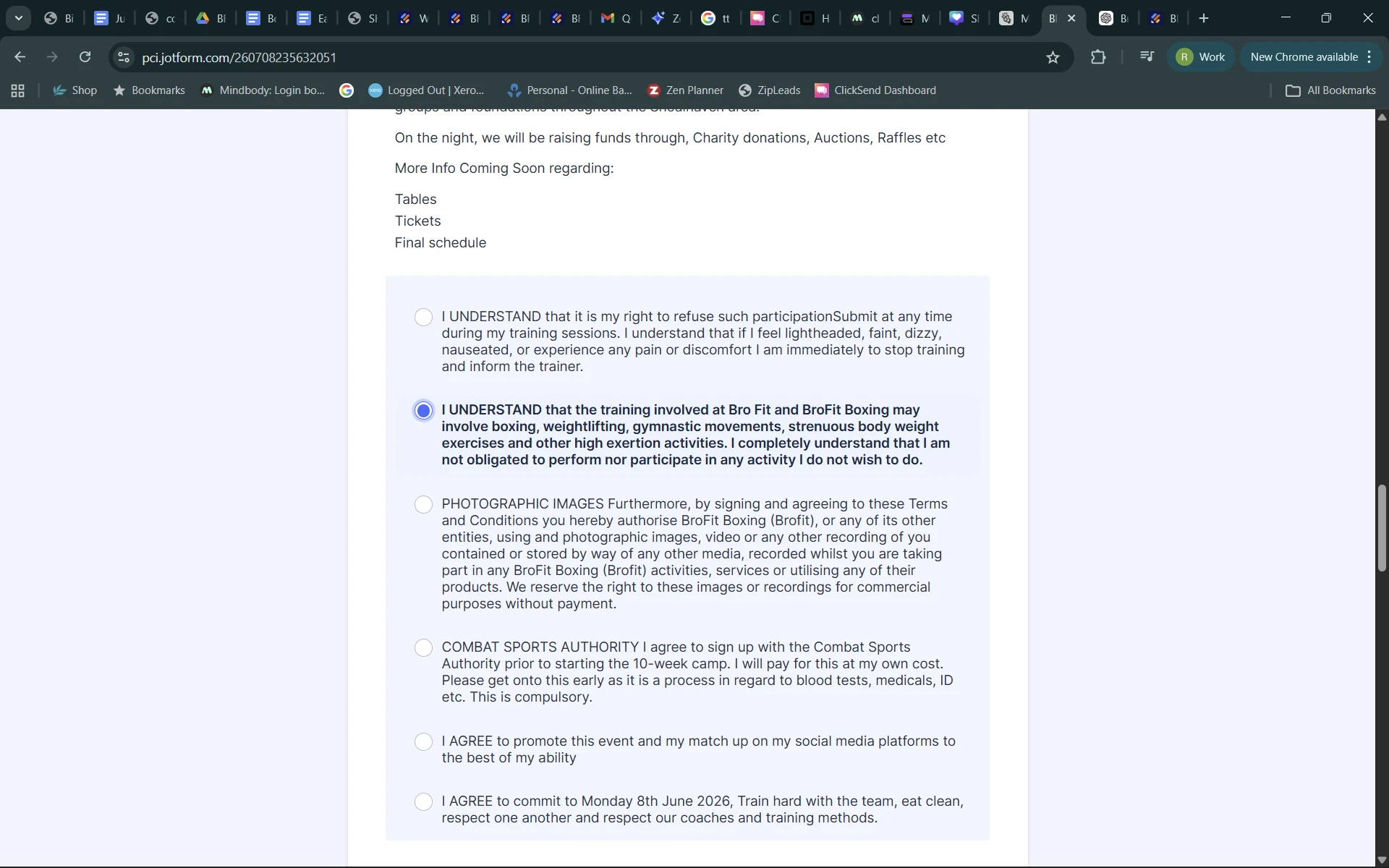
I cant get the sections on the form attached to select and stay selected. You click one and the other un fills. iv tried your ai and setting to select multiple etc. this is urgent please

-
 Sheena JotForm Support
Hi Richard,
Thanks for reaching out to Jotform Support. It appears that the field you’re currently using is a Single Choice element. This type of field only allows one selection at a time, which is why selecting a new option causes the previous one to be unselected. If you’d like users to be able to select multiple answers, you’ll need to use the Multiple Choice element instead.
Let me show you how to set that up:
- Open your form in Form Builder and click on Add Element on the upper-left side of the screen.
- Under the Basic tab, scroll down to the Multiple Choice element and click on it to add it to your form.
- Then, enter your options directly in the field, or click Gear icon and go to Options tab to add them there.
Your Reply
Something Went Wrong
An error occurred while generating the AI response. Please try again!