-
 JadePearl
Hi there,
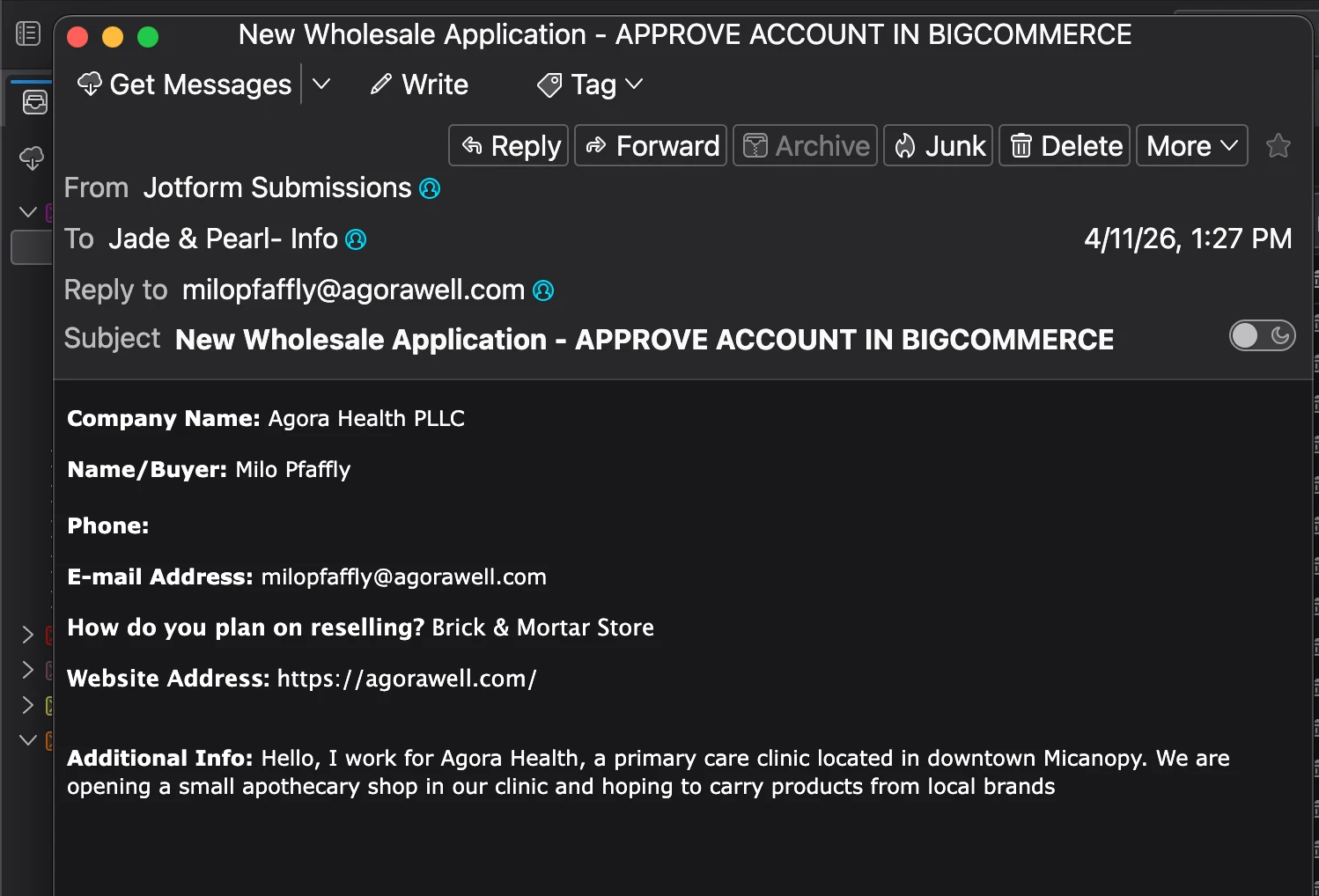
We have created a wholesale application form that has the conditional logic of "if applicant will be selling product at a brick & mortar store," "then give them the brick & mortar address boxes to fill out."
It looks like the applicant is seeing this condition, but when we receive the submitted form, the address info is not arriving.

-
 Podo: Support Specialist
Hi JadePearl,
Thanks for reaching out to Jotform Support. I'm an AI assistant here to assist you.
Regarding your issue with the conditional logic and missing address information in the email notification, here’s what you can check and do to resolve it:
1. Verify Email Content in Notification Settings:
Go to Settings in the Form Builder, then click Emails. Hover over your Notification email and click Edit (pencil icon). In the Email tab, make sure the address fields that are conditionally shown on the form are actually included in the email content.2. Add Missing Fields if Needed:
If the address fields are not present in the email content, you can add them by clicking inside the email content area, selecting Insert Row Before/After, then clicking on the new row and choosing the missing address fields from the Form Fields dropdown on the right.3. Check Hide Empty Fields Setting:
In the same email editing window, go to the Advanced tab and check if Hide Empty Fields is turned on. If it is, and you want the fields to appear even if they are empty, turn this option off and save.4. Recreate Notification Email:
If the above steps don’t work, try deleting the current notification email and creating a new one. Sometimes this resolves issues with missing fields.These steps ensure that the conditional fields that appear on the form are also included and visible in the email notifications you receive.
Give it a try and let us know how it goes.
-
JadePearl
Steps 1 and 2 fixed the problem, thank you!
-
Podo: Support Specialist
Hi JadePearl,
I'm glad to hear that steps 1 and 2 resolved the issue with your form's conditional logic and email notifications.
If you have any other questions or need further assistance, feel free to ask.
Give it a try and let us know how it goes.
Your Reply
Something Went Wrong
An error occurred while generating the AI response. Please try again!