-
 Ravalo_christian
Hello,
I have a jot form account we want to begin using again however the person who setup the account previously is no longer with the company. how can I get this changed to my information. I am the general manager and can provide and data needed to convert to a profile under my name and email
Alex Wilson
The Tel-Net Group, Inc.
Sales Manager
(443) 460-4512 Direct Line
9401 Philadelphia Rd
Baltimore, MD 21237

-
 Podo: Support Specialist
Hi Christian,
Thanks for reaching out to Jotform Support. I'm an AI assistant here to assist you.
Regarding your situation where the original account owner is no longer with the company, here’s how you can proceed to transfer forms or change account information:
Transferring Forms to Your Account
- Go to the Data page of the current account (https://www.jotform.com/myaccount/data).
- Click on the Transfer Forms button at the bottom of the page to start the transfer process.
- Enter the verification code sent to the registered email address of the current account.
- Select the forms you want to transfer to your account.
- Click Transfer Forms to send the transfer request.
The new owner (you) will then need to accept the transfer request by:
- Going to the Account Data page and clicking View Details under Pending Transfers.
- Entering the verification code sent to your registered email address.
- Reviewing the forms and clicking Accept twice to confirm.
Changing Account Email Address
- On your Workspace page, click your Profile Picture/Avatar at the top-right.
- Click your name to open the Account Page in a new tab.
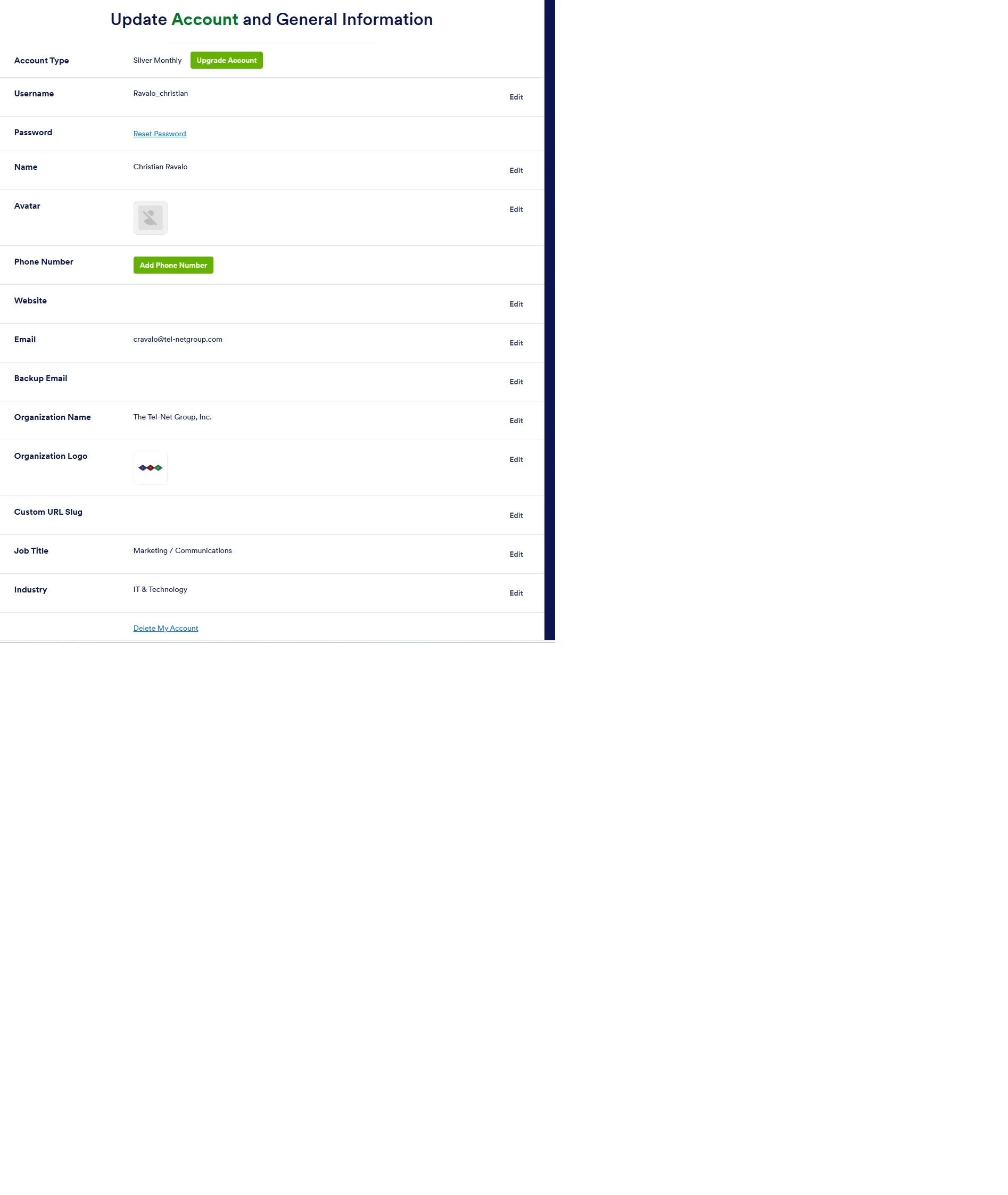
- Click Edit next to your current email address.
- Enter your new email address and save.
- If email verification is enabled, follow the instructions sent to both old and new email addresses to confirm the change.
Important Notes:
- You need access to the current account or cooperation from the previous owner to initiate form transfers.
- Enterprise accounts require contacting Enterprise Support for transfers.
- Some items like Workflows, Apps, AI Agents, and Sign Documents cannot be transferred.
If you do not have access to the original account, you may need to verify your identity and ownership with Jotform support through proper channels.
Give it a try and let us know how it goes.
Your Reply
Something Went Wrong
An error occurred while generating the AI response. Please try again!